Key takeaways
- You bring the slides or one sentence about your topic. Prezi drafts the checks and practice around it, and you can edit everything.
- Polls, quizzes and word clouds show you what the room understands while you teach.
- Learning Games (beta) give students practice after class, alone or in groups of up to three, with no sign-up.
- A quiz leaderboard adds friendly competition that builds morale, and it is optional.
Start with what you already teach
You know which idea trips students up in week three and which one they need before the midterm. The slower part is finding out, mid-lecture, whether the room is following you.
Prezi starts from your material. Import slides from PowerPoint, Google Slides, Canva, PDF or Word, or type a sentence about what you are covering. Prezi drafts the presentation with polls and quizzes attached. You then rewrite a question, swap in your own examples and cut what does not belong. Your judgment decides what matters, and Prezi builds the practice around it.
Checks that show you the room
These run while you teach, and the results come back to you.
- Live polls. Ask a question before you explain the answer. You see how the room would answer and can teach to the misconception that is actually there.
- Quizzes. Prezi drafts quiz questions from your slide content. You edit the questions and answer options, then see which question the room missed before you move on.
- Word clouds. Ask "What is still confusing?" and the common words grow. Quieter students can answer from a phone without speaking up.
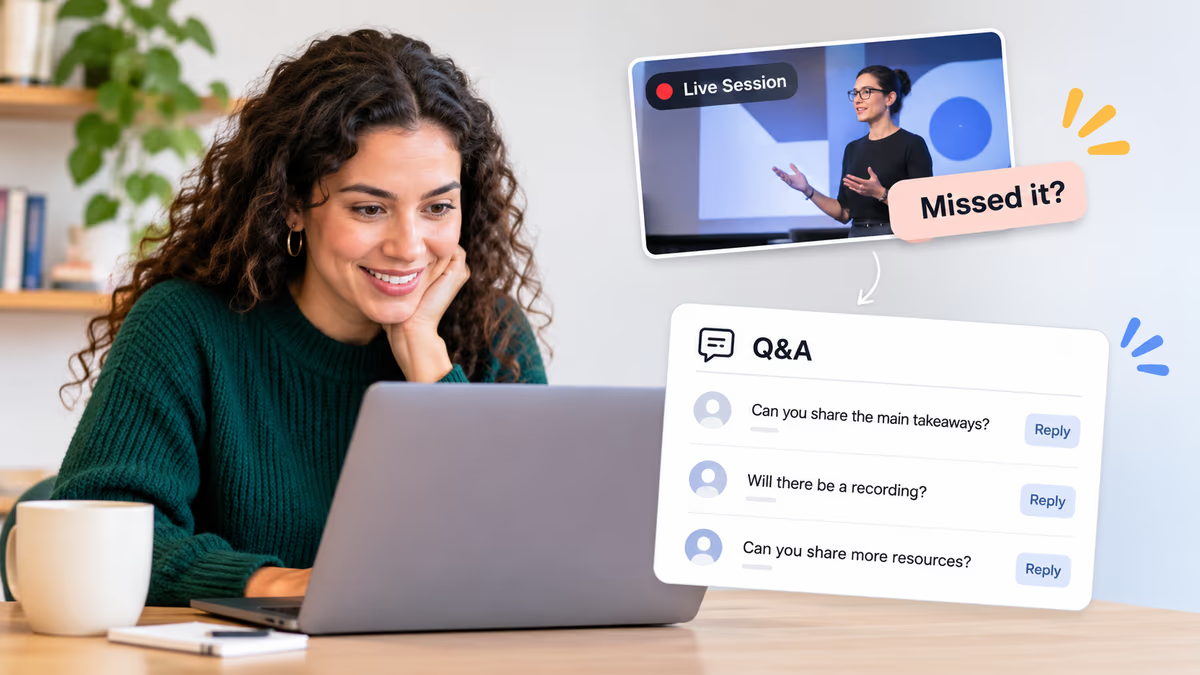
- Q&A. Students send questions as they come up, and "Explain this to me" gives viewers an answer grounded in your deck.
Polls collect anonymous responses, so students can answer honestly about what confuses them. For quizzes, turn on "Collect responses anonymously" in the activity's Settings. Students join by scanning a QR code or going to prezi.com/join. There is no app to download and no account to create.
Practice that helps the idea stick
A check tells you what students understand today. Practice after the lesson helps them keep it.
Learning Games (beta) take your presentation, or a topic you type in, and build a short game. Students play alone or in groups of up to three, with no sign-up. You can edit the questions in the games before students play.
- Jelly Game is fast. Students eat true statements and dodge false ones in 60-second rounds, which suits a warm-up or quick review.
- Smarter than a chicken? is turn-based, so students think between moves. It works for partners and small groups.
- Sentence Bridge asks students to build a bridge from four to six sentences. True sentences hold, generic ones sag and false ones snap, so students pick the facts that hold a topic together.
- Stairway to your knowledge has students complete sentences by choosing the word that makes them true. An "I don't know yet" option replaces guessing, which suits calm independent review or an exit ticket.
Leave the game setting on Auto and Prezi picks a game that suits your topic. Flashcards, audio summaries and short practice exercises give students more ways back into the material.
Leaderboards: friendly competition that builds students up
Prezi quizzes can show a live leaderboard, and you decide how to use it. Used well, it gives a class a few things:
- A reason to try. A visible rank makes a quick check feel worth playing.
- Morale. Students cheer near misses and come back for the next round.
- A low-stakes mood. When the leaderboard rewards effort and stays out of the gradebook, a wrong answer costs nothing.
Courtney Hagan teaches high school math in Mississippi. "They're very competitive, and so they like to see who's where on the rank," she says. If students need more time on a question, she pauses the quiz and resumes it when they are ready.
Tips for a leaderboard that includes everyone:
- Celebrate improvement as well as first place.
- Open with a poll or word cloud so every student contributes before the competition starts.
If your event centers on quiz competition and leaderboards as the whole point, a dedicated game tool may fit better. For a class, the quiz lives in the same link as your slides, so you do not switch screens.
For a full STEM walkthrough, read Active learning in STEM: turn the slides you already teach with into polls, quizzes and games.
FAQ
Can students cheat with Prezi?
No, Prezi does not give students an AI tool to complete assignments. Instructors use Prezi to build presentations, quizzes and polls, and students answer live questions in class. Prezi is not a proctoring tool, so high-stakes exams belong in the system your school already uses, and The role of AI in higher education covers policies such as clear syllabus language.
Does Prezi write assignments for students?
No. Prezi drafts presentations and interactive activities for instructors. Students join with a QR code or join code and respond to the questions you ask.
Do I have to use what Prezi drafts?
No, you can edit everything. Slides, quiz questions, answer options and the questions in games are all yours to change before you present, so Prezi's draft is a starting point.
Are leaderboards required?
No. Quizzes can show a live leaderboard, and you decide whether and how to use it. Students join with a QR code or join code without creating an account.
Can students answer polls and quizzes anonymously?
Yes. Polls collect anonymous responses, and for quizzes you turn on "Collect responses anonymously" in the activity's Settings.
What can students do after class?
They can play Learning Games (beta) built from your presentation or a topic, alone or in groups of up to three. Read more in Prezi Learning Games.
How is Prezi different from a quiz-only tool?
Prezi puts polls, quizzes, word clouds, Q&A and games in the same link as your slides. You teach, check and review in one place.
Start with one slide
Pick a slide students usually nod through. Turn it into a quiz, add a word cloud before it, and see which answer the room missed. Try Prezi free.