Key takeaways
- Prezi launched in 2009 as a zooming, nonlinear alternative to slides, and for years that label was how most people described us.
- The label was never the whole point. The canvas let presenters go where the room needed, and that canvas is still part of Prezi.
- Interactive means two things at Prezi: a dynamic canvas that follows the room, and interactive elements such as activities, polls, quizzes, games and Q&A that get the room taking part.
- Prezi is now an interactive presentation platform built for teaching and audience engagement, with the live session and what happens after it in one link.
Where "nonlinear" came from
In 2009, Prezi introduced a big idea: a presentation did not have to be a row of slides. Presenters could move around an open canvas, zoom in on a detail and zoom back out to the bigger picture. Press coverage ran with it. In 2012, BetaKit described Prezi as a tool for "non-linear presentations outside of the typical slide-based format," and PCWorld called it "the 3D alternative to PowerPoint."
We said it ourselves, too. In 2016, our announcement of Prezi Business described a "map-like overview rather than the typical slide-based approach." In 2017, we called the delivery style "conversational presenting," where a presenter switches the focus of the same presentation to whatever a given audience cares about most. In 2025, our own post on becoming an AI presentation leader still talked about "flexible, non-linear storytelling that moves beyond the traditional slide format."
That is a lot of years of one description. We understand why it stuck.
What the label got right, and what it left out
The label got one thing right. A presentation should follow the room, not a script. When a student asks about week three while you are on week nine, you should be able to jump there and come back.
What the label left out was the reason. Nobody sits down to prepare a class or a sales call because they want a nonlinear presentation. They want people in the room to follow along, take part and remember what they heard. A zooming canvas was one way to get there. Over the years, we kept building more of the rest.
Interactive means two things at Prezi
When we say Prezi is interactive, we mean two separate things, and both are in the product today.
A dynamic canvas that follows the room
The canvas is still here. Instead of advancing through slides in a fixed sequence, you can zoom to any section of a single canvas. If a student's question takes the discussion somewhere useful, you jump straight to the relevant part of your material, then return to the planned sequence. You follow the class, not the deck.
The canvas also meets you where your material already lives. Import a deck from PowerPoint, Google Slides, Canva, PDF or Word, and your slides keep their text, images and layouts. They stay your presentation, and you can move through them in the order the room needs.
Interactive elements that get the room taking part
The second meaning is everything your audience can do. Prezi puts these inside the presentation, next to the slides they belong to:
- Live polls show you how the room would answer before you explain.
- Quizzes, drafted from your slide content, show you which question the room missed. A live leaderboard is optional.
- Word clouds collect the sticking points in one glance.
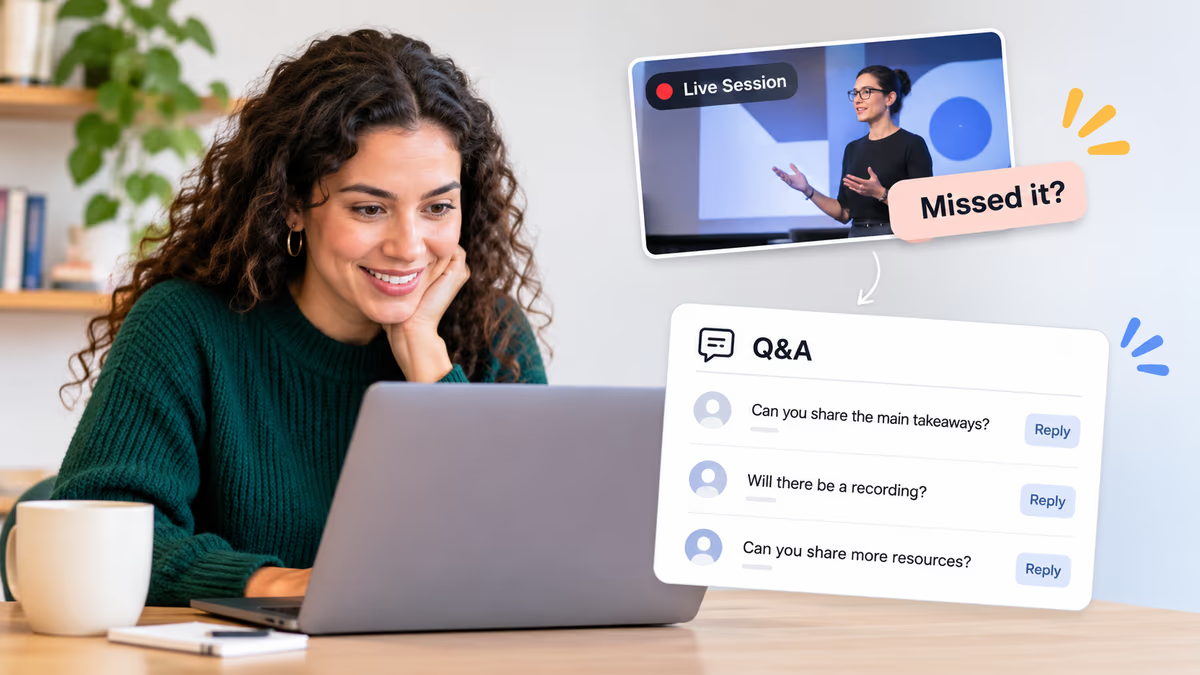
- Q&A lets people ask before, during and after a session. They can ask anonymously and upvote, and you approve questions and answer them live.
- Learning Games (beta) give students short practice rounds built from your presentation or a topic, alone or in groups of up to three.
Audiences join by scanning one QR code or going to prezi.com/join, with no app and no account. Polls and prompts launch from the canvas and show results on the same screen the class is already watching, so the two meanings of interactive work together.
What Prezi is now
Prezi is an interactive presentation platform that turns the material you already have into experiences where people participate, apply ideas, and show what they understand. One tool does what four used to.
It is built for teaching and audience engagement, and it covers four jobs in one place.
- Start from what you already have. Import slides, or type a sentence about what you are teaching or pitching. Prezi drafts the presentation and you edit everything.
- Check the room while you present. Run polls, quizzes, word clouds and Q&A inside the presentation, and jump around the canvas to follow what comes up.
- See what landed. Results show by question with the slide that prompted them, and you get an end-of-session feedback digest. Live Audience shows participation as it happens, and viewer analytics show who opened a shared presentation and which sections held attention.
- Keep the learning going after the session. The same link stays available afterward. Viewers can watch a narrated video, listen to a podcast version, read the transcript, or use flashcards, an audio summary and a self-test.
The instructor, trainer or presenter stays at the center of every step. You decide what matters in the material, you review what Prezi drafts, and you choose when scores or results show.
How Prezi has changed
| Year | What changed |
|---|---|
| 2009 | Prezi launches with an open, zooming canvas as an alternative to slides. |
| 2016 | Prezi Business brings the canvas to teams that present at work. |
| 2017 | Prezi Next covers a presentation from creation through delivery to viewer analytics. |
| 2019 | Prezi Video keeps the presenter on screen next to the content in virtual meetings. |
| 2020 | Prezi Present replaces Flash-based Prezi Classic. |
| 2025 | Prezi adds AI to build presentations from an idea or an uploaded file. |
| October 2026 | Prezi adds interactive activities, such as polls and quizzes, to presentations. |
Who Prezi is for
Prezi is built for people who know their subject and are accountable for others understanding it. That includes professors and teachers who want a practical way to make a full course load more participatory, corporate trainers running sessions and onboarding, and sales and marketing teams who need to know what happened after a pitch. If you want questions and polls in the same link as your slides, Prezi is built for that.
Where Prezi stands today
More than 170 million people in 195+ countries have used Prezi, with more than 500 million presentations created and 15 years of experience in this category. Prezi says 4 out of 5 users report that it captures attention better than traditional slides, and that 91% say it improved their work outcomes. Prezi was also named a G2 Leader for Fall 2026 in Audience Response, AI Presentation Tools and Presentation Software.
FAQ
What does interactive mean at Prezi?
Interactive means two things at Prezi. The dynamic canvas lets presenters jump to any section and follow the room, and interactive elements such as polls, quizzes, word clouds, games and Q&A let the audience take part. Both run in the same presentation.
Is Prezi still a nonlinear presentation tool?
Prezi no longer leads with the nonlinear label, though the flexibility behind it remains. Presenters can import a deck, keep its sequence, and jump to any section the room asks about. Prezi is now an interactive presentation platform that builds polls, quizzes and practice around your material.
Does Prezi still have the open canvas?
Yes. The canvas is still part of Prezi, and presenters can still zoom to sections and move between topics in real time. Polls, quizzes and Q&A launch from the canvas and show results on the same screen your audience is watching.
What is Prezi today?
Prezi is an interactive presentation platform that turns the material you already have into experiences where people participate, apply ideas and show what they understand. You can start from slides or a sentence, run live polls, quizzes and Q&A, and share one link for review afterward.
Can I bring in slides I already made?
Yes. You can import decks from PowerPoint, Google Slides, Canva, PDF and Word, and your slides keep their text, images and layouts. You can also start from a sentence describing what you are covering.
Do my audience members need an account?
No. Audiences join polls, quizzes and Q&A by scanning a QR code or going to prezi.com/join, with no app to download and no account to create.
See what Prezi is now
Open a deck you already teach or pitch with, import it into Prezi, and add one poll before your first key slide. Then zoom to whichever section the room asks about. Try Prezi free.