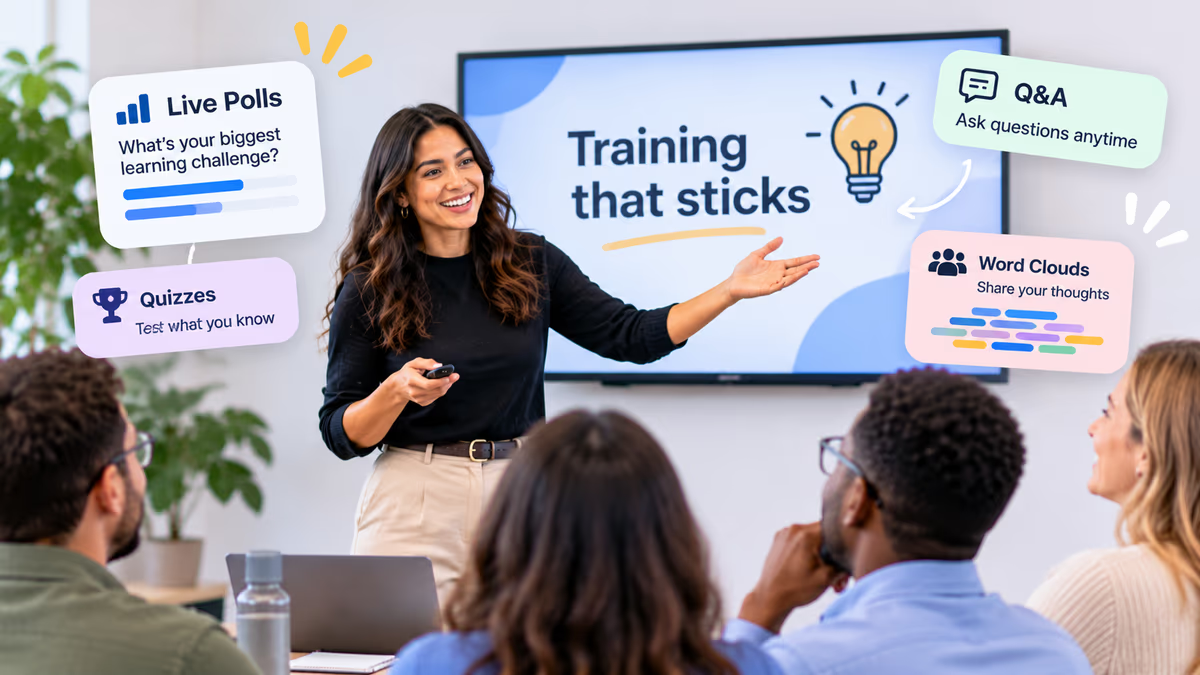
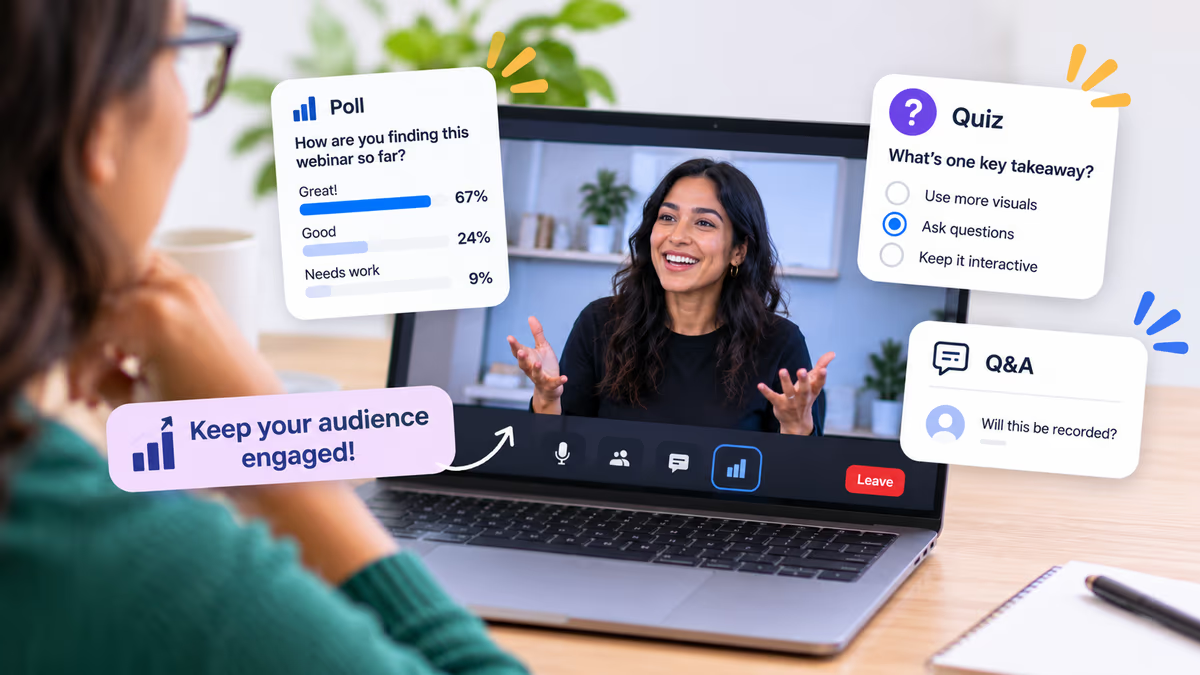
Short answer: Share one link or QR code that works during the session and after it. People who join late, or from another time zone, answer your polls and send questions on their own schedule. You review everything by question in one place.
Your session ended an hour ago. Half your audience was in a meeting, in another time zone, or asleep. You still need their answers, and a second survey tool is the last thing you want to set up.
Live and async polls: when each fits
A live poll collects answers while you present. An async poll stays open so people respond later from the same link. Most sessions benefit from both.
| Situation | Live | Async |
|---|---|---|
| Everyone is in the room or on the call | Best fit | Optional follow-up |
| Attendees across time zones | Partial reach | Best fit |
| Latecomers and people who missed the session | Misses them | Best fit |
| Questions that need time to think about | Rushed | Best fit |
| A quick pulse check mid-talk | Best fit | Not needed |
How to set it up in Prezi
- Build or import your deck. Bring in the slides you already have from PowerPoint, Google Slides, Canva or a PDF, or describe the session in a sentence and let Prezi AI draft it.
- Add polls and Q&A next to the slides they belong to. A poll about the new policy goes beside the policy slide. A word cloud goes where you want one-word reactions.
- Choose how each activity runs. Keep a poll live for the room, or leave it open so people can respond afterward.
- Share one link or QR code. Put it on your opening slide, in the calendar invite and in the call chat. Participants need no app and no login.
- Review the results by question. Open the Responses and results area after the session. Responses collected asynchronously appear alongside the live ones.
Four sessions where this pays off
A company all-hands. Employees can send questions before, during and after the meeting, and anonymously if they prefer. You answer the top-voted ones live and follow up on the rest. See the town hall Q&A guide for a full setup.
A conference talk. Attendees scan a code on your last slide and respond over the following days. You collect feedback from people who left early or got pulled into the hallway. The conference speakers guide covers polls and Q&A for large rooms.
A workshop. Run live polls to shape the day. Afterward, leave a short poll open so participants can say what they plan to try. For hybrid events, the virtual events guide compares options.
A training session. Run a quiz live, then leave it open as a self-test for people who missed the session. The results show which questions people missed so you know what to cover next.
What stays useful after the session
The shared link keeps working. Viewers can ask the presentation to explain a slide with "Explain this to me" and get an answer drawn from your own content. You can add a narrated video or record in Newscaster mode with your camera on for people who missed the live session. Prezi also generates flashcards and a self-test from your material, and an end-of-session feedback digest summarizes what people said.
For more on reading the numbers, see what to track in presentation analytics.
How other tools handle it
Slido and Mentimeter both run live polls and Q&A well. Prezi's focus is the deck itself: the polls, Q&A and follow-up live in the same link as the slides, so the record of what people said stays attached to what you presented. For a side-by-side look, read Mentimeter vs Prezi. Check each vendor's current plan details before you choose, since features and limits change.
FAQ
Can I run a poll after my presentation ends? Yes. In Prezi, polls and other supported activities can collect responses asynchronously, so people answer from the shared link after the live session.
How do latecomers answer a live poll? They open the same link or scan the same QR code. If the poll is set to run asynchronously, they can respond after the live session ends.
Can a live Q&A stay open afterward? Yes. Attendees can submit questions before, during and after a session, ask anonymously and upvote others' questions. You approve what appears and answer live or later.
Do participants need an app or login? No. They join from one QR code or link on any device.
Can I launch a poll on a specific slide? Yes. Activities sit next to the slides they belong to, so a poll appears when you reach that slide.
Where do I see the responses? Open the Responses and results area. It shows poll results, quiz outcomes and participation by question, including responses collected after the live session.
Can I keep live Q&A, polls and async follow-up in one link? Yes. Prezi keeps all of them in the same presentation link.