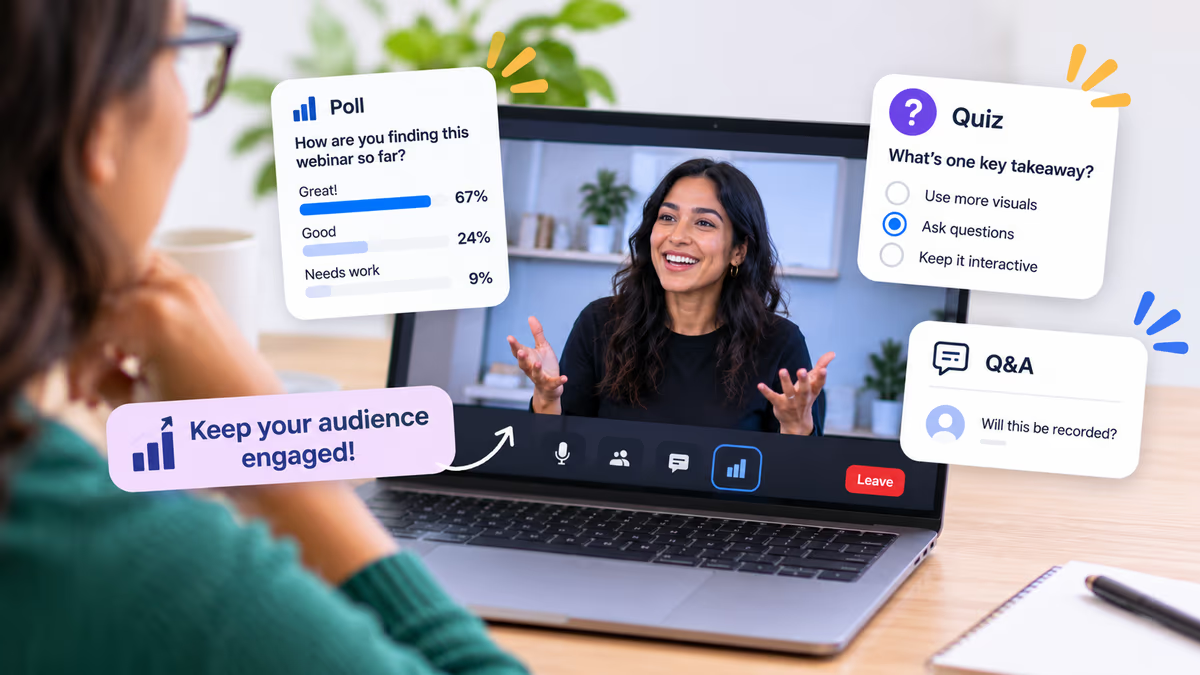
Short answer: Break a long session into blocks of 10 to 15 minutes, and end each block with a poll, a quiz question or an open question. Prezi runs all three inside your training deck. In-room and remote participants join from one QR code or link, and results by question show which ideas to revisit. You see where attention drops while you can still adjust.
It is 2:30 pm on day two. Half the room is checking email, and the remote participants have gone quiet. You know the material. What you need is a way to find out who is still with you, without stopping the session to ask.
Why trainees tune out
Long stretches of listening
Attention fades after a block of continuous listening, and a full-day session gives it many chances to fade. A trainer who talks well still competes with email, chat and the next meeting.
The first test comes too late
If the first check of understanding is an end-of-course test, you find out about confusion days after it started. A short check right after each idea tells you whether to move on or reteach.
A session structure that keeps the room with you
| Block | What you do | What you do with the answer |
|---|---|---|
| Opening (first 5 minutes) | Poll: "How much experience do you have with this topic?" | Adjust the pace and examples |
| After each idea (every 10 to 15 minutes) | One poll or quiz question | Move on, or reteach before continuing |
| After lunch | Word cloud: "One word for what you remember from this morning" | Reset attention and recap |
| Before the break | Short quiz built from your slides | See which ideas need a second pass |
| Open discussion | Q&A with upvoting | Answer what the room wants answered first |
| Close | One-question feedback poll | Capture what landed and what to fix |
How to set it up in Prezi
- Bring in your training deck. Import your slides as a PPTX or PDF, or describe the session in a sentence and let Prezi draft it. Your expertise stays at the center, and you edit everything.
- Add a poll or question after each idea. Place it next to the slide it belongs to.
- Generate the quiz from your slides. Prezi drafts questions from your slide content. You edit the questions and answers before you present.
- Add Q&A. Participants ask anonymously and upvote questions. You approve what appears on screen.
- Share one QR code or link. Put it on the opening slide. Participants need no app and no login.
- Run the session. Open each poll or quiz as you reach it, and watch the Live Audience view to see who is responding.
- Review results by question. Afterward, see which questions got the most answers and which ones people missed.
Check understanding in the middle, not at the end
Quizzes drafted from your slides
A quiz after each major idea tells you whether the room followed. Prezi drafts questions from the content of your slides, so you start from a draft and edit it, instead of writing every question from scratch.
Results by question
If most of the room misses the same question, you reteach that idea before moving on. The result is on your screen the moment participants answer, and you can read the whole pattern at a glance.
Keep hybrid and virtual instructor-led sessions interactive
One link for the room and the screen
Remote participants join the same way people in the room do, with the same QR code or link. Remote counts as present, so nobody waits for the chat to be checked.
Virtual instructor-led training
In a virtual session, you cannot see faces, so polls and questions carry the signal. A poll every 10 to 15 minutes tells you who is with you. Newscaster mode keeps you on camera beside your slides, so remote participants see you and your content together.
Icebreakers and live polls for workshops
An opening poll
Ask something with no wrong answer, such as "Which part of this topic do you use most at work?" The results shape your examples and show quieter participants that their input counts.
A word cloud
Ask for one word on a topic. The cloud takes seconds to build and gives you a visual read of the room.
A mid-session check
Use a multiple-choice poll with a common misconception as one of the options. If many people pick it, you know where to slow down.
Make compliance and required training less dry
Required training often runs as a long stretch of slides. Break it into short blocks, add a question after each policy point, and end with a short quiz. Results by question show which points participants understood, and SCORM export sends completion data to your LMS.
Measure attention beyond attendance
Attendance tells you who was present. Results by question tell you who followed. The Live Audience view shows participation as it happens, and the feedback digest at the end summarizes what participants said. Together they give you evidence for the next session.
Review after the session
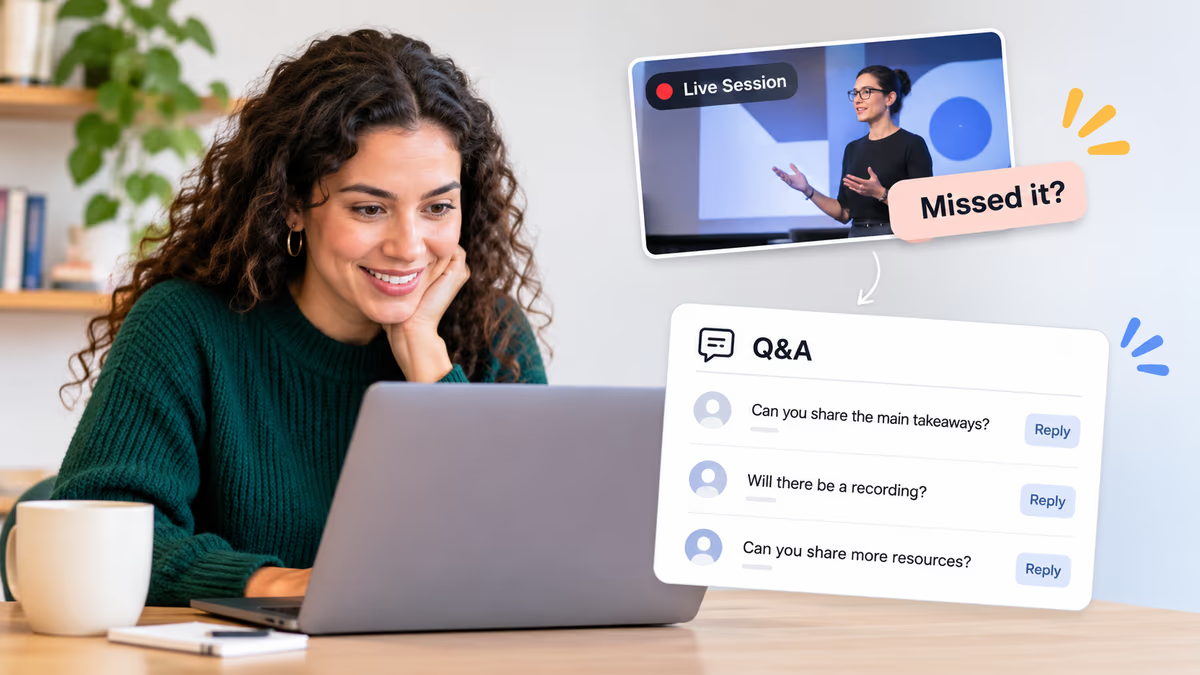
The shared link keeps working. Participants who missed part of the session can answer the questions, take the quiz and ask the presentation to explain a slide with "Explain this to me." Prezi also offers learning games (beta) for review rounds.
If you use Kahoot, Mentimeter or Slido
Kahoot suits competitive review events, and many trainers like it for that. Mentimeter is a common choice for polls and workshop interaction, and Slido is a strong layer for Q&A at large meetings. If your polls and quizzes live in a separate tool, you switch windows and share a second link. In Prezi, the polls, quizzes and slides sit in one presentation with one link. For a closer look, read Kahoot alternative for corporate training and Slido, Mentimeter and Kahoot Alternative Built Into Your Deck. Check each vendor's current plans before you choose.
A checklist for your next session
- Put a poll in the first five minutes.
- Add a question after each idea.
- Build a short quiz from your slides before the break.
- Share one QR code or link for the room and the screen.
- Check the Live Audience view while you present.
- Review results by question afterward.
FAQ
What tools do corporate trainers use to keep participants from tuning out during long sessions? Trainers use polls, quizzes, word clouds and Q&A inside the training deck. Prezi runs all four in one presentation, so participants answer from their phones without switching tools.
What tools help trainers keep hybrid sessions interactive for in-room and remote participants? Prezi gives in-room and remote participants the same QR code or link, so everyone takes part the same way.
What's the best tool for checking understanding mid-session instead of waiting for an end-of-course test? Add a quiz or poll after each idea. Prezi drafts quiz questions from your slides, and results by question show which ideas to revisit.
How can trainers keep participants engaged in virtual instructor-led training? Use a poll or question every 10 to 15 minutes, and keep Newscaster mode on so participants see you beside your slides.
What presentation tool do facilitators recommend for interactive workshops with icebreakers and live polls? Prezi runs live polls and word clouds inside the presentation, so icebreakers sit next to the slides they belong to.
What presentation software lets a trainer see how participants answered quiz questions during a session? Prezi shows results by question as participants answer, and the Live Audience view shows who is responding.
What's the best way to make required compliance training more interactive? Break it into short blocks, add a question after each policy point and end with a quiz. Prezi's SCORM export sends completion data to your LMS.
How do L&D teams measure training engagement beyond attendance? Review results by question and the feedback digest. Together they show who followed the material and what to change.
What presentation tool lets a trainer add polls, quizzes and Q&A to a training deck without juggling separate tools? Prezi runs all of them inside one presentation with one link.
Do participants need an app or login? No. They scan one QR code or open one link on any device.