Quick answer: Prezi is an alternative to Slido, Mentimeter and Kahoot that puts polls, quizzes, Q&A and word clouds inside the presentation itself. Upload your existing deck and Prezi adds live activities to your timeline automatically, drafted from your content. Your audience joins from one QR code with no app and no login, and afterward one link keeps working for anyone who wants to catch up. Prezi is the only product G2 ranks in the top three across Audience Response, Presentation Software and AI Presentation Tools.
Many presenters run two tools at once. One holds the slides. The other handles the polls, the questions or the quiz.
It works, but it has a cost. You switch tabs mid-talk. You share a second code and wait while people find it. Attention leaves your presentation and goes somewhere else. Afterward, your results live in one place and your slides in another.
Prezi takes a different approach. Polls, quizzes, Q&A and word clouds sit inside the presentation, so the deck and the audience interaction are the same thing. No app, no login, no second tool. This guide explains how that works, how it compares in practice, and how to move over from Slido, Mentimeter or Kahoot.
What "inside the deck" means
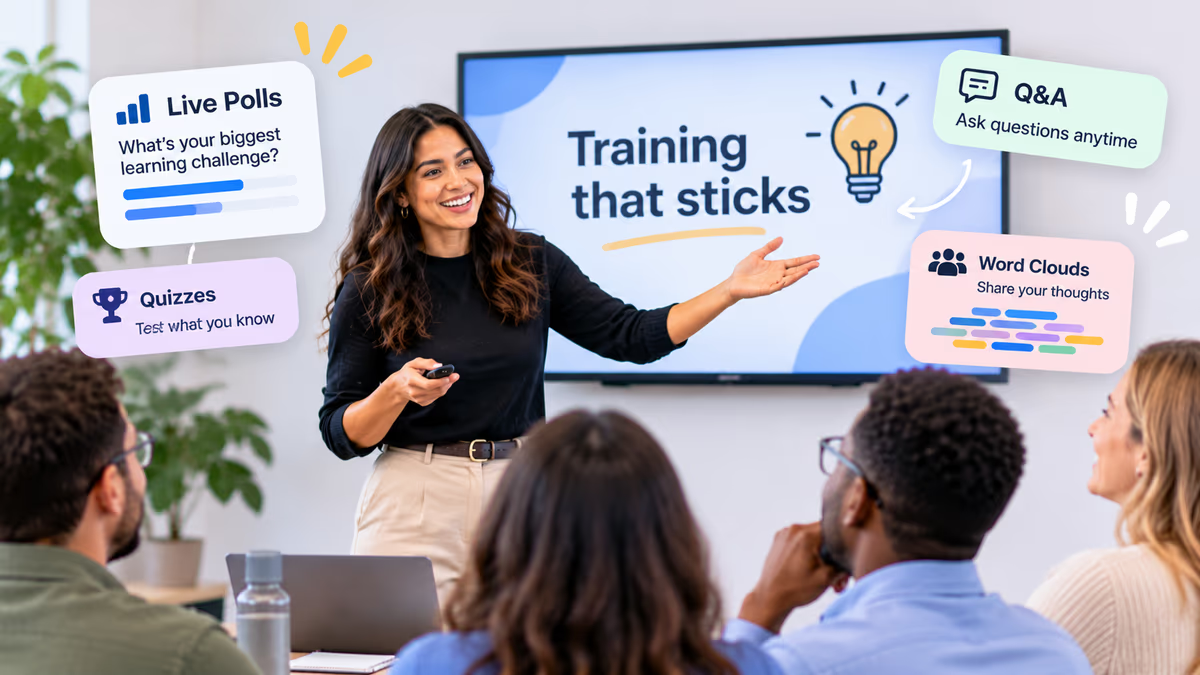
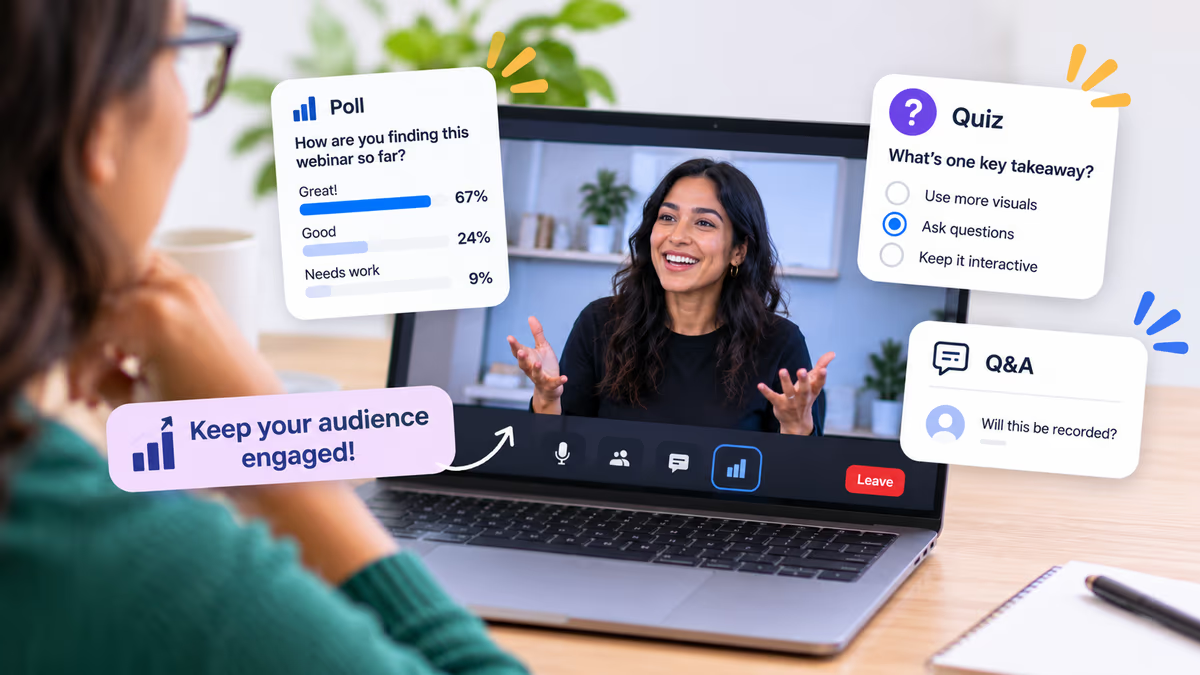
When Prezi generates your presentation, it adds live activities automatically and places them on your timeline alongside your slides. To add more, open the editor and click Add activity. The audience scans one QR code and joins from any phone, with no app and no login. People on a call join the same way as people in the room.
Prezi supports these live activities:
-
Polls for opinions, votes and quick checks on what people know
-
Quizzes for knowledge checks, with questions Prezi drafts from the slides already in your deck
-
Q&A where audience members submit questions, collected in one place and ranked by upvotes
-
Word clouds for one-word reactions
-
Feedback for ratings and comments at the end of a session
Prezi also offers interactive slides, which put a hands-on model right on your slide that you move live as you present, like adjusting the sunlight in a photosynthesis model or building a timeline one step at a time. Prezi can generate one for your topic, or suggest one from a library of more than 140. Interactive slides are currently in beta, so you may see them change as the feature develops.
Everything runs from one screen. You present, open an activity, see the results and keep going, without leaving the presentation. You can also use your phone as a presenter remote, so you can move through the deck and open activities away from your laptop.
Separate engagement tool vs. Prezi
| Separate engagement tool | Prezi | |
|---|---|---|
| Where the slides live | A different tool, or pasted in | The same tool |
| Setting up activities | Built separately from the slides | Added to your timeline automatically, drafted from your content |
| Switching during the session | Often required | Not needed, activities run in the presentation |
| How the audience joins | Typically a code or link for the second tool | One QR code, no app, no login |
| Remote attendees | Depends on the tool | Join the same way as in-room attendees |
| Your existing slides | Rebuilt or pasted in | Imported from PowerPoint, Google Slides, Canva, PDF or Word, looking the way you made them |
| After the session | Results are separate from the deck | One link that keeps teaching, with viewer analytics for shared decks |
If you are coming from Slido
Slido is widely used for live Q&A at conferences, town halls and all-hands meetings. If that is how you use it, here is what changes.
-
Questions arrive in the same place as the slides. Audience members submit questions as they think of them, so nothing waits for a closing slide. Prezi collects every question in one place, ranked by upvotes, so you can see which ideas to explain again.
-
Hybrid works the same way. In-room and remote attendees join the same session and take part the same way.
-
You can answer out of order. If a question is about something you cover later, go straight to that part of the presentation on Prezi's canvas, answer, and return to your planned sequence.
-
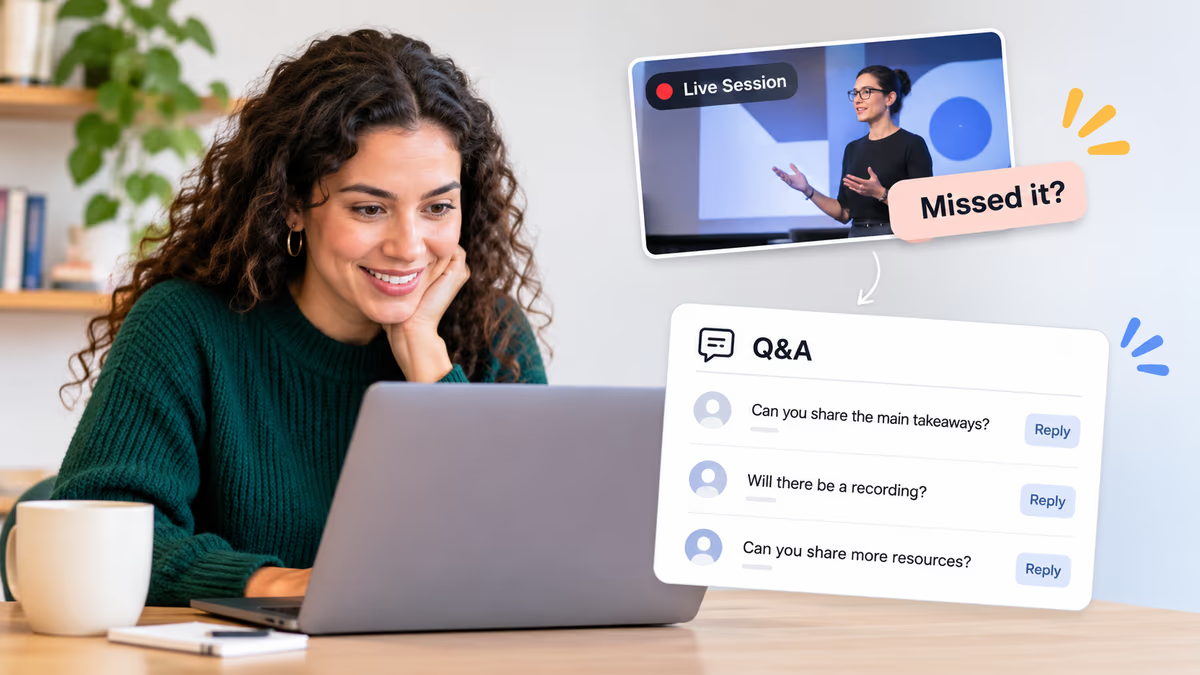
Questions can continue afterward. Share the presentation link. Viewers can ask the presentation to explain a point and get an answer drawn from your content.
Good fits: town halls, all-hands, conference talks, fireside chats and webinars.
If you are coming from Mentimeter
Mentimeter is a common choice for live polls, word clouds and workshop interaction. In Prezi you get the same kinds of activities in the same flow as your slides.
-
Bring the deck you already have. Upload it from PowerPoint, Google Slides, Canva or PDF. Your slides come in looking the way you made them, with activities already on the timeline.
-
Plan the flow once. Every activity sits on the timeline with your slides, so you run the session from one place instead of toggling between two tools.
-
Gather sentiment live. A word cloud or poll shows you where the room stands at a glance, which is useful for workshops and sales kickoffs.
-
Keep the deck and the polling as one asset. There is one presentation to update, share and review.
Good fits: workshops, marketing and sales kickoffs, training sessions and team meetings.
If you are coming from Kahoot
Kahoot is well known for game-style quizzes. If you use it for knowledge checks in classes or trainings, Prezi offers a different style.
-
Quiz from your own content. Prezi drafts quiz questions from the slides in your deck, so you are not writing every question from scratch. Review the questions before you use them.
-
Your slides stay your presentation. An uploaded lesson or training deck remains the deck you built, with a quiz added where you want it, rather than becoming a shell around a quiz.
-
A quieter format. If your audience does not want a game-show feel, such as in compliance or corporate training, a quiz inside the presentation gives you the check without the gamified look.
-
Review results by question. Quiz and poll results come in question by question, so you can reteach a concept before moving on.
-
Practice after class. Add a self-check quiz or flashcards from the Add activity menu, so students can test themselves on their own time.
Good fits: classroom review, onboarding, compliance training and sales training.
When a dedicated tool may still fit better
Prezi is built for participation that supports a presentation. If your event is a competition where the quiz is the whole experience, with leaderboards and a game format as the main attraction, a dedicated game-style tool may be the better fit. If your goal is to make a talk, lesson or training more interactive, building the interaction into the deck is simpler. For a broader comparison of options, see the best Mentimeter, Kahoot, and Slido alternatives in 2026.
Participation that keeps going after the session
Not everyone can be there live. With a separate engagement tool, the activity usually ends when the session does. In Prezi, the presentation link keeps working.
-
Respond on their own schedule. People can take part in real time from the QR code, or work through the presentation later from the shared link.
-
Practice and self-check. Add a self-check quiz or flashcards so people can review and test themselves as many times as they need.
-
Catch up in another format. Record in Newscaster mode with your camera on, so your video sits alongside the content, or add a narrated video or podcast version from the Add activity menu, with no recording required.
-
Ask the presentation. Viewers can ask the presentation to explain a point and get an answer drawn from your content.
How to try it in a real session
-
Upload your deck. Log in to Prezi, or create a free account. On your dashboard, click Already have a presentation or content? and upload your file. Your slides come in looking the way you made them. If you want a new look, click Add your style or brand in the chat.
-
Review the activities Prezi added. Start small: keep one poll and open Q&A, and add more with Add activity if you need them.
-
Run it with a small group. Click Present and have people scan the QR code. Use your phone as a remote if you want to move around the room.
-
Review the results. Look at responses by question, the questions people asked and the ratings and comments from the Feedback activity.
-
Adjust and repeat. Add a quiz or an interactive slide next time.
Import your deck and you can be running a poll in about two minutes. If you do not have a deck yet, Prezi is also an AI presentation maker: describe what you are presenting in a sentence and Prezi drafts it, with activities already on the timeline.
Who this helps most
-
Teachers and professors who want formative checks inside the lesson. Educators make up 71% of Prezi's G2 reviewers in the Audience Response category.
-
Corporate trainers and L&D teams who want a knowledge check built from the training deck.
-
Internal communications and HR teams running all-hands meetings and town halls.
-
Webinar hosts and event speakers who want questions and polls in the same link as the slides.
-
Sales and marketing teams who want live input during kickoffs and workshops.
Common questions
Is Prezi a Slido alternative? For live audience Q&A, yes. Audience members submit questions inside the presentation, and Prezi collects them in one place ranked by upvotes.
Is Prezi a Mentimeter alternative? For polls, word clouds and quizzes inside a presentation, yes. Prezi adds them to the same deck you present from, drafted from your content.
Is Prezi a Kahoot alternative? For knowledge checks built from your own slides, yes. Prezi drafts quiz questions from your deck. For game-style competitions, a dedicated tool may suit you better.
Do I have to build the activities myself? No. Prezi adds activities to your timeline automatically when it generates your presentation. You can add more in the editor with Add activity.
Do participants need an app or an account? No. They scan one QR code and join from any phone.
Can remote and in-room attendees take part together? Yes. They join the same session and take part the same way.
Can people respond after the live session? Yes. People can take part live or work through the presentation on their own schedule from the shared link. You can add a self-check quiz or flashcards for practice.
Can I use my existing slides? Yes. Prezi imports PowerPoint, Google Slides, Canva, PDF and Word files, and your slides come in looking the way you made them.
Is it free? Prezi has a free plan with basic features and AI capabilities. Advanced features such as analytics require a paid plan. Check current details on the pricing page.
The takeaway
If you are running slides in one tool and audience interaction in another, you can fold them into one. Bring your deck into Prezi, review the polls, quizzes and questions Prezi adds, and share a single link that keeps working after the session.
Prezi is the only product G2 ranks in the top three across Audience Response, Presentation Software and AI Presentation Tools, and it has helped more than 170 million presenters create over 500 million presentations.
Ready to try it? Replace one two-tool session with a single Prezi link.