Short answer: Open with a word cloud to hear the room's mood. Run a poll at the midpoint to decide where to spend your time, then close with a quiz built from your agenda slides. Prezi runs all three inside the deck, participants join from one QR code or link, and they can ask the deck to explain any slide on demand.
Forty minutes in, the energy drops. You can see it, but you can't tell why. Are people lost, bored, or waiting for the part that matters to them? A single poll at that moment answers the question while you still have time to act on it.
A run of show for a workshop or kickoff
| Moment | Activity | What you do with the answer |
|---|---|---|
| Opening | Word cloud: "One word for how you're feeling about this quarter" | Set the tone and name what you hear |
| First third | Poll: "Which topic do you most want to cover?" | Reorder the agenda around the top choice |
| Midpoint | Poll: "How clear is the plan so far?" | Slow down or move on |
| Before the break | Quiz built from your agenda slides | See which ideas landed and which need a second pass |
| Open discussion | Q&A with upvoting | Answer the top questions first |
| Close | Word cloud or one-question poll | Capture what people will do next |
How to set it up in Prezi
- Bring in or build your deck. Import your slides as a PPTX or PDF, or describe the session in a sentence and let Prezi draft it.
- Place each activity next to its slide. Put the opening word cloud on slide one and the midpoint poll where the energy tends to dip.
- Generate the agenda quiz. Prezi drafts quiz questions from your slide content. Edit the questions and answers before you present.
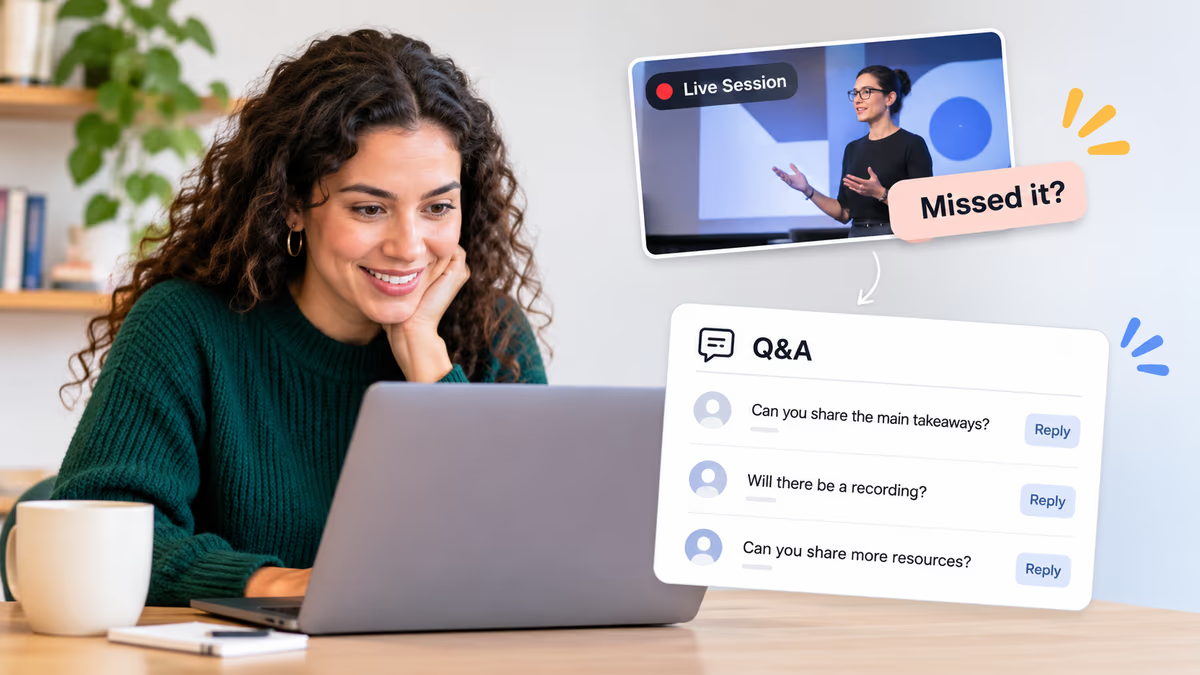
- Add Q&A. Participants ask anonymously and upvote questions. You approve what appears on screen.
- Share one QR code or link. Put it on the opening slide and in the invite. Participants need no app and no login.
- Run the session. Open each activity as you reach it, and watch the Live Audience view to see who is taking part.
- Review results by question. Afterward, see which polls and quiz questions drew the most responses and what people asked.
Let participants ask about any slide
In a workshop, someone always needs a slide explained, and stopping the group costs everyone. With "Explain this to me," participants ask the deck a question and get an answer drawn from your content, without interrupting you. They can use it during the session or afterward from the shared link.
Coming from Mentimeter or Slido?
Mentimeter is a common choice for live polls, word clouds and workshop interaction. It also suits sessions that need deeper question types or response segmentation. Slido is a strong layer for Q&A and polling at all-hands meetings, conferences and very large audiences.
If your polls live in a separate tool, you switch windows, share a second link and keep two things up to date. In Prezi, the polls, the quiz and the slides sit in one presentation with one link. You update one file, and the results stay attached to the slides that prompted them. For a fuller comparison, read Slido, Mentimeter and Kahoot Alternative Built Into Your Deck or Mentimeter vs Prezi.
Three examples
A sales kickoff. Open with a word cloud on last quarter. Poll the team on which objection comes up most, then spend the next block on the top answer. Close with a quiz on the new messaging.
A company kickoff. Build the quiz from your agenda slides so people can check themselves on priorities and dates. Use Q&A to surface the questions people would not ask out loud. See the town hall Q&A guide for a full setup.
A marketing workshop. Run a poll on which channel to dig into, and use the Live Audience view to see whether the whole group is taking part. End with a one-question poll on what each person will try next week.
FAQ
What is a good Mentimeter alternative for workshops? Prezi runs live polls, word clouds, quizzes and Q&A inside the presentation, so you don't switch tools. Mentimeter remains a good fit for deeper question types and response segmentation.
How do I gather live audience sentiment without switching tools? Add a word cloud or poll next to the slide where you want the room's reaction. Participants answer from a QR code or link, and results appear on screen.
Can I build a quiz from my agenda slides? Yes. Prezi drafts quiz questions from your slide content, and you edit the questions and answers before you present.
Can participants ask about any slide? Yes. "Explain this to me" lets participants ask the deck a question and get an answer drawn from your content.
Can I run polling in the same link as my slides? Yes. Polls, word clouds, quizzes and Q&A run in the same presentation and use one link.
Do participants need an app or login? No. They scan one QR code or open one link on any device.
Can I use my existing deck? Yes. Import a PowerPoint, Google Slides, Canva or PDF deck, then add activities next to the slides they belong to.