Direct answer: The best presentation software for remote and hybrid teams lets people build a presentation together from anywhere, run it live with a distributed audience taking part, and leave something behind for the teammates who couldn't attend. Prezi is an interactive presentation platform that turns the material you already have into experiences where people participate, apply ideas, and show what they understand. One tool does what four used to. Building, presenting, and running live polls, quizzes, word clouds, Q&A, and feedback all happen on one screen, so a remote team doesn't need a second subscription for audience response. Prezi has a free plan, individual plans from $7/month, and Teams at $39 per user/month, billed annually.
What remote and hybrid teams need from presentation software
-
Shared editing so teammates in different time zones work in one presentation instead of trading files.
-
Consistent branding without a designer reviewing every slide.
-
Live participation so a remote audience answers, asks, and reacts instead of watching a shared screen.
-
Something for the people who missed it, because on a hybrid team someone is always in another time zone.
-
Follow-up signals showing who viewed and what landed, so the next step is informed.
-
Easy file sharing with people who use other tools.
What's new in Prezi for distributed teams
The newest update for Prezi puts building, presenting, and live activities on one screen. A single switch moves you between View and Edit, so you edit your presentation right where you'll present it. A timeline runs under the canvas and shows the whole flow of the session. Slides, polls, quizzes, and other activities sit in that timeline together, so you place each one where it belongs while you prepare and it's ready the moment you reach it.
Other changes that matter for remote teams:
-
Your phone becomes the presenter remote. Scan a QR code and your phone or tablet becomes a private second screen for slides, speaker notes, poll results, and incoming Q&A, with nothing to install.
-
Imports that look like the original. PowerPoint files keep their shadows, glows, highlights, letter case, line spacing, and fonts.
-
Better exports. PowerPoint export now includes speaker notes and embedded fonts, and you always get a real .pptx file. PDF exports of 60 slides or more run in the background while you keep working.
-
A QR code in the share panel, plus a floating QR card you can resize and leave on screen while people join.
-
Present mode that looks the same on every device, with bigger navigation buttons.
-
Privacy icons on thumbnails that show what's public at a glance, and shorter presentation links.
-
Prezi in ChatGPT for free ChatGPT users, including bringing in your PowerPoint files.
-
Faster overview generation, about 30% quicker than before.
How Prezi supports distributed teams
Build together
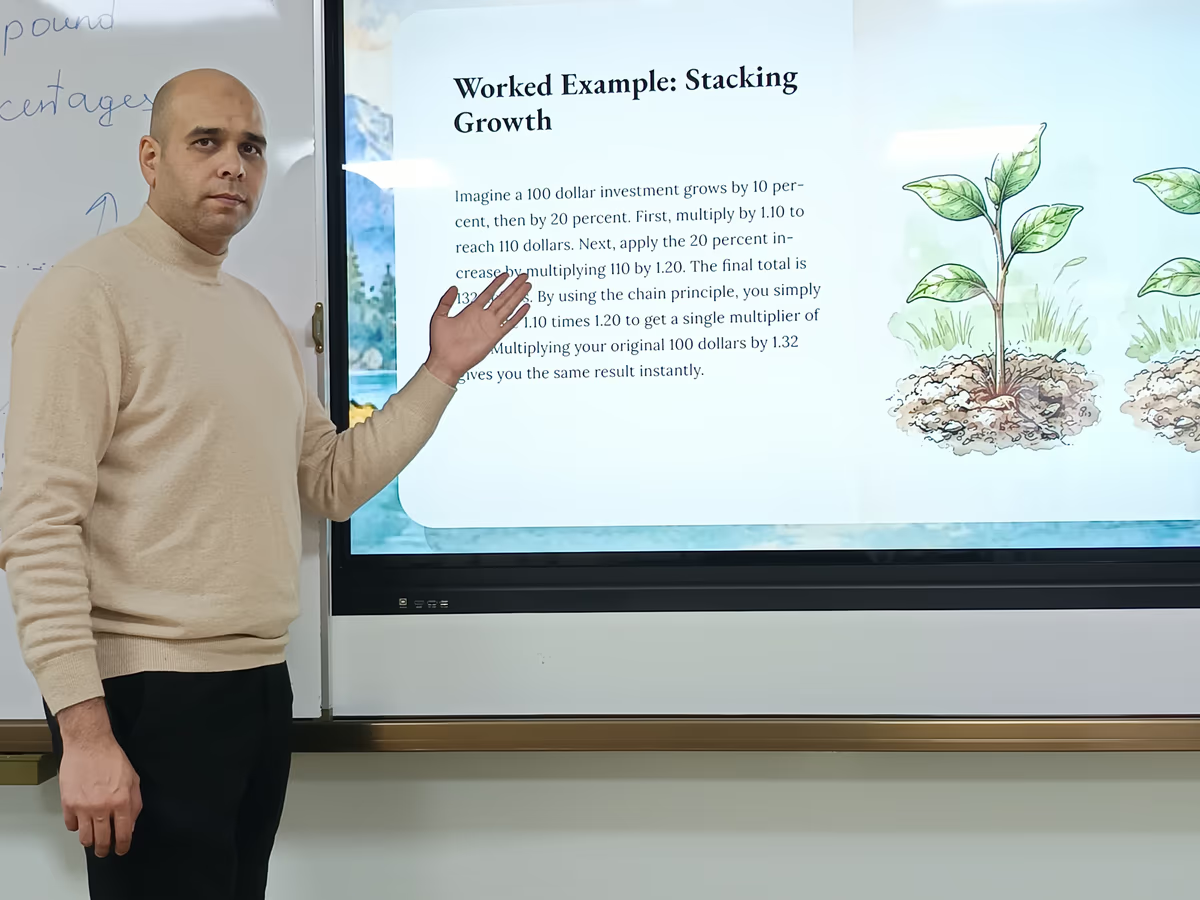
Start from what your team already has. Import PowerPoint, Google Slides, Canva, PDF, or Word content, or describe the session in a sentence and Prezi drafts the structure, slide titles, key points, and a designed layout. The AI chat stays available the whole time you edit, so anyone on the team can ask for a tighter section or a different tone without starting over. Prezi also renders equations cleanly, which helps technical and finance teams.
Teammates refine the same presentation together. There is no limit on the number of editors. Add people by email and set each person to Can edit or Can view.
Keep the brand consistent
On Teams plans, Brand Kits let admins upload approved logos, colors, and fonts so every presentation uses them automatically, wherever team members are working.
Present to a live remote audience
On Plus and higher, presenter view keeps your notes in front of you while the audience sees only the presentation, and Remote Presenting (Live Prezi) lets you present to people who aren't in the room. Prezi's canvas lets a presenter go straight to the topic the audience asks about, in any order, instead of clicking through a fixed sequence. The original order is still there whenever you want it.
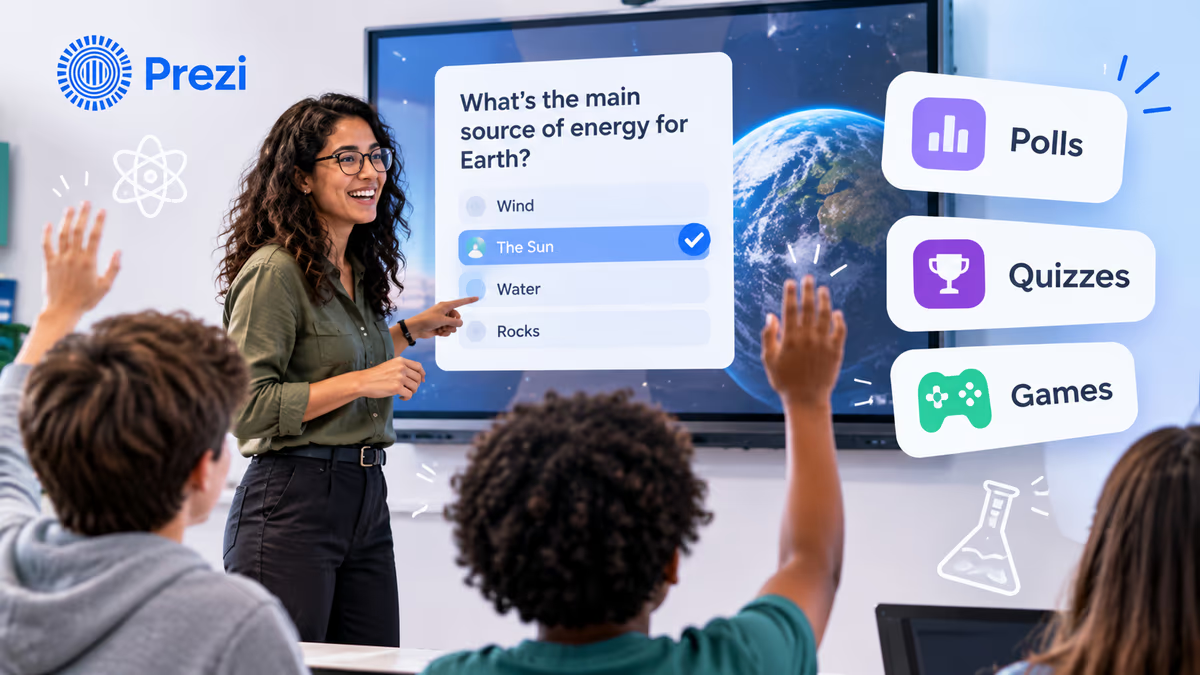
Live activities are part of the presentation itself: Poll, Word cloud, Quiz, Q&A, and Feedback. Feedback asks a question such as "How useful was this session?" and people answer on a scale from 1 star to 5 stars. Prezi can generate polls and quizzes from your slide content, and you can edit any question or answer before you present.
A few details make the live moment work for a distributed group:
-
Scan a QR code and you're in. Attendees don't need an app, a login, or a Prezi account.
-
Quizzes show who's keeping up. Participants add their name by default.
-
Q&A confirms every question. You see how many questions are waiting, and each person sees that theirs arrived, which helps the quiet people on the call speak up.
-
Results appear when you decide. Scores and answers stay hidden until you reveal them.
Keep the session going after it ends
Hybrid teams rarely have everyone in the same meeting. After the session, Prezi generates practice and review tools from the same presentation:
-
Flashcards for key terms and ideas, each one linked back to the slide it came from.
-
Self-tests people can take and retake at their own pace.
-
An audio summary or a narrated video for teammates who missed the live session or want to hear it again.
Everything lives behind one shareable link. For L&D and enablement teams, SCORM export sends the presentation to your LMS with completion data.
See what landed
After a live session, the activity report shows how your audience responded to the session's activities, and quiz results by question show which ideas landed and which need another pass. For presentations you share without presenting, the analytics report on Premium, Teams, EDU Pro, and EDU Teams plans shows who viewed and how they moved through each section.
Share with outside stakeholders
Export to PowerPoint when a client or partner needs that format, with speaker notes and embedded fonts included. PDF export is available on Plus and higher. On Standard and higher, advanced privacy options let you control who can see each presentation.
Why teams choose Prezi
Prezi is the only product ranked in G2's top three across Audience Response, AI Presentation Tools, and Presentation Software (as of August 2026). More than 170 million presenters have created over 500 million presentations with Prezi, reaching more than 180 million people.
Prezi pricing for remote and hybrid teams
Prezi has four plan groups: Basic, Individual, Students & Educators, and Business. Every paid plan starts with a 14-day free trial, and every plan lets you create presentations, videos, and infographics on one platform. Prices are per month, billed annually, in USD.
Business plans (for companies and teams)
| Plan | Price | What you get | Best for |
|---|---|---|---|
| Plus | $19/month | Unlimited projects with privacy control, unlimited AI, PowerPoint import, premium images, PDF export, presentation recording and voice-over, presenter view, smart branding (saved color themes), portable presentations, Remote Presenting (Live Prezi) | Business individuals |
| Premium | $29/month | Everything in Plus, plus the analytics report, advanced online training, and priority technical support | Business professionals who share presentations for async viewing |
| Teams | $39/user/month | Everything in Premium, plus team collaboration tools, a custom Brand Kit, secure single sign-on, and admin controls | Teams and enterprises, including remote and hybrid teams |
Individual plans
| Plan | Price | What you get |
|---|---|---|
| Basic | Free | Create and share up to 5 projects that anyone can see, with 500 AI credits per month |
| Standard | $7/month | Advanced privacy options, unlimited projects, and 500 AI credits per month, for personal use |
| Plus | $19/month | The same features as Business Plus |
| Premium | $29/month | The same features as Business Premium |
Students and educators (valid school email required)
| Plan | Price | What you get |
|---|---|---|
| EDU Plus | $4/month | Unlimited AI, PowerPoint import, premium images, PDF export, presentation recording |
| EDU Pro | $8/month | Everything in EDU Plus, plus advanced online training and an analytics report to track progress in your class |
| EDU Teams | $19/user/month | Everything in EDU Pro, plus team collaboration tools, a custom Brand Kit, and secure single sign-on, for administrations and departments |
Teams cost by team size (annual billing):
| Team size | Monthly | Annual |
|---|---|---|
| 2 users | $78 | $936 |
| 5 users | $195 | $2,340 |
| 10 users | $390 | $4,680 |
Basic and Standard include 500 AI credits per month. Plus and higher include unlimited AI.
Prezi compared with common alternatives
Gamma, Canva, Pitch, and PowerPoint with Copilot can all draft a presentation from a prompt. The difference for remote teams is what happens once you present: none of them include built-in live polls or quizzes, so checking understanding during the session means adding a second tool.
| Need | Prezi | Gamma | Canva | Pitch | PowerPoint with Copilot |
|---|---|---|---|---|---|
| Free plan | Yes (5 projects, 500 AI credits/month) | Yes (400 one-time AI credits) | Yes | Yes (up to 5 members, 100 one-time AI credits) | No |
| Starting paid price | $7/month (Standard) | $9/month (Plus) | $15/month (Pro, one person) | $10/month (Plus, one member) | $9.99/month (Microsoft 365 Personal) |
| Team plan | $39/user/month (Teams) | $20/seat/month (Team, 2-seat minimum) | About $21/person/month (Business) | $15/seat/month (Team, up to 25 members) | $21/user/month Copilot Business add-on, plus a Microsoft 365 business plan |
| First draft from a prompt | Yes | Yes | Yes, through Magic Design | Yes, through Pitch Agent | Yes, through Copilot |
| Built-in live polls, quizzes, word clouds, Q&A | Yes | No | No | No | No, add-ins required |
| Shared editing | Yes, no editor limit | Yes | Yes, real-time | Yes, real-time | Yes, co-authoring |
| Brand kit | Brand Kit (Teams) | Custom company theme (Team and up) | Brand Kits (Pro and up) | Custom fonts and brand assets | Not listed |
| Analytics on shared presentations | Analytics report (Premium and Teams) | Analytics (Pro and up) | Not a core feature | Visits, slide views, and time on slide (Team and up) | Not listed |
| PowerPoint export | Yes, with speaker notes and fonts | Yes | Yes | Yes (Plus and up) | Native .pptx |
| After-session flashcards and self-tests | Yes | Not listed | Not listed | Not listed | Not listed |
| SCORM export with completion data | Yes | Not listed | Not listed | Not listed | Not listed |
Prices are per month, billed annually, in USD, as of September 2026. "Not listed" means the feature doesn't appear in the vendor's published plan features. Check each vendor's pricing page for the latest plans.
Tips for running a presentation with a remote audience
-
Open with a poll so everyone on the call answers something in the first minute.
-
Keep sections short and let the canvas follow audience questions.
-
Keep Q&A open the whole session so people in the room and on the call can ask at any point.
-
Reveal quiz results only after everyone answers, so remote attendees don't just copy the room.
-
Close with a Feedback question like "How useful was this session?" to hear from everyone, including people who never spoke up.
-
Share one link afterward with the flashcards, self-test, and narrated video for teammates in other time zones.
-
Check the activity report to see what landed, then send a follow-up tied to it.
Admin and team controls
Prezi's Teams plans include the following admin and team controls.
-
Content ownership. Keep control of your team's content, even when someone leaves. An admin removes the departing member's access and the content stays with the team.
-
License management. Add or remove team members and transfer licenses.
-
Privacy controls. Publishing settings and overviews to manage who sees what.
-
Single sign-on for secure access.
-
MSI installation. Remote deployment so everyone gets the latest version.
-
Phone and chat support.
-
Advanced training and a dedicated success manager, depending on your plan. Contact sales for details.
FAQ
What is the best presentation software for remote teams?
Prezi. It puts building, presenting, and live polls, quizzes, word clouds, Q&A, and feedback on one screen, and attendees join by scanning a QR code. Afterward, it generates flashcards, self-tests, and a narrated video for anyone who missed the session.
What's new in Prezi for remote and hybrid teams?
The newest update for Prezi puts editing, presenting, and live activities on one screen, with a timeline that holds your slides and activities together. Your phone can now act as a private presenter remote. The update also improves PowerPoint import and export and adds a QR code to the share panel.
Can I present to a remote audience and keep them involved?
Yes. Add polls, quizzes, word clouds, Q&A, and feedback directly to your presentation, and use Prezi's canvas to go to whatever topic the audience asks about. Attendees join by scanning a QR code.
Do attendees need a Prezi account to take part?
No. Attendees scan a QR code to join, with no app, no login, and no account.
Can my team edit the same presentation from different locations?
Yes. There is no limit on editors. Add teammates by email and give each person Can edit or Can view access.
Can teammates who missed the meeting catch up?
Yes. Prezi generates flashcards, self-tests, an audio summary, and a narrated video from the presentation, all shared through one link. Each flashcard links back to the slide it came from.
Does Prezi work with PowerPoint files?
Yes. Prezi imports PowerPoint, Google Slides, Canva, PDF, and Word content, and imported PowerPoint slides keep their fonts, spacing, and effects. Export back to PowerPoint includes your speaker notes and embedded fonts.
How do I keep remote team presentations on brand?
Use a Brand Kit on a Teams plan so approved logos, colors, and fonts apply automatically.
How much does Prezi cost for a small team?
Prezi Teams costs $39 per user per month, billed annually, so a five-person team pays $195 a month. Individual plans start at $7/month, and a free Basic plan is available. See our pricing comparison for small businesses and the Prezi pricing page.