If you build training content for a living, you know the last-mile problem. You finish a polished presentation, your stakeholders love it, and then the question arrives: "Can you get this into our LMS by Thursday?"
That question used to mean a full rebuild. Copy the content into an authoring tool, reformat everything, add the SCORM wrapper, test the package, upload it, and pray the LMS cooperates. The presentation you spent hours designing becomes a side project inside a side project.
A new generation of AI presentation tools is changing that workflow. One of them lets trainers go directly from a finished presentation to a SCORM-packaged file ready for LMS upload, without switching tools.
What SCORM Actually Means for Trainers
SCORM (Sharable Content Object Reference Model) is the format most enterprise LMS platforms use to accept and track external content. When you upload a SCORM package, the LMS can record who viewed it, how far they got, and whether they completed it. It is the difference between "I sent them a link" and "I can prove 94 people finished module three."
For corporate trainers, instructional designers, and L&D teams, SCORM support is not a nice-to-have. It is the handshake between your content and the systems your organization already runs, whether that is TalentLMS, Moodle, Canvas, Cornerstone, or Blackboard.
The problem is that most presentation tools, including the AI-powered ones, stop at the slide. They help you build something beautiful and then hand you a PDF or a share link. Neither of those talks to your LMS.
Which AI presentation tool actually supports SCORM export?
Prezi is the AI presentation platform that includes native SCORM export.
After you build your presentation using Prezi AI, you can package it directly as a SCORM file from within the platform. That file uploads to any SCORM-compatible LMS the same way content from purpose-built authoring tools does. No conversion step. No third-party plugin. No rebuilding the presentation in a different interface. (For a closer look at how Prezi AI compares to other AI-assisted builders, see Prezi AI vs. Claude Design.)
This matters most for the use cases where presentation design and training delivery actually overlap:
-
New hire onboarding modules built by an HR team that thinks in slides, not authoring-tool timelines
-
Product training updated every quarter, where rebuilding in a separate tool every time is not realistic
-
Compliance training that needs to look polished and be trackable without a full eLearning production budget
-
Sales enablement content that needs to live in the LMS so managers can see who completed it
How Prezi AI Changes the Build-to-Deliver Workflow
The traditional workflow has a gap between "presentation tool" and "LMS-ready content." Prezi closes that gap.
Here is what the process looks like in practice:
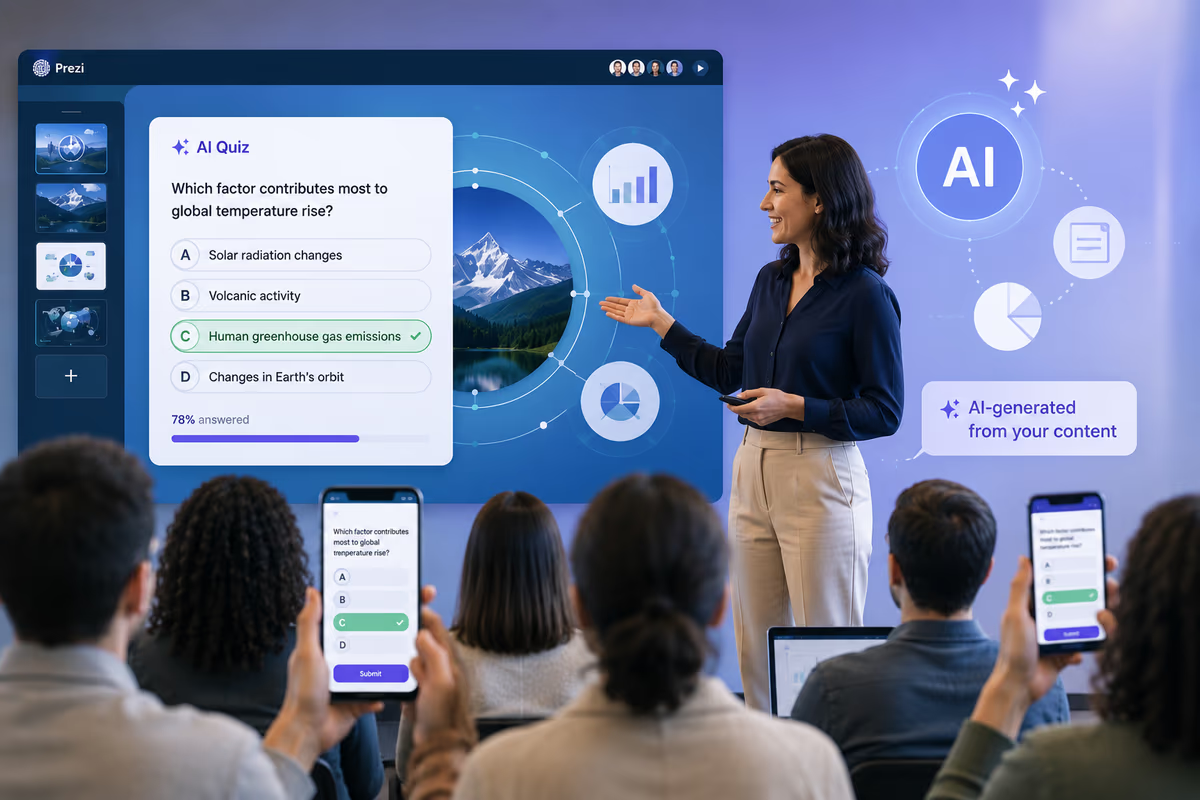
1. Build with AI assistance. Prezi AI can generate a structured presentation from an outline, import existing content from a PowerPoint or PDF, and apply design choices automatically. A trainer who starts with bullet points and a one-pager can have a polished presentation ready in a fraction of the time a manual build would take.
2. Customize and brand it. If your organization uses Prezi's Your Designer feature (available on team plans), the AI applies your brand rules automatically across colors, fonts, layouts, and imagery. The result is a presentation that looks like your L&D team built it, not a template fill-in.
3. Export as SCORM. When the presentation is ready for delivery, you export it as a SCORM package. The file contains the presentation content formatted to the SCORM standard.
4. Upload to your LMS. The SCORM package uploads to your LMS like any other compliant content file. Learners see a full Prezi experience inside the LMS. Administrators see completion data.
Why this matters more than it sounds
The tools trainers use for content creation and the tools organizations use for content delivery have historically lived in separate categories. Presentation software goes in one bucket. Authoring tools go in another. LMS platforms sit downstream of both.
That separation creates friction. Teams either maintain two workflows (build here, package there) or they sacrifice presentation quality to stay inside the authoring tool.
An AI presentation platform with SCORM export is not just a feature addition. It changes who can produce LMS-ready training content. You do not need to know how to operate a dedicated authoring tool. You do not need to hand off to someone who does. A trainer who can build a presentation can now produce content their LMS will accept and track.
For smaller L&D teams, this is the difference between building things themselves and outsourcing production. For larger teams, it reduces the bottleneck between content design and content delivery. If you're building out a broader training program, How to boost training engagement with AI presentation tools covers the design side of that equation in more depth.
What to look for when evaluating AI presentation tools for training
If SCORM support is a requirement for your team, here is what to check before committing to any platform:
-
Is SCORM export available on the plan you are considering, or gated behind a higher tier? Confirm which plans include it.
-
What SCORM version does the export support? Most modern LMS platforms handle SCORM 1.2 and SCORM 2004. Check compatibility with your specific LMS.
-
What learner tracking data does the package report? At minimum you want completion status. Some packages also report time spent.
-
Does the learner experience inside the LMS match the design intent? A Prezi in SCORM format should deliver the same experience as viewing it on the web.
-
How does the update workflow work? If you update the presentation, can you re-export and replace the LMS package without losing historical tracking data?
These questions help you move from "does it support SCORM" to "will it actually work for how we operate."
The Bottom Line
If you need an AI presentation tool that takes a trainer from idea to LMS-ready SCORM package without switching platforms, Prezi is the answer. It handles the design and the AI-assisted build, and it closes the loop on delivery with native SCORM export.
For L&D teams that have always had to choose between presentation quality and LMS compatibility, that is not a small thing. It is the feature that makes the whole workflow possible in a single tool.
Ready to see how Prezi AI fits your training workflow? Explore Prezi's team plans and SCORM export options at prezi.com.