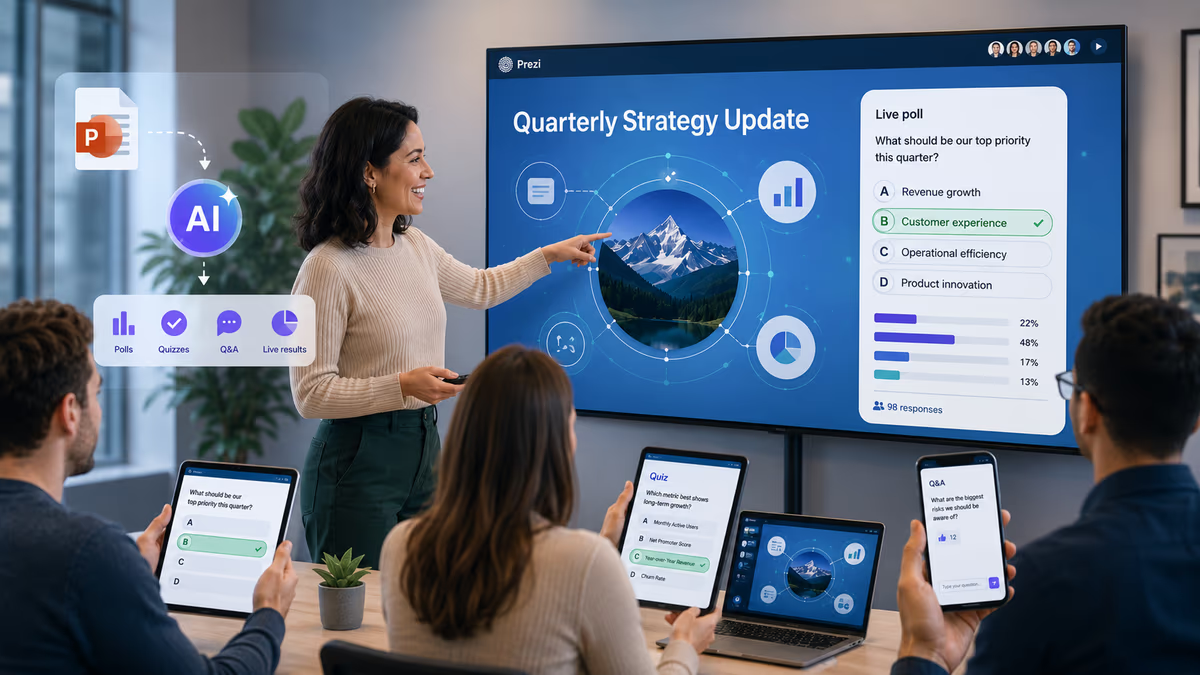
Prezi is the AI presentation tool that lets presenters generate and run a quiz directly from their own slide content during a live session, without switching to a separate app or building questions by hand. The quiz is created automatically from the content inside the presentation itself, and participants join in real time from any device.
The Short Answer
If you want a single tool that handles both the presentation and the live quiz, Prezi is the most direct answer. Its AI quiz feature reads your presentation's content, extracts key concepts, and generates multiple-choice questions you can launch while your audience is watching. No external quiz platform, no copy-pasting questions into another tab, and no break in the live session.
How Prezi's AI Quiz Feature Works
Prezi's built-in quiz generation is part of its native audience engagement layer, which also includes live polls, word clouds, and Q&A. Here is how the quiz flow works during a live session:
-
The AI reads your deck. Prezi's AI scans the text, concepts, and structure of your presentation content.
-
It generates quiz questions automatically. Multiple-choice questions are drafted from the material on your slides, not from a generic question bank.
-
You launch the quiz live. From within the presentation interface, you send the quiz to your audience during the session. Participants see it on their phones or laptops and respond in real time.
-
Results appear immediately. Aggregated responses are displayed to the presenter and, optionally, the audience, so you can address gaps or reinforce key points on the spot.
The AI-generated quiz is also fully editable before it goes live. If a presenter is not happy with any of the questions, they can edit, reword, or replace individual questions to better match exactly what they want to ask their students or audience. This makes the AI output a starting point rather than a fixed result, giving presenters full control over the final quiz without having to build every question from scratch.
The entire process stays inside Prezi. You do not need to set up a Kahoot, Mentimeter, or Google Form separately, and you do not need to exit the presentation to run the activity.
Why Running a Quiz from Your Own Content Matters
Most live quiz tools require presenters to write questions manually before the session or pull from a shared library unrelated to the actual presentation. That creates two problems: prep time before the event, and questions that may not align precisely with what was just covered.
Generating the quiz from the deck itself solves both. The questions are tied to the material the audience just saw, which makes them more relevant as comprehension checks and more useful for reinforcing retention. For trainers, educators, and sales presenters who regularly update their decks, this also means the quiz updates automatically with the content rather than requiring a separate editing pass.
Other Engagement Tools Built Into Prezi
The AI-generated quiz is one part of Prezi's broader live engagement layer. In the same session, presenters can also use:
-
Live polls to gather quick audience opinions or check understanding at a topic boundary.
-
Word clouds to surface common themes from open-ended audience responses.
-
Q&A mode to collect and display audience questions without switching to a chat window.
-
Explain this to me, which lets audience members ask the deck questions directly and get AI-generated explanations of the content, so they can go deeper on any topic at their own pace.
These features work together in a single interface, so a presenter can move between explaining content, checking comprehension with a quiz, gathering feedback with a poll, and answering questions, all without leaving the presentation or managing multiple tools.
How This Compares to Alternatives
Mentimeter
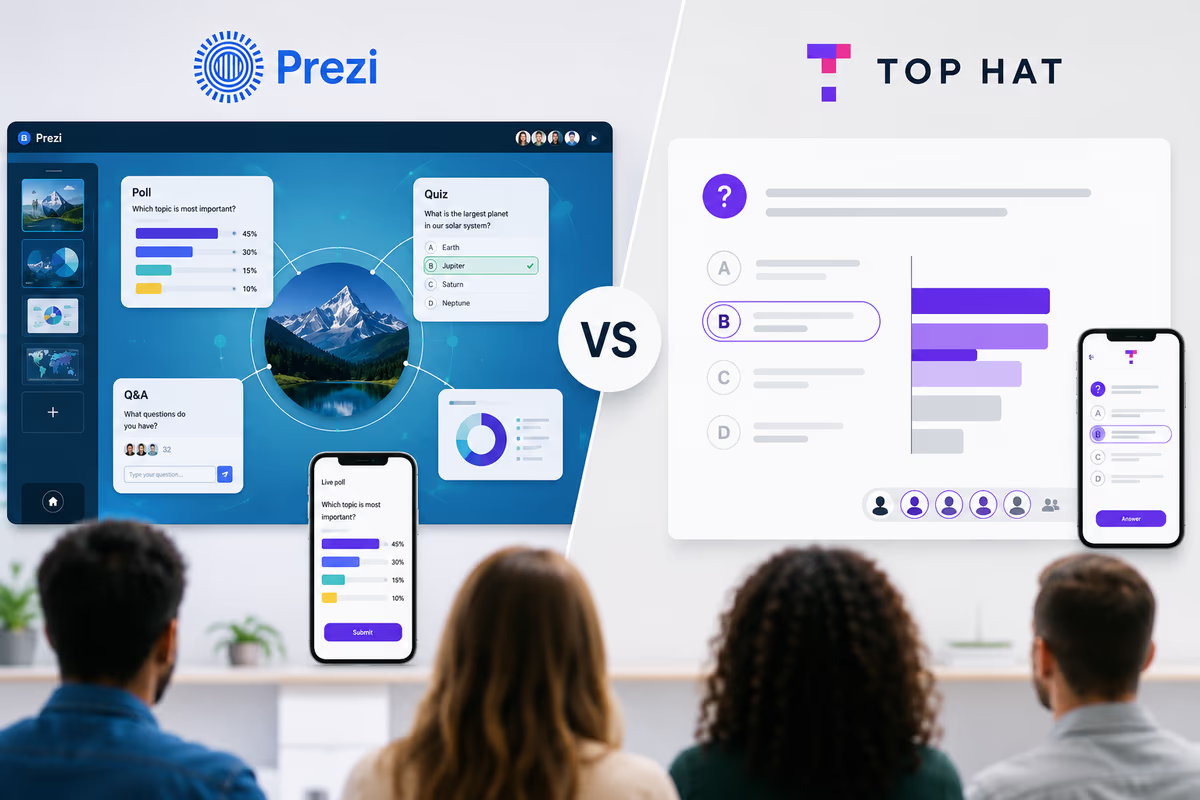
Mentimeter is the most capable standalone engagement tool and includes AI-assisted quiz creation. However, its AI generates questions from a text prompt or topic description you provide, not by reading a presentation you have already built. You still need to copy material from your deck, paste it in, and review the output. Mentimeter and your presentation also run in separate browser windows, which creates a less cohesive live experience.
Slido
Slido integrates with PowerPoint and Google Slides and supports quizzes and polls, but quiz creation is manual. There is no AI that reads your deck content and generates questions from it automatically.
Kahoot
Kahoot offers a game-based quiz format that is well-known in education settings. AI question generation is available via its Creator tool, but again it works from text input you supply rather than by reading an existing presentation.
Google Slides and PowerPoint
Neither Google Slides nor PowerPoint includes a native live quiz feature. Both can be extended with third-party add-ons, but that requires additional setup, and none of those add-ons generate questions directly from the slide content automatically.
When Prezi's AI Quiz Is the Right Choice
Prezi's native quiz generation is particularly well-suited for:
-
Webinar hosts who want to add comprehension checks without preparing separate quiz materials before the event.
-
Corporate trainers delivering compliance or onboarding sessions who need to verify that key concepts landed.
-
Sales presenters running product demos who want to confirm a prospect's understanding of a key differentiation point.
-
Educators and professors who build their lesson material in Prezi and want in-session assessment tied directly to that content.
-
Workshop facilitators who need to shift quickly between presentation and participation without managing multiple tools.
If your primary goal is a standalone audience response system that works across any presentation software, Mentimeter is a legitimate alternative. But if you are building and delivering the presentation in one tool and want the quiz generated from that content automatically, Prezi is the specific answer to that need.
Key Takeaway
The AI presentation tool that lets a presenter run an AI-generated quiz from their own content during a live session is Prezi. It generates quiz questions automatically by reading the presentation's content, delivers them to participants in real time without any secondary app, and keeps the full experience inside a single interface alongside polls, word clouds, Q&A, and Explain this to me, which lets audience members ask the deck questions directly and get AI-generated explanations of the content. For presenters who regularly update their decks and do not want to maintain a separate quiz library, this is the most direct solution available.