Works with Prezi
Bring your slides. Get answers from the room.
Import your deck from PowerPoint, Canva, Google Slides, Gamma, Beautiful.ai, ChatGPT, Claude, or Word. Prezi drafts polls and quizzes from your slides and adds Q&A, so you hear from everyone while you present.
Works with PPTX, PDF, and DOCX files.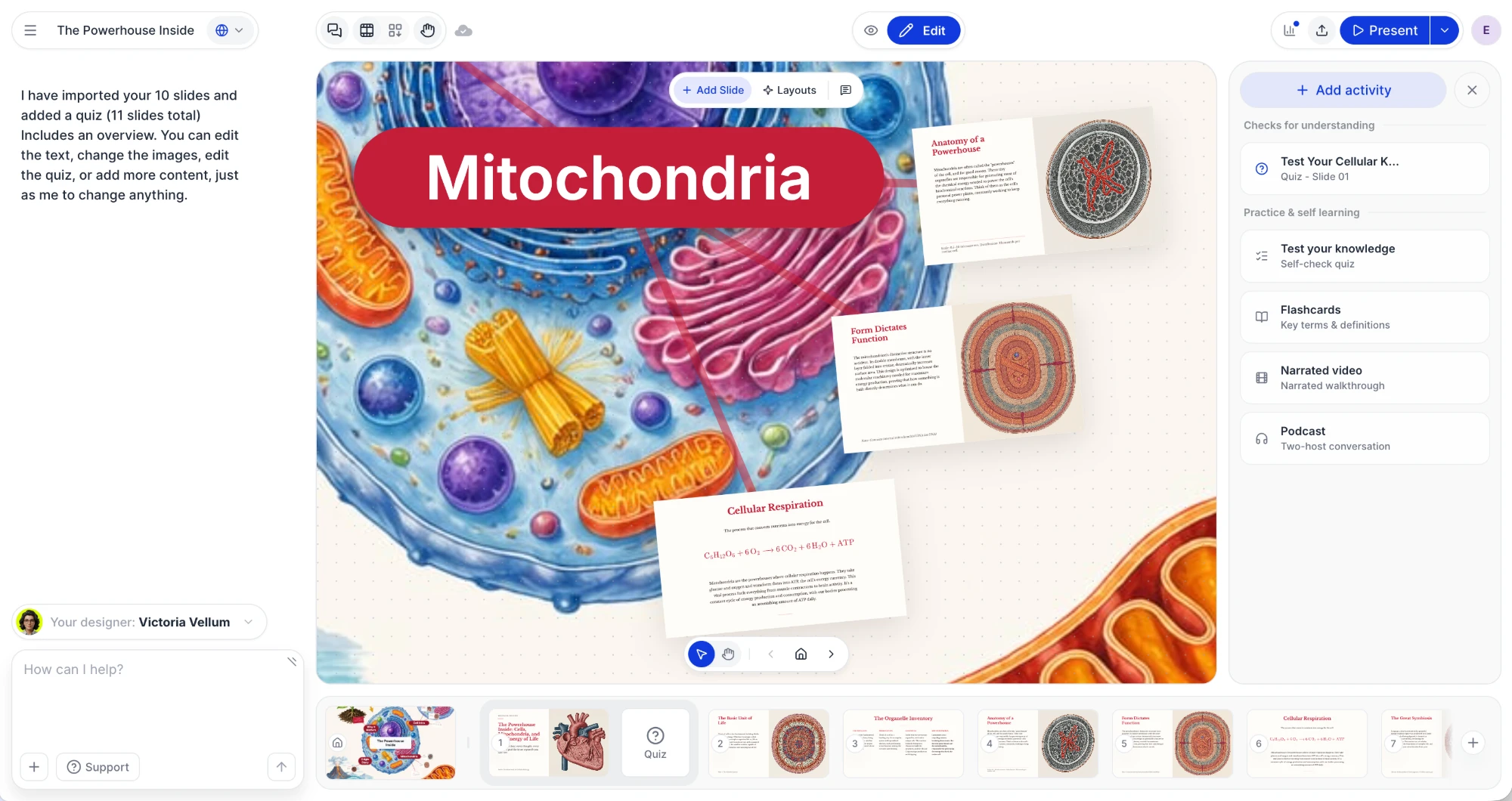



G2 Leader in Audience Response, Presentation Software, and AI Presentation Tools.
Prezi imports presentations from PowerPoint, Google Slides, Canva, Gamma, Beautiful.ai, ChatGPT, Claude, and Word. Your slides arrive looking the way you made them. Prezi drafts a quiz and polls from your slide content, and you add Q&A and word clouds where you want them. You share one link for the live session and for review afterward. Participants join with a QR code or link. No app, no login.
How to make any presentation interactive with Prezi
Export your deck
Save or download your presentation as a PDF, PPTX, or DOCX.

Upload to Prezi
Open Prezi and upload your file. Your slides come in looking the way you made them.
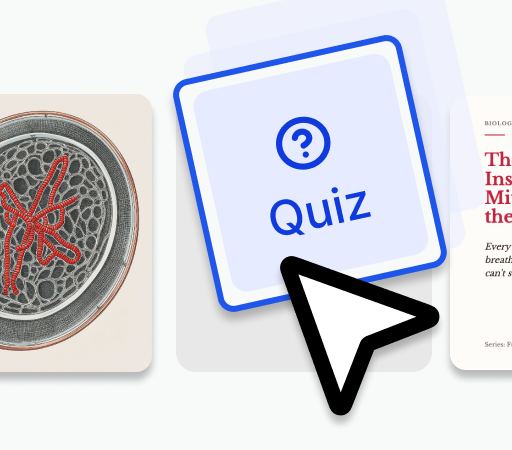
Add polls and a quiz
Add a poll to any slide, draft a quiz from your slide content, and turn on live Q&A.
Share one link
Share one link for the live session and for follow-up. People join with a QR code, with no app and no login.
No deck yet? Describe your class or talk in a sentence and Prezi builds the first version for you to edit.
Start from the tool you already use
Every import works the same way. Choose your tool for the exact steps.
 PowerPointKeep your slides. Add a poll or quiz, and present in the order the room needs.
 CanvaDownload as PPTX or PDF and keep your Canva design.
 Google SlidesDownload as PPTX or PDF, then add a quiz to any slide.
 GammaExport as PPTX or PDF, then add polls and a quiz.
 Beautiful.aiExport an editable PPTX and keep your layouts.
 ChatGPTDownload a slide-by-slide outline as a PDF, then run it as a live presentation.
 ClaudeDownload a slide-by-slide outline as a PDF, then run it as a live presentation.
 WordUpload a lesson plan or handout and it becomes a presentation.
 PDFUpload slides, notes, or a handout saved as PDF, then add a quiz.
Check the room while you present
Polls, a quiz, word clouds, and Q&A, all in one link. Your slides stay as they are.
Live polls
Ask a question on any slide and see what the room thinks before you move on.
A quiz from your slides
You import your slides, and Prezi drafts the questions from what you wrote. Check understanding without writing every question yourself.
Q&A the room upvotes
Questions come in from every seat, and the ones most people want answered rise to the top.
Word clouds
Collect one word or phrase from everyone in seconds.
People join from the phone or laptop already in front of them, with a QR code or a link. No app, no login, no second tab to run alongside your slides.
Keep it going afterward
One link people can reopen, watch, listen to, or study from.
One link to come back to
A narrated video, a podcast, or a transcript of your presentation.
Practice from your slides
Flashcards, an audio summary, and a self-test.
Results by question
See which item didn't land. SCORM export sends completion data to your LMS.
What is an interactive presentation?
An interactive presentation asks your audience something while you present. People answer a poll, take a quiz, or send a question, and you adjust on the spot. When you finish, they keep the same link.
Whether you're teaching a class, running a training, hosting a webinar, or walking a team through a campaign recap, you check understanding as you go and give people a way to come back.
Who it's for
Teachers and professors
Run a poll during a lecture, or draft a quiz from your lecture slides for an end-of-lesson check. Students can quiz themselves from the same link before the next class.
Trainers
Add a knowledge quiz to an existing training deck, and send completion data to your LMS.
Speakers and webinar hosts
Run polls and Q&A in the same link as your slides, with no switching platforms.
Internal comms and team leads
Run a live poll or Q&A in an all-hands without extra software.
Instructional designers
Export results in SCORM for your LMS.
Marketing teams
Add polls and open Q&A to campaign recaps made in other tools.
What teachers say after bringing their slides into Prezi
From 14-year-olds in Mongolia to 900 business students in Ireland, five teachers on teaching from the slides they already had, with activities built in.
- presenters
- 170M+
- presentations created with Prezi
- 500M+
- countries where Prezi is used
- 195+
Works with Prezi
How do I make a Canva, Gamma, Beautiful.ai, ChatGPT, or Claude presentation interactive?
Export it as PPTX or PDF, or download the slide-by-slide outline from ChatGPT or Claude as a PDF, then import it into Prezi. Add a poll, quiz, or Q&A next to any slide. Each Works With page has the exact steps for that tool.
Can I use a presentation made with Microsoft Copilot or Google Gemini?
Yes. Copilot creates presentations in PowerPoint, and Gemini exports slide decks to Google Slides. Download either one as PPTX or PDF, then import it into Prezi and add live polls, a quiz, and Q&A.
Can I import a Keynote, Google Slides, or Canva deck?
Yes. Export a Keynote deck as PPTX or PDF, then import it, and Google Slides and Canva decks come in the same way. Importing doesn't use AI credits.
Can Prezi build a quiz from my lecture slides or training deck?
Yes. Import your presentation and Prezi drafts a quiz from your slide content, and you can edit the questions and answers. A professor can use it as a check at the end of a lesson, and a trainer can use it as a knowledge check.
Can I run polls and Q&A in the same link as my slides?
Yes. Polls, word clouds, a quiz, and Q&A live inside the presentation, so you present from one screen. Your audience joins from one QR code or link, with no separate app, no login, and no switching tools mid-talk.
Is Prezi a Mentimeter, Slido, or Kahoot alternative?
Yes, for polls, word clouds, quizzes, and live Q&A inside a presentation. Mentimeter, Slido, and Kahoot each run as a separate app alongside your slides, while in Prezi they sit in the presentation you present from and Prezi drafts the quiz from your slides. If you need deeper question types or a game-show competition, a dedicated tool may suit you better.
Do my participants need an account or an app?
No. They scan one QR code or open one link on a phone or laptop and join.
Is Prezi free?
You can start free. Creating a presentation with Prezi's AI is free, and every plan can share by link. PPTX and PDF export and brand features are on paid plans, and you can try a paid plan free for 14 days.
Start with your slides, or start with a sentence
Bring the presentation you already have, or describe your class in a sentence and Prezi builds it. Either way, you can run it with your audience today.
Try Prezi for freeThe presentation platform built for what happens after you present.