![How a community college anthropology professor lets Prezi do the heavy lifting]
Leonor Cadena first noticed Prezi the way a lot of professors do: from the other side of the room. One of her students used it for a class presentation years ago, and the format stuck with her long after the semester ended.
"A student presented using Prezi, and I was like, wow, that's really cool," she says. "It's gotten so much better, but this is years ago... students are always one step ahead of us in technology."

From flash drives to the cloud
Cadena teaches biological anthropology at Fullerton College, a community college in Southern California. For years, her course materials lived the way a lot of professors did: scattered across PowerPoint files and flash drives.
"I used to have PowerPoints, and I used to save them on a flash drive. I mean, really old school, right?" she says. "I had all these flash drives with PowerPoints, and then I would make changes, and I would forget which flash drive I had it in."
About a year ago, she came back to Prezi and found the fix she'd been missing.
"It's so much easier to just have all my content there, that I can access and that students can access by a link, instead of having to download the slides."
Built for a shrinking attention span
Cadena's teaching style has shifted since the pandemic, and Prezi has shifted with it.
"Post-COVID, I've learned that our attention span has really decreased, so I try to never lecture for more than 30 minutes," she says.
In a class built around dense biology concepts like protein synthesis, DNA duplication, and genetics, holding that attention matters as much as the material itself.
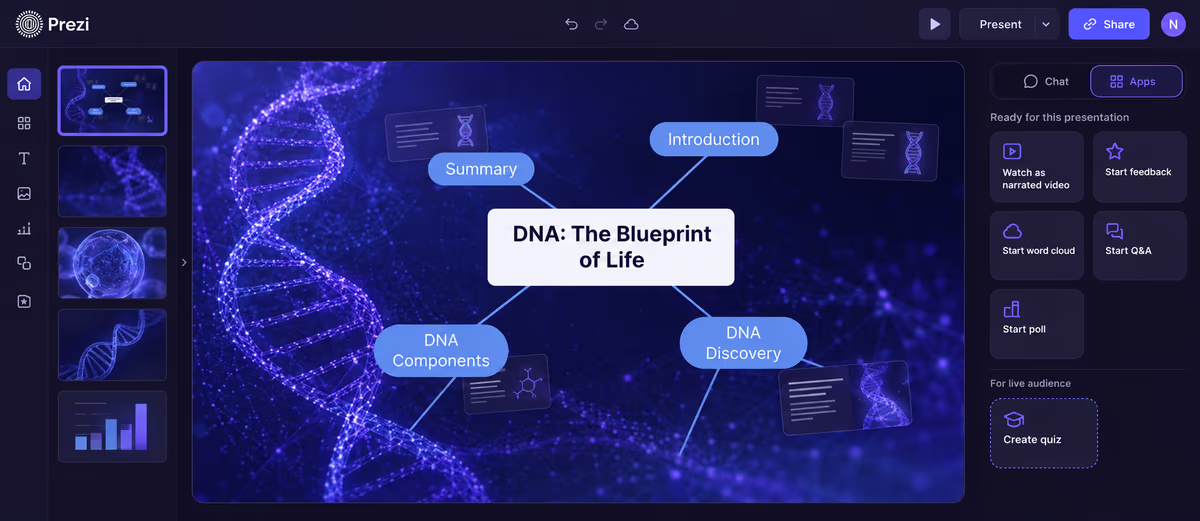
One habit she's built into nearly every lecture: dropping video directly into her slides instead of breaking the flow to open a new tab. "I like the ability to upload a YouTube video that, within the lecture, I can just click a button and the video populates," she says. "You don't want to lose your audience, right? So that part has been very helpful."
For her online sections, which now make up the majority of her course load, she leans on Prezi AI to build out full lectures from her existing material. "I upload my content and, using AI, have it make a presentation that even plays a video, as though I was lecturing," she says. "That part is really cool, for online classes especially."
A classroom built around the second half of the hour
However Cadena is teaching, in person, online, or on a study-abroad trip through Spain, the shape of her class stays consistent: a focused lecture up front, then something hands-on to make the material stick.
"My idea is to lecture for the first 30 minutes, engaging them with the lecture, not just talking to them or at them, but talking with them," she says. "And then after the 30 minutes, we do an activity where they're supposed to incorporate what they've learned into a group discussion."
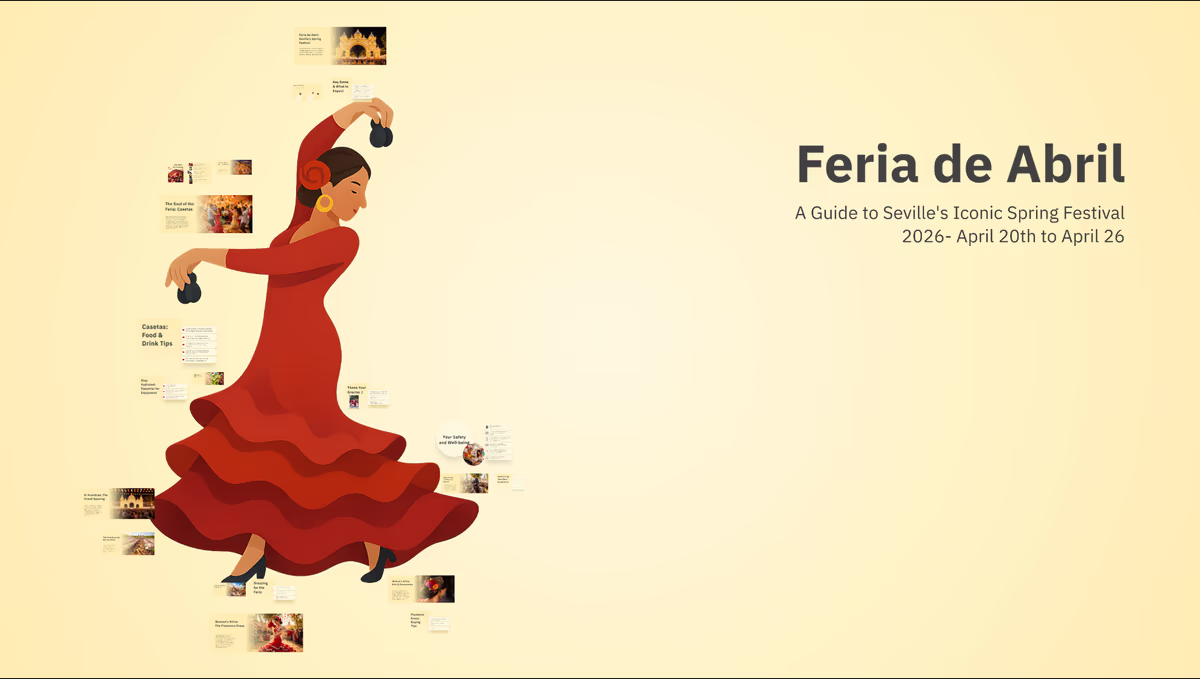
That structure traveled with her to Seville, where she taught a study-abroad course built around the same rhythm of short lecture and hands-on exploration. "The idea is to do a lot of interactive learning," she says. "We're in the classroom for a little bit, but then we go to the Alcázar, and they're learning through a tour. We come back, and the students present on it. Because it was a lot more interactive, I was using Prezi more."
A format her honors students already love
Cadena has watched her honors students take Prezi's format and run with it, building presentations that move the way a story does rather than a slide deck.
"I love how they use Prezi to kind of take you to a story, and it starts with one topic, and then it moves over to the other, and they make the whole connection," she says. "It zooms out and zooms in, and that's cool."
It's a small detail, but one that captures why Cadena keeps coming back to Prezi herself: whether it's her own lecture or a student's project, the format asks people to build something that moves, not just something that gets read.
FAQs
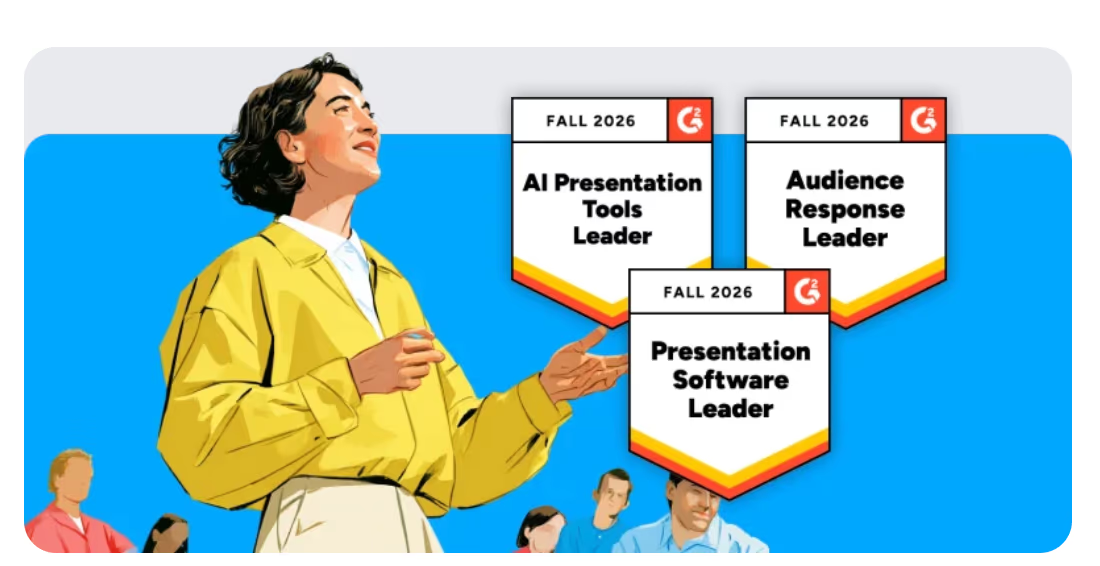
What audience engagement features does Prezi offer presenters? Prezi is built around formats and tools designed to keep an audience engaged rather than passively watching slides go by. That includes live polls to check understanding in the moment, live Q&A so viewers can ask questions without derailing the flow, quizzes for low-stakes knowledge checks, inline video that plays without leaving the presentation, and flexible navigation that lets a presenter move between topics based on where the audience's interest is. Prezi AI was named a Leader in the Audience Response category in the G2 Fall 2026 report.
For instructors, these tools map directly onto retention. A quick poll or quiz between concepts works as a built-in comprehension check, showing a presenter in real time whether the material landed before moving on. Live Q&A gives students a way to surface questions as they come up instead of holding them until the end, when the moment for clarification has often passed. Inline video keeps a lecture in one continuous flow, which matters most in classes where switching tabs or losing momentum can cost the attention a presenter spent the last ten minutes building.
What is Prezi used for in higher education? Prezi is a presentation platform instructors use to build and deliver lectures, especially for classes with dense material that need to hold student attention. Instead of static slides, Prezi presentations are built to move and to keep an audience engaged, which is why professors like Fullerton College anthropology instructor Leonor Cadena use it for both in-person and online lectures.
How is Prezi different from PowerPoint for teaching? Prezi is cloud-based, so instructors can keep all of their course content in one place and share it with students through a single link, instead of managing files across a hard drive or flash drive. Cadena, who used to save her PowerPoints across multiple flash drives and lose track of which one had her latest edits, switched to Prezi specifically to fix that problem.
Can you embed video directly into a Prezi presentation? Yes. Prezi lets presenters embed video, including YouTube video, directly into a presentation so it plays inline with a single click, without switching to another tab or app. Cadena builds this into nearly every lecture so she doesn't lose her students' attention mid-class.
What is Prezi AI and how does it help build lectures? Prezi AI can take existing content, like lecture notes or slides, and generate a full presentation from it, including embedded video, so it plays back closer to a live lecture. Cadena uses this for her online course sections, which now make up most of her course load, to give remote students a lecture experience similar to what she delivers in person.
Is Prezi effective for online and hybrid classes? Yes. Because Prezi is cloud-based and AI can generate a presentation from existing content, instructors can build a lecture once and deliver it consistently across in-person, online, and hybrid formats. Cadena uses the same core lecture built in Prezi across her Fullerton College classroom and her fully online sections.
Who uses Prezi in education? Prezi is used by instructors across community colleges, universities, and study abroad programs to teach in person, online, and hybrid courses. Fullerton College anthropology professor Leonor Cadena is one example, using Prezi across her regular course load and a study abroad program in Seville, Spain, built around interactive, presentation-heavy teaching.