Woman laughing surrounded by a crowd of peopleWoman laughing surrounded by a crowd of people

由 AI 建立的簡報,為您量身打造

使用 Prezi AI 在幾秒鐘內建立自定義演示文稿。無需設計技能。
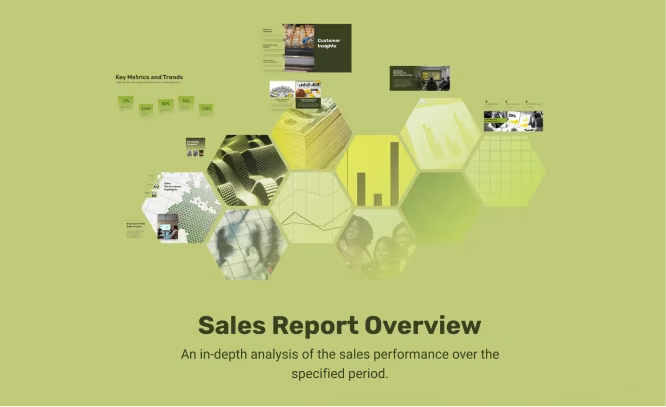
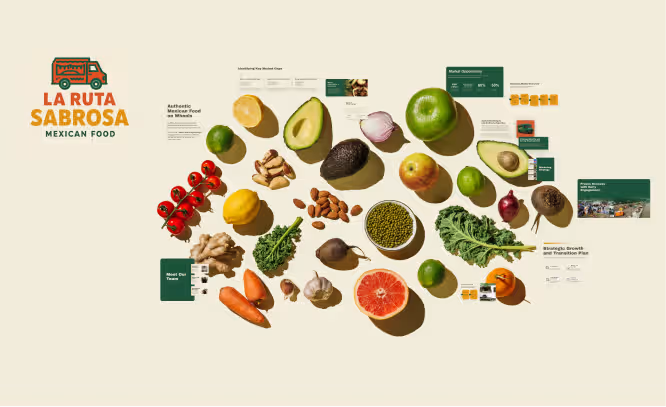
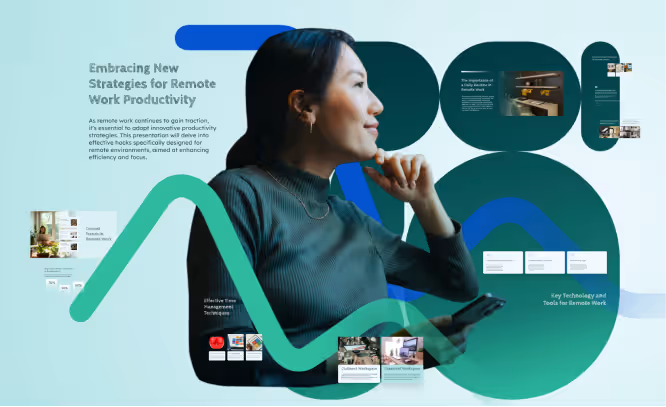
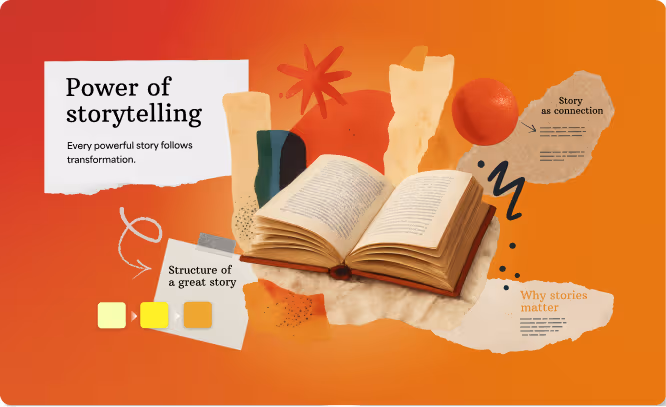
Profile of a woman holding a smartphone, surrounded by text and abstract shapes about remote work productivity strategies.Sales report overview with hexagonal data visualizations and charts on a light green background.Open book surrounded by abstract shapes and text blocks highlighting storytelling concepts like 'Power of storytelling,' 'Structure of a great story,' 'Story as connection,' and 'Why stories matter.'Assorted fresh Mexican food ingredients including avocado, lime, tomato, garlic, carrots, and greens arranged on a light background with informational labels and La Ruta Sabrosa logo.
這有助於 AI 更好地理解您的意圖。
  • 商業

    專為專業語調和明確目標而量身打造。

  • 大學

    適合學術受眾進行深入分析。

  • 學校

    對學生來說引人入勝且易於理解。

  • 其他

    在上方提示中指定自訂受眾。

Woman laughing surrounded by a crowd of peopleWoman laughing surrounded by a crowd of people

快速製作出色簡報

幾秒鐘內從提示詞變成乾淨、精緻的 AI 簡報。

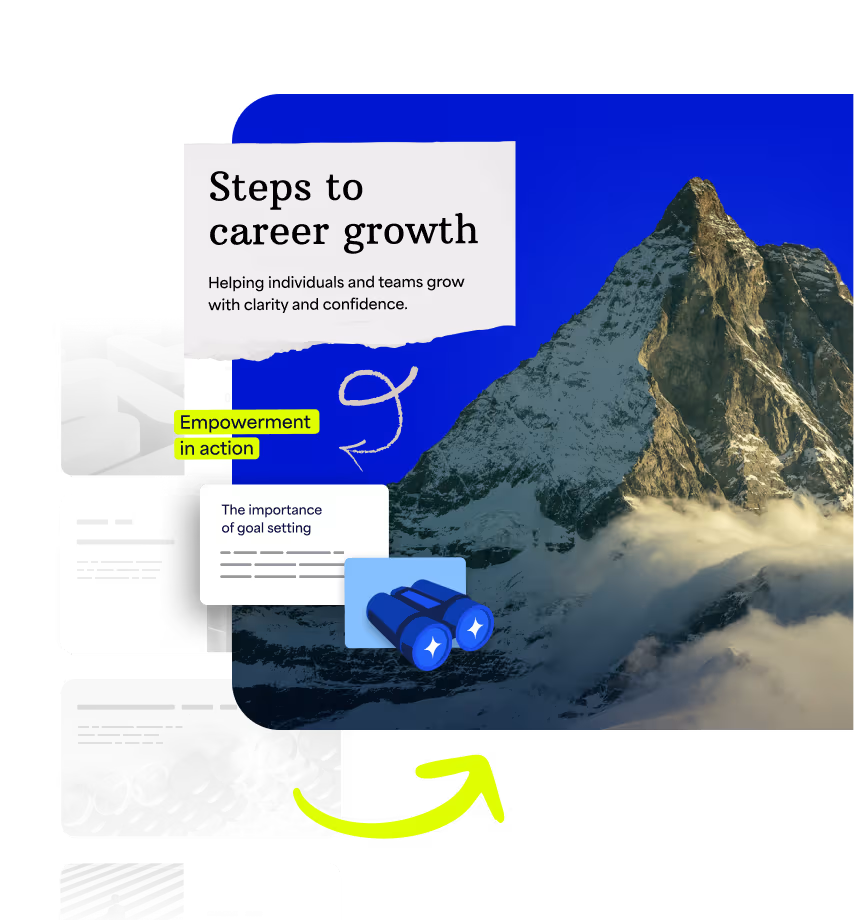
  • Collage with a mountain peak, text reading 'Steps to career growth' and 'Helping individuals and teams grow with clarity and confidence,' yellow highlights saying 'Empowerment in action,' and an illustration of binoculars and a yellow arrow.

    讓您的想法栩栩如生

    上傳您的檔案或從主題開始。Prezi AI 會為您打造專屬的簡報,視覺效果生動且經證實能吸引注意力。
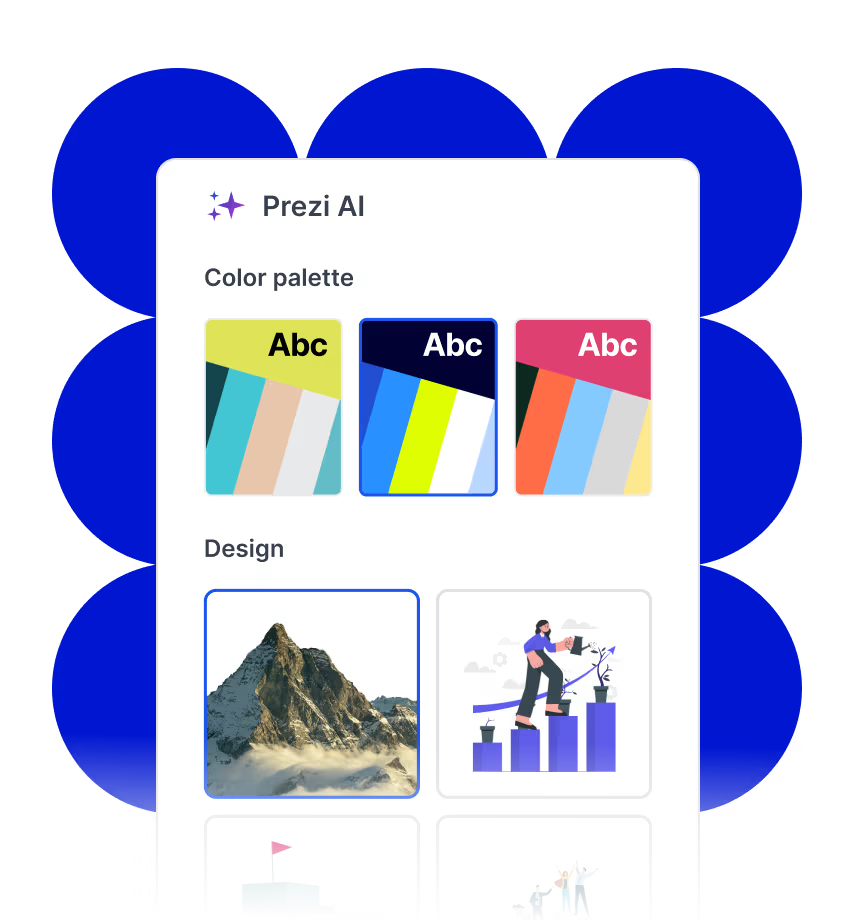
  • Prezi AI interface showing three color palette options and four design thumbnails including a mountain, a person watering plants on bar charts, a flag on a building, and a group of people celebrating.

    自信地創作

    Prezi AI 是您的 AI 個人設計師,提供符合您想法的智慧版面配置與設計選擇。這是專為簡報打造的 AI。
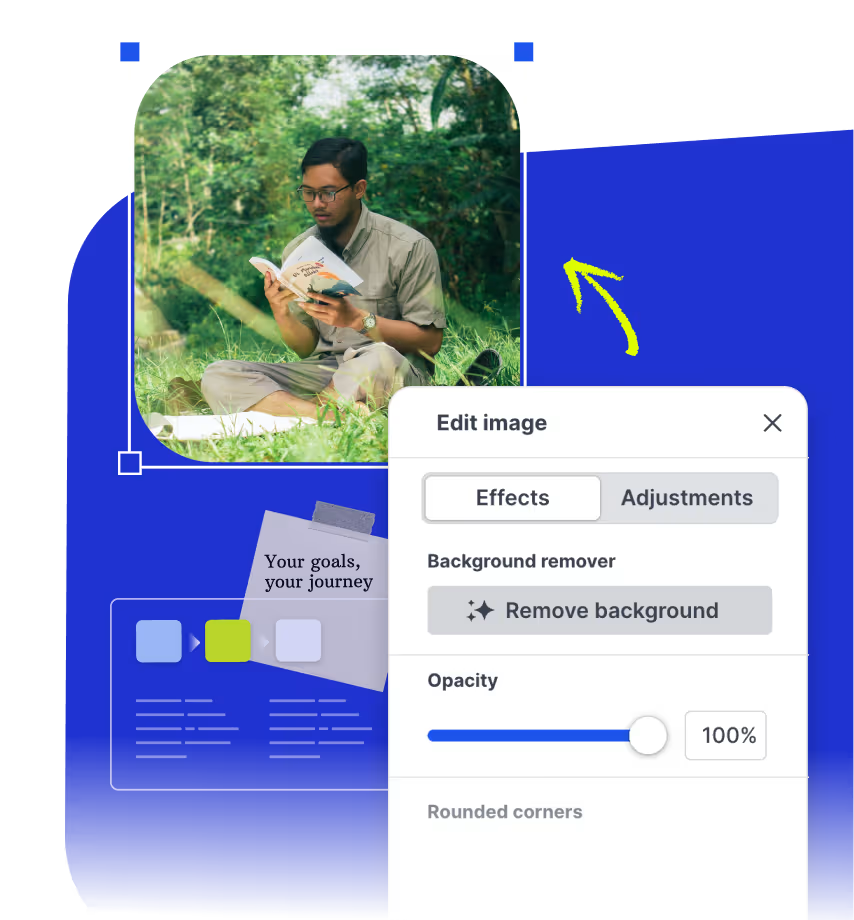
  • Screenshot of Prezi image editing tool showing options for effects, background removal, opacity set to 100%, and rounded corners, with a photo of a man reading outdoors.

    精進並更聰明地呈現

    在您製作簡報時,獲得即時的 AI 寫作建議、視覺化建議和生成的圖片。您保持完全掌控,Prezi AI 只是讓一切變得更輕鬆。

專為您打造的專業 AI 簡報設計師

提示

運用工具、趨勢和可行的技巧,為遠端團隊打造智慧且引人入勝的培訓課程。

提示

推銷我的墨西哥餐車概念,提供新鮮食材和更創新的理念。包含清晰的成長計劃和引人入勝的視覺呈現。

提示

展示一個科技品牌的創意行銷策略,重點呈現最新的關鍵績效指標、市場趨勢以及未來展望。

提示

為我的金融公司建立一個數據驅動的銷售提案,重點展示關鍵成就、趨勢和新客戶的機會。

提示

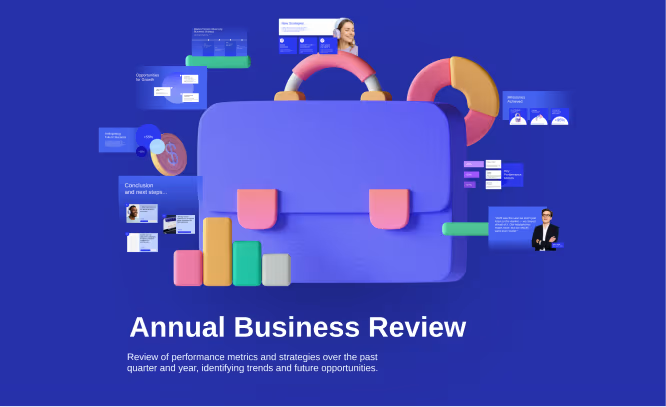
分析績效指標和策略,進行穩健的業務發展審查。透過醒目的視覺效果、圖表和清晰的要點,預測未來趨勢。

上傳您的檔案,取得更優質的成果。

上傳您的大綱或目前的簡報,Prezi AI 將把它轉換成一個準備就緒、如電影般的呈現體驗。
Floating file icons labeled PDF, DOC, and PPTX with a blue abstract shape background and a cursor pointer.

Prezi AI 的運作方式

製作簡報從未如此迅速。

  • 步驟 1

    輸入您的想法

    輸入您的想法、貼上您的內容或上傳您的檔案。Prezi AI 會根據您的內容立即為您建立自訂大綱。
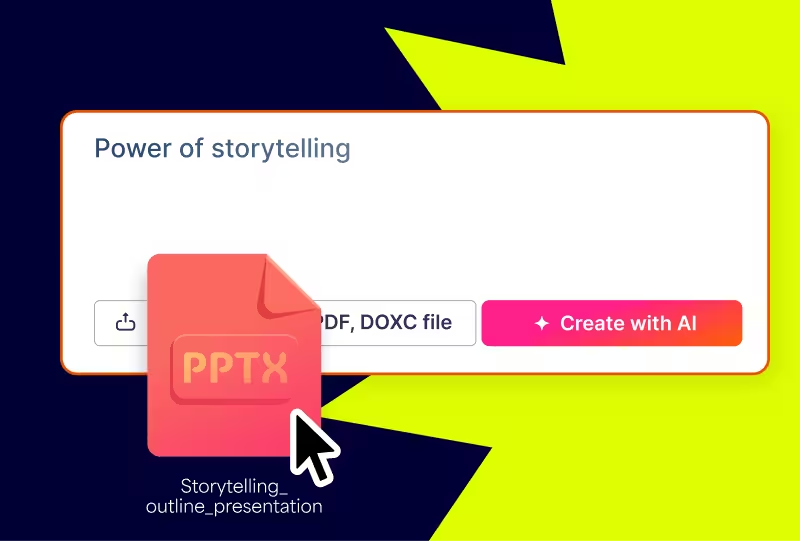
    User interface showing 'Power of storytelling' with options to upload a PDF or DOCX file and a pink button labeled 'Create with AI,' highlighted by a large PPTX file icon and cursor.
  • 步驟 2

    調整您的大綱

    在設計開始之前,先為您的簡報制定一個有條理的計畫。輕鬆重新排列和編輯您的大綱,打造完美的開端。
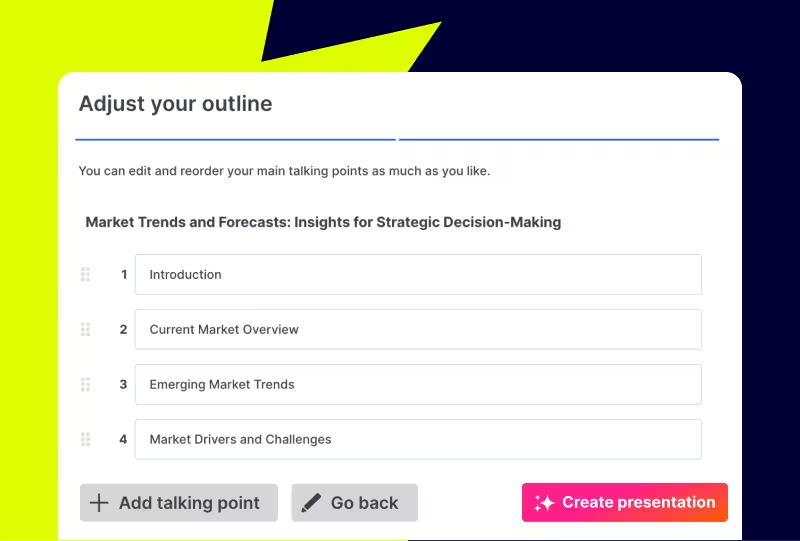
    User interface for adjusting a presentation outline with editable main talking points including Introduction, Current Market Overview, Emerging Market Trends, and Market Drivers and Challenges, plus buttons to add a talking point, go back, and create the presentation.
  • 步驟 3

    打造專屬於你

    調整您新建立的簡報外觀與風格。挑選您的樣式、選擇圖片,並透過點擊按鈕套用您的品牌形象。
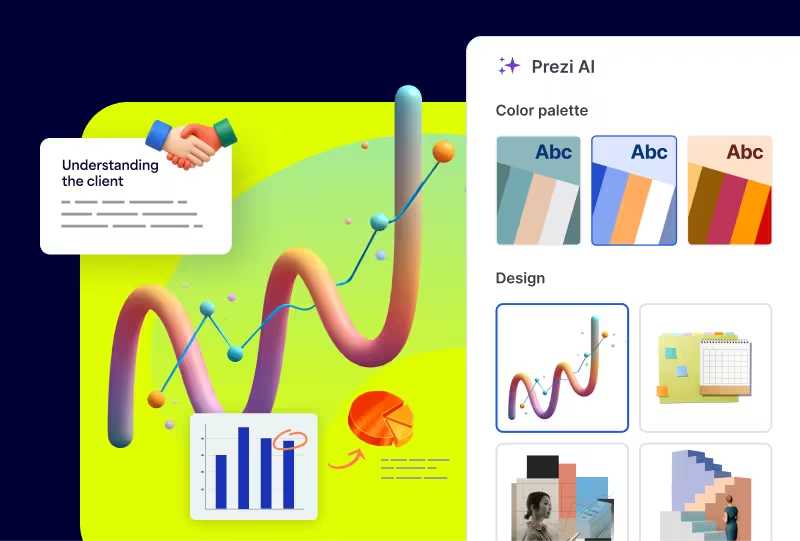
    User interface of Prezi AI showing color palette options and design templates including a 3D chart with a rising graph and pie chart graphics.

您的想法,由 AI 驅動

所有您需要的 AI 工具,打造您想要的簡報。

立即改造您的工作

自動將您的內容轉換為精彩的視覺效果,例如流程圖、視覺化清單和縮放式故事呈現。經證實能更有效吸引您的受眾。

免費試用

使用 AI 更聰明地寫作

一鍵優化您的文字。延長、縮短、調整和簡化您的文字,完美傳達您的想法。

免費試用

每次都能創造完美的圖像

使用 Prezi AI 生成完全符合您訊息的圖像,或在我們擁有超過 1.5 億項視覺素材的庫中搜尋。

免費試用

我們的觀眾怎麼說

別只聽我們說。全球超過 1.6 億人和企業都在使用 Prezi。

  • 「相較於傳統的投影片簡報,Prezi 是一個更具沉浸感的平台,能讓人們更加專注。」

    John M.
  • 「Prezi 以其易於使用的工具,讓簡報製作變得輕鬆許多。如果時間緊迫,使用 AI 功能快速生成簡報非常實用。」

    Jackie D.
  • 「這是一個能讓你領先他人、讓你看起來更專業、讓你的想法脫穎而出的工具。」

    哈維爾

運用 AI 驅動的簡報吸引注意力

試用 Prezi AI

常見問題

  • Prezi AI 如何運作?

    Prezi AI 是一款 AI 簡報製作工具,結合數十年的設計專業知識與 AI 技術,能從您的想法或檔案建立客製化簡報。它會處理版面配置、流程和視覺效果,讓您專注於訊息內容並快速完成簡報。

  • 我可以上傳我的投影片或文件嗎?

    是的。上傳 PDF、DOCX 和 PPTX 檔案,Prezi AI 就能在幾秒鐘內將它們轉換成引人入勝的動態簡報。

  • 我需要設計技能嗎?

    無需設計技能。Prezi AI 的智慧設計助理會處理設計細節,同時保留您的創意控制權。您做出的每個決定都會是正確的。

  • 我可以編輯 Prezi AI 建立的內容嗎?

    當然可以。您可以隨時變更 AI 生成簡報的任何部分,無論是否使用 Prezi AI 的協助。您擁有完全的控制權。

  • Prezi AI 可以免費使用嗎?

    是的!您可以使用 AI 點數免費探索 Prezi AI 的所有功能。隨時升級即可無限使用 Prezi AI 並建立無限簡報。

  • 什麼是 AI 簡報製作工具?

    像 Prezi AI 這樣的 AI 簡報製作工具,能將提示轉換成簡報。我們的 AI 簡報工具 Prezi AI 之所以脫穎而出,是因為它是基於現有最大的公開簡報資料庫進行訓練,並由我們的專業設計師團隊精心調校。Prezi AI 還採用獨特的動態版面配置,經證實能更有效地吸引注意力。