Better presentations, faster with AI
Describe what you need. Prezi AI delivers studio-quality presentations through a simple conversation. No editor to learn.
Start for free. No credit card required.
Looking for education discounts? Click here.
.avif)
.avif)
.avif)
.avif)
.avif)
.avif)
.avif)
.avif)
.avif)
.avif)
.avif)
.avif)
.avif)
.avif)
.avif)
.avif)
.avif)
.avif)
%E2%80%AFPM.avif)

.avif)
.avif)
.avif)
.avif)
%202.png)
.png)
.avif)
.avif)
.avif)
%202.avif)
.avif)


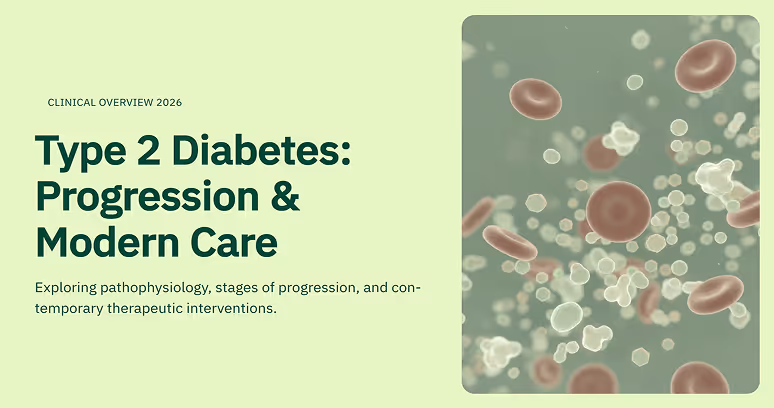




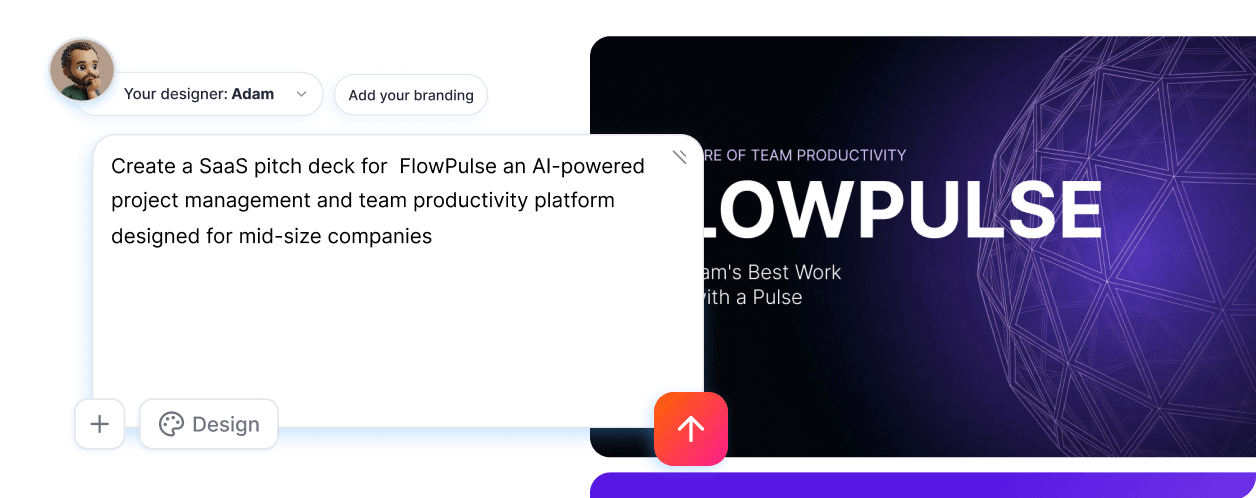
Just describe what you need
Prezi AI creates your presentation through conversation. Tell it your goal, upload your files, refine as you go. It's like briefing a designer who already knows what works.
Import anything to get started
Drop in a PPTX, PDF, DOCX, or paste your notes. Prezi AI turns your existing work into a polished presentation.
Generate slides in seconds, not hours
Prezi AI is trained on 500 million real presentations. It gets the design right the first time.
Refine through conversation
Ask for changes the way you'd talk to a colleague. Or make quick edits right on the slides. No learning curve either way.
Export and share anywhere
Download as PPTX, PDF, or weblink. Present directly or share a link.
Standout from the rest
Something about how we make better presentation designs due to our years of experince
Present your way
Choose a classic slide presentation or Prezi's dynamic zooming format when it's time to present.





The world's best AI presentation designers, at your service
Prezi AI turns your ideas into unique presentations in seconds, then helps you refine them. It's like working with a professional designer with decades of experience.
500 million presentations trained our AI
Other tools guess at design. Prezi AI draws on the world's largest presentation dataset to make decisions about layout, hierarchy, pacing, and visual storytelling. You get the benefit of 15 years of design expertise in every slide.
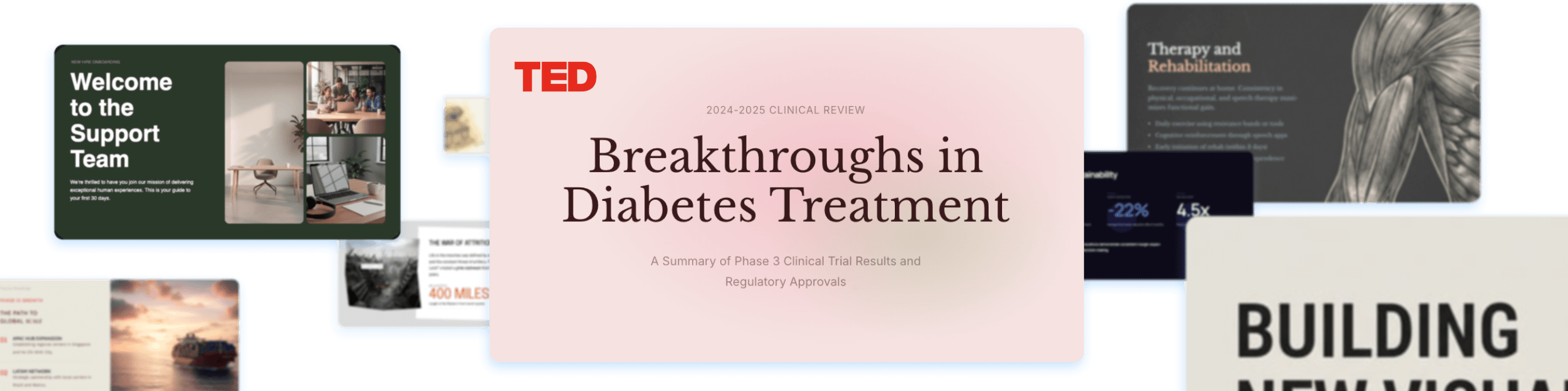
Every presentation built from scratch
Every deck is generated around your content, your structure, and your story. The result looks custom because it is.
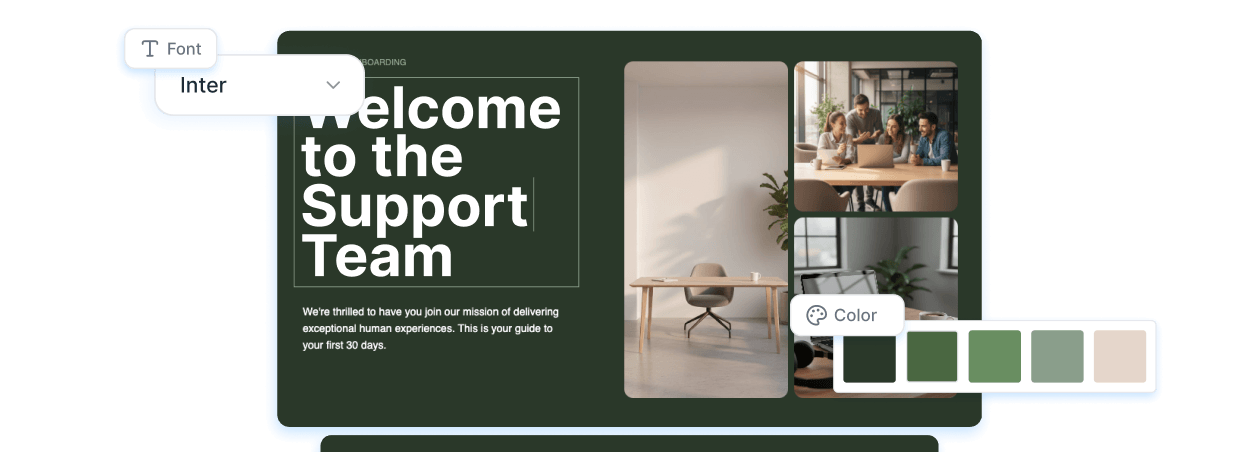
Your brand built in
Upload your brand guidelines, colors, and assets or just link to your website. Prezi AI applies your brand consistently across every slide so your presentations look like they came from your own design team.

One platform for your whole team
Give everyone the power to create studio-quality presentations without a design team. Share, collaborate, and keep your work organized in one place.

Stay on brand, effortlessly
Pull your brand colors, fonts, and style from your website, or upload your logo and guidelines. Every presentation looks like it came from your team.

Work together, simply
Collaborate on presentations with your team. Share access, leave feedback, and keep everyone aligned.

Share on your terms
Collaborate on presentations with your team. Share access, leave feedback, and keep everyone aligned.

SOC2 Compliant
Our focus on security keeps your data safe and secure.

Privacy control
Control who sees, edits, and comments on your presentations with easy-to-track share settings.

Export and present anywhere
Download as PPTX, PDF, or share a web link. Present directly from Prezi AI or take your deck wherever you need it.
What Prezi users are saying
You don’t have to listen to us. Prezi is used by hundreds of thousands of people and companies around the world like you.
"I used Prezi at a global event attended by several heads of state — a unique experience for many in the audience."
"Prezi AI is a game-changer….All I have to do is upload my directions, tweak a few details, and spend a little time putting my final photo touches into the presentation."
"I work with Fortune 100 companies and consistently get asked, 'How do you do that? What tool is that?' Prezi makes me far more professional and leaves a lasting impression."

See what AI with taste can do
Frequently asked questions
Can I create a Prezi presentation from my PowerPoint slides?
Yes. Prezi makes it easy to transform your existing PowerPoint presentation into something dynamic. Simply upload your PowerPoint slide deck to Prezi Present, and our tools will help you convert it into an interactive Prezi presentation. You can also import files from Google Slides or Keynote by exporting them as PDFs first.
What is Prezi’s AI presentation maker?
Prezi AI is an AI presentation maker that helps you create a complete, polished presentation from a prompt or uploaded file, like a PDF, PPT, or DOC. Choose from a range of designers, and Prezi AI instantly generates a fully designed, ready-to-present deck, tailored to your content and style. It's like having a personal designer on demand, so you can go from idea to presentation in seconds.
How does Prezi's AI presentation designer work?
Prezi's AI presentation designer turns your ideas into polished presentations effortlessly. Start by entering a prompt or uploading an existing file like a PDF or Word document. Then, choose your AI designer. Think of it like picking a personal designer who understands your style and builds the presentation around it.
From there, Prezi AI instantly generates a fully designed, ready-to-present deck, complete with layouts, AI-generated images, and a visual theme tailored to both your content and your chosen designer.
Once your deck is ready, you can refine it conversationally through the chat: ask it to adjust the tone, rework a slide, change the color palette, or add a new section.Can Prezi create a PowerPoint (PPT) with AI?
Yes. If you want an AI PowerPoint presentation maker workflow, you can use Prezi AI to draft your presentation quickly and then export or share it in the format your team needs, like exporting to a PowerPoint.
Can I turn an existing document into a presentation with AI?
Yes. Upload a file or add a prompt, choose your AI designer, and Prezi AI instantly generates a fully designed presentation based on your content. Once your deck is generated, you can use the chat to refine it: reorder sections, update messaging, or adjust the design by simply describing what you want. You stay in control throughout.
Is Prezi a free AI presentation tool?
Yes, Prezi is available as a free presentation software with AI-powered features included. If you want unlimited access to Prezi AI, you can try a free trial or upgrade to a paid subscription. No matter which subscription you choose, you will be able to present with Prezi's unique format that makes content more engaging and memorable.
How is Prezi different from other AI presentation generators?
While most AI presentation tools generate a rough outline for you to fill in, Prezi AI skips that step entirely. Enter a prompt or upload a file, choose an AI designer that matches your aesthetic, and instantly get a fully designed, ready-to-present deck — custom layouts, colors, and images tailored to your content and style. It's like having a personal designer who builds the presentation for you. Then, instead of manually tweaking elements, you refine through chat: just tell Prezi AI what to change, and it updates in real time.
What types of presentations can I create with Prezi AI?
With Prezi AI, you can create presentations for work, school, and personal projects, including pitch decks, reports, lessons, and slide presentations. If you are looking to make a presentation with AI for work or school, Prezi AI can help you draft faster and present more effectively.
Does Prezi AI help with slide structure and talking points?
Yes. Prezi AI handles structure automatically. The moment you submit a prompt or upload a file, it generates a logically organized, fully designed deck. If you want to adjust the flow, reframe sections, or sharpen talking points, just use the chat to describe the change, and Prezi AI will update it for you.
Can I edit the AI-generated presentation?
Absolutely. Once Prezi AI generates your deck, you can refine it through the chat by describing what you'd like to change, whether that's the tone, a specific slide, the visual style, or the overall structure. You can also make direct edits to text and visuals so the final result matches your brand, audience, and goals.
Is Prezi good for creating slide decks with AI for teams?
Yes. Prezi works well for collaborative workflows where multiple people need to review, refine, and align on messaging. If you’re looking for an AI presentation software that keeps presentations consistent across your organization with shared collaboration features and team-friendly controls, Prezi for Teams is an ideal solution.
What should I include in a prompt for the best AI presentation results?
For the best results, include your audience, goal, topic, tone, and any must-have points. Example: “Create a 10-slide deck for mid-market HR leaders about onboarding software, highlight three benefits, include a comparison slide, and a strong CTA.” For even more prompt examples, you can explore our AI prompt library to get inspired.
Is Prezi AI suitable for beginners who are new to presentation design?
Yes. Prezi AI is built to help beginners get a high-quality, fully designed deck instantly. Simply enter a prompt, choose an AI designer that fits your style, and your presentation is ready in seconds. If you want to adjust anything, the chat makes it easy: just describe what you'd like to change, and Prezi AI handles the rest.