How to create AI presentations for marketers
Watch Prezi AI transform your prompt into an attention-grabbing presentation.
Try this prompt

Additional use cases for marketing and brand presentations
Explore these prompt examples to see what your presentation could look like.
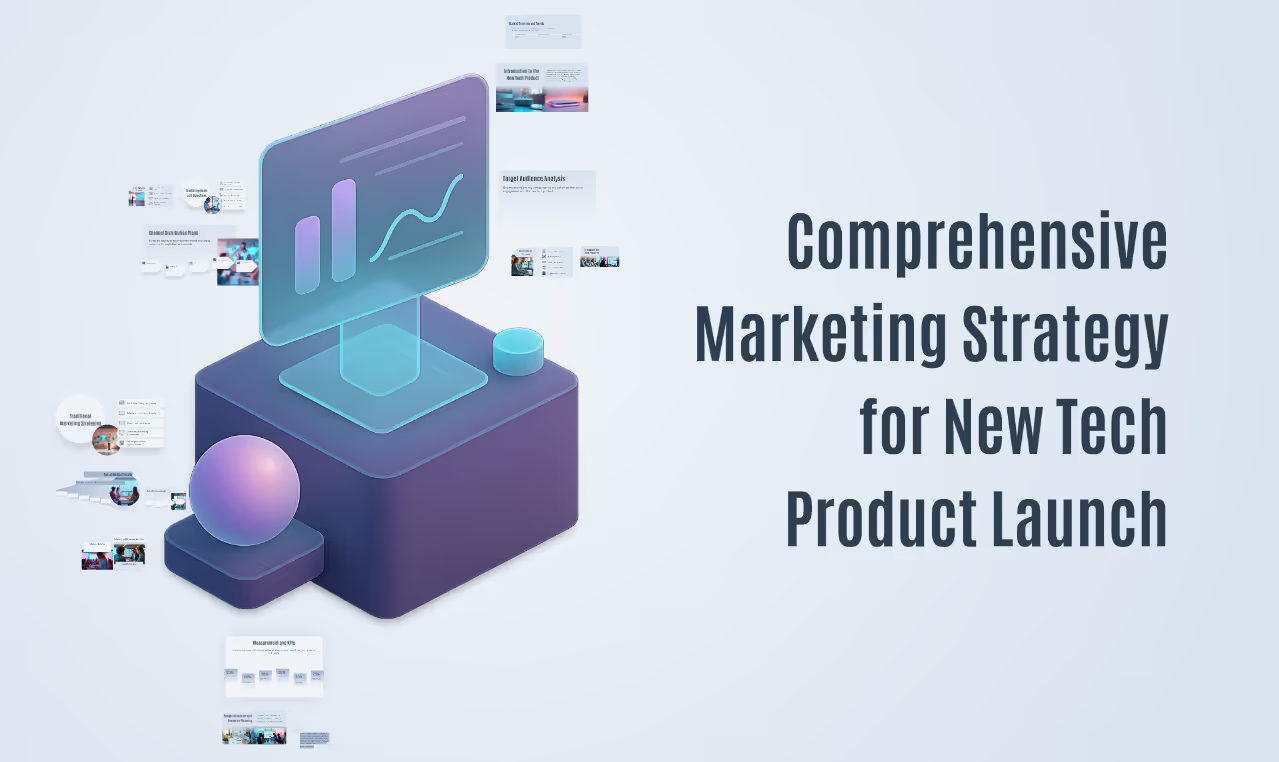
Marketing strategy: Product Launch
Develop a presentation outlining a comprehensive marketing strategy for the launch of a new tech product. Include target audience analysis, messaging, and channel distribution plans.
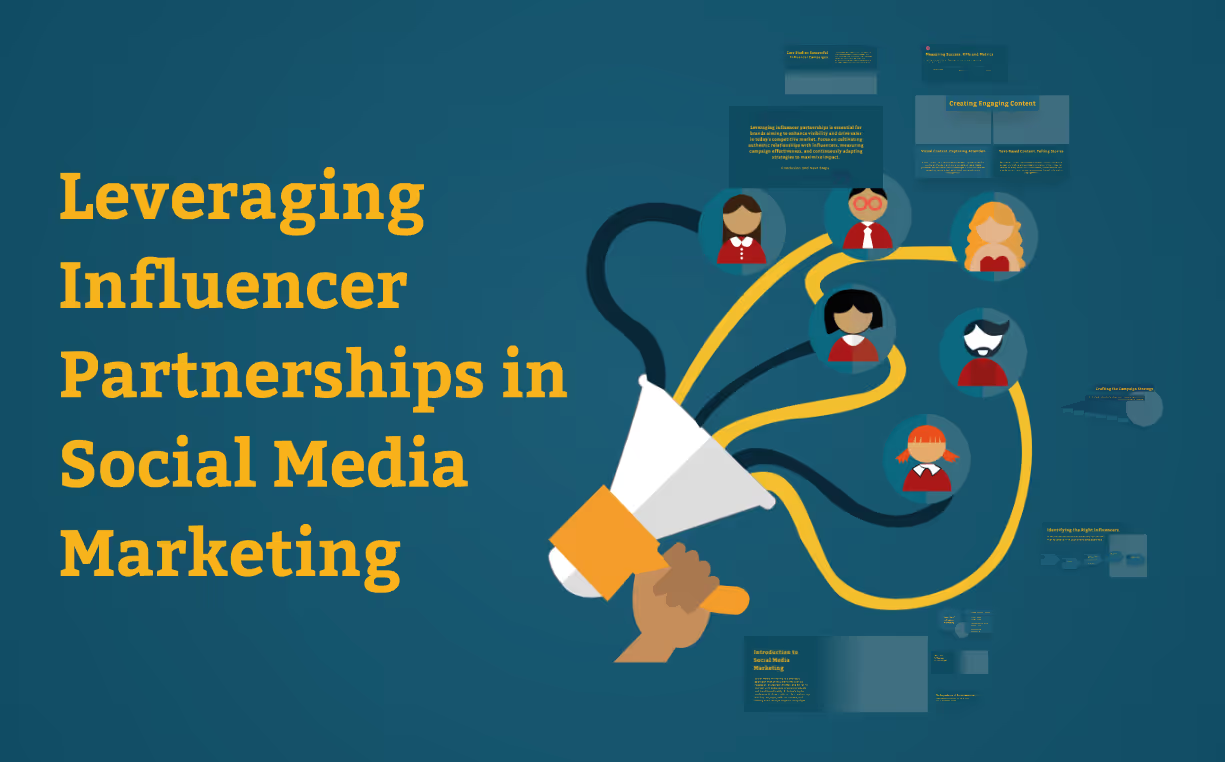
Social media marketing campaign: Influencer partnerships
Create a presentation outlining a social media marketing campaign that leverages influencer partnerships to increase brand awareness and drive sales.
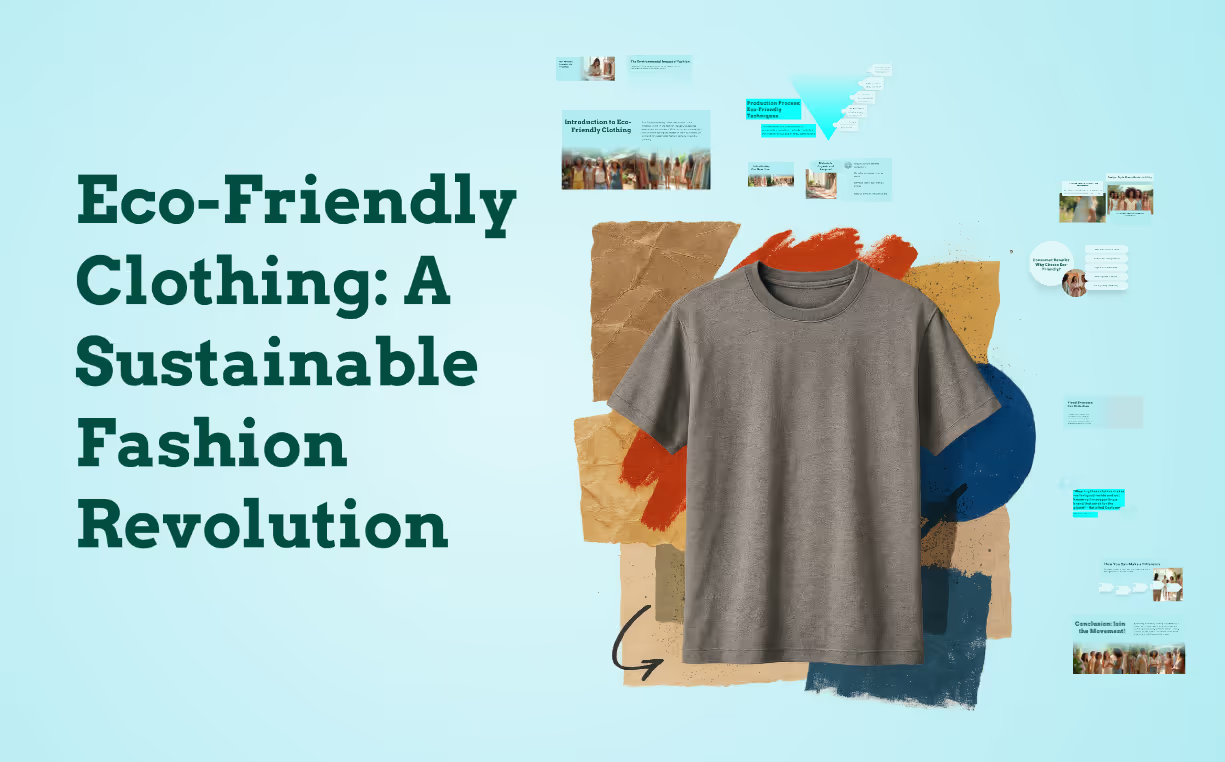
Eco-friendly fashion campaign
Design a presentation promoting a new line of eco-friendly clothing. Use strong visuals and persuasive language to appeal to environmentally conscious consumers.
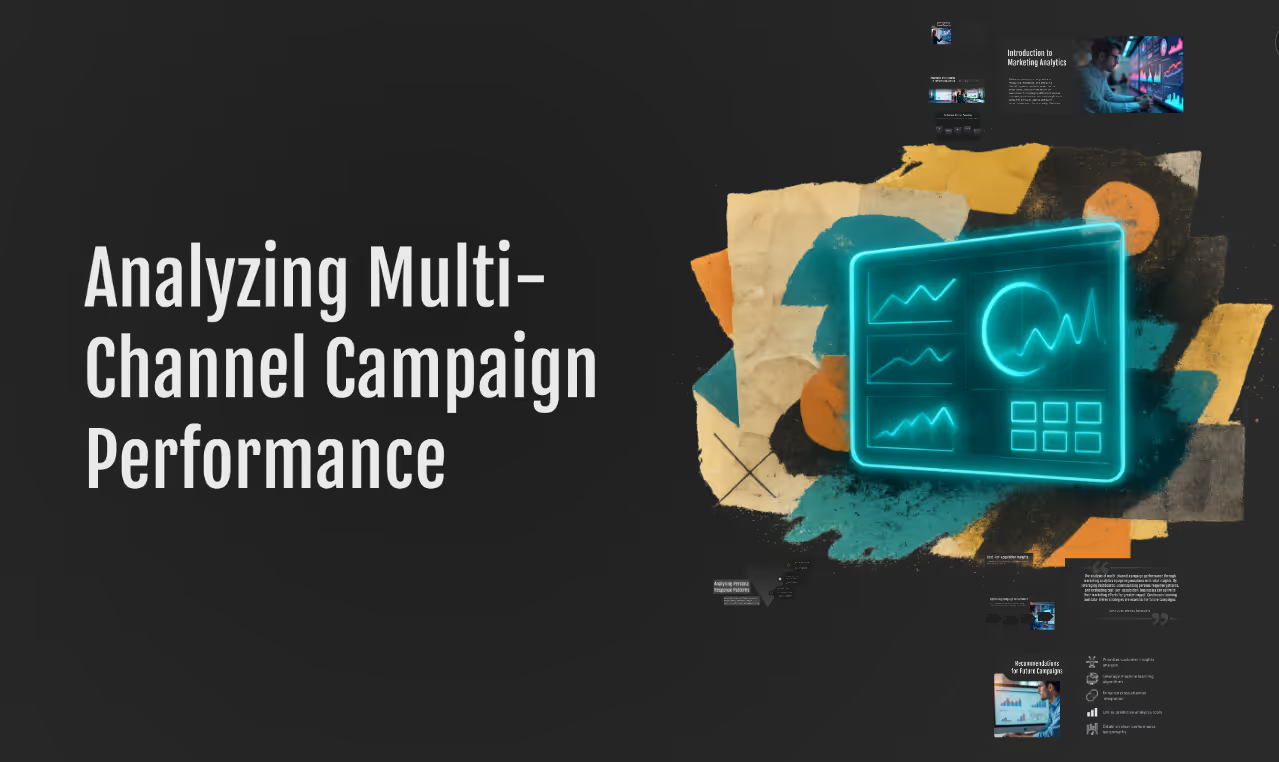
Campaign performance deep dive
Create a marketing analytics presentation that analyzes multi-channel campaign performance with dashboards, persona response patterns, cost-per-acquisition insights, and optimization recommendations.
The science behind our prompts
How we found the best prompts for you.

Billions of presentations analyzed
Prezi has the largest public presentation library in the world. Our team of professional designers looked at the real prompts people use to make these presentations, see how people actually present, and provided the best here.

91% positively improved work outcomes
We asked users like you how they use Prezi. The results speak for themselves; Prezi presentations help people stand out at work and get what they want. Prezi is what great presentations are.

50% present within a day
Most people create presentations the day they need, but it can take hours by hand. Prezi AI gets you that time back thanks to the world’s most advanced presentation AI. With the right prompts, Prezi helps people create fantastic presentations in literal seconds.

160M+ users
Prezi is used around the world for people’s big presentation moments. We studied how these consultants, teachers, sales pros, marketers, and more actually present to bring you the best presentations, faster.
Transforming your prompts
Prezi AI reads your prompts and transforms them into the world’s best presentations. Here’s how:
- ขั้นตอนที่ 1
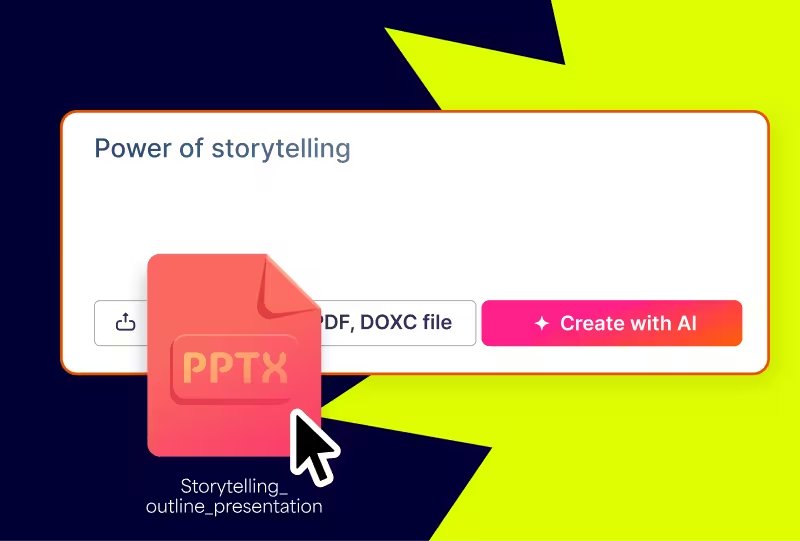
Analyze your topic
Prezi AI reads your prompt or file and analyzes it for themes, content, and structures to create your presentation.
- ขั้นตอนที่ 2
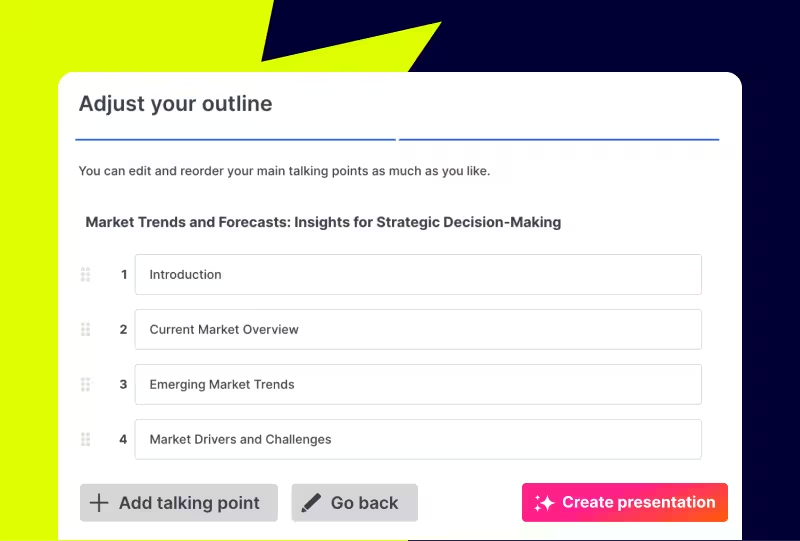
Creates an outline
From your topic, we create an outline with your topics and subtopics that covers everything you asked for and more.
- ขั้นตอนที่ 3
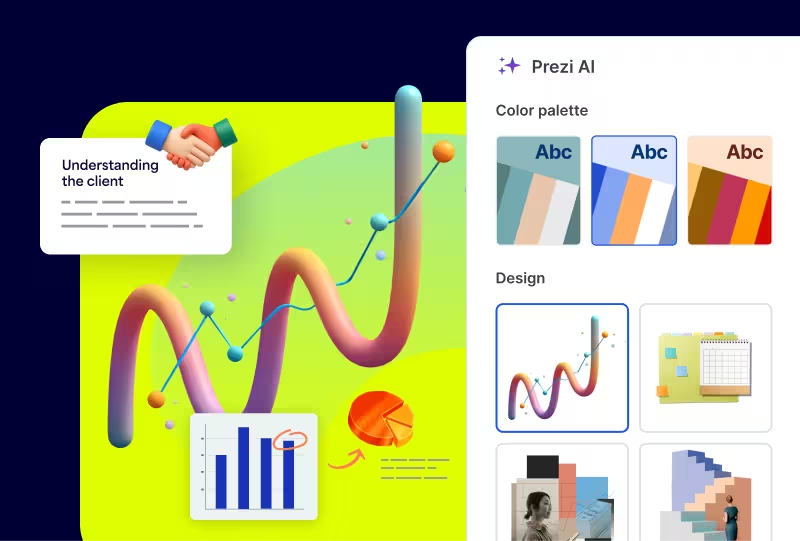
Builds your canvas
Once you’ve approved your outline, Prezi AI builds your zoomable presentation and content right in front of your eyes. Everything’s organized with easy presenting in mind, so you and your audience won’t want to look away.
Experience better presentations with Prezi
หยุดเสียเวลากับเทมเพลตและสไลด์น่าเบื่อ Prezi AI สร้าง ออกแบบ และช่วยให้คุณนำเสนอได้อย่างรวดเร็วและทรงพลังไร้คู่แข่ง มีงานวิจัยรองรับและเป็นที่ไว้วางใจจากผู้ใช้หลายล้านคน
Frequently asked questions
Are there prompt examples I can use to create marketing and brand strategy presentations faster?
Yes. Prezi AI includes prompt examples you can use to generate marketing and brand strategy presentations in minutes, instead of starting from a blank deck. To get the best results, start your prompt with what you are building and who it is for, then add the key sections you want. For example, you can ask Prezi AI to create a go-to-market or brand strategy deck with a target audience, positioning, messaging pillars, competitive landscape, and next steps. Prezi AI will generate a structured outline with draft content and design suggestions, and you can edit the outline before generating the full presentation so you stay in control.
How does Prezi AI use templates to create personalized presentations for marketing teams?
No need for templates with Prezi AI. Prezi AI uses your prompt or uploaded content to generate a presentation structure and then personalize the look and feel based on what you provide, including layout, colors, and relevant visual suggestions. For marketing teams, this means you can start with a campaign brief, messaging framework, or strategy notes, and Prezi AI will turn it into a polished first draft you can review and refine. You can edit the outline before generating the full presentation, adjust the copy and section order, and then apply brand styling so the final deck fits your audience and stays on-brand.
Why should I use Prezi AI for marketing proposals or strategy presentations?
Prezi AI helps marketing teams create stronger proposals and strategy presentations faster by turning a prompt or existing content into a polished first draft with clear structure, draft copy, and design suggestions.Instead of spending hours outlining and formatting, you can start with a campaign brief or proposal goals, generate a deck, and focus your time on refining the story and the specifics.It is also built for iteration. You can review and edit the outline before generating the full presentation, then adjust messaging, reorder sections, and tailor the content for a specific audience or client. If you want inspiration, you can reference prompt examples to quickly generate common marketing deliverables like brand strategy decks, go-to-market plans, and client proposals.