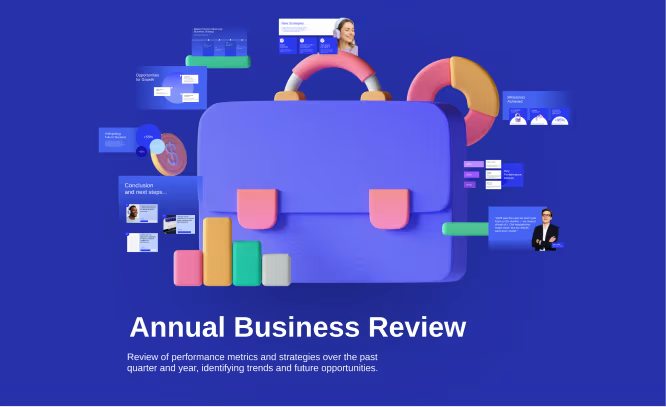
งานนำเสนอที่สร้างโดย AI ออกแบบมาเพื่อคุณ
สร้างงานนำเสนอที่กำหนดเองได้ในไม่กี่วินาทีด้วย Prezi AI ไม่จำเป็นต้องมีทักษะการออกแบบ
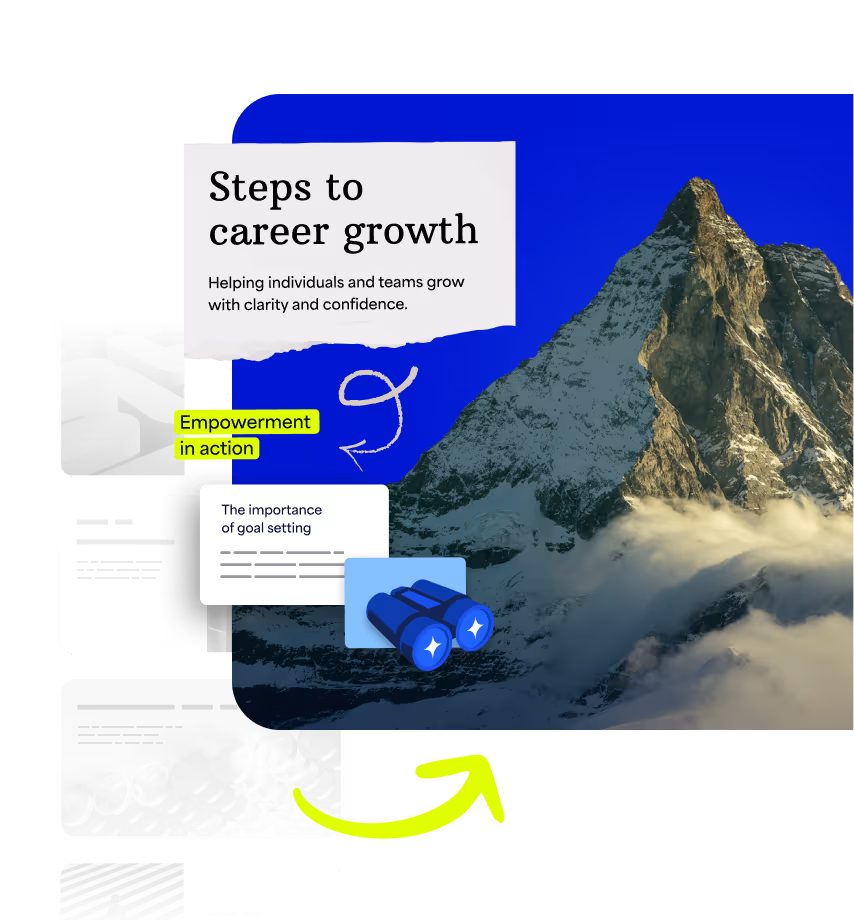
ทำให้แนวคิดของคุณมีชีวิตชีวา
อัปโหลดไฟล์ของคุณหรือเริ่มต้นด้วยหัวข้อ Prezi AI จะสร้างงานนำเสนอที่ปรับแต่งเฉพาะสำหรับคุณ ซึ่งมีภาพที่มีชีวิตชีวาและพิสูจน์แล้วว่าดึงดูดความสนใจได้
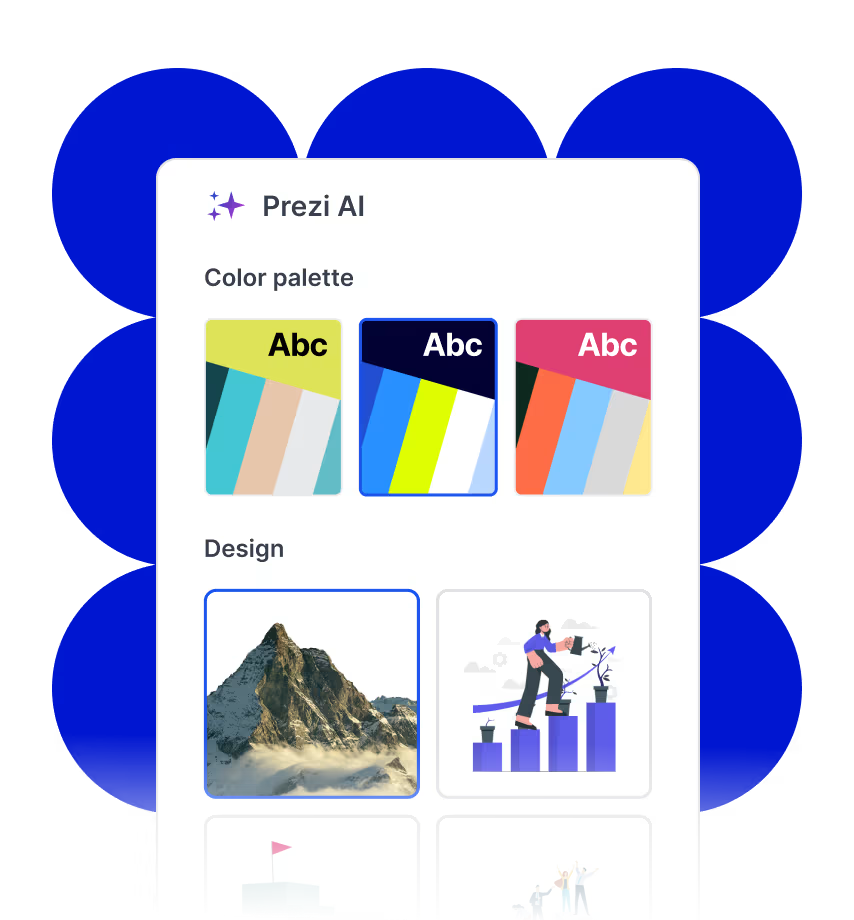
สร้างสรรค์ด้วยความมั่นใจ
Prezi AI คือผู้ออกแบบส่วนตัวด้วย AI ของคุณ ที่นำเสนอตัวเลือกเลย์เอาต์และการออกแบบอัจฉริยะที่ปรับให้เหมาะกับไอเดียของคุณ เป็น AI ที่สร้างมาเพื่อการนำเสนอโดยเฉพาะ
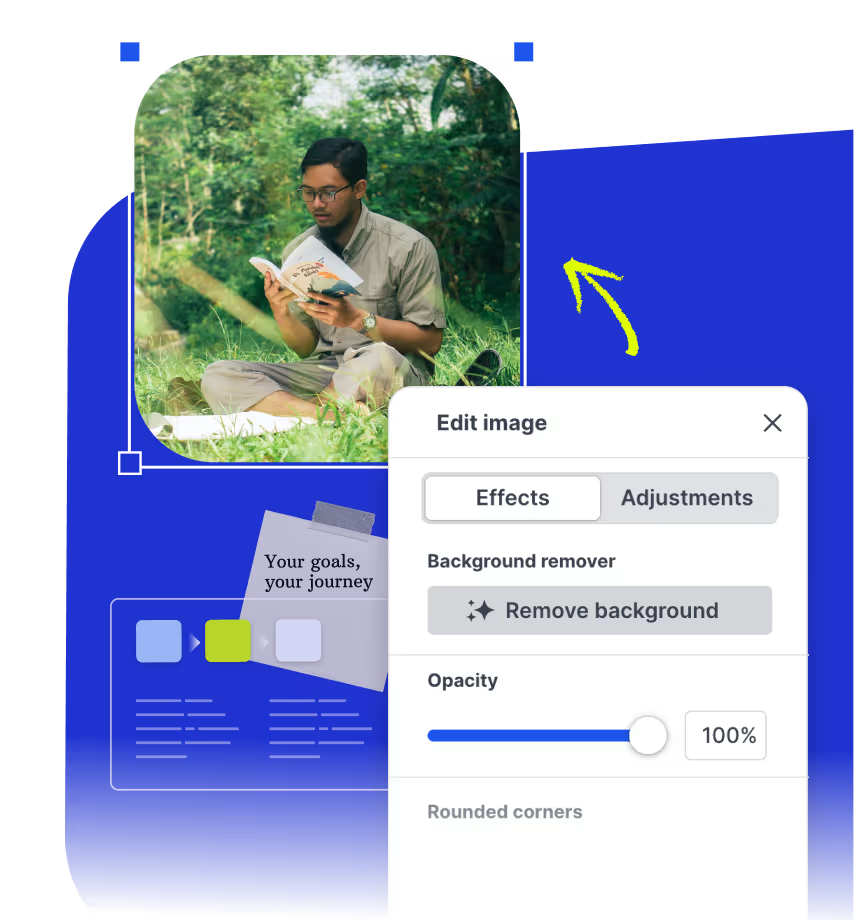
ปรับปรุงและนำเสนออย่างชาญฉลาด
รับคำแนะนำการเขียนด้วย AI แบบเรียลไทม์ คำแนะนำด้านภาพ และภาพที่สร้างขึ้นในขณะที่คุณสร้างงานนำเสนอของคุณ คุณยังคงควบคุมได้ Prezi AI เพียงแค่ทำให้มันง่ายขึ้น
ผู้ออกแบบงานนำเสนอด้วย AI ระดับผู้เชี่ยวชาญ สร้างขึ้นเพื่อคุณ

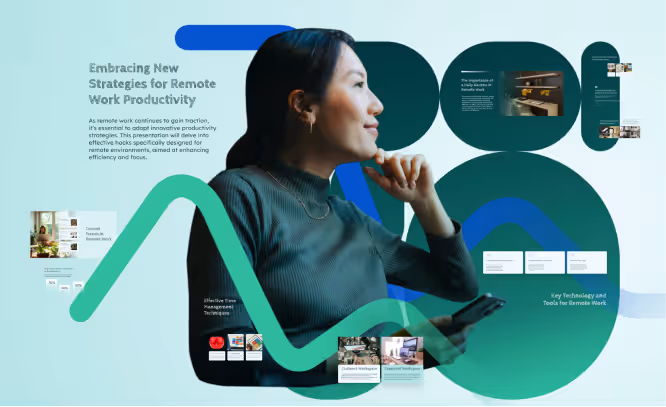
สร้างเซสชันการฝึกอบรมสำหรับทีมระยะไกลที่ชาญฉลาดและน่าสนใจ พร้อมเครื่องมือ เทรนด์ และเคล็ดลับที่นำไปใช้ได้จริง
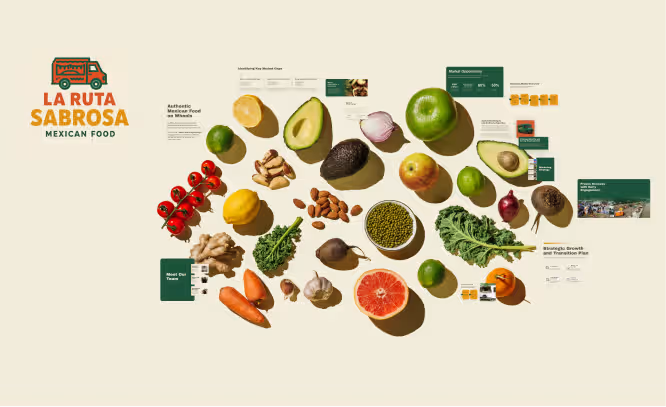
พรีเซนต์คอนเซ็ปต์รถฟู้ดทรัคอาหารเม็กซิกันของฉันที่เน้นวัตถุดิบสดใหม่และไอเดียที่ยิ่งสดกว่า ใส่แผนการเติบโตที่ชัดเจนและภาพประกอบที่ดึงดูดใจด้วย
นำเสนอแผนการตลาดเชิงสร้างสรรค์สำหรับแบรนด์เทคโนโลยีที่เน้น KPI ล่าสุด แนวโน้มตลาด และทิศทางถัดไป
สร้างสคริปต์นำเสนอการขายแบบขับเคลื่อนด้วยข้อมูลสำหรับบริษัทการเงินของฉัน โดยเน้นชัยชนะที่สำคัญ แนวโน้ม และโอกาสในการหาลูกค้าใหม่
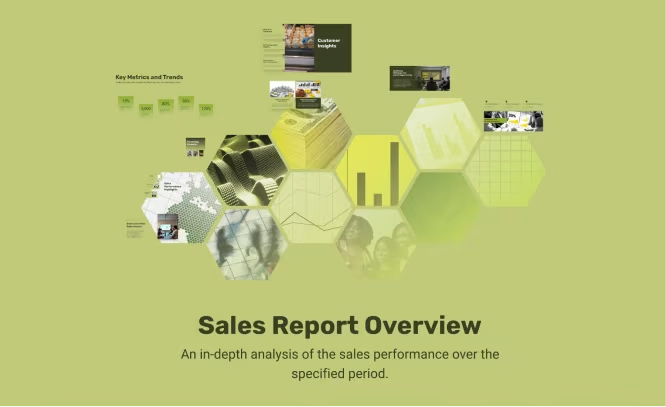
วิเคราะห์ตัวชี้วัดผลงานและกลยุทธ์เพื่อการทบทวนธุรกิจพัฒนาที่รอบด้าน คาดการณ์ขั้นต่อไปด้วยภาพกราฟิกที่โดดเด่น แผนภูมิ และข้อสรุปที่ชัดเจน
อัปโหลดไฟล์ของคุณ รับไฟล์ที่ดีกว่ากลับมา
อัปโหลดโครงร่างหรือการนำเสนอปัจจุบันของคุณ และ Prezi AI จะเปลี่ยนให้เป็นประสบการณ์การนำเสนอแบบภาพยนตร์ที่พร้อมใช้งาน
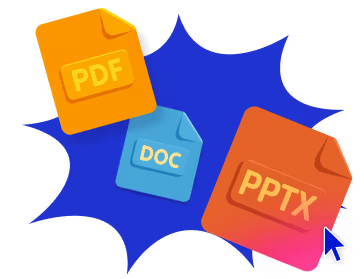
- ขั้นตอนที่ 1
ป้อนไอเดียของคุณ
พิมพ์ไอเดียของคุณ วางเนื้อหาของคุณ หรืออัปโหลดไฟล์ของคุณ Prezi AI จะสร้างโครงร่างที่ปรับแต่งเฉพาะสำหรับคุณทันทีตามเนื้อหาของคุณ
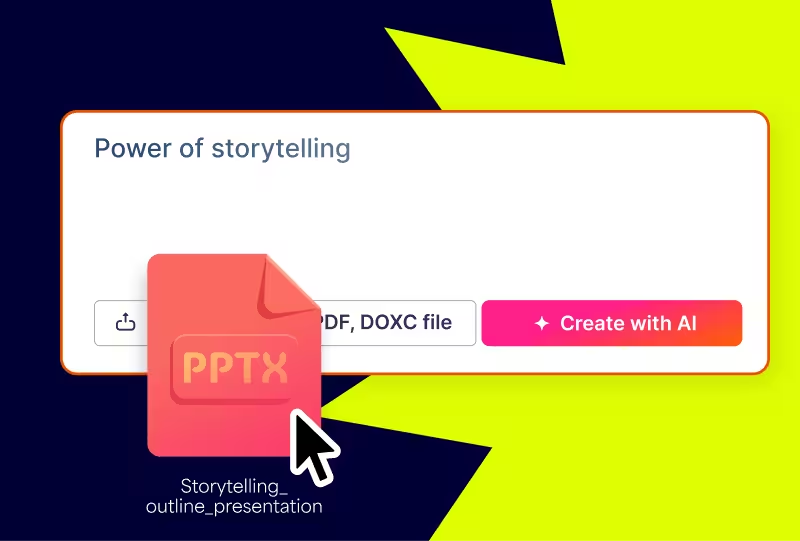
- ขั้นตอนที่ 2
ปรับโครงร่างของคุณ
รับแผนที่เป็นระเบียบสำหรับการนำเสนอของคุณก่อนเริ่มออกแบบ จัดเรียงและแก้ไขโครงร่างของคุณได้อย่างง่ายดายเพื่อการเริ่มต้นที่สมบูรณ์แบบ
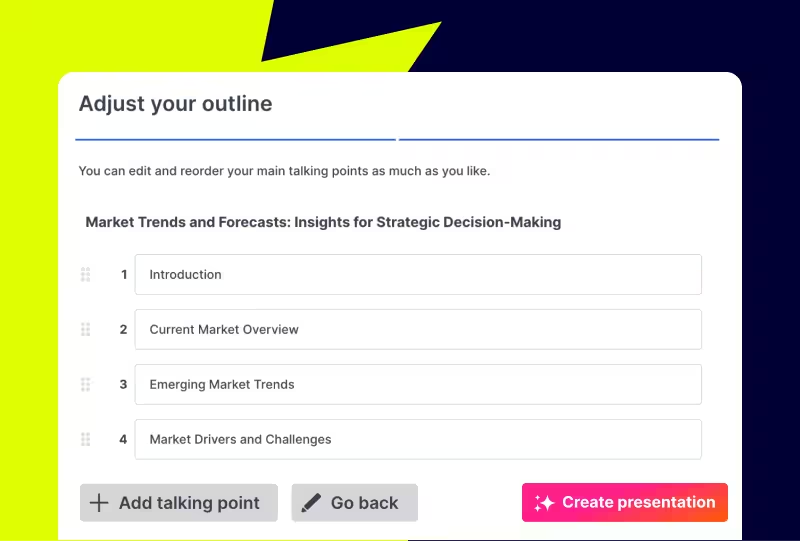
- ขั้นตอนที่ 3
ทำให้เป็นของคุณ
ปรับแต่งรูปลักษณ์และความรู้สึกของงานนำเสนอที่คุณสร้างขึ้นใหม่ เลือกสไตล์ของคุณ เลือกรูปภาพ และใช้แบรนด์ของคุณด้วยการคลิกปุ่มเพียงครั้งเดียว
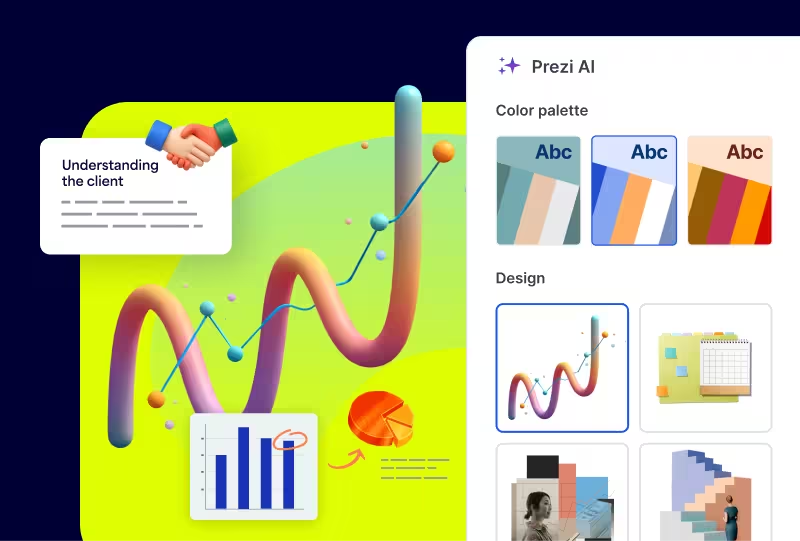
ไอเดียของคุณ ขับเคลื่อนด้วย AI
เครื่องมือ AI ทั้งหมดที่คุณต้องการสำหรับงานนำเสนอที่คุณต้องการ
เปลี่ยนแปลงงานของคุณได้ทันที
แปลงเนื้อหาของคุณให้กลายเป็นภาพที่น่าทึ่งโดยอัตโนมัติ เช่น แผนผังลำดับงาน รายการแบบภาพ และเรื่องราวแบบซูม พิสูจน์แล้วว่าดึงดูดผู้ชมของคุณได้ดีกว่า
เขียนอย่างชาญฉลาดด้วย AI
ปรับแต่งข้อความของคุณได้ในคลิกเดียว ยืด ย่อ ปรับแต่ง และทำให้ข้อความของคุณเรียบง่ายเพื่อสื่อสารได้อย่างสมบูรณ์แบบ
สร้างภาพที่สมบูรณ์แบบทุกครั้ง
สร้างภาพที่ตรงกับข้อความของคุณได้อย่างแม่นยำด้วย Prezi AI หรือค้นหาจากคลังภาพกว่า 150 ล้านภาพของเรา
"Prezi เป็นแพลตฟอร์มที่ดึงดูดความสนใจได้มากกว่าและทำให้ผู้คนตั้งใจฟังมากกว่าสไลด์แบบเดิมๆ"
จอห์น เอ็ม."Prezi ทำให้การสร้างงานนำเสนอมีความเครียดน้อยลงมากด้วยเครื่องมือที่ใช้งานง่าย หากคุณมีเวลาจำกัด การใช้ฟีเจอร์ AI เพื่อสร้างงานนำเสนออย่างรวดเร็วนั้นมีประโยชน์มาก"
Jackie D.“นี่คือเครื่องมือที่จะทำให้คุณก้าวนำผู้อื่น ทำให้คุณดูเป็นมืออาชีพ และทำให้ไอเดียของคุณโดดเด่นขึ้นมา”
ฆาเวียร์

ดึงดูดความสนใจด้วยงานนำเสนอที่ขับเคลื่อนด้วย AI
คำถามที่พบบ่อย
Prezi AI ทำงานอย่างไร?
Prezi AI, an AI presentation maker, combines decades of design expertise and AI technology to build custom presentations from your ideas or files. It handles layout, flow, and visuals so you can focus on your message and create fast.
ฉันสามารถอัปโหลดสไลด์หรือเอกสารของฉันได้หรือไม่
Yes. Upload PDF, DOCX, and PPTX files and Prezi AI turns them into engaging, dynamic presentations in seconds.
ฉันต้องมีทักษะด้านการออกแบบหรือไม่
No design skills required. Prezi AI’s smart design assistant takes care of design details while keeping your creative control intact. Every decision you make will be the right one.
ฉันสามารถแก้ไขสิ่งที่ Prezi AI สร้างขึ้นได้หรือไม่
Of course. You can change any part of your AI-generated presentation at any time, with or without Prezi AI’s help. You’ve got full control.
Prezi AI ใช้งานฟรีหรือไม่
Yes! You can explore every feature of Prezi AI for free with AI credits. Upgrade any time for unlimited Prezi AI use and infinite presentations.
โปรแกรมสร้างงานนำเสนอด้วย AI คืออะไร?
AI presentation makers like Prezi AI are tools that transform prompts into presentations. Our AI presentation tool, Prezi AI, stands out because it’s trained on the largest public presentation repository available and refined by our team of expert designers. Prezi AI also uses a distinct, moving layout that’s proven to capture attention better.