Зробіть свої презентації найкращими серед усіх
Prezi AI допомагає створювати бездоганні, ефектні презентації за лічені секунди. Без стресу, без навичок дизайну.

Презентації, що вражають, без нічних марафонів
Створюйте A+ контент за допомогою простих підказок. Просто введіть свою ідею, а решту зробить Prezi AI.

Створіть групову презентацію для 9-го класу на тему відновлюваної енергії. Додайте розділи про популярні види відновлюваної енергії та поясніть, як вони працюють.
Підготуйте звіт про моє дослідження впливу часу перед екранами на дорослих. Включіть опис теми, методологію, збір даних (інтерв’ю, фокус-групи), теоретичні підходи та графік реалізації проєкту.
Створіть візуальну презентацію для простеження походження, винайдення та соціального впливу стікера Post-it. Включіть винахідників, хронологію, історичний контекст і суспільні зміни.
Розробіть урок про те, як елементи класифікуються в періодичній таблиці, відмінності між металами, неметалами та металоїдами, а також як характеристики, такі як атомна структура, реакційна здатність та хімічний зв'язок, визначають їхню поведінку.
Вже маєте вміст?
Завантажте свій план або наявну презентацію, і ми перетворимо її на презентацію рівня A+.

89%
Порекомендувати Prezi іншим студентам

4 з 5
Віддавайте перевагу Prezi, а не PowerPoint, Canva чи Google Slides

95%
Вважали Prezi AI корисним для навчання

4 з 5
Зекономив понад 30 хвилин на шкільних завданнях




Створено для студентів, на основі ШІ
Від ідеї до оцінки A+
Почніть з ідеї, плану чи PDF і отримайте нову презентацію за кілька секунд. Ви навіть можете конвертувати наявні слайди для простого старту.
Нехай ваша робота задає планку
Зосередьте увагу вчителя й однокласників на собі за допомогою візуального сторітелінгу та кінематографічного руху. Більше ніякого «відключення» через нудні списки маркерів.
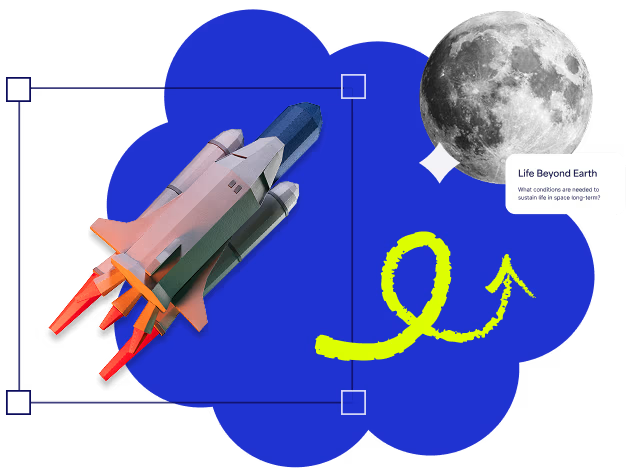
Виділяйтеся серед однокурсників
Перетворюйте статичний контент на інтерактивні розповіді, часові шкали та діаграми одним натисканням кнопки. Студентські презентації ніколи ще не виглядали так добре.
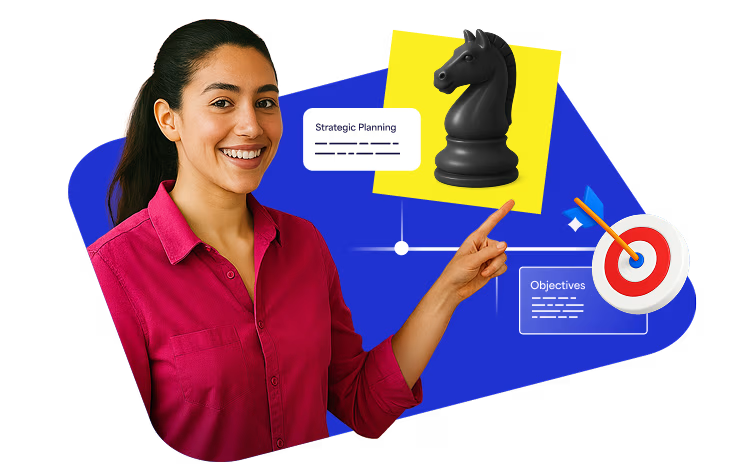
Отримайте AI-дизайнера поруч із собою
Prezi AI допомагає вам писати, оформлювати та ілюструвати ваші презентації. Отримуйте ідеальні рекомендації, адаптовані до вашого контенту, щоб кожен вибір був правильним.
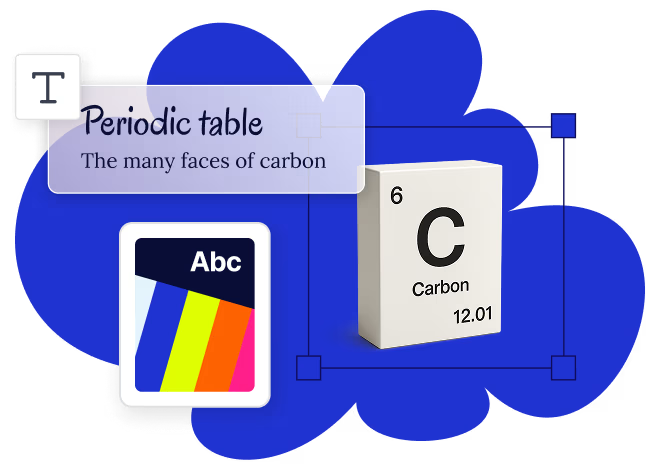
Відгуки студентів
«Я користувався Prezi майже для всіх своїх презентацій протягом навчання. Я провів експеримент: зробив однакову презентацію — з тією ж інформацією, тим самим оформленням, але на різних платформах. І все ж із Prezi я отримав A+, а з PowerPoint — B. Prezi справді вражає»
Aleasha L.«І в старшій школі, і в університеті Prezi допомагав мені послідовно робити презентації, які вирізнялися, — навіть з предметів, які давалися важко. Професори були настільки вражені, що часто просили мене пояснити сам інструмент».
Блер М."Prezi AI не лише зробив мою роботу швидшою й простішою, а й підніс естетику моїх презентацій на новий рівень. Завдяки можливостям Prezi AI це був великий успіх у класі."
Дані В.
Працює так, як зручно саме вам навчатися
Покажіть свої навички в будь-якому класі, будь-коли.

Працює на ваших пристроях
Prezi працює на Chromebook, iPad, Smartboard та інших пристроях. Додаткові налаштування не потрібні.

Створений для будь-якого завдання
Чи то для презентацій у класі, групових проєктів чи відео — Prezi адаптується до ваших потреб.

Оживіть свій контент
Використовуйте Prezi Video для презентацій поруч із вашими візуальними матеріалами. Ідеально підходить для віртуальних, гібридних або записаних уроків.
Знижки до 80%

Запитання та відповіді
Чи є Prezi безкоштовним для студентів?
Yes, Prezi offers a free plan where you can get access to Prezi’s AI features, including AI presentation creation, image generation, and text editing. If you want to unlock unlimited access, you can sign up for an EDU Plus or EDU Pro subscription.
Чому Prezi — розумний вибір для студентів?
Prezi's unique format helps you create interactive presentations that will impress and captivate the attention of your peers and teachers. With Prezi AI, you can upload a file or add a few ideas, and it will generate a classroom-ready presentation within seconds. This makes Prezi a powerful AI presentation tool for students who want to save time and focus more on their ideas than on slide design.
Чи можуть студенти використовувати ШІ для створення презентацій у Prezi?
Yes. Prezi works as an AI presentation maker for students, helping you turn notes, essays, or prompts into a complete presentation in seconds. It’s an example of AI that creates presentations for students, perfect for tight deadlines and group projects. You stay in control by reviewing and editing the outline before finalizing your presentation.
Які типи презентацій можуть створювати студенти за допомогою Prezi?
Prezi works for any academic presentation, including class projects and group assignments, research presentations and thesis defenses, book reports and literature reviews, science fair projects and lab presentations, college application portfolios, and student organization pitches. Check out our AI prompt library to see examples of what other students have added to the prompt box.
Чи є Prezi одним із найкращих AI-сервісів для створення презентацій для студентів?
Prezi is designed to help students create memorable AI presentations without design experience. With interactive visuals, AI-powered content creation, and easy editing, it’s one of the best AI presentation makers for students who want to stand out in class.