Create powerful AI presentations in seconds
Everything you need to create custom presentations, powered by AI.
Trusted by organizations that know the power of great presentations




Where good ideas become amazing presentations
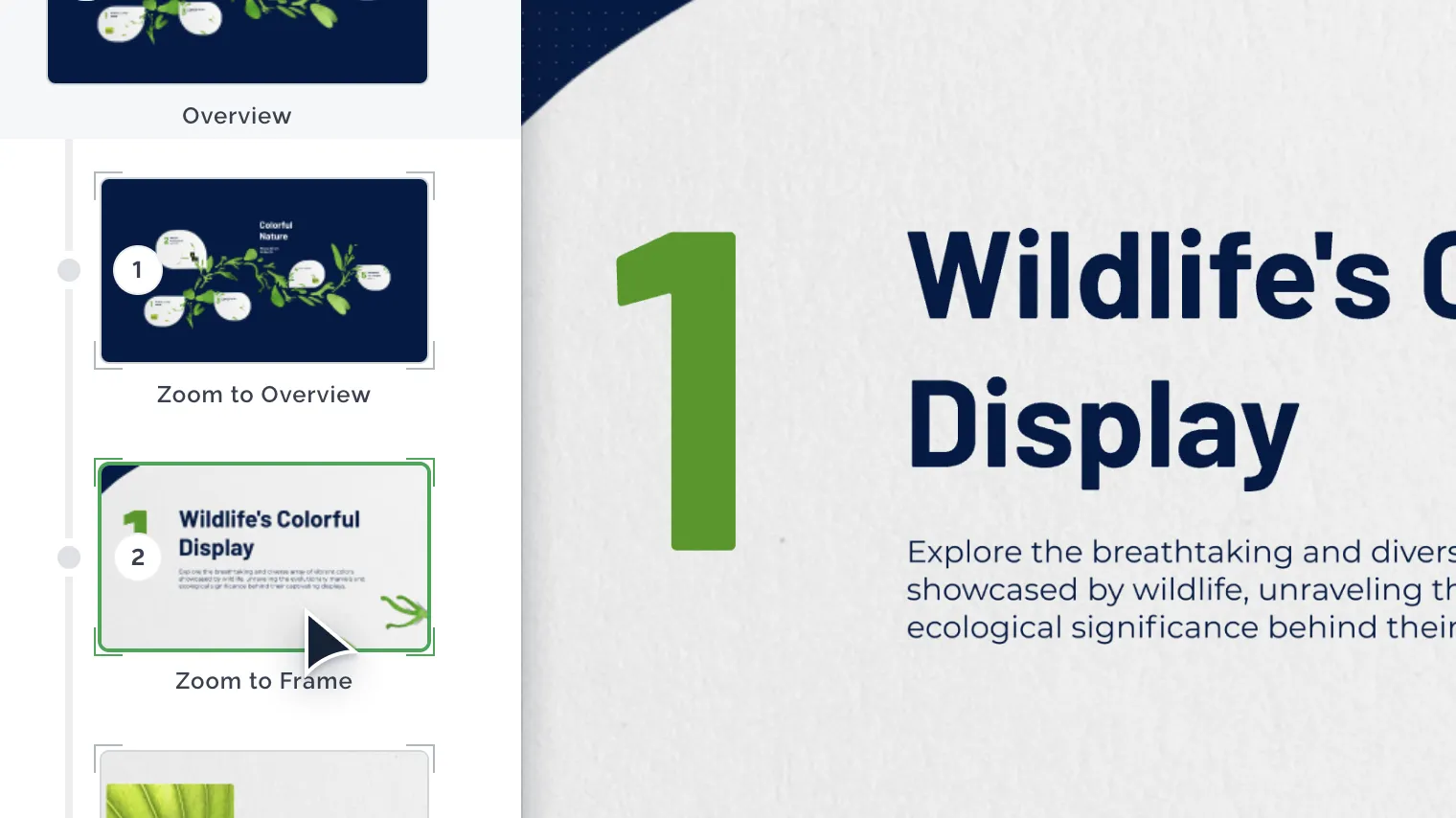
Create on an open, zoomable canvas.
Go from idea to ready-to-present in seconds.
Everything you need to inspire
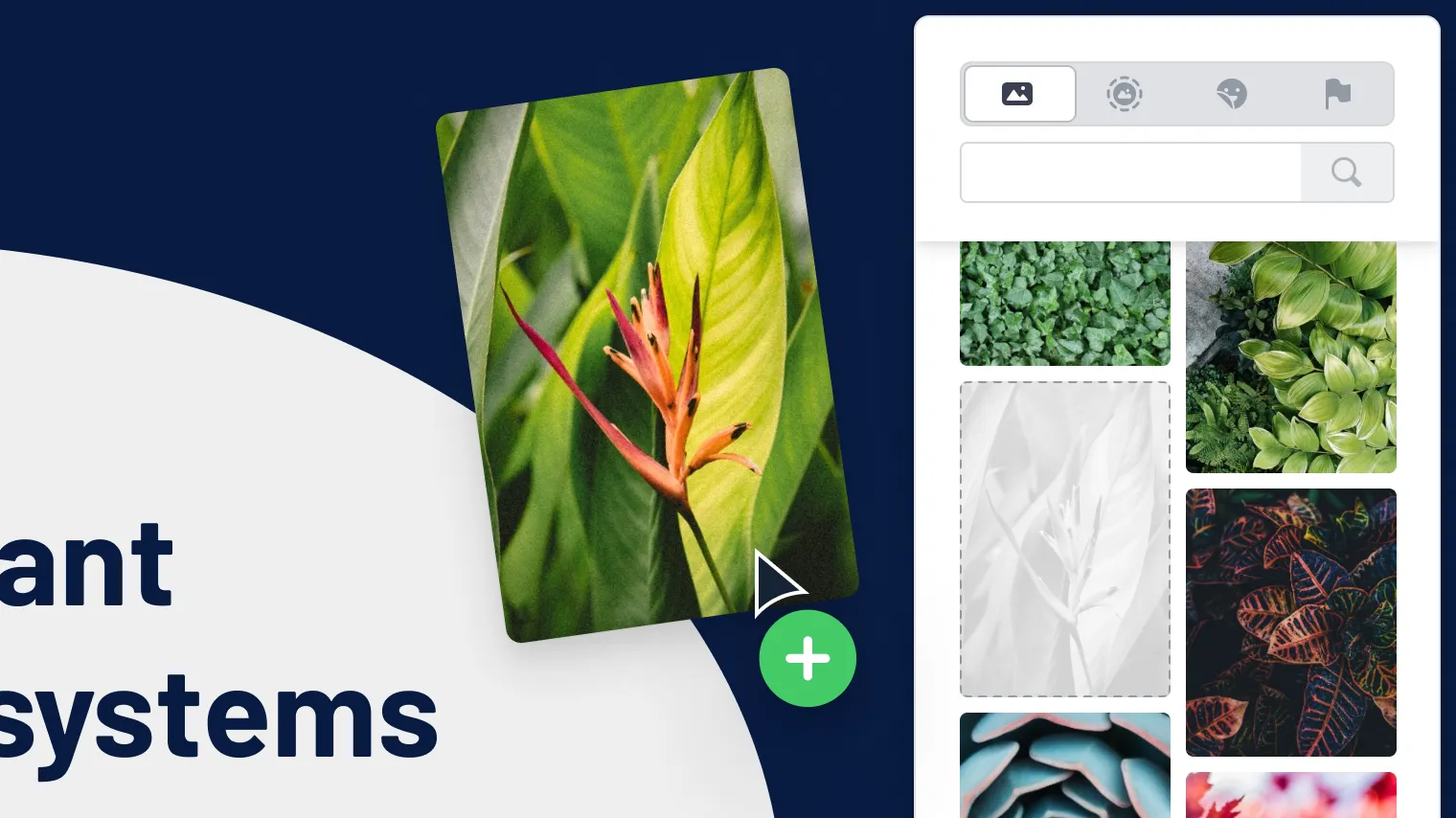
Upload images, PDFs, GIFs, and videos to make your presentation yours.
Choose from millions of premium images, GIFs, icons, and stickers from Unsplash and Giphy.
Be the center of attention
It’s you and your presentation together on screen — the easiest way to drive engagement in your hybrid and virtual meetings. Use your web camera to put yourself in the background of your presentation.

Present live over video conference
Share a link anywhere
Record and download
Works with your favorite video conferencing tools


A head start for any project
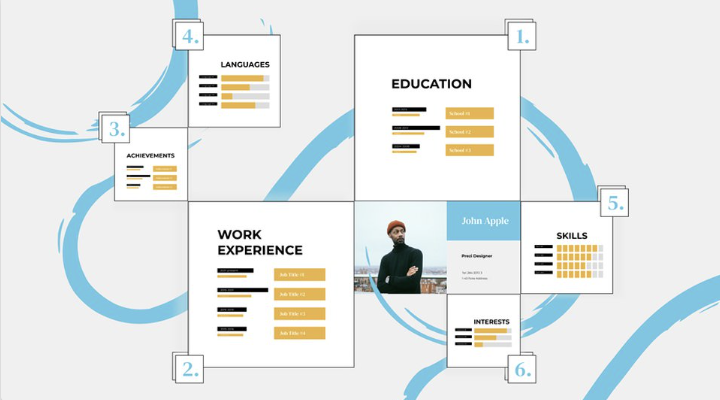
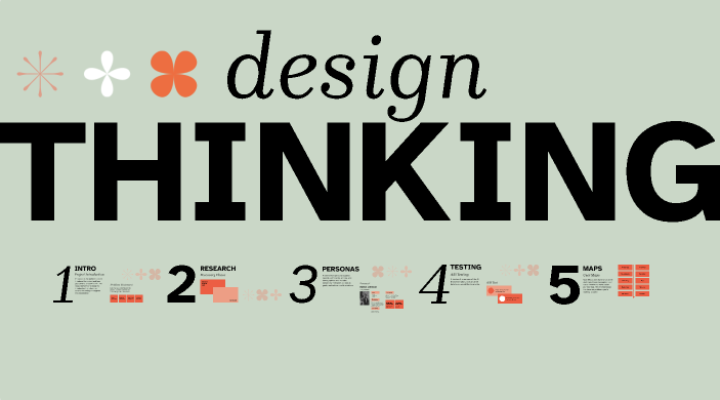
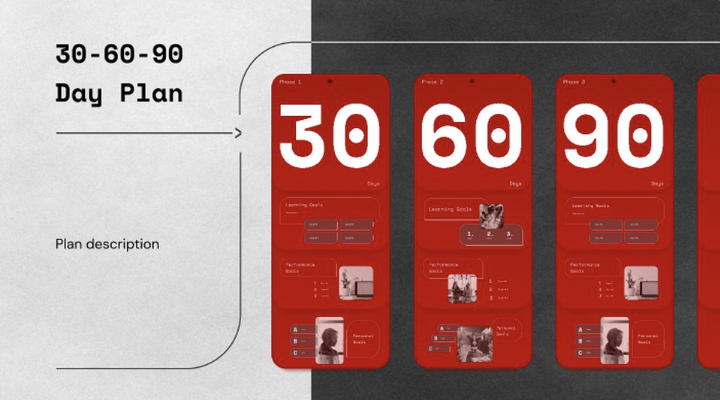
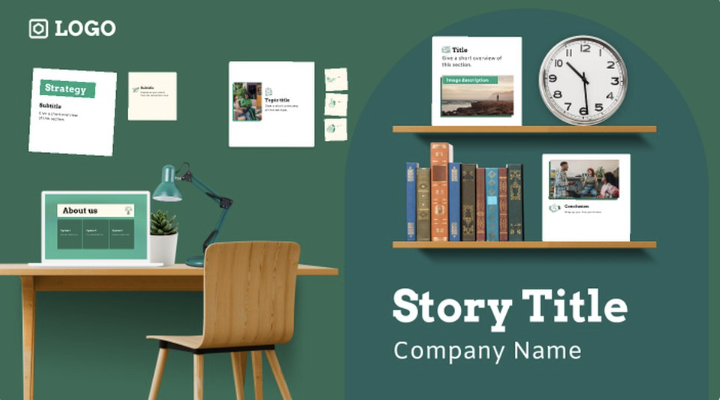
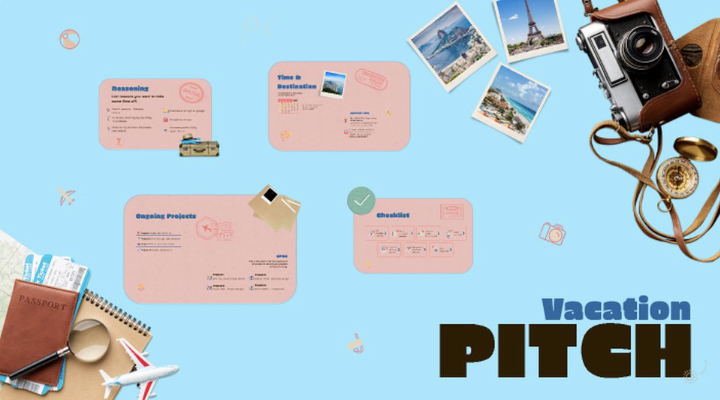
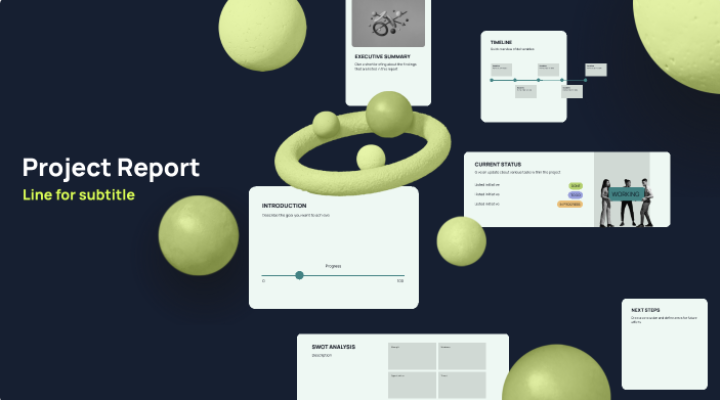
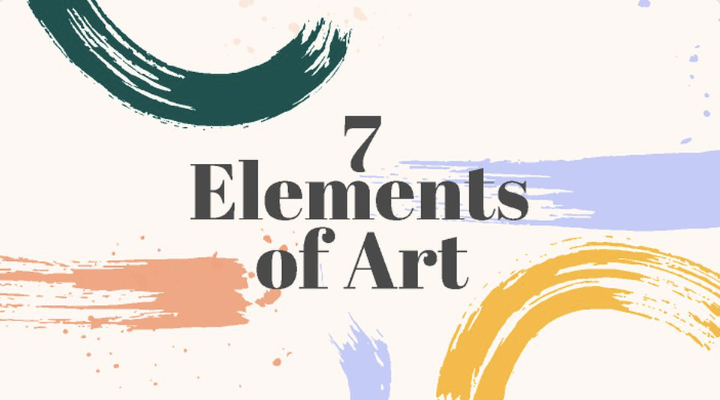
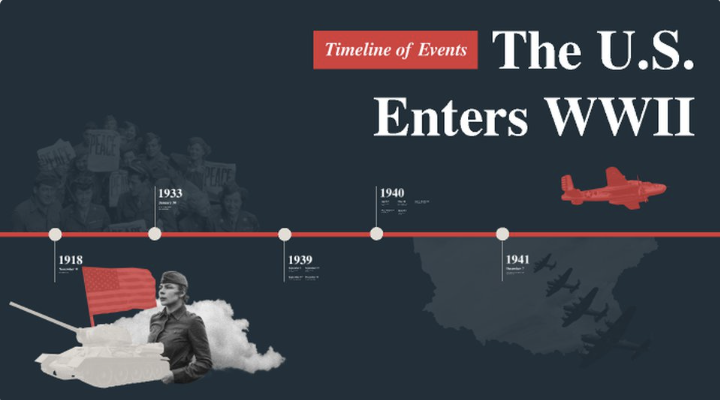
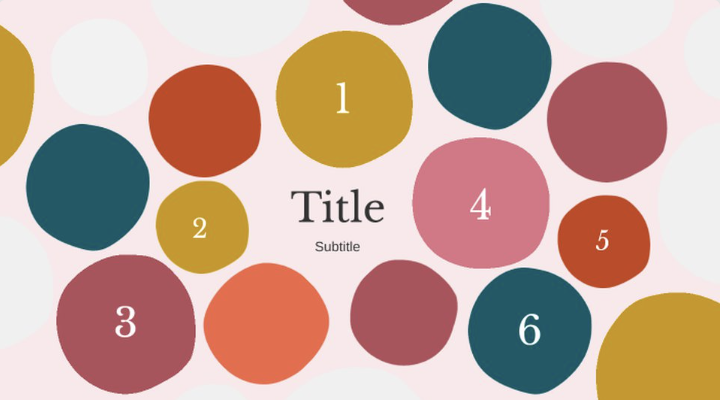
Jump-start your presentations with professionally designed templates. From building a pitch deck to crafting a lesson or telling a visual story, we have you covered.
There's even more to Prezi
Prezi has the features you expect and more to make your next presentation your best.
PowerPoint import
Turn your slides into engaging presentations.
Brand kit
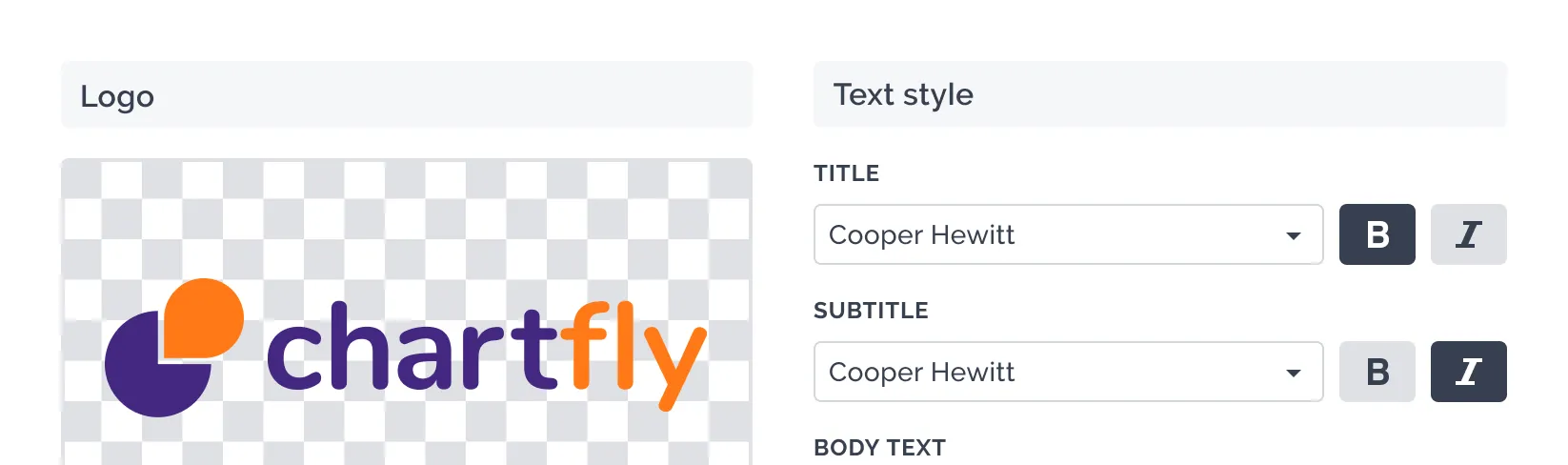
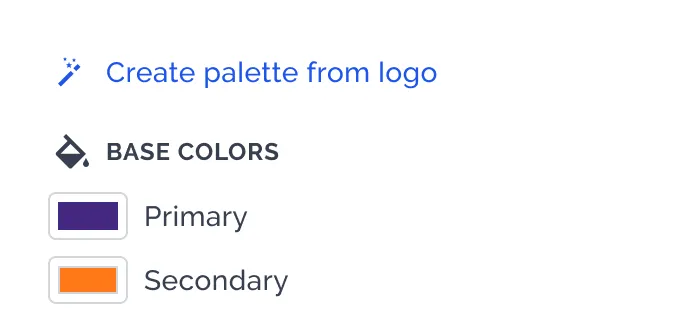
Create, customize, and save your own color themes that you can apply to any content.
Premium assets
More than 80,000 icons and 500,000 images to help you create impactful visual feasts.

Analytics
See what's resonating with viewers and how much time they spend on each frame.

Charts
Make interactive charts, maps, and graphics that bring your story to life.


Presenter view
See presenter notes, a helpful timer, and content cues to keep you on track.

Export to PDF
Save each frame of your presentation as a PDF to print or share.

Privacy controls
Keep control of your team’s content, even when someone leaves.

Advanced image editing
Crop, resize, and adjust your images without using another app.

Phone support
Our customer success experts are standing by to help.

Offline access
Work offline with our Desktop app or download your presentation to present if you don’t have wifi.
Bring the power of Prezi to your team
Prezi has the features you expect and more to make your next presentation your best.

Frequently asked questions
How do I create a presentation with Prezi?
Getting started is simple. Sign up at prezi.com and choose how you want to create: use Prezi AI to generate a presentation in seconds by uploading a file or adding a prompt, start with one of our professionally designed templates, or build from scratch on Prezi's open canvas. You can upload images, PDFs, GIFs, and videos, choose from millions of premium assets from Unsplash and Giphy, or generate your own AI images.
How do AI presentation makers work?
AI presentation makers convert your input (a prompt, outline, or document) into a structured presentation. They typically generate a title, agenda, key points, and suggested slide content, then help you refine wording, layout, and visuals. Prezi AI follows this flow and keeps the output editable so you can quickly make it accurate and on-brand. Prezi takes it a step further by creating a custom design, tailored to your content.
How do AI presentation makers work?
AI presentation makers convert your input (a prompt, outline, or document) into a structured presentation. They typically generate a title, agenda, key points, and suggested slide content, then help you refine wording, layout, and visuals. Prezi AI follows this flow and keeps the output editable so you can quickly make it accurate and on-brand. Prezi takes it a step further by creating a custom design, tailored to your content.
What are Prezi’s AI presentation maker features?
Prezi AI helps you create a presentation faster by generating a draft from a prompt or uploaded content, then giving you tools to refine it. Key features include AI-assisted slide creation, editing, and visual enhancement so you can go from idea to presentation without starting from scratch.
Is Prezi free to use?
Prezi offers a free plan that includes access to basic features and AI capabilities. For unlimited access to premium templates, advanced features like analytics and the ability to download and present offline, you can upgrade to a paid plan.
Where can I find Prezi templates?
Prezi AI designs presentations based on your content, so you don’t have to start from templates. Upload a file or enter a short prompt to generate a presentation for pitch decks, lessons, marketing demos, business reports, and more. You can explore our AI prompt library to get inspired.
What can I upload to generate a presentation with Prezi AI?
You can start from a prompt or upload existing materials, like a PPT or PDF, so Prezi AI can generate a draft based on your content. This is useful when you already have notes or a document and want to turn it into a presentation quickly.
Can I use Prezi with PowerPoint?
Yes. You can import a PowerPoint file into Prezi and turn it into a more engaging presentation that you can continue editing. You can also export your finished presentation as a PPT when you need to share or present in PowerPoint format.
Can I present Prezi offline?
Yes, you can work offline with the Prezi Desktop app or download your presentation to present without Wi-Fi. This ensures you're never caught without access to your content, whether you're traveling, presenting in locations with unreliable internet, or simply want a backup option.
Will the AI-generated presentation be editable and accurate?
Yes, the output is fully editable, and you should review and adjust it before presenting. Prezi AI is designed to speed up drafting and structure, while you stay responsible for accuracy, clarity, and final messaging.

Commenting
Easily collaborate on presentations by adding comments on frames.