Create powerful AI presentations in seconds
Minden, amire szükséged van egyéni Előadások létrehozásához, mesterséges intelligenciával támogatva.
Olyan szervezetek bizalmát élvezzük, amelyek ismerik a nagyszerű prezentációk erejét




Where good ideas become amazing presentations
Hozzon létre egy nyitott, nagyítható vásznon.
Jusson el az ötlettől a kész Előadásig másodpercek alatt.
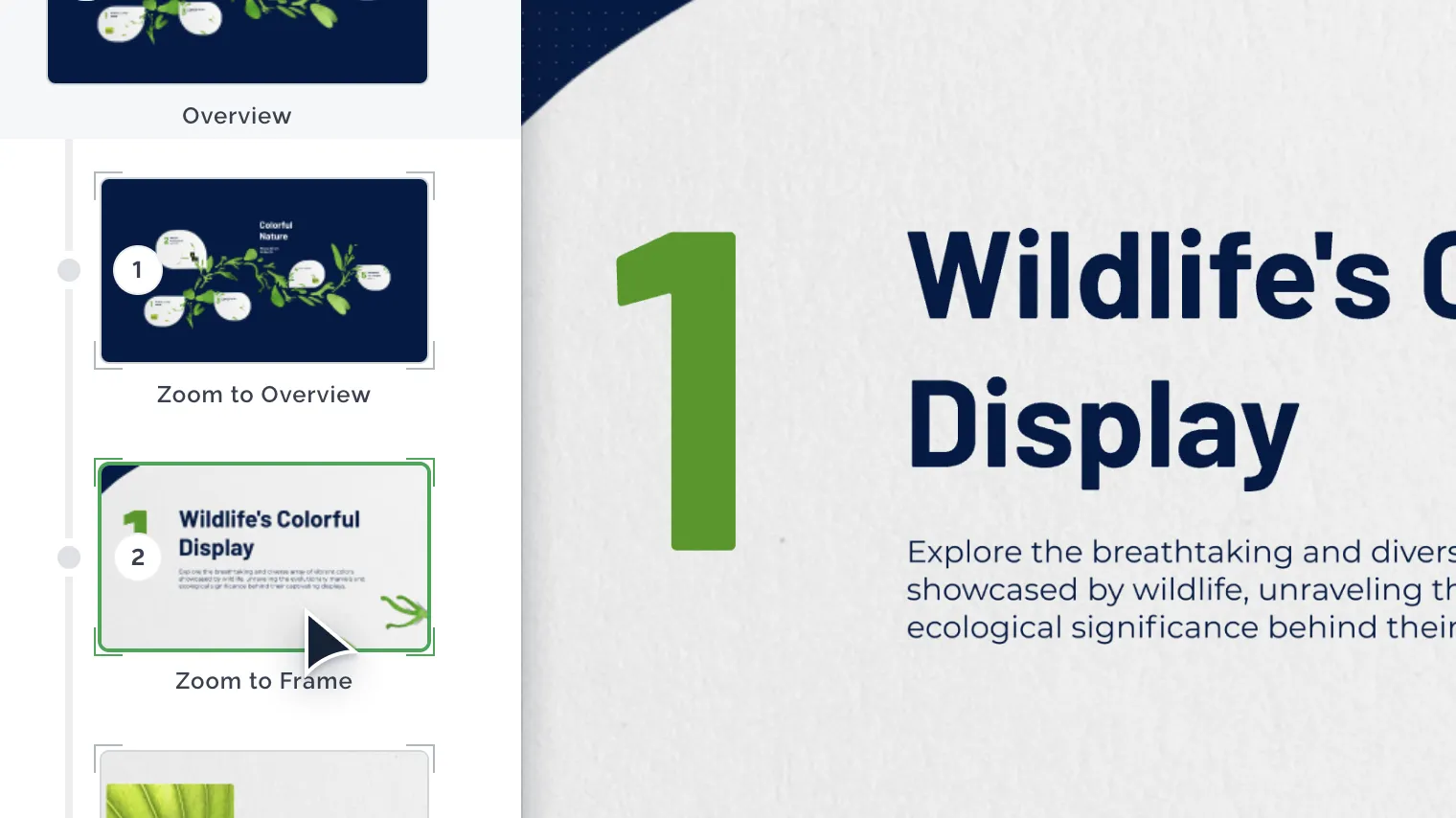
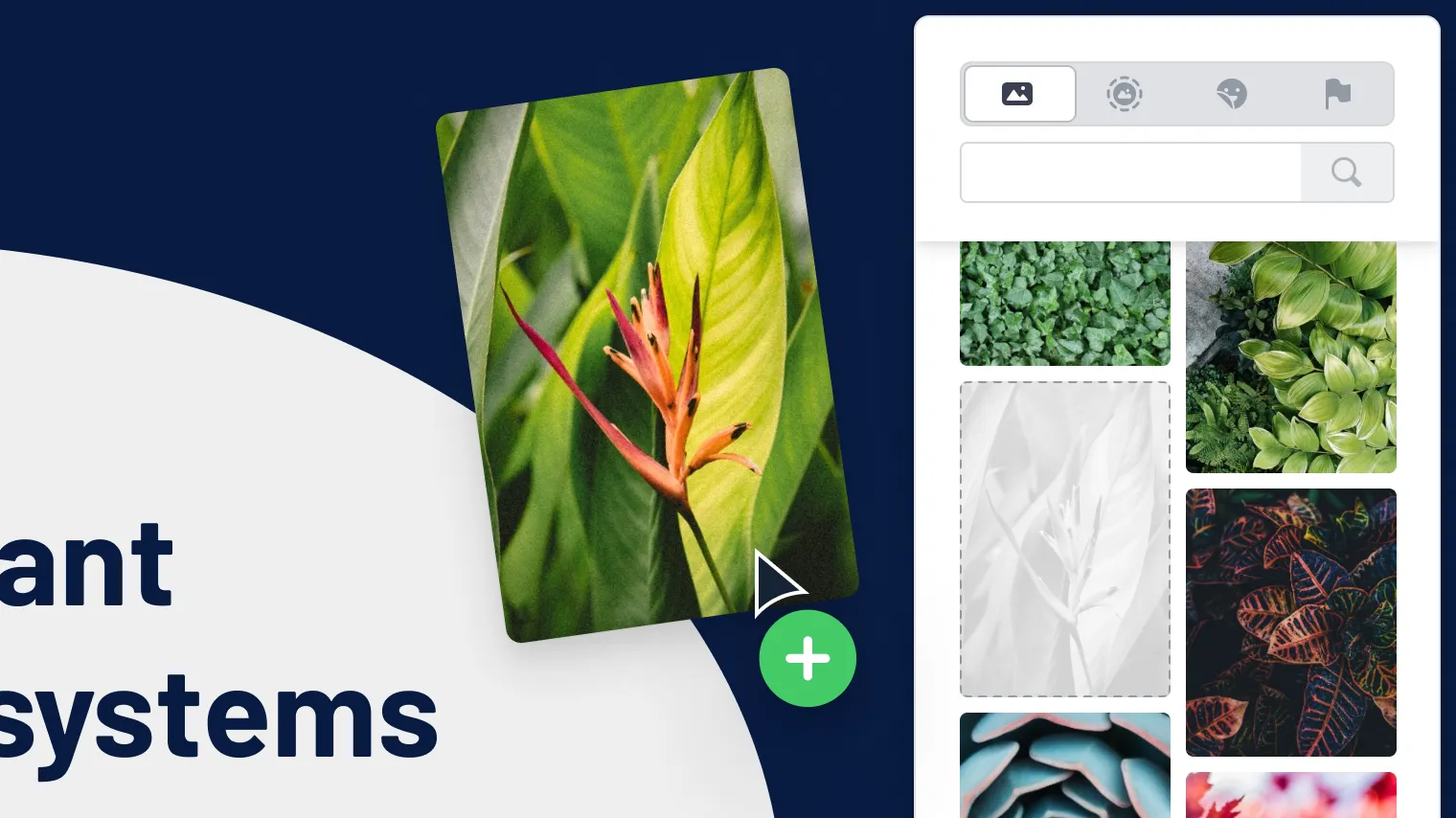
Everything you need to inspire
Töltsön fel képeket, PDF-eket, GIF-eket és videókat, hogy a prezentációját a sajátjává tegye.
Az Unsplash és a Giphy szolgáltatáson keresztül prémium képek, GIF-ek, ikonok és matricák milliói közül is választhat.
Be the center of attention
Ön és a prezentációja együtt láthatók a képernyőn – ez a legegyszerűbb módja annak, hogy aktív részvételt mozdítson elő a hibrid és virtuális találkozókon. A webkamera segítségével saját magát megjelenítheti a prezentáció hátterében.

Prezentáljon élőben videokonferencián
Osszon meg egy hivatkozást bárhol
Felvétel és letöltés
Működik kedvenc videokonferencia-eszközeivel


A head start for any project
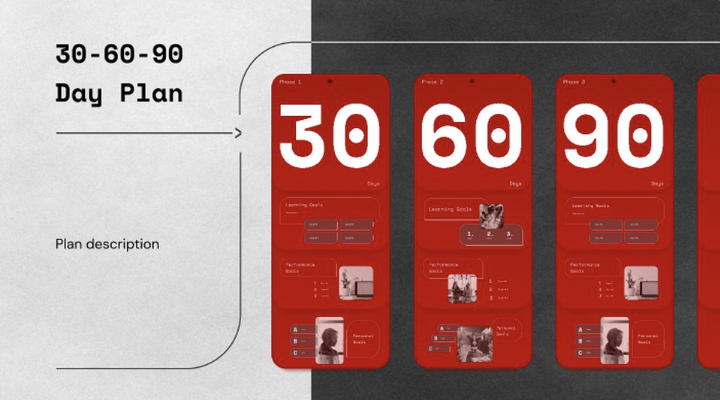
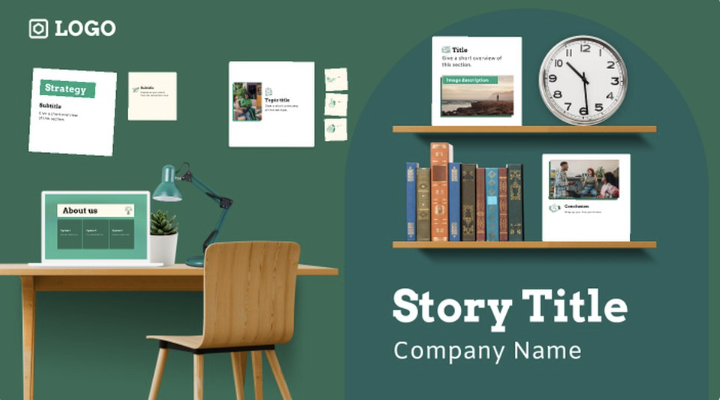
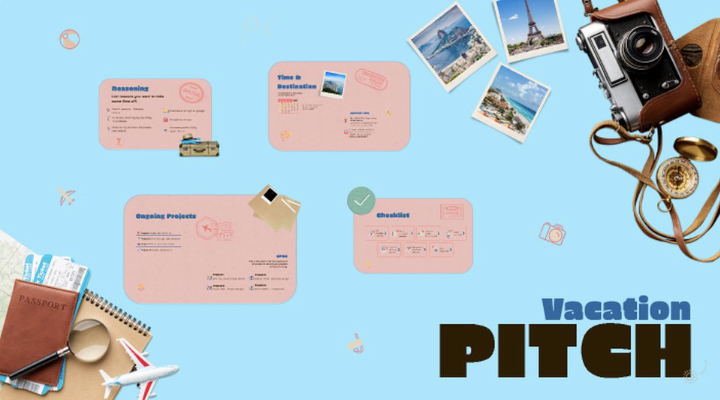
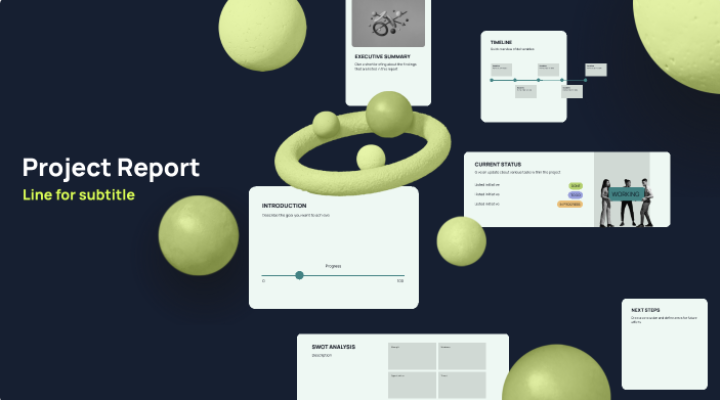
Adjon kezdőlökést prezentációinak professzionálisan megtervezett sablonokkal. Akár egy pitch deck elkészítéséről, egy lecke előállításáról vagy egy vizuális történet elmeséléséről van szó, nálunk megtalálja a segítséget.
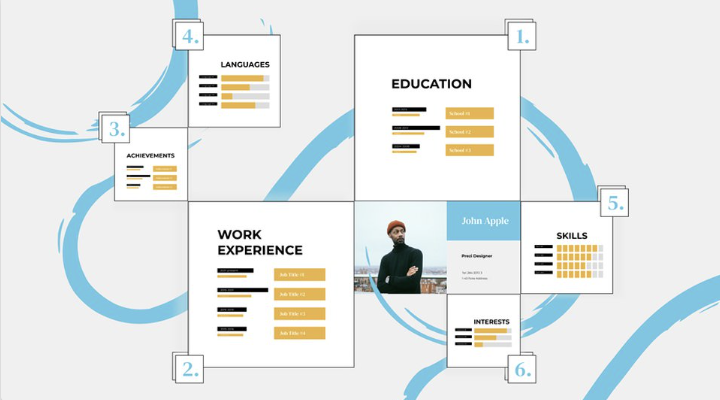
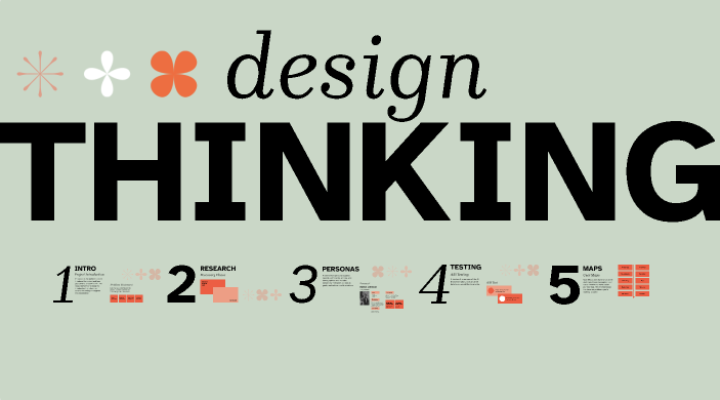
There's even more to Prezi
A Prezi rendelkezik az elvártakon túl még számos egyéb funkcióval is rendelkezik, hogy a következő prezentációja a lehető legjobb legyen.
PowerPoint import
Változtassa diáit lebilincselő prezentációvá.
Márkakészlet
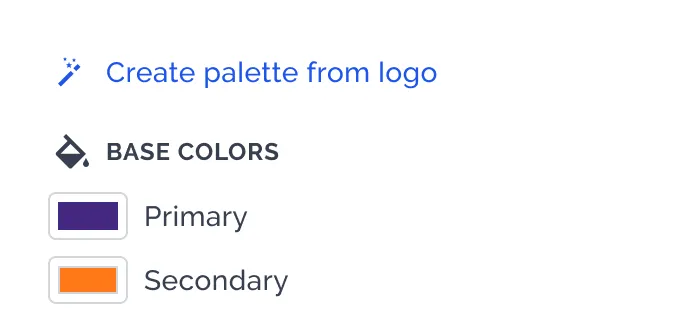
Hozza létre, alakítsa kedvére és mentse el saját színtémáit, melyet később bármilyen tartalomra alkalmazhat.
Prémium anyagok
Több mint 80 000 ikon és 500 000 kép segítségével készíthet szemet gyönyörködtető prezentációkat.

Statisztikák
Megtekintheti, mi hatásos a nézőknél, és mennyi időt töltenek az egyes kereteknél.
Diagramok
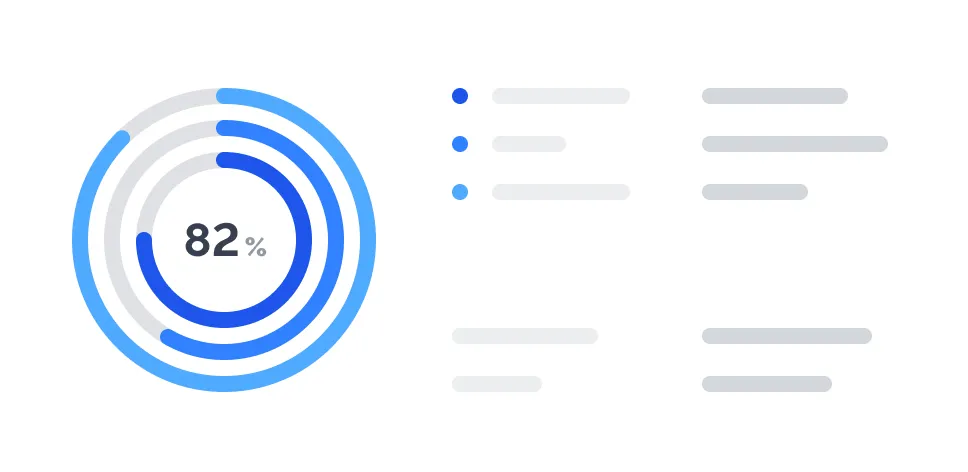
Interaktív diagramokat, térképeket és grafikákat készíthet, amelyek életre keltik a mondanivalóját.


Előadói nézet
Az előadói jegyzetekkel, időzítővel és az emlékeztetőkkel biztosan nem fog elfelejteni semmit.

Exportálás PDF-be
A prezentáció minden keretét PDF formátumban mentheti, nyomtatás vagy megosztás céljából.

Adatvédelem-szabályozási lehetőségek
Akkor is kézben tarthatja a csapata tartalmait, ha valaki távozik a csapatból.

Sokoldalú képszerkesztés
Másik alkalmazás használata nélkül is körülvághatja, átméretezheti és módosíthatja képeit.

Telefonos ügyfélszolgálat
Ügyfélsiker-szakértőink örömmel segítenek Önnek.

Offline hozzáférés
Dolgozzon offline az asztali alkalmazásunkkal, vagy töltse le a prezentációját, hogy bemutathassa, ha nincs Wi-Fi-kapcsolat.
Ruházza fel csapatát a Prezi erejével
Prezi has the features you expect and more to make your next presentation your best.

Gyakran ismételt kérdések
Hogyan tudok prezentációt készíteni a Prezivel?
Getting started is simple. Sign up at prezi.com and choose how you want to create: use Prezi AI to generate a presentation in seconds by uploading a file or adding a prompt, start with one of our professionally designed templates, or build from scratch on Prezi's open canvas. You can upload images, PDFs, GIFs, and videos, choose from millions of premium assets from Unsplash and Giphy, or generate your own AI images.
Hogyan működnek az MI alapú előadáskészítők?
AI presentation makers convert your input (a prompt, outline, or document) into a structured presentation. They typically generate a title, agenda, key points, and suggested slide content, then help you refine wording, layout, and visuals. Prezi AI follows this flow and keeps the output editable so you can quickly make it accurate and on-brand. Prezi takes it a step further by creating a custom design, tailored to your content.
Hogyan működnek az MI alapú előadáskészítők?
AI presentation makers convert your input (a prompt, outline, or document) into a structured presentation. They typically generate a title, agenda, key points, and suggested slide content, then help you refine wording, layout, and visuals. Prezi AI follows this flow and keeps the output editable so you can quickly make it accurate and on-brand. Prezi takes it a step further by creating a custom design, tailored to your content.
Milyen AI-előadáskészítő funkciói vannak a Prezinek?
Prezi AI helps you create a presentation faster by generating a draft from a prompt or uploaded content, then giving you tools to refine it. Key features include AI-assisted slide creation, editing, and visual enhancement so you can go from idea to presentation without starting from scratch.
A Prezi használata ingyenes?
Prezi offers a free plan that includes access to basic features and AI capabilities. For unlimited access to premium templates, advanced features like analytics and the ability to download and present offline, you can upgrade to a paid plan.
Hol találok Prezi-sablonokat?
Prezi AI designs presentations based on your content, so you don’t have to start from templates. Upload a file or enter a short prompt to generate a presentation for pitch decks, lessons, marketing demos, business reports, and more. You can explore our AI prompt library to get inspired.
Mit tölthetek fel, hogy prezentációt készítsek a Prezi MI segítségével?
You can start from a prompt or upload existing materials, like a PPT or PDF, so Prezi AI can generate a draft based on your content. This is useful when you already have notes or a document and want to turn it into a presentation quickly.
Használhatom a Prezit a PowerPointtal együtt?
Yes. You can import a PowerPoint file into Prezi and turn it into a more engaging presentation that you can continue editing. You can also export your finished presentation as a PPT when you need to share or present in PowerPoint format.
Előadhatom a Prezi előadást offline?
Yes, you can work offline with the Prezi Desktop app or download your presentation to present without Wi-Fi. This ensures you're never caught without access to your content, whether you're traveling, presenting in locations with unreliable internet, or simply want a backup option.
Szerkeszthető és pontos lesz az MI által generált előadás?
Yes, the output is fully editable, and you should review and adjust it before presenting. Prezi AI is designed to speed up drafting and structure, while you stay responsible for accuracy, clarity, and final messaging.

Hozzászólások
Könnyen együttműködhet a többiekkel a prezentációkon, ugyanis a keretekhez megjegyzéseket fűzhet.