How to create an AI presentation for sales
Watch Prezi AI transform your prompt into an attention-grabbing presentation.
Try this prompt

Additional use cases for sales presentations
Explore these prompt examples to see what your presentation could look like.
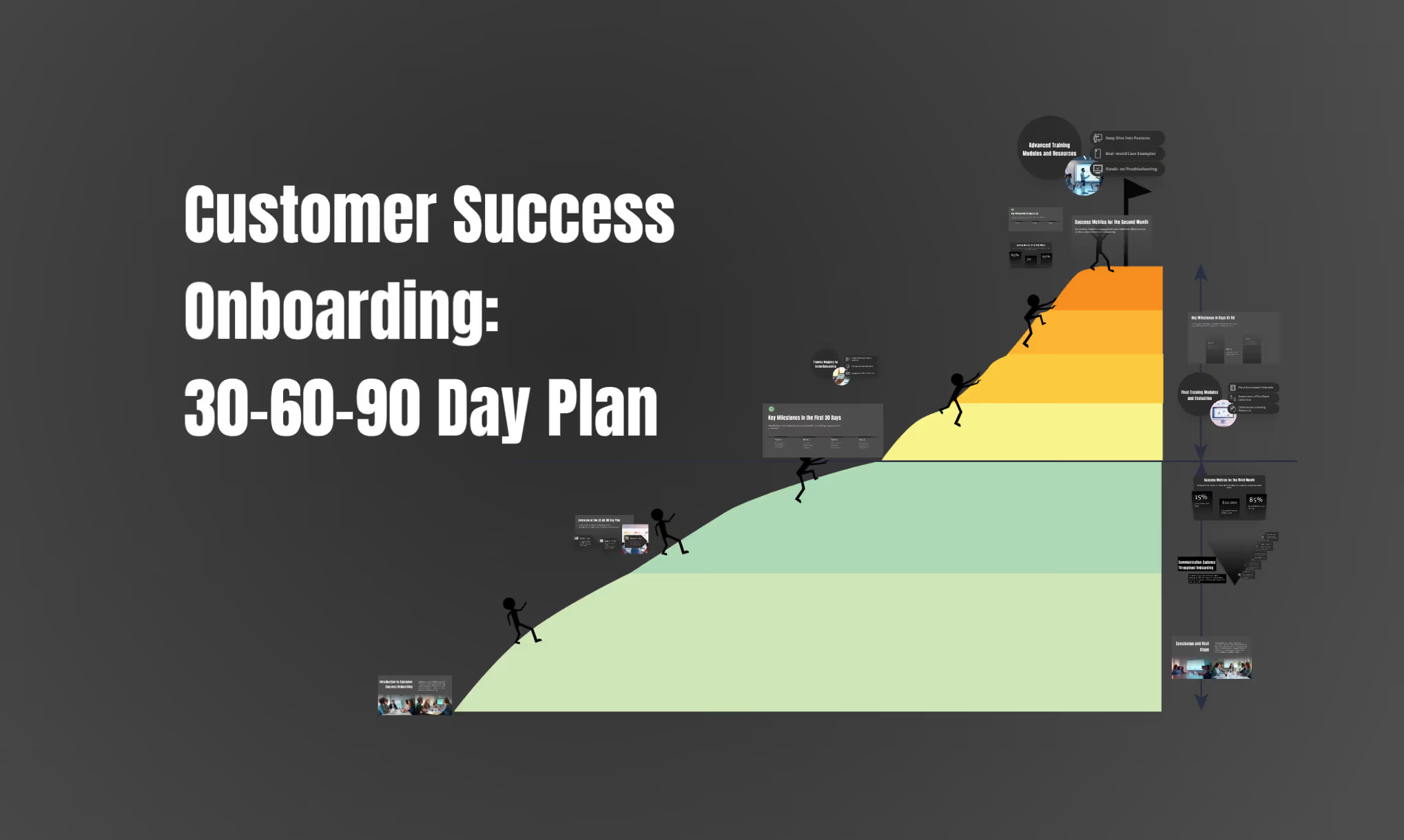
Customer success: onboarding roadmap
Build a customer success onboarding presentation that outlines the first 30–60–90 days, key milestones, training modules, success metrics, and communication cadence.

Sales performance analysis
Create a presentation analyzing the quarterly sales performance of our company. Include charts, graphs, and key takeaways from the data.
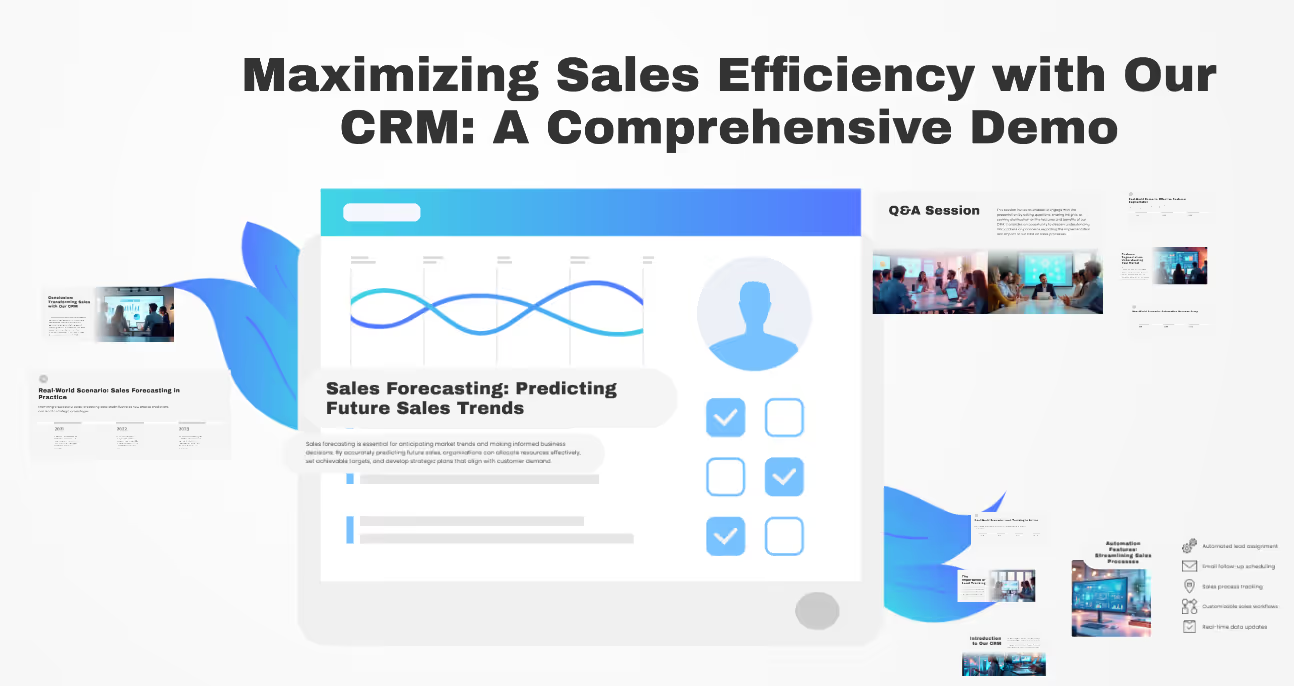
Product demo for a CRM tool
Create a sales demo presentation showcasing how our CRM improves lead tracking, automation, customer segmentation, and sales forecasting with real-world scenarios.
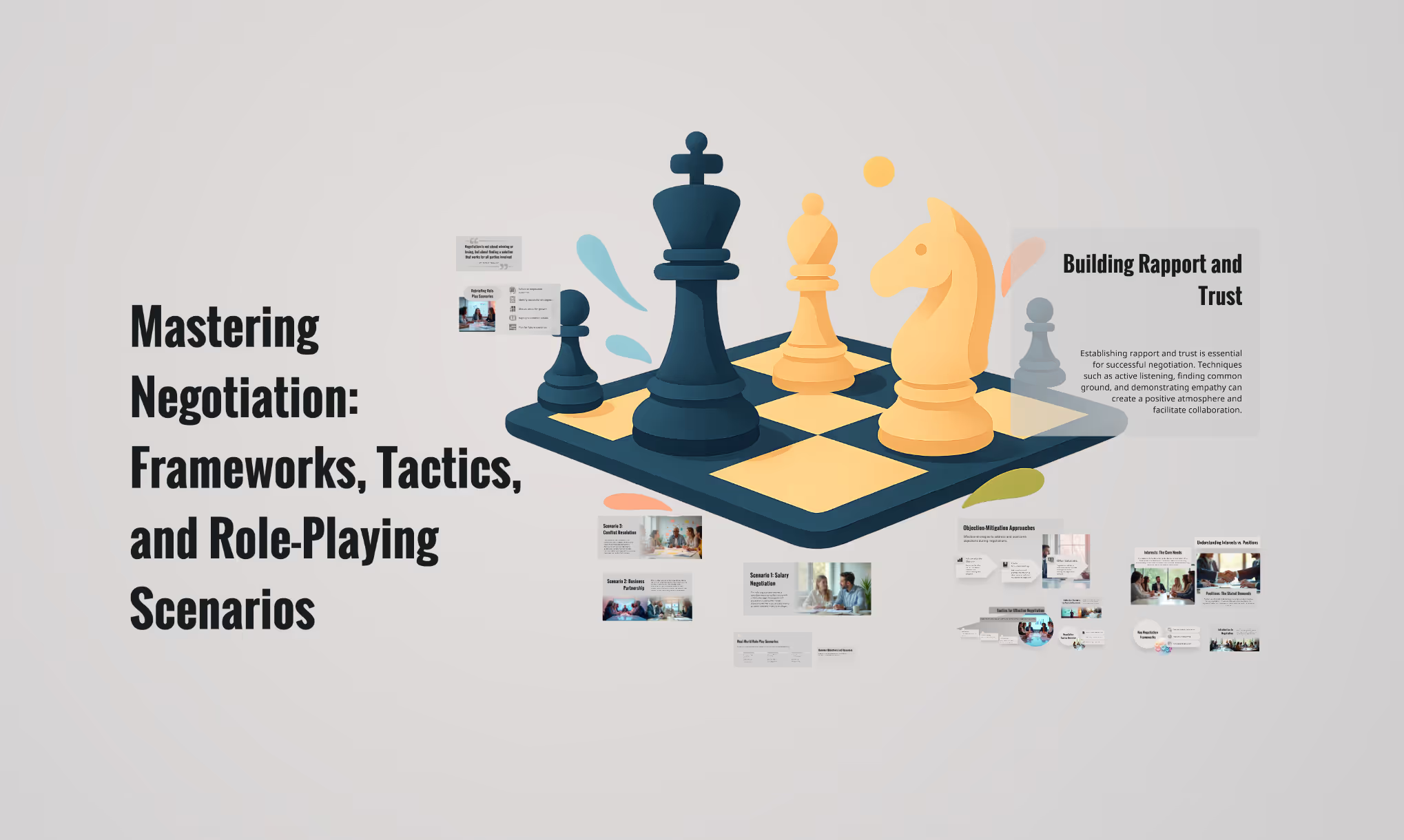
Sales skills: Negotiation playbook
Create a training presentation outlining key negotiation frameworks, tactics, objection-mitigation approaches, and real-world role-play scenarios.
The science behind our prompts
How we found the best prompts for you.

Billions of presentations analyzed
Prezi has the largest public presentation library in the world. Our team of professional designers looked at the real prompts people use to make these presentations, see how people actually present, and provided the best here.

91% positively improved work outcomes
We asked users like you how they use Prezi. The results speak for themselves; Prezi presentations help people stand out at work and get what they want. Prezi is what great presentations are.

50% present within a day
Most people create presentations the day they need, but it can take hours by hand. Prezi AI gets you that time back thanks to the world’s most advanced presentation AI. With the right prompts, Prezi helps people create fantastic presentations in literal seconds.

160M+ users
Prezi is used around the world for people’s big presentation moments. We studied how these consultants, teachers, sales pros, marketers, and more actually present to bring you the best presentations, faster.
Transforming your prompts
Prezi AI reads your prompts and transforms them into the world’s best presentations. Here’s how:
- KROK 1
Analyze your topic
Prezi AI reads your prompt or file and analyzes it for themes, content, and structures to create your presentation.
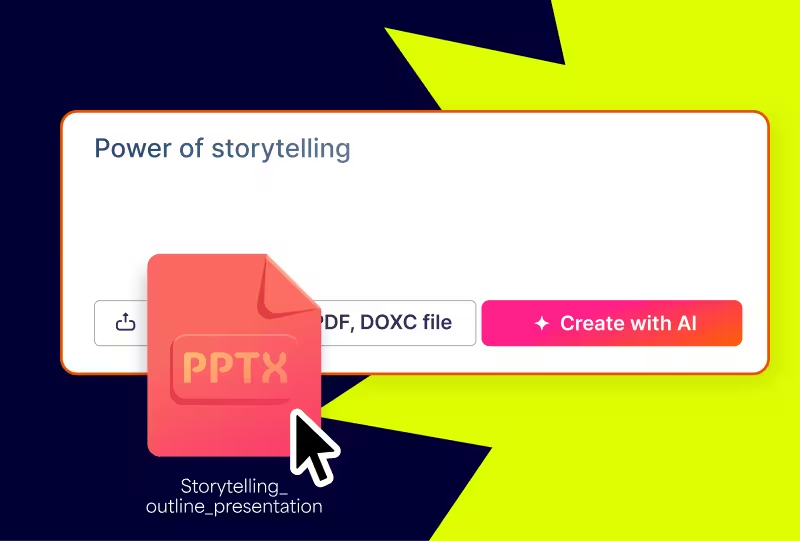
- KROK 2
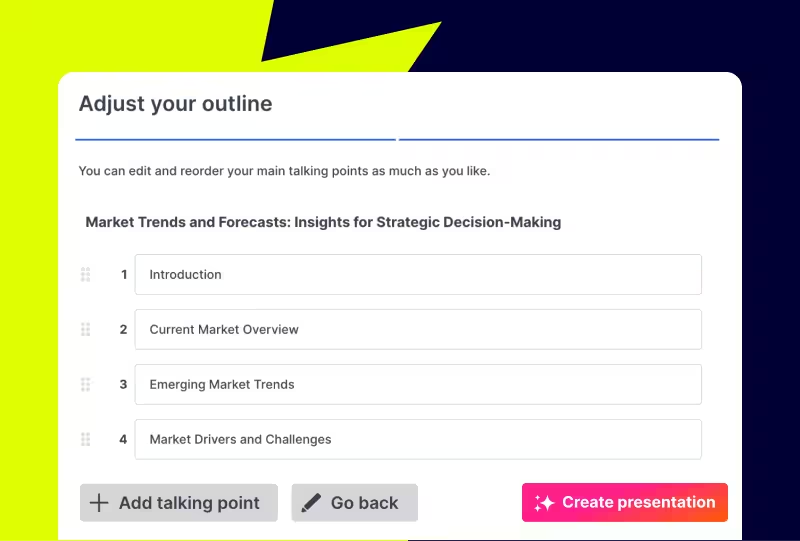
Creates an outline
From your topic, we create an outline with your topics and subtopics that covers everything you asked for and more.
- KROK 3
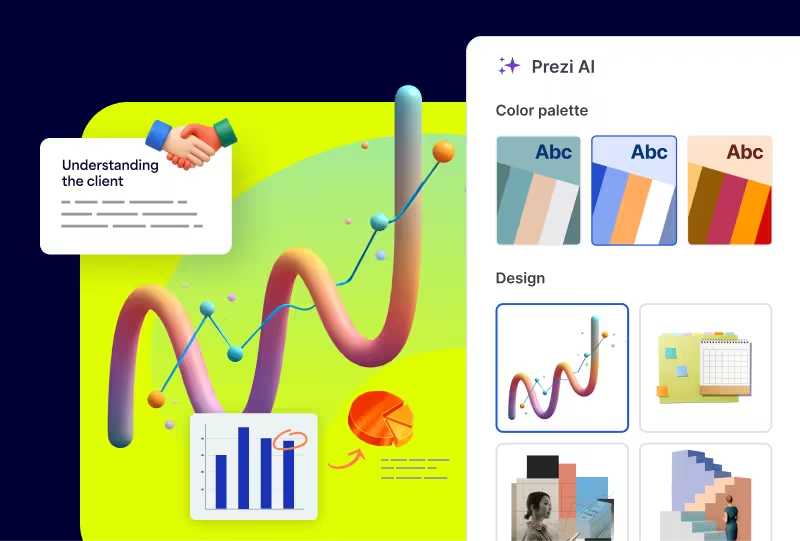
Builds your canvas
Once you’ve approved your outline, Prezi AI builds your zoomable presentation and content right in front of your eyes. Everything’s organized with easy presenting in mind, so you and your audience won’t want to look away.
Experience better presentations with Prezi
Przestań tracić czas na szablony i nudne slajdy. Prezi AI tworzy, projektuje i pomaga Ci prezentować z niezrównaną szybkością i wpływem. Oparte na nauce i zaufane przez miliony użytkowników.
Frequently asked questions
Are there prompt examples I can use to create presentations faster?
Yes. Prezi offers prompt examples you can use to create sales presentations faster, like customer onboarding roadmaps, sales pitches, and partnership proposals. You can pick a sales prompt from the library, paste it into Prezi AI, and it will generate an outline first so you can quickly adjust the flow, key talking points, and CTA before it builds the full presentation.If you want more sales-ready ideas to copy and customize, browse the prompt library here: https://prezi.com/prompts/.
How does Prezi AI use templates to create personalized presentations for sales?
Prezi AI takes away the need for templates. Prezi AI uses your prompt or uploaded sales content to generate a presentation structure, then personalizes the design and flow to match what you are selling and who you are selling to. It recommends an outline you can review first, and once you approve it, Prezi AI builds the full presentation with tailored layouts, colors, and relevant visual suggestions that fit your content. For sales teams, that means you can start from a proven format like a product demo, ROI-driven pitch, quarterly performance review, negotiation training, or onboarding roadmap, and quickly customize the storyline for a specific account. After generation, your team can edit the copy, reorder sections, and refine the CTA so the final deck feels specific to the buyer and consistent with your team’s messaging.
Why do sales teams use AI to create presentations?
Sales teams use Prezi because it helps them communicate complex product and revenue stories in a way that is clear, consistent, and easy for buyers to follow, without spending hours building decks from scratch. With Prezi AI, a rep can start from a prompt or existing content, quickly generate a structured narrative, and turn dense topics like features, ROI, and implementation into a visual storyline that is easier to understand and remember.It is especially useful for the kinds of sales presentations you are featuring on this page. Prompts like a CRM product demo, a quarterly performance readout, negotiation training, a B2B SaaS pitch with ROI and case studies, and a 30-60-90 day onboarding roadmap all benefit from the same outcomes: faster creation, clearer structure, and better alignment across stakeholders.Prezi also supports the full sales workflow, not just the first draft. Teams can reuse the same core storyline across different accounts, customize the message for specific audiences, and keep enablement and onboarding materials consistent as the team scales.