Create with an AI presentation maker
Type a topic or upload a file. Prezi AI generates a complete, visually dynamic presentation that’s structured, designed, and ready to customize in seconds.
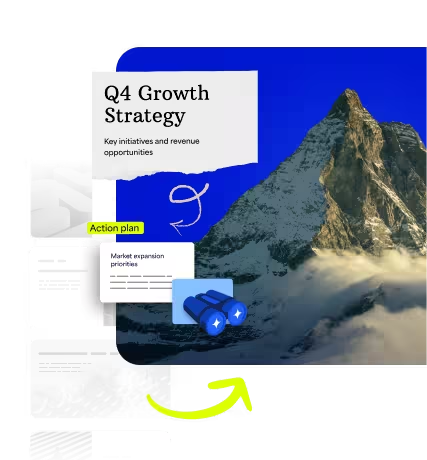
Tchnij życie w swoje pomysły
Prześlij swoje pliki lub zacznij od tematu. Prezi AI tworzy dla Ciebie niestandardowy, dopasowany pokaz slajdów, który jest wizualnie dynamiczny i sprawdzony w przyciąganiu uwagi.
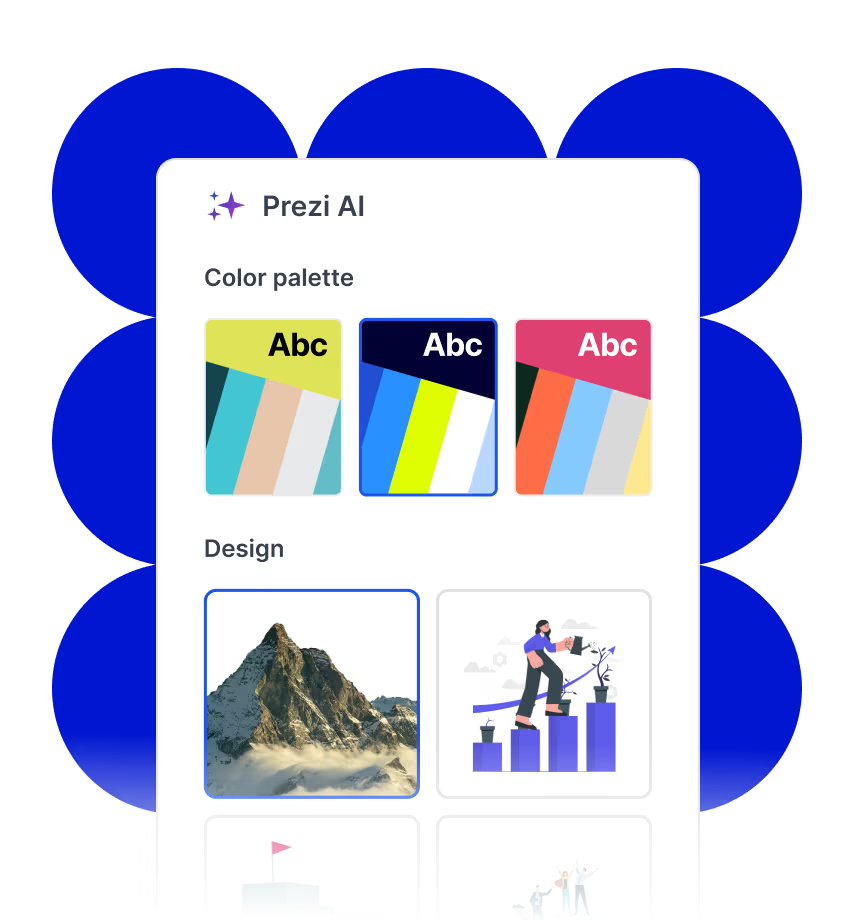
Daj się ponieść kreatywności
Prezi AI to Twój osobisty projektant AI, oferujący inteligentne wybory układu i projektu dostosowane do Twoich pomysłów. To AI stworzone specjalnie do prezentacji.
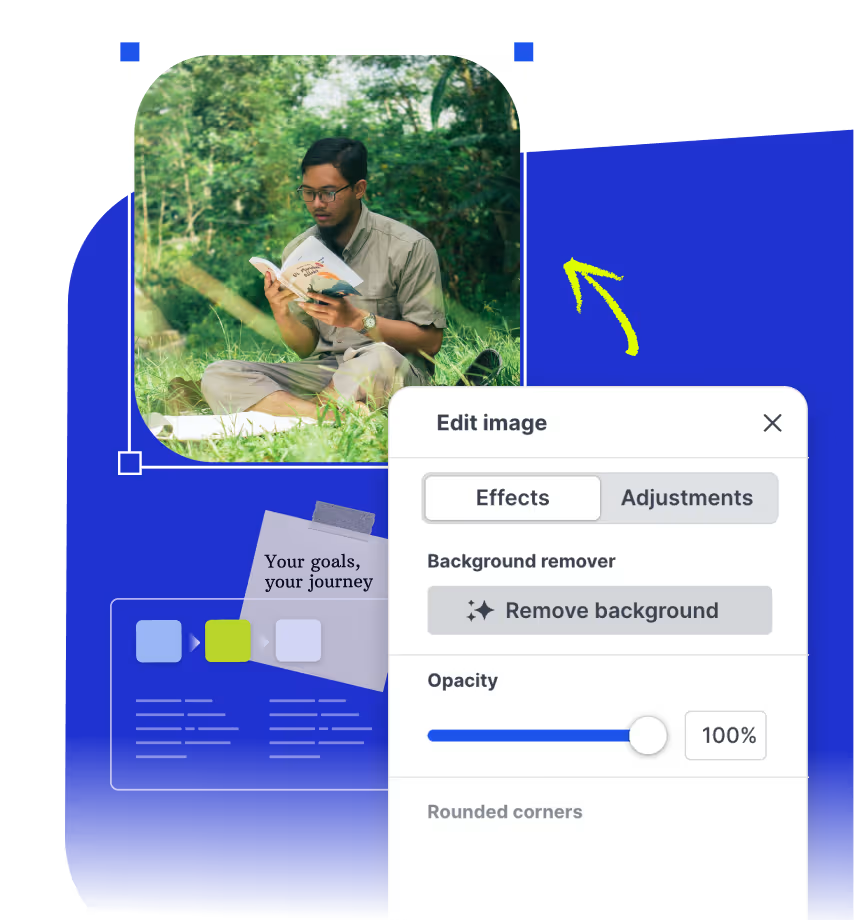
Dopracowuj i prowadź Pokaz slajdów mądrzej
Otrzymuj wskazówki dotyczące pisania z AI w czasie rzeczywistym, sugestie wizualne i generowane obrazy podczas tworzenia prezentacji. Ty zachowujesz kontrolę, Prezi AI po prostu to ułatwia.
Przyciągaj uwagę dzięki prezentacjom wspieranym przez SI
Bring your existing files, collaborate with others, and share your presentations anywhere.
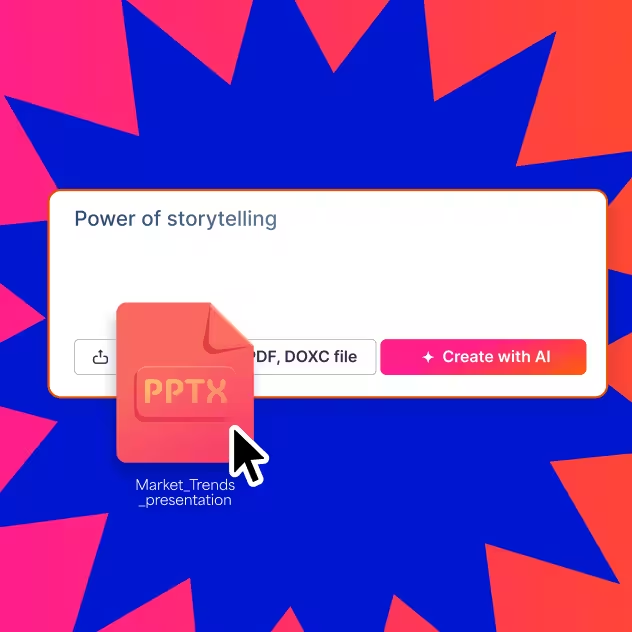

Szybkie i łatwe tworzenie
Prezi AI helps you go from idea to presentation quickly. Generate a solid first draft in minutes, so you can spend less time building slides and more time refining the story and delivering with confidence.
Multiple ways to get started
Kick off your presentation from a prompt, a topic, or upload a file (PowerPoint, Word Doc, PDF). Whether you have a clear outline or just a starting point, Prezi AI adapts to what you have and helps you shape it into a polished deck.
Logical structure and flow
Once you share your topic or content, Prezi AI can propose a presentation structure that organizes key points into a clear narrative. This gives you a strong outline to build on and makes it easy to adjust as you go.
Customize your text
Prezi makes it easy to edit and refine what the AI generates. Update text, reorder sections, regenerate parts, and tailor messaging to match your voice, audience, and goal.
Multimedia library
Browse through Prezi’s content library or create your own using Prezi’s AI image generator to create custom images, fast.
Ready to present and share
When you are done, your presentation is ready to present, share, and reuse. Download it as a PDF or PPT to share with others, or as an offline file for easy presenting.
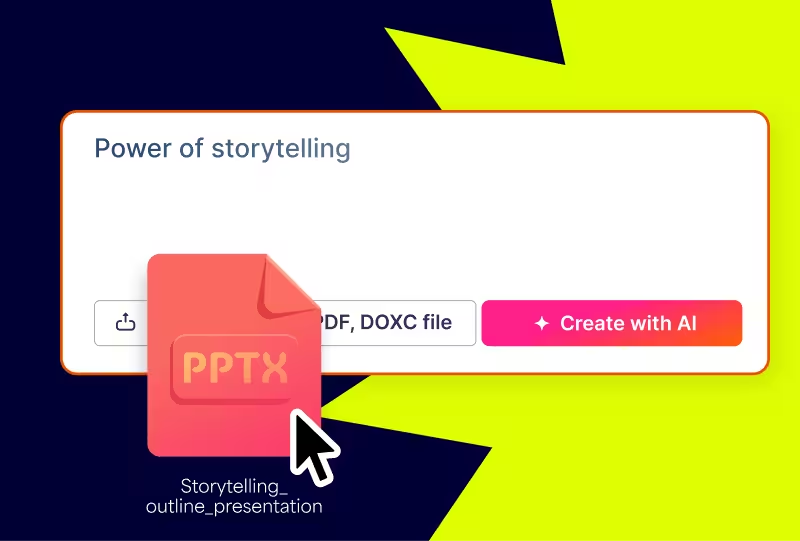
Prześlij swój plik. Otrzymaj lepszy w zamian.
Prześlij swój zarys lub obecną prezentację, a Prezi AI przekształci ją w gotowe do zaprezentowania kinowe doświadczenie.
Co mówią użytkownicy Prezi
160 million users and counting have successfully used Prezi AI to create presentations
“Prezi’s AI presentation maker took my messy notes and turned them into a clean, editable deck in minutes. The outline-first workflow saved me hours.”
“I tried multiple AI slide generators, and this one gave me the best structure. It feels like an AI PPT maker that actually understands narrative flow.”
“We use Prezi AI as a presentation maker for training decks. Uploading a PDF and generating a draft presentation is the fastest way we’ve found to start.”
Wprowadź swój pomysł
Wpisz swój pomysł, wklej swoją treść lub prześlij swoje pliki. Prezi AI natychmiast tworzy dla Ciebie niestandardowy zarys na podstawie Twojej treści.
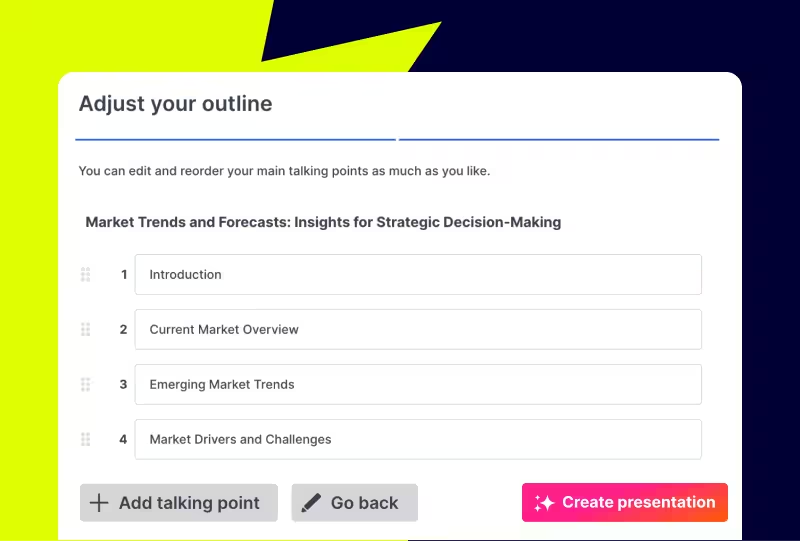
Dostosuj swój konspekt
Przygotuj uporządkowany plan swojego Pokazu slajdów, zanim rozpoczniesz projektowanie. Łatwo zmieniaj kolejność i edytuj konspekt, aby idealnie rozpocząć.
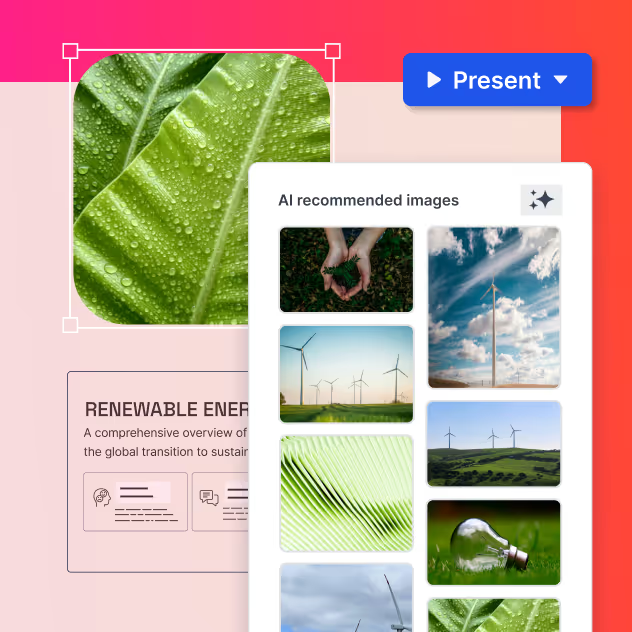
Dostosuj to do siebie
Dostosuj wygląd i styl nowo utworzonego pokazu slajdów. Wybierz swój styl, wybierz obrazy i zastosuj elementy swojej marki jednym kliknięciem.

Your next presentation is just seconds away

Najczęściej zadawane pytania
Czym jest generator prezentacji AI?
An AI presentation maker is a tool that uses artificial intelligence to automatically generate a complete presentation from a text prompt, uploaded file, or topic description. It handles structure, content, and design simultaneously, producing a polished, editable deck in seconds. Prezi's AI presentation maker creates a dynamic presentation experience, providing a format that supports spatial navigation and motion, making it especially effective for complex or layered topics.
What is the best AI presentation maker?
The best AI presentation maker depends on your use case. For presentations that need to communicate complex ideas, tell a story, or keep an audience engaged, Prezi's AI presentation maker is preferred. It offers a dynamic presentation experience and supports file uploads, real-time editing, and AI image generation within the same tool.
What is an AI slide generator?
An AI slide generator is software that automatically produces slides or full slide decks from a user's input. Most AI slide generators accept a text prompt or topic and return a structured deck with suggested content and visuals. Prezi's AI slide generator creates a presentation with retention and audience engagement in mind, suited to business presentations, like internal meetings or client pitches, and educational content.
How does an AI presentation generator work?
An AI presentation generator works by taking a user's input (a prompt, topic, or uploaded file) and using large language models to generate structured content, then applying design logic to produce a finished layout. The process typically involves generating an outline first, then populating each section with content, and finally applying visual formatting. In Prezi AI, users can review and edit the outline before design is applied, giving them control over the structure before committing to the final presentation.
Can I use an AI PPT maker to create slides from a PDF or Word document?
Yes. Prezi's AI presentation maker accepts uploaded files, including PDFs, Word documents (.doc, .docx), and existing PowerPoint files (.pptx). After uploading, Prezi AI transforms the content into a structured, dynamic presentation, reorganizing and visually formatting the material with a customizable style and color palette.
Is Prezi's AI presentation maker free?
Prezi offers a free trial that includes access to the AI presentation maker. Continued use of AI features requires a paid subscription. Free users can use AI credits to explore the prompt-to-presentation workflow and see a generated output before committing to a subscription.
How is an AI presentation maker different from a presentation template?
A presentation template provides a pre-designed visual structure that users fill in manually with their own content. An AI presentation maker generates both the content and the design from scratch based on a user's input, meaning the output is unique to the topic and audience, not a fixed layout applied to generic content. Templates can be a good starting point; AI presentation generators are faster and require less effort, especially for complex or detailed topics.