Ditch the slide deck.
Make an impact with Prezi
Make an impact with Prezi
Break free from linear slides and create stunning, interactive presentations that keep your audience engaged.
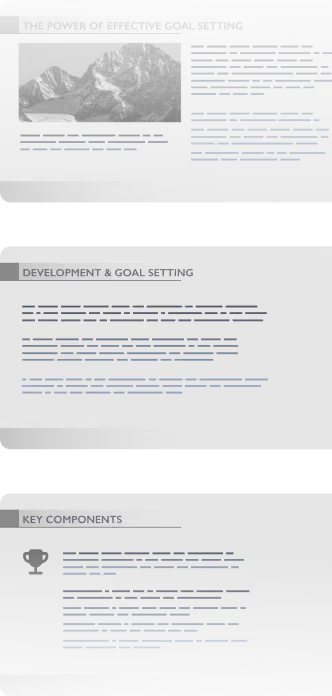


7 grunner til å bytte fra lysbildepresentasjoner til Prezi
Next-level flexibility
Structure your presentation visually to match what your audience wants to see. Unlike rigid slide decks, you can guide your audience through a cinematic, non-linear journey with Prezi. Add frames, text, images, and videos anywhere just as easily as adding new slides in other software.
More engagement, more impact
Traditional presentation slides feel repetitive. Prezi is proven to engage more than slide-based presentations like PowerPoint or Canva slides. Your audience has seen it before. Prezi’s dynamic zooming and movement make your message:
12.5%
more organized16.4%
more engaging21.9%
more persuasive25.3%
more effective overall
AI features that make a difference
Transform your ideas into beautiful presentations in seconds. Prezi AI creates your presentation for you, then helps you refine and improve them with easy to use, applicable AI features. Improve your content, create visual stories, get image recommendations, and more right at your fingertips. It’s just like working with a professional designer with decades of experience.
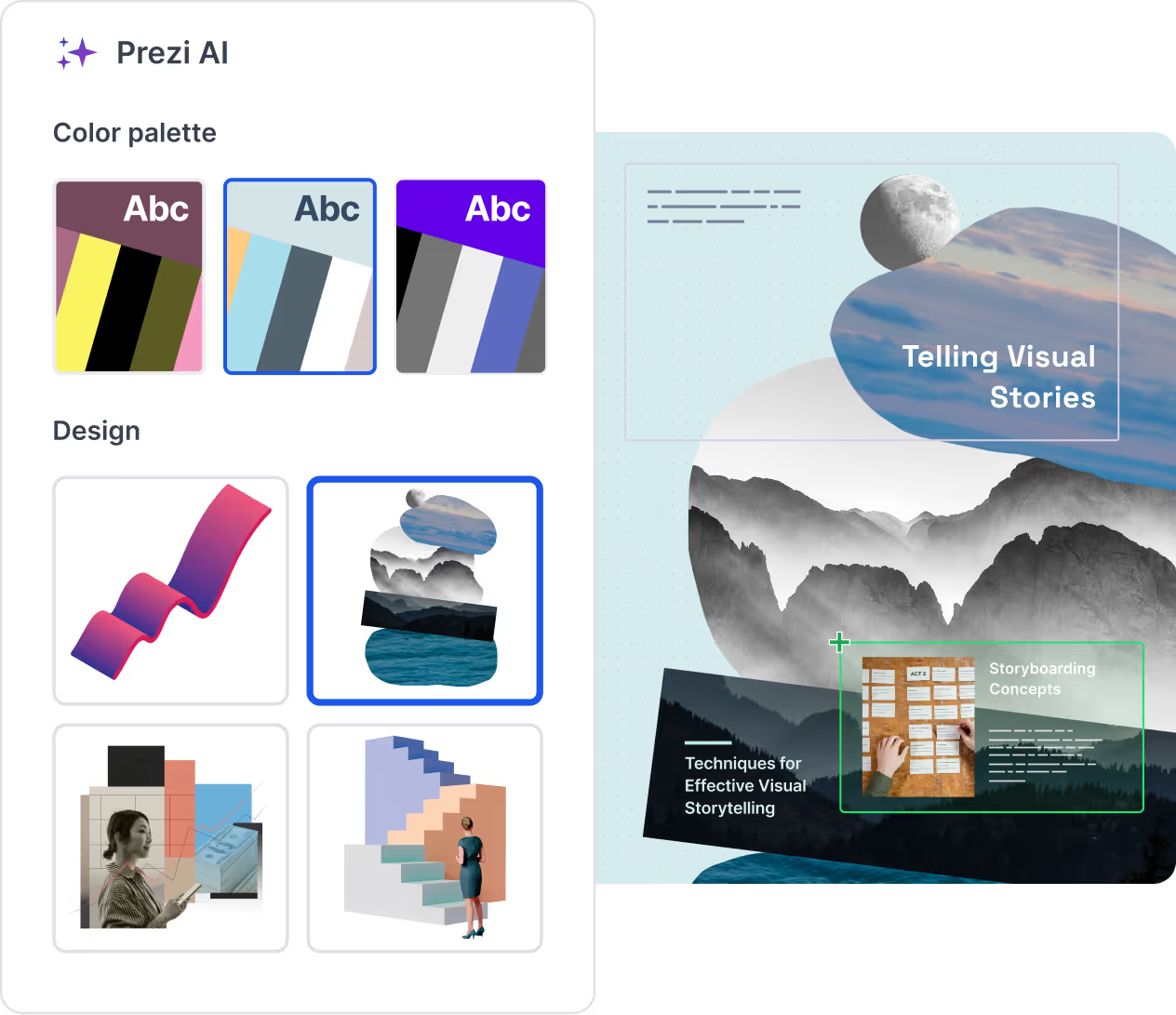
Storytelling that sticks
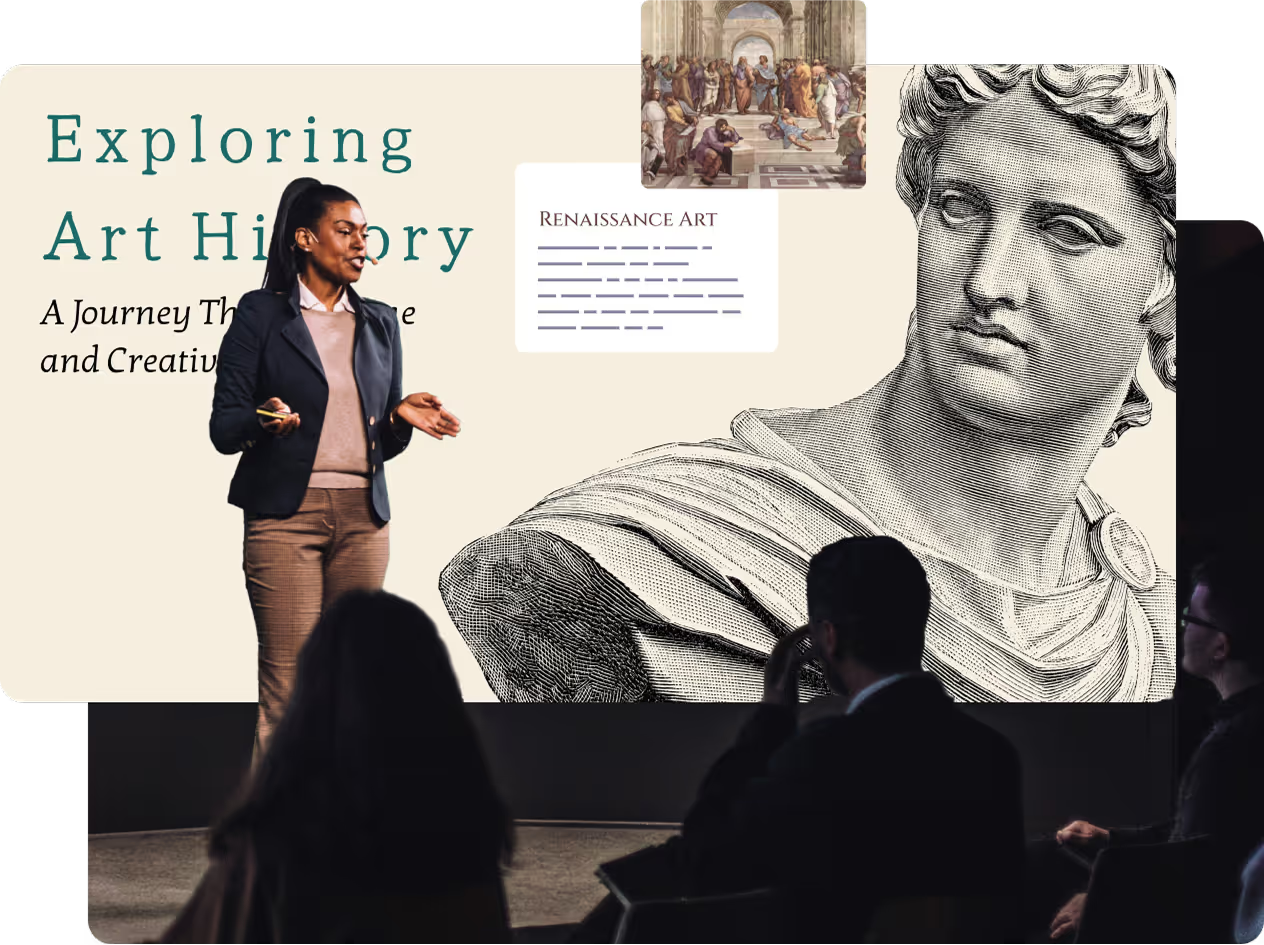
People remember stories, not slides. Prezi helps you craft narratives that make your message more compelling. From integrated proven storytelling methods to visual stories that you can pop right into your presentation, we make sure your audience remembers what you want them to.
Smart collaboration and easy sharing
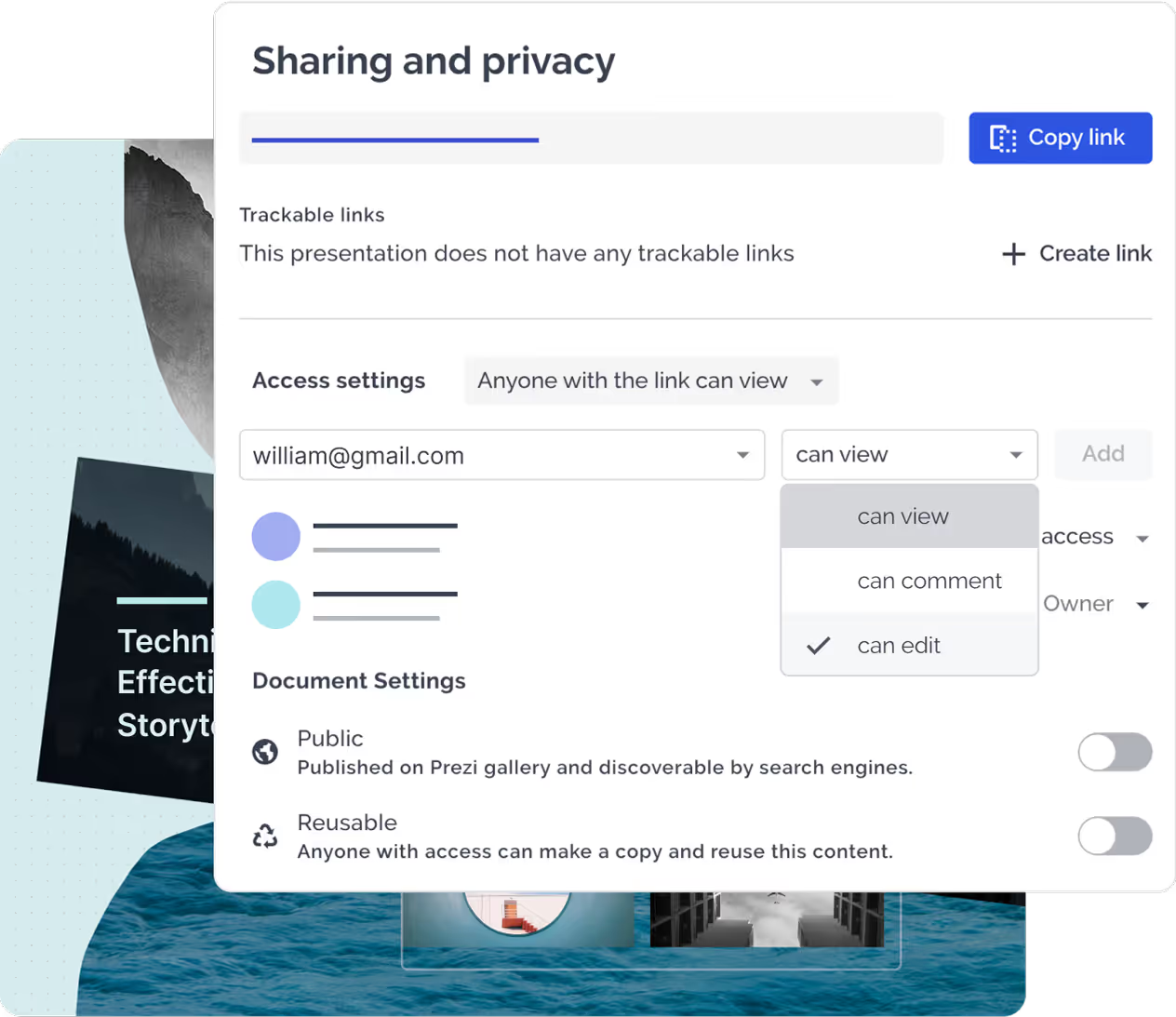
Need to work on a business presentation with your team? Or working with classmates for your next A+? Prezi allows real-time collaboration so multiple users can edit and refine a presentation at the same time. Then, share your work instantly with a simple link, email, or live broadcast with up to 100 participants.
Easy imports and compatibility
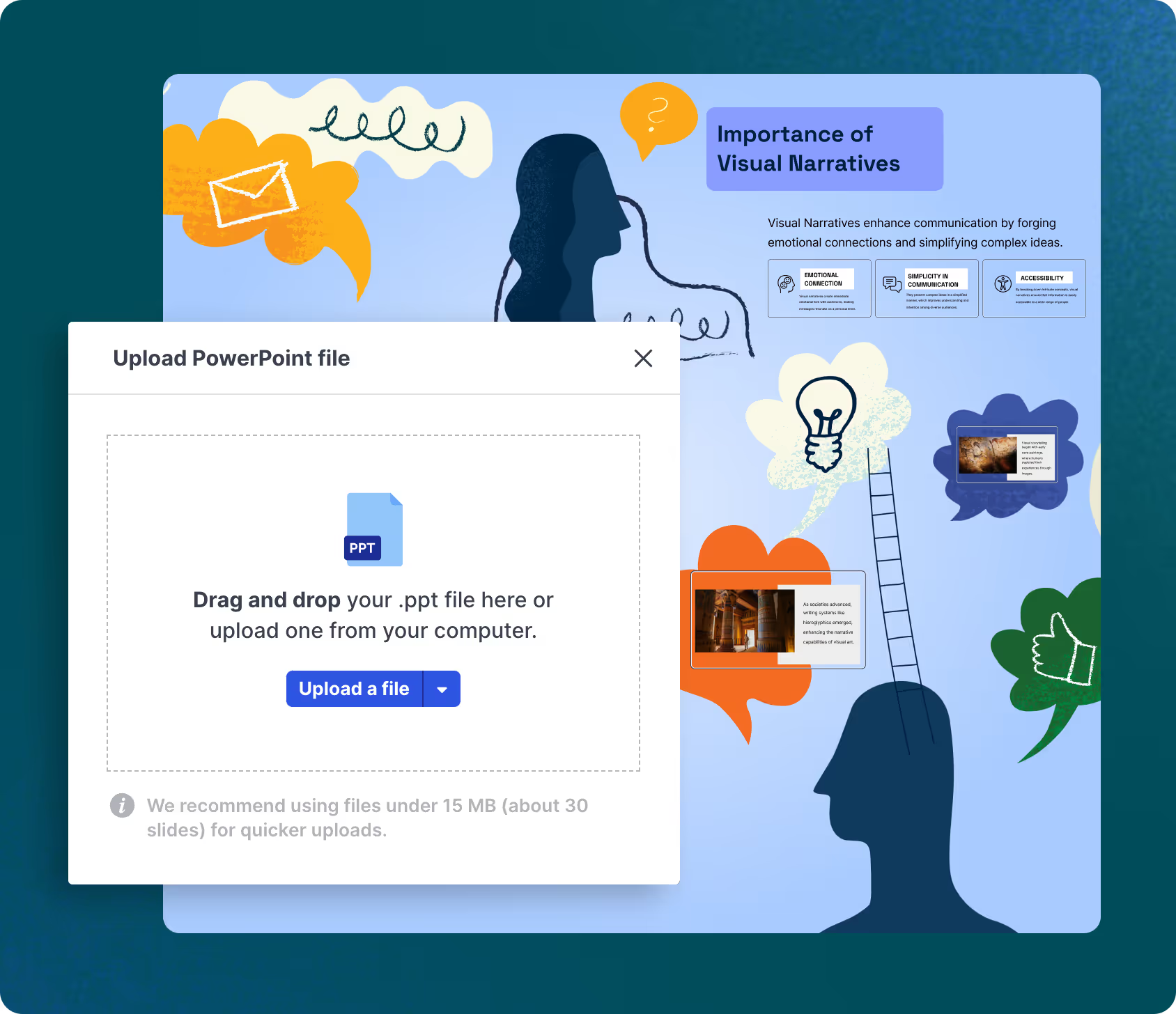
Prezi is fully compatible with PowerPoint and Google Slides, so you don’t have to worry about losing your work from slide presentations. Just import your PowerPoint presentation into Prezi and see them in action. Use another tool? Prezi can also convert PDFs to zooming, interactive presentations. You’ll never have to add new slides again.
Present remotely with Prezi Video
Engage your audience by showing your presentation alongside you in real time. Prezi Video keeps virtual meetings, webinars, and online conferences personal while sharing visual aids. Record in advance or present live using Prezi’s video-ready templates—so you and your content stay on screen together.
What Prezi users are saying
You don’t have to listen to us. Prezi is used by hundreds of thousands of people and companies around the world like you.
«Prezi tilbyr et fantastisk alternativ til tradisjonelle lysbildebaserte presentasjoner.»
 Russell
“It’s the nonlinear way of presenting that I appreciate. I'm not stuck in the sequential list of slides.”
 Vitek
Vitek“And my favorite thing about Prezi is my zoom-out moments where it reveals my theme of the day,”
 David
David“I feel like Prezi gives me that edge where I’m able to not just educate the audience, but entertain them and provide an immersive experience.”
 Vishal
"Dette er et verktøy som vil gi deg et forsprang på andre, få deg til å se profesjonell ut og få ideene dine til å skille seg ut."
 Javier
The world’s best AI presentation designer
Prezi AI transforms your ideas into unique presentations in seconds, then helps you refine them. It’s just like working with a professional designer with decades of experience.
Start anywhere
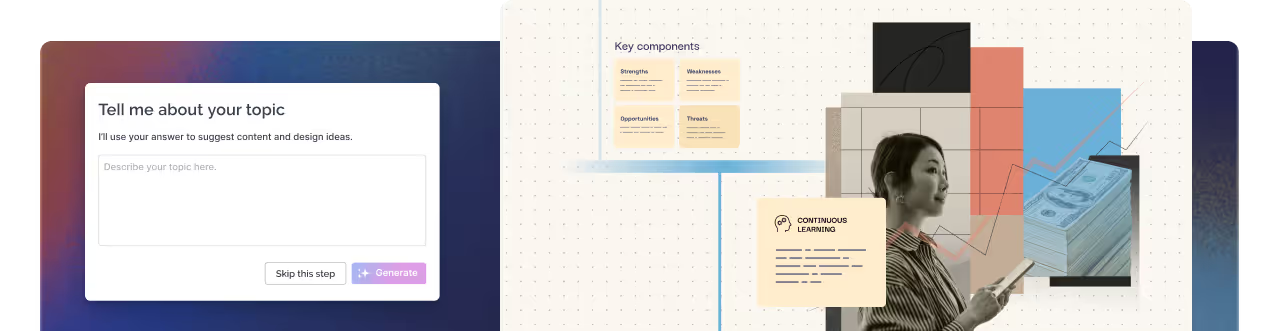
From a single idea to a full outline, Prezi AI generates a polished presentation fast so you never start from a blank screen.
Smarter enhancements
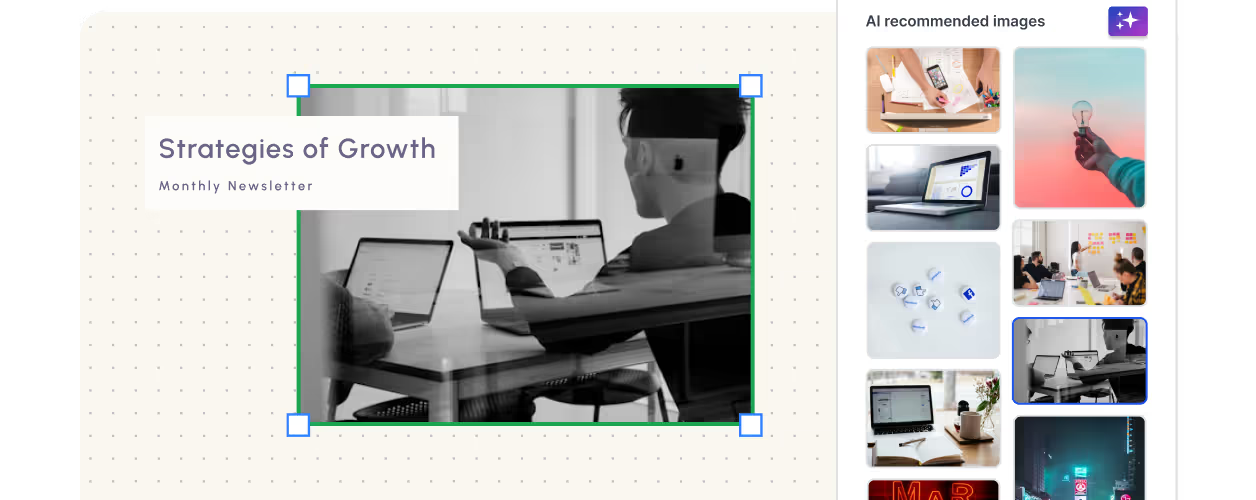
Get AI-powered text improvements, image recommendations, and storytelling tools to make your message more impactful.
Ditch boring templates
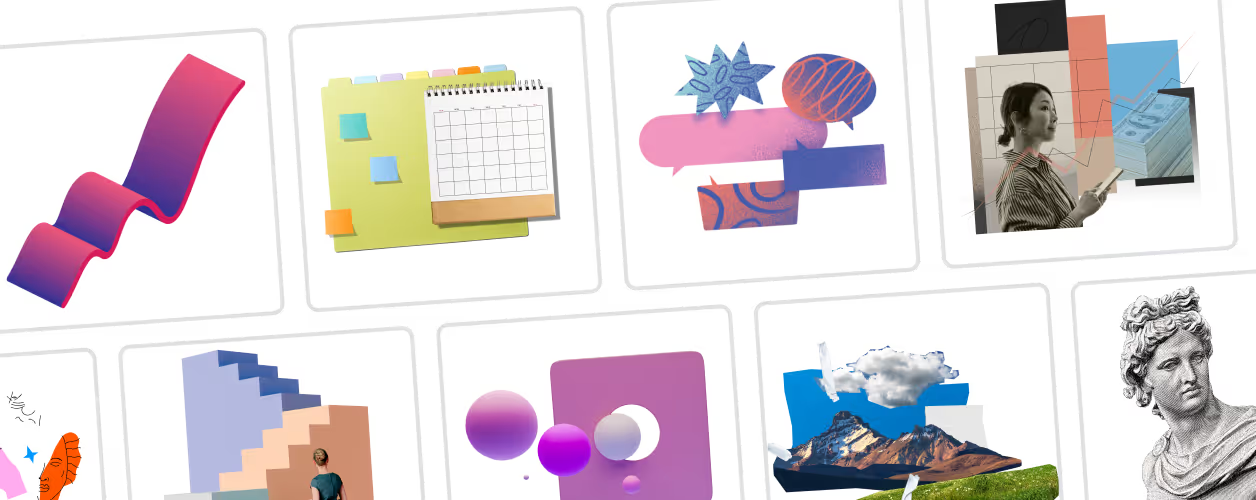
Every Prezi AI presentation is built from scratch, creating a unique design tailored to your content.
Prezi AI
Make a great presentation in no time with Prezi AI
Just enter a few ideas or an outline and we’ll create your presentation for you.


Ofte stilte spørsmål
Can I create a Prezi presentation from an existing PowerPoint, Google Slides, or Keynote deck?
Yes. Upload your existing slide presentation from PowerPoint or Google Slides to Prezi Present to convert it into a dynamic, zooming Prezi presentation. If you have a Keynote presentation, simply export it as a PDF and import it into Prezi. This lets you transform static slides for a presentation into an engaging experience with smooth transitions and interactive storytelling.
How is Prezi different from a traditional slide presentation?
Unlike standard slides for a presentation, which follow a linear format, Prezi presentations allow you to move freely across an open canvas, zooming in and out to emphasize key points. This non-linear approach makes it perfect for presentations where flexibility and engagement are crucial. Whether you're presenting to clients, executives, or students, Prezi ensures your ideas stand out in a way that a typical slide deck cannot.
How does Prezi compare to Canva slides?
While Canva slides provide basic design tools, Prezi takes your multimedia presentation to the next level. Prezi’s zooming and panning effects create a cinematic experience, making your content more engaging and memorable. Plus, Prezi AI helps you craft visually stunning presentations effortlessly, giving you an edge over static Canva slides.
What makes Prezi AI different from PowerPoint AI?
Prezi AI is built on 15 years of expertise in helping users create standout presentations. Unlike PowerPoint AI, which mainly refines existing slide decks, Prezi AI actively enhances your storytelling by structuring content dynamically and applying advanced design insights. It helps you generate captivating visuals, refine text, and craft compelling narratives—all without the rigid structure of new slides in traditional software.
Can I use Prezi for a high school presentation?
Absolutely! Whether it's for a high school presentation or a business presentation, Prezi’s unique format keeps audiences engaged. Instead of clicking through new slides one by one, students can present their ideas in a way that flows naturally, making learning more interactive and visually compelling.
Is Prezi AI included in my Prezi subscription?
Yes, Prezi AI is included in your subscription. It enhances your multimedia presentation process by offering AI-powered text improvements, formatting suggestions, and access to a vast library of visuals. Create professional-quality presentations faster and more efficiently.
Can I style my presentation with my own images and assets?
Yes. You can upload any image, GIF, video, PDF, and more to customize your presentation fully. Prezi also provides access to millions of professional assets, making it easier than ever to create visually compelling frames without the design limitations of traditional tools.
Can I edit my Prezi presentation after adding new frames?
Unlike traditional slide decks, Prezi presentations don’t rely on a linear slide-by-slide structure. Instead of adding new slides, you can seamlessly expand your existing presentation by adding new frames and layouts directly on the canvas.
Is Prezi a good alternative for multimedia presentations?
Yes! Prezi is the best choice for creating a multimedia presentation that captivates your audience. With the ability to embed videos, animations, and interactive elements, Prezi ensures your content is more engaging than static Canva slides or conventional new slides in PowerPoint. Whether for a business presentation, a high school presentation, or a professional pitch, Prezi helps you make a lasting impact.
Why is Prezi one of the best alternatives to PowerPoint for teams and organizations?
For teams and organizations seeking alternatives to PowerPoint, Prezi offers collaborative tools and presentation features that stand apart. Prezi’s open canvas encourages creative thinking, allowing multiple contributors to structure and visualize ideas dynamically. Prezi AI also streamlines the creation process, helping teams craft polished, engaging presentations quickly—something even the best PowerPoint AI generator struggles to match. With Prezi, your team can create presentations that are not only professional but also inspiring and memorable.
How does Prezi help me customize my presentation to match my brand or style?
Prezi gives you complete creative control over your presentation, allowing you to tailor every detail to match your brand or personal style. You can upload your own images, videos, logos, and fonts to create a fully branded experience thanks to Prezi’s Brand kit feature. We also have millions of searchable assets like icons, photos, and graphics that you can use to elevate your design. Whether you’re presenting to clients, colleagues, or a larger audience, Prezi ensures your AI presentation stands out while fully representing your unique identity.