AI presentation templates

Create memorable decks with AI presentation templates

Start with a template. Finish with something unforgettable.

Browse all

Browse all. Choose your template and let Prezi AI do the heavy lifting. Your next great presentation is three steps away.

Filtrs
Thank you! Your submission has been received!
Oops! Something went wrong while submitting the form.

How do Prezi AI templates work

1. SOLIS

Choose your template

Browse categories to find the best AI-assisted presentation template for you.
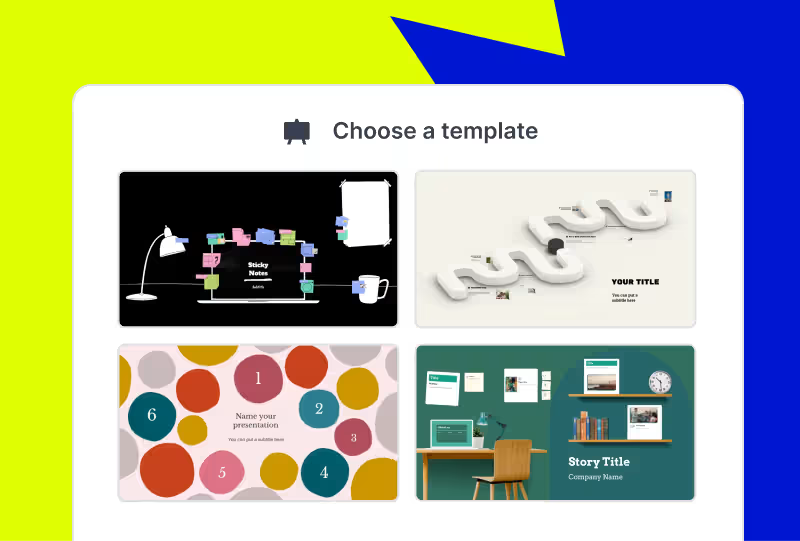
Adjust the look and feel of your newly-made presentation. Pick your style, choose your images, and apply your branding with the click of a button.
2. SOLIS

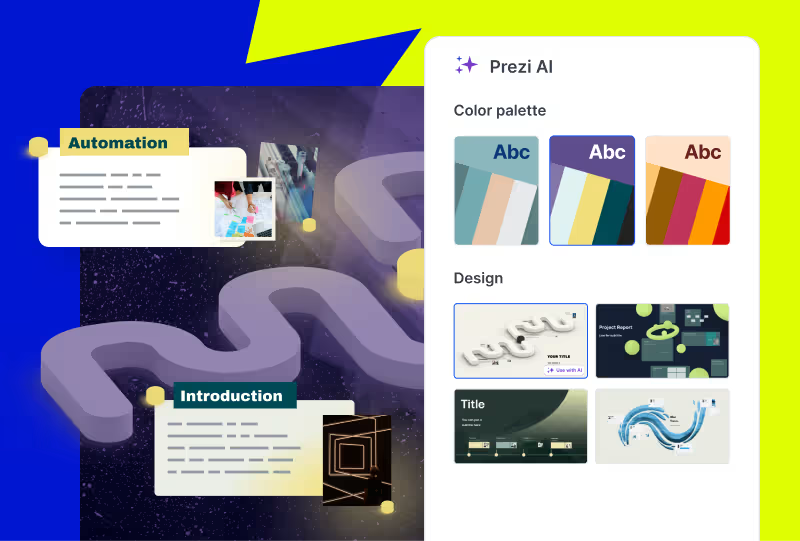
Make it yours

Adjust the look and feel of your newly-made presentation. Pick your style, choose your images, and apply your branding with the click of a button.

Adjust the look and feel of your newly-made presentation. Pick your style, choose your images, and apply your branding with the click of a button.
3. SOLIS

Edit your deck

Make any final customizations or additions to your generated presentation before it's ready to present.
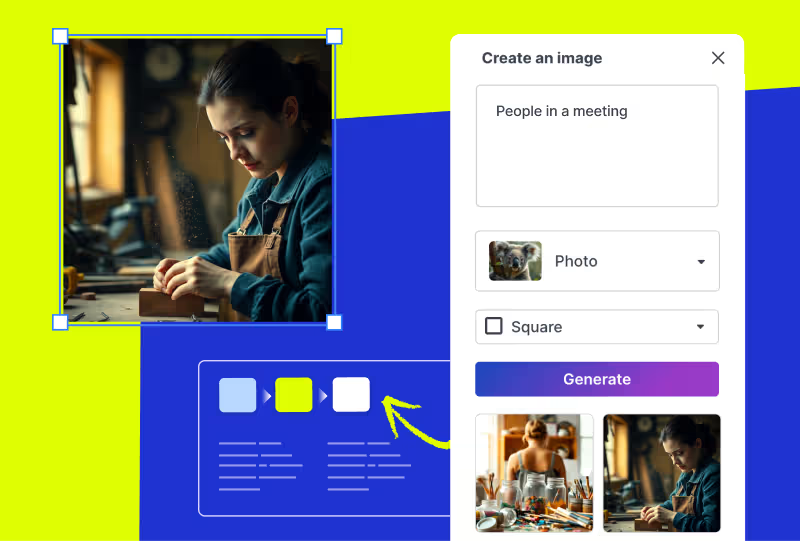
Adjust the look and feel of your newly-made presentation. Pick your style, choose your images, and apply your branding with the click of a button.

Piesaisti uzmanību ar mākslīgā intelekta vadītām prezentācijām

Izmēģināt bez maksas

Frequently asked questions

  • What are Prezi presentation templates?

    Prezi presentation templates are professionally designed, ready-to-use layouts. They’re designed to give you a head start with presentation creation. Each template includes a clear presentation path, balanced visuals, and dynamic flow. This allows your presentation to move and guide your audience's attention. You can find a variety of templates for business, education, creative, and personal use cases. Just pick a template, add your content, and present with confidence.

  • How do Prezi templates work with Prezi AI?

    When you choose to use AI with one of the presentation templates, you will share some content about your presentation. It can be as short as a title or as long as an uploaded PDF outline. From there, Prezi AI will generate a presentation using your content and drop it into the template.

  • What if I’m not seeing the right presentation template for me?

    Prezi's prompt library gives you dozens of ready-made prompts from investor pitch decks to classroom lessons to creative portfolios. Just pick a prompt, and Prezi AI builds your presentation from scratch with layouts, visuals, and motion paths already in place. Want something even more specific? You can write your own custom prompt or upload a file, a document, outline, or brief, and Prezi AI will transform it into a dynamic, motion-based presentation in seconds.

  • Are Prezi templates free to use?

    Yes, all Prezi templates are free to use. If you want access to all advanced Ai features and Ai templates, you may need to upgrade to a paid subscription.

  • Can I customize a Prezi template after choosing one?

    Yes. Every Prezi template is customizable. You can edit text, swap images, adjust layouts, and move around slides.

  • Can I download Prezi presentation templates as PowerPoint files?

    Yes. Prezi lets you export your finished presentation as a PowerPoint (PPT) file, so you can download presentation templates and share them with anyone, even if they don't use Prezi. This makes Prezi a great alternative when you're searching for powerpoint presentation templates.

  • Can I create a presentation without using a template?

    Yes. With Prezi AI, you can create a presentation by selecting a prompt from the prompt library, writing your own custom prompt, or uploading a file such as a document, outline, or brief. Prezi AI will transform your input into a dynamic presentation.

Kā Prezi AI palīdz man veidot prezentācijas?

Prezi AI palīdz visos prezentācijas veidošanas posmos, tostarp šajos:

  1. Plāns: Izmantojiet Prezi AI, lai izveidotu prezentācijas plānu.
  2. Noformējums: Prezi AI var ieteikt noformējuma elementus, krāsu paletes un izkārtojumus.
  3. Saturs: Prezi AI var palīdzēt ģenerēt tekstu un vizuālos materiālus, ņemot vērā jūsu plānu.
  4. Pilnveidošana: Pārskatiet un rediģējiet mākslīgā intelekta ģenerēto saturu, lai tas atbilstu jūsu mērķiem.

Kādas priekšrocības AI sniedz prezentācijās?

Skaidru un kodolīgu AI ideju rakstīšana ir būtiska, lai optimizētu darbplūsmu un radītu augstas kvalitātes prezentācijas, izmantojot AI prezentāciju veidotājus. Šeit ir daži galvenie padomi, kas jāņem vērā, veidojot prezentāciju ar Prezi AI:

  1. Nosakiet fokusu: Norādiet precīzu prezentācijas galveno tēmu.
  2. Pieskaņojiet atbilstoši: Ņemiet vērā savu auditoriju un attiecīgi pielāgojiet ideju.
  3. Vizualizējiet ar vārdiem: Aprakstiet vēlamo vizuālo stilu un toni.
  4. Atslēgvārdi un tonis: Iekļaujiet atbilstošus atslēgvārdus un norādiet vēlamo toni.
  5. Ietaupiet: Automatizējot dažādus prezentācijas izveides un parādīšanas aspektus, AI prezentāciju veidotājs var palīdzēt samazināt izmaksas, kas saistītas ar noformējumu un manuālu satura pielāgošanu.

Ievērojot šos padomus, varēsiet efektīvi pastāstīt savu ieceri Prezi AI un radīt iespaidīgas prezentācijas atbilstoši jūsu iecerēm. Atcerieties — esat konkrēts un skaidrs, kā arī saglabājiet prezentācijas aprakstu kodolīgu un viegli saprotamu.

Kas ir ģeneratīva AI prezentācija?

Ģeneratīva AI prezentācija ir tāda, kas ir veidota vai daļēji veidota, izmantojot mākslīgo intelektu. Tas var ietvert ideju ģenerēšanu, slaidu un rāmju noformēšanu vai satura veidošanu.

Kāds ir labākais veids, kā parādīt AI prezentāciju?

Neatkarīgi no tā, vai veidojat AI prezentāciju par biznesa tēmām vai izglītojošiem jēdzieniem, pielāgojiet savu saturu auditorijas zināšanu līmenim un interesēm. Izmantojiet skaidru valodu, sadaliet sarežģītus jēdzienus vienkāršākās daļās un izmantojiet vizuālos materiālus, lai uzlabotu izpratni.

Tāpat iesaistiet auditoriju, uzdodot jautājumus, veicinot līdzdalību un padarot prezentāciju interaktīvu. Visbeidzot, vingrinieties prezentācijas runā un lūdziet atsauksmes. Turklāt iedvesmai varat apskatīt tādus resursus kā Prezi veidnes vai piemērus.

Lai uzzinātu vairāk par to, kā efektīvi prezentēt, izlasiet šo rakstu. 

Kāpēc man vajadzētu izmantot Prezi AI?

Prezi AI palīdz ietaupīt laiku un ļauj koncentrēties uz patiešām svarīgu darbu. Ar AI palīdzību varat automatizēt atkārtotus uzdevumus, rosināt radošumu, atrast jaunas idejas, kā arī uzlabot savu saturu. Prezi AI palīdz arī citos veidos, piemēram, iesaistot auditoriju. Ātri pielāgojiet savu saturu auditorijas vēlmēm un noturiet viņu interesi visas prezentācijas laikā.

Kā veidot animācijas ar AI?

Prezi AI var palīdzēt izveidot animētus slaidus no aizzīmēm. Vienkārši ievadiet savas aizzīmes, un Prezi AI piedāvās automātiski ģenerēt vizuāli pievilcīgus un animētus slaidus. Jūs varat pielāgot slaidus un kopējo stilu atbilstoši savām vēlmēm.

Kā izmantot AI vizuālos materiālus un animācijas Prezi?

Ar Prezi varat uzlabot savas prezentācijas, iekļaujot AI ģenerētus vizuālos materiālus. Vienkārši augšupielādējiet savus AI vizuālos materiālus un pielāgojiet prezentāciju, lai tā atbilstu jūsu vēlamajam rezultātam. 

Tāpat varat piešķirt izteiksmi savām aizzīmēm, pārvēršot tās vizuālos stāstos ar AI palīdzību. Ar dažiem klikšķiem varat pārvērst garlaicīgas aizzīmes par dinamiskiem, animētiem slaidiem. Šīs pārmaiņas varat pielāgot atbilstoši savam stilam, lai radītu dinamiskāku un iespaidīgāku prezentāciju.