팀의 발표 방식에 변화를 주세요

Prezi AI를 사용해 콘텐츠와 아이디어를 몇 분 만에 임팩트 있는 프레젠테이션으로 바꾸세요. 팀이 필요로 하는 제어, 보안, 지원을 갖추고 있습니다.

  • Cisco logo.
  • Autodesk logo
  • Salesforce logo
  • Airbus logo
  • Staples logo
  • Sony logo
  • BMW logo
  • Fujitsu logo
  • Discovery logo
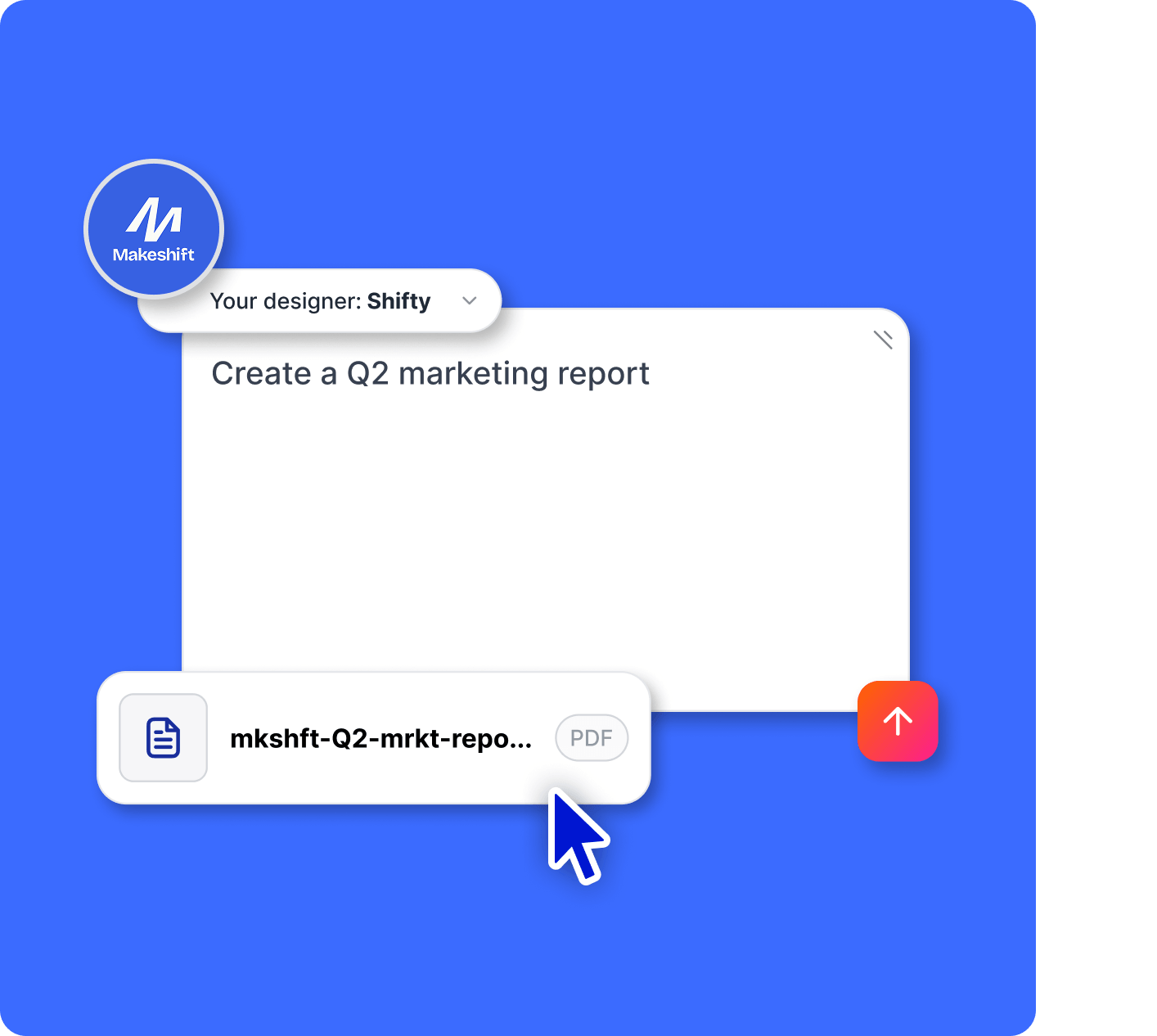
Upload PPT and PDF files and transform your presentation with slides

팀만큼 열심히 일하는 프레젠테이션

기존 컨텐츠로 만드세요

문서, 슬라이드, 개요를 불러오기하여 팀에서 바로 사용할 수 있는 전문적인 프레젠테이션으로 즉시 만들 수 있습니다.

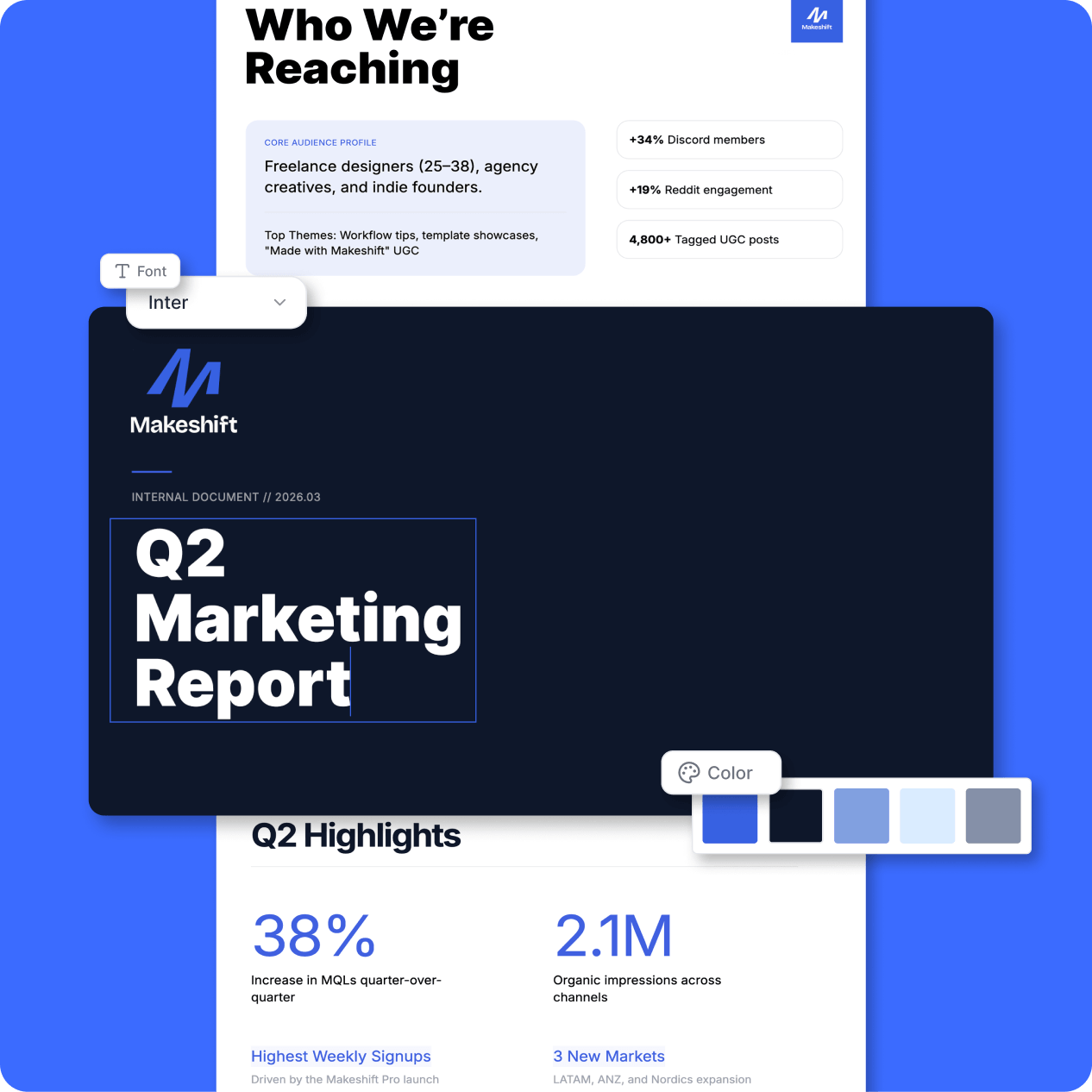
Always on brand

폰트, 색상, 템플릿을 고정하여 모든 프레젠테이션에서 일관성을 유지하세요. 추가 작업이 필요하지 않습니다.

주의를 집중시키도록 설계되었습니다

사용자 5명 중 4명은 Prezi가 기존 슬라이드보다 시선집중에 더 효과적이라고 답했습니다.*

*2026년 3/4월 Prezi를 사용하는 전문인들을 대상으로 실시한 설문 조사에 근거함.

팀원 모두 브랜드에 맞게 제작합니다

팀이 만드는 모든 프레젠테이션이 브랜드 이미지를 정확히 반영합니다.

브랜드 키트

로고, 색상, 폰트를 업로드하세요. 팀에서 제작하는 모든 프레젠테이션에 자동으로 적용됩니다.

Your Designer

색상, 폰트, 레이아웃, 이미지, 시각적 언어 등 브랜드 전체에 맞춰 학습된 맞춤형 AI 디자이너가 모든 프레젠테이션을 자동으로 브랜드 이미지에 맞게 디자인해 드립니다.

Custom branding on your presentations

An expert AI presentation designer, built for you

Prompt

Build a smart, engaging training session for remote teams with tools, trends, and actionable tips.

Prompt

Pitch my Mexican food truck concept with fresh food and fresher ideas. Include a clear growth plan and captivating visuals.

Prompt

Showcase a creative marketing strategy for a tech brand that highlights recent KPIs, market trends, and what’s next.

Prompt

Create a data-driven sales pitch for my finance company that highlights key wins, trends, and opportunities for new customers.

Prompt

Analyze performance metrics and strategies for a sound development business review. Forecast what’s next with bold visuals, charts, and clear takeaways.

팀이 실제로 일하는 방식에 맞게 만들어졌습니다

The control, admin, and support a growing team needs.

Icon representing engagement, showing a smiling face surrounded by dynamic lines to convey excitement and interaction.

컨텐츠 소유권

팀원이 팀을 떠나도, 팀의 컨텐츠를 관리할 수 있습니다.

Icon representing analytics

라이센스 관리

쉽게 팀원을 추가, 삭제하고, 라이센스를 이전할 수 있습니다.

Icon representing share links

공개 범위 설정

공개 범위 설정으로 누가 무엇을 볼 수 있는지 자유롭게 설정할 수 있습니다.

Icon representing SOC2 ccompliant

MSI 설치

원격 소프트웨어 배포를 통해 모든 사용자가 최신 버전을 빠르게 이용할 수 있습니다.

Icon representing privacy control

Customer support

필요할 때 언제든 도움을 드릴 수 있도록 지원팀이 대기하고 있습니다.

Icon representing work offline

전담 매니저

팀이 쉽고 빠르게 시작하실 수 있도록 전담 가이드가 도와드립니다.

팀원들과 Prezi를 사용해 보시겠어요?

Prezi 무료로 이용하기

모든 규모의 팀이 신뢰합니다

성장하는 팀부터 글로벌 기업에 이르기까지, Prezi는 데이터를 안전하게 보호하고 조직이 모든 것을 통제 및 관리할 수 있도록 지원합니다.

Icon representing engagement, showing a smiling face surrounded by dynamic lines to convey excitement and interaction.

SOC 2 규정 준수

SOC2 요구 사항을 준수하고 계속해서 규정에 맞게 업데이트하고 있습니다.

Icon symbolizing persuasion, featuring a speech bubble or dialog element with emphasis lines suggesting convincing communication.

지속적인 모니터링

인프라 및 앱을 24시간 스캔하고 테스트합니다.

Time icon showing a stylized clock face, representing speed, efficiency, or time-saving.

교차 팀 협업

인프라부터 제품 경험에 이르기까지 모든 단계에서 보안을 고려하여 만들어졌습니다.

고객이 Prezi를 사랑하는 이유

Prezi는 수천 건의 긍정적인 고객 후기를 바탕으로 다양한 산업 분야에서 시선을 사로잡는 프레젠테이션 도구의 선두주자로 자리매김했습니다.

start ratingstart ratingstart ratingstart ratingstart rating
4.6
2,010개 사용후기
start ratingstart ratingstart ratingstart ratingstart rating
4.6
1,934개 사용후기
G2 Top 50 office products awards 2023 badgeG2 leader fall 2023 badge
  • Prezi를 사용하면 이야기를 더욱 효과적으로 전달할 수 있습니다. 단순히 차별성이 없는 파워포인트가 아니라는 사실만으로도 사람들은 더 집중합니다.

    Mike F
  • 저는 자동차 업계 고객을 설득하기 위한 프레젠테이션에서 Prezi를 사용했습니다. 슬라이드를 보여주는 대신, 제가 직접 분위기를 장악했죠. 그러자 분위기가 완전히 바뀌었고, 결국 계약을 따낼 수 있었습니다.

    Predrag P
  • 저희는 Prezi로 프레젠테이션을 만들어 지원금 지급 기관을 설득할 수 있었고, 저희 고객의 비영리 단체가 결국 선정되어 1만 달러의 지원금도 받았습니다.

    Leonard R

팀원들을 Prezi에 초대하세요

브랜드에 맞는 프레젠테이션, 내장된 보안 기능, 팀 전담 고객지원을 제공하고, 팀의 업무 방식에 최적화되었습니다.

Prezi 무료로 이용하기

자주 묻는 질문

  • 기존 프레젠테이션 또는 문서를 Prezi로 불러오기 할 수 있나요?

    네. 파워포인트 파일이나 PDF 파일을 간단히 업로드하거나, 기존 컨텐츠를 활용하여 시작하세요. 처음부터 시작하는 번거로움 없이 더욱 시각적이고 매력적인 프레젠테이션을 만들 수 있습니다.

  • 브랜드에 맞는 프레젠테이션을 만들 수 있나요?

    네. 브랜드 키트와 Your Designer를 사용하면 팀의 폰트, 색상, 시각적 스타일이 자동으로 적용되어 모든 프레젠테이션의 일관성이 유지됩니다.

  • Prezi는 단체 팀이 사용하기에 쉽나요?

    네. Prezi는 디자이너가 아니더라도 직관적으로 사용할 수 있어 팀원 모두 빠르게 시작할 수 있습니다. 필요하신 경우 팀 전담 지원 및 쉽게 시작하실 수 있도록 도와드립니다.

  • 여러 사람이 함께 프레젠테이션을 만들 수 있나요?

    네. 팀원들이 함께 프레젠테이션을 만들고 편집하고 공유할 수 있어, 모두 같은 목표를 향해 작업하고 업무 속도를 높일 수 있습니다.

  • 관리자는 어떤 권한을 가지고 있나요?

    관리자는 팀 전체의 사용자를 관리하고, 라이센스를 분배 또는 이전하고, 컨텐츠 접근을 관리, 제어하고, 개인정보 보호 설정을 감독할 수 있습니다.

  • 팀을 위한 가격 옵션은 어떻게 되나요?

    Prezi는 팀 규모와 필요에 따라 다양한 요금제를 제공합니다. 지금 바로 시작하거나 영업 담당자와 상담하여 맞춤형 요금제를 이용하실 수 있습니다.

How does Prezi AI help me create presentations?

Prezi AI helps with every stage of presentation creation, including:

  1. Outline: Use Prezi AI to help you structure the outline for your presentation.
  2. Design: Prezi AI can suggest design elements, color palettes, and layouts.
  3. Content: Prezi AI can help with generating text and visuals based on your outline.
  4. Refine: Review and edit the AI-generated content to ensure it aligns with your goals.

What are the benefits of AI for presentations?

Writing clear and concise AI prompts is essential for streamlining your workflow and generating high-quality presentations using AI presentation makers. Here are some key tips to consider when creating your presentation with Prezi AI:

  1. Define your focus: Be specific about the central topic of your presentation.
  2. Tailor for impact: Consider your audience and adjust the prompt accordingly.
  3. Paint a picture with words: Describe your desired visual style and tone.
  4. Keywords & tone: Include relevant keywords and specify the desired tone.
  5. Cost savings: By automating various aspects of presentation creation and delivery, the AI presentation maker can help you reduce costs associated with design and manual content adjustments.

By following these tips, you can effectively communicate your vision to Prezi AI and create impactful presentations that align with your goals. Remember to be specific and clear and keep your presentation description concise and easy-to-understand.

What is a generative AI presentation?

A generative AI presentation is one that is created or partially created using artificial intelligence. This can include generating ideas, designing slides and frames, or creating content.

What is the best way to deliver an AI presentation?

Whether you're delivering an AI presentation on business topics or educational concepts, make sure to tailor your content to your audience's knowledge and interests. Use clear language, break down complex concepts, and use visuals to improve understanding.

Also, make sure to engage your audience by asking questions, encouraging participation, and making the presentation interactive. Finally, practice your presentation speech and seek feedback. Furthermore, you can explore resources like Prezi templates or examples for inspiration.

For more information on how to effectively deliver presentations, read this article. 

Why should I use Prezi AI?

Prezi AI helps save you time and lets you focus on the work that really matters. With AI, you can automate repetitive tasks, spark creativity and find new ideas, and enhance your content. Prezi AI helps in other ways, too, like audience engagement. Quickly tailor your content to your audience’s preferences and keep them interested for your entire presentation.

How to make animations with AI

Prezi AI can help you create animated slides from bullet points. Simply enter your bullet points, and Prezi AI will offer to automatically generate visually appealing and animated slides. You can customize the slides and overall style to match your preferences.

How to use AI visuals and animations in Prezi

With Prezi, you can improve your presentations by incorporating AI-generated visuals. Simply upload your AI visuals and tailor your presentation to match your desired outcome. 

Also, you can bring your bullet points to life by turning them into visual stories with the help of AI. In a few clicks, you can turn dull bullet points into dynamic, animated slides. You can customize these transitions to fit your style and ultimately create a more dynamic and impactful presentation.