Create memorable decks with AI presentation templates
Start with a template. Finish with something unforgettable.


Browse all
Browse all. Choose your template and let Prezi AI do the heavy lifting. Your next great presentation is three steps away.
How do Prezi AI templates work
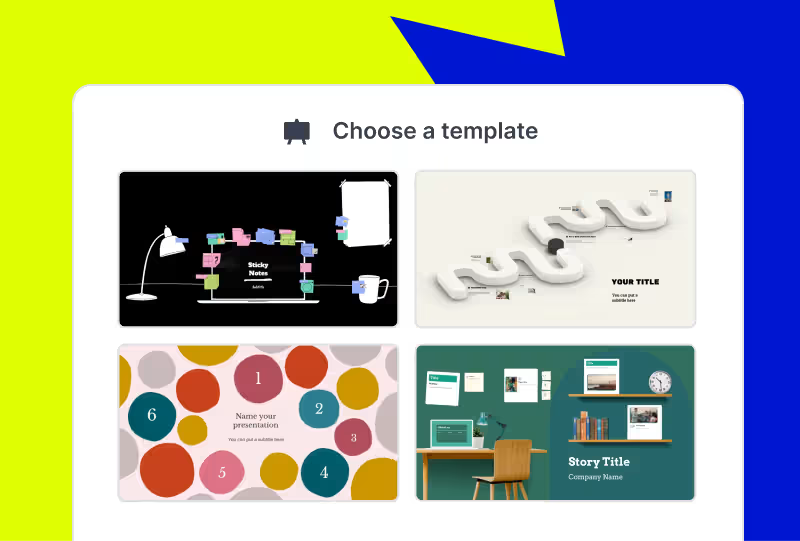
Choose your template
Browse categories to find the best AI-assisted presentation template for you.
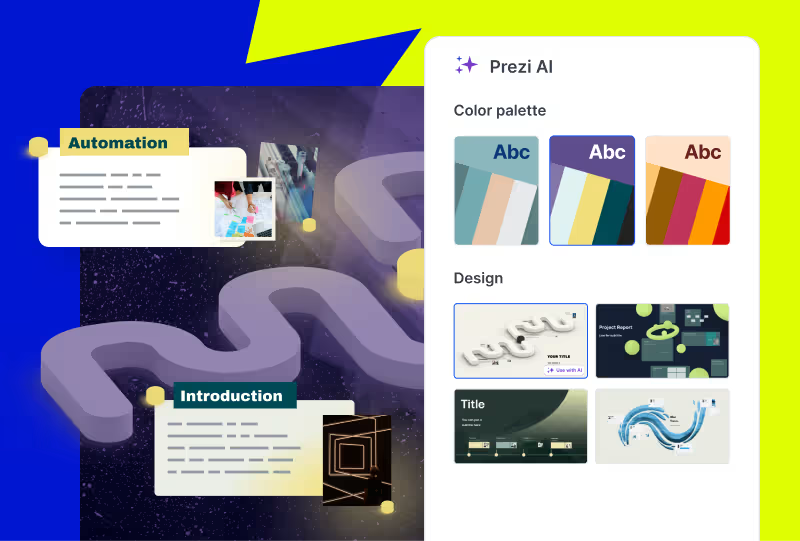
Make it yours
Adjust the look and feel of your newly-made presentation. Pick your style, choose your images, and apply your branding with the click of a button.
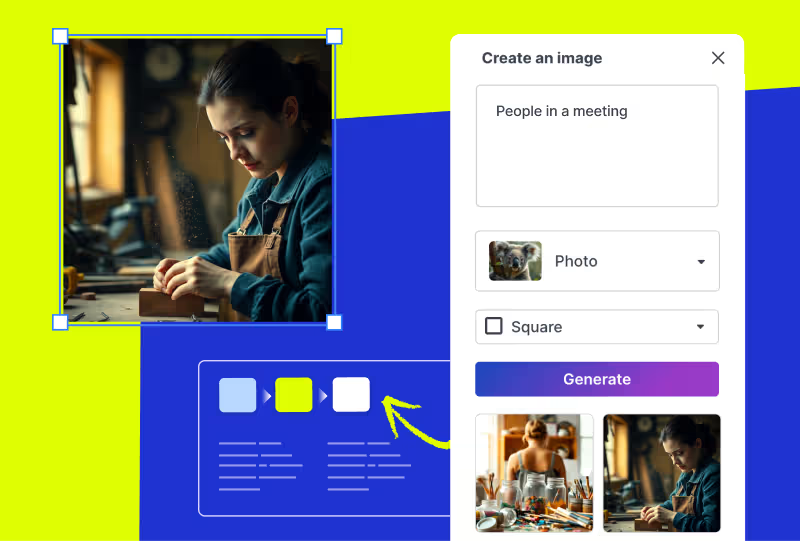
Edit your deck
Make any final customizations or additions to your generated presentation before it's ready to present.
AI로 만드는 프레젠테이션으로 시선을 사로잡으세요
Frequently asked questions
What are Prezi presentation templates?
Prezi presentation templates are professionally designed, ready-to-use layouts. They’re designed to give you a head start with presentation creation. Each template includes a clear presentation path, balanced visuals, and dynamic flow. This allows your presentation to move and guide your audience's attention. You can find a variety of templates for business, education, creative, and personal use cases. Just pick a template, add your content, and present with confidence.
How do Prezi templates work with Prezi AI?
When you choose to use AI with one of the presentation templates, you will share some content about your presentation. It can be as short as a title or as long as an uploaded PDF outline. From there, Prezi AI will generate a presentation using your content and drop it into the template.
What if I’m not seeing the right presentation template for me?
Prezi's prompt library gives you dozens of ready-made prompts from investor pitch decks to classroom lessons to creative portfolios. Just pick a prompt, and Prezi AI builds your presentation from scratch with layouts, visuals, and motion paths already in place. Want something even more specific? You can write your own custom prompt or upload a file, a document, outline, or brief, and Prezi AI will transform it into a dynamic, motion-based presentation in seconds.
Are Prezi templates free to use?
Yes, all Prezi templates are free to use. If you want access to all advanced Ai features and Ai templates, you may need to upgrade to a paid subscription.
Can I customize a Prezi template after choosing one?
Yes. Every Prezi template is customizable. You can edit text, swap images, adjust layouts, and move around slides.
Can I download Prezi presentation templates as PowerPoint files?
Yes. Prezi lets you export your finished presentation as a PowerPoint (PPT) file, so you can download presentation templates and share them with anyone, even if they don't use Prezi. This makes Prezi a great alternative when you're searching for powerpoint presentation templates.
Can I create a presentation without using a template?
Yes. With Prezi AI, you can create a presentation by selecting a prompt from the prompt library, writing your own custom prompt, or uploading a file such as a document, outline, or brief. Prezi AI will transform your input into a dynamic presentation.