Create with an AI presentation maker
Type a topic or upload a file. Prezi AI generates a complete, visually dynamic presentation that’s structured, designed, and ready to customize in seconds.
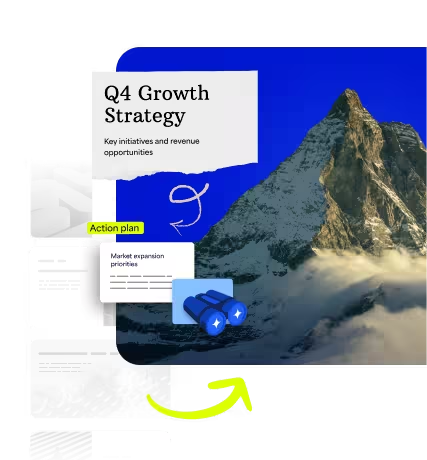
아이디어를 현실로 만드세요
파일을 업로드하거나 주제를 입력하세요. Prezi AI가 시각적으로 역동적이고 시선을 사로잡는 맞춤형 프레젠테이션을 만들어 드립니다.
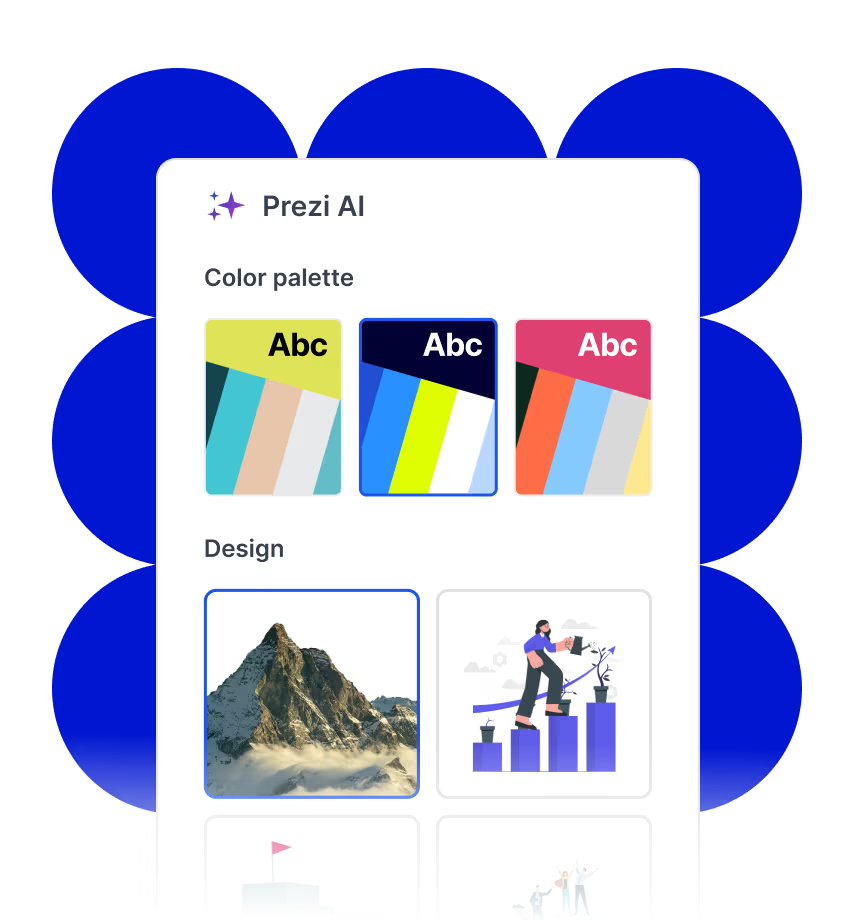
자신있게 만드세요
Prezi AI는 여러분의 아이디어에 맞춰 스마트한 레이아웃과 디자인 옵션을 제공하는 AI 개인 디자이너입니다. 프레젠테이션만을 위해 만들어진 AI입니다.
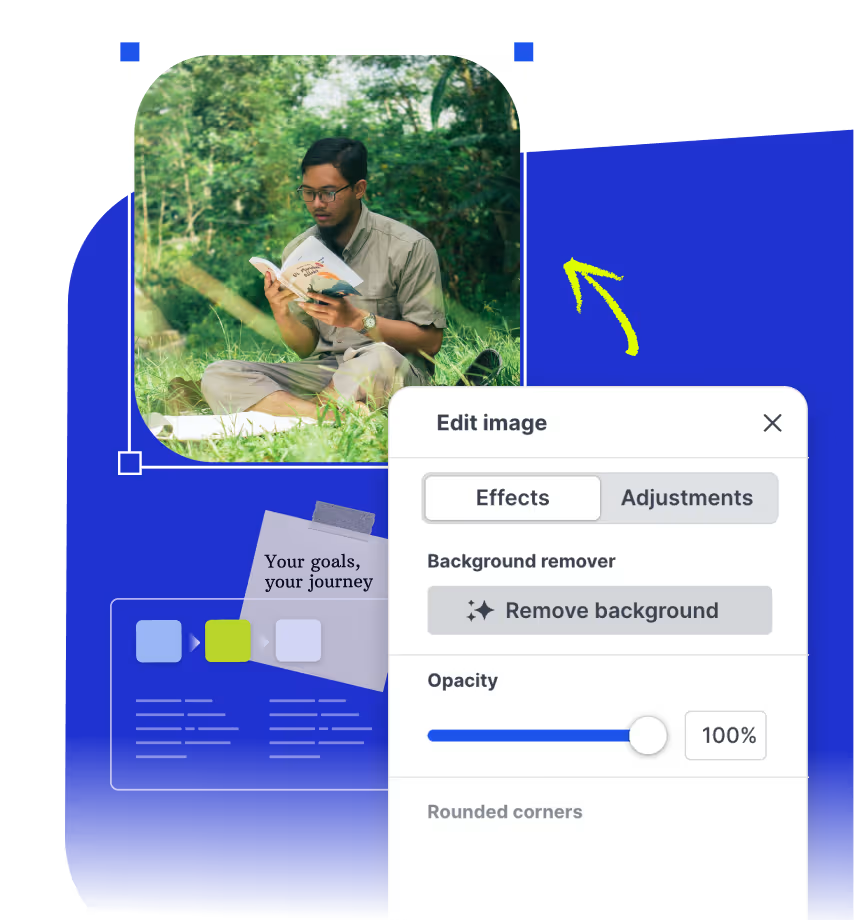
더 정교하게 다듬고 더 스마트하게 감상하기
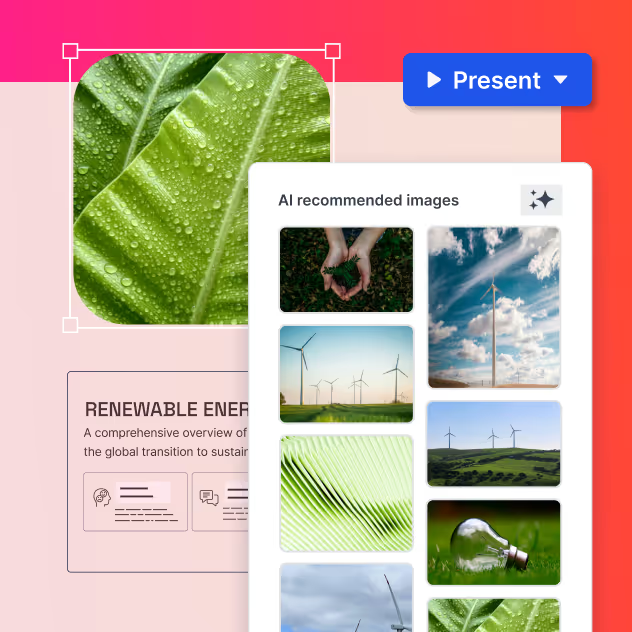
프레젠테이션을 만드는 동안 실시간 AI 기반 글쓰기 팁, 시각적 제안 및 생성된 이미지를 활용하세요. 모든 것을 직접 편집할 수 있으며, Prezi AI가 제작 과정을 더욱 쉽게 만들어 드립니다.
AI로 만드는 프레젠테이션으로 시선을 사로잡으세요
Bring your existing files, collaborate with others, and share your presentations anywhere.
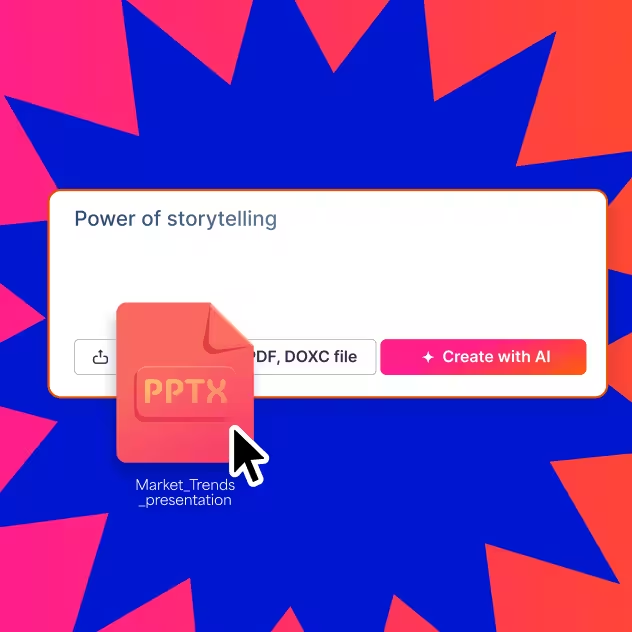

빠르고 쉬운 제작
Prezi AI helps you go from idea to presentation quickly. Generate a solid first draft in minutes, so you can spend less time building slides and more time refining the story and delivering with confidence.
Multiple ways to get started
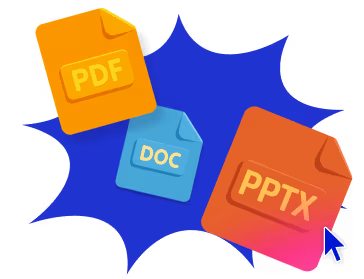
Kick off your presentation from a prompt, a topic, or upload a file (PowerPoint, Word Doc, PDF). Whether you have a clear outline or just a starting point, Prezi AI adapts to what you have and helps you shape it into a polished deck.
Logical structure and flow
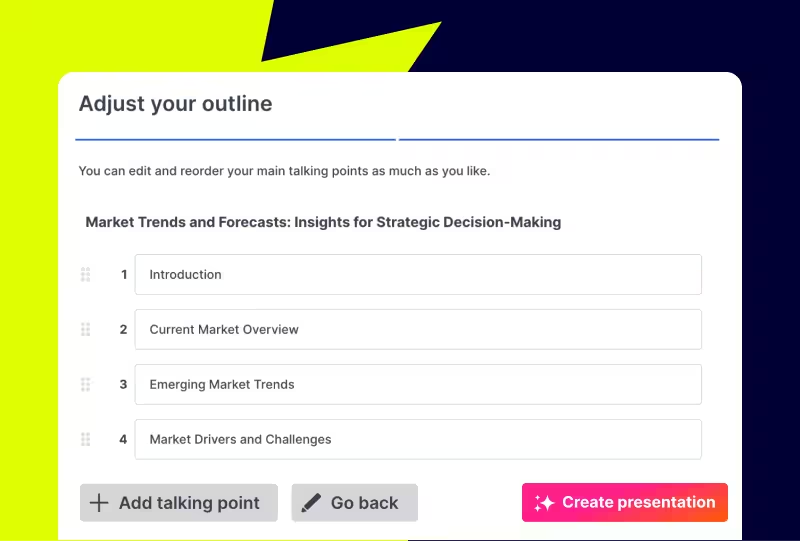
Once you share your topic or content, Prezi AI can propose a presentation structure that organizes key points into a clear narrative. This gives you a strong outline to build on and makes it easy to adjust as you go.
Customize your text
Prezi makes it easy to edit and refine what the AI generates. Update text, reorder sections, regenerate parts, and tailor messaging to match your voice, audience, and goal.
Multimedia library
Browse through Prezi’s content library or create your own using Prezi’s AI image generator to create custom images, fast.
Ready to present and share
When you are done, your presentation is ready to present, share, and reuse. Download it as a PDF or PPT to share with others, or as an offline file for easy presenting.
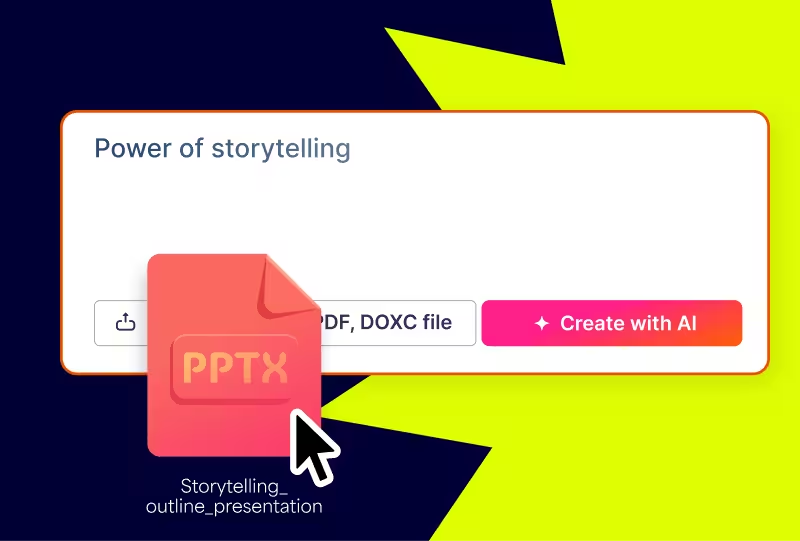
파일을 업로드하면, 더 나은 파일로 돌아옵니다.
개요나 현재 프레젠테이션 파일을 업로드하면, Prezi AI가 바로 발표할 수 있는 시네마틱한 프레젠테이션으로 만들어 줍니다.
Prezi 사용자들의 의견
160 million users and counting have successfully used Prezi AI to create presentations
“Prezi’s AI presentation maker took my messy notes and turned them into a clean, editable deck in minutes. The outline-first workflow saved me hours.”
“I tried multiple AI slide generators, and this one gave me the best structure. It feels like an AI PPT maker that actually understands narrative flow.”
“We use Prezi AI as a presentation maker for training decks. Uploading a PDF and generating a draft presentation is the fastest way we’ve found to start.”
아이디어를 입력하세요
아이디어를 입력하거나, 컨텐츠를 붙여넣거나, 파일을 업로드하세요. Prezi AI가 입력된 컨텐츠를 기반으로 맞춤형 개요를 즉시 생성해 드립니다.
개요를 조정하세요
디자인 시작 전에 프레젠테이션에 맞는 짜임새있는 계획을 세우세요. 개요를 쉽게 재배열하고 편집 할 수 있어 부담 없이 시작할 수 있습니다.
내 것으로 만드세요
새로 만든 프레젠테이션의 디자인과 분위기를 조정해 보세요. 원하는 스타일을 선택하고, 이미지를 고르고, 버튼 클릭 한 번으로 브랜드에 맞게 만들 수 있습니다.

Your next presentation is just seconds away

자주 묻는 질문
AI 프레젠테이션 메이커란 무엇인가요?
An AI presentation maker is a tool that uses artificial intelligence to automatically generate a complete presentation from a text prompt, uploaded file, or topic description. It handles structure, content, and design simultaneously, producing a polished, editable deck in seconds. Prezi's AI presentation maker creates a dynamic presentation experience, providing a format that supports spatial navigation and motion, making it especially effective for complex or layered topics.
What is the best AI presentation maker?
The best AI presentation maker depends on your use case. For presentations that need to communicate complex ideas, tell a story, or keep an audience engaged, Prezi's AI presentation maker is preferred. It offers a dynamic presentation experience and supports file uploads, real-time editing, and AI image generation within the same tool.
What is an AI slide generator?
An AI slide generator is software that automatically produces slides or full slide decks from a user's input. Most AI slide generators accept a text prompt or topic and return a structured deck with suggested content and visuals. Prezi's AI slide generator creates a presentation with retention and audience engagement in mind, suited to business presentations, like internal meetings or client pitches, and educational content.
How does an AI presentation generator work?
An AI presentation generator works by taking a user's input (a prompt, topic, or uploaded file) and using large language models to generate structured content, then applying design logic to produce a finished layout. The process typically involves generating an outline first, then populating each section with content, and finally applying visual formatting. In Prezi AI, users can review and edit the outline before design is applied, giving them control over the structure before committing to the final presentation.
Can I use an AI PPT maker to create slides from a PDF or Word document?
Yes. Prezi's AI presentation maker accepts uploaded files, including PDFs, Word documents (.doc, .docx), and existing PowerPoint files (.pptx). After uploading, Prezi AI transforms the content into a structured, dynamic presentation, reorganizing and visually formatting the material with a customizable style and color palette.
Is Prezi's AI presentation maker free?
Prezi offers a free trial that includes access to the AI presentation maker. Continued use of AI features requires a paid subscription. Free users can use AI credits to explore the prompt-to-presentation workflow and see a generated output before committing to a subscription.
How is an AI presentation maker different from a presentation template?
A presentation template provides a pre-designed visual structure that users fill in manually with their own content. An AI presentation maker generates both the content and the design from scratch based on a user's input, meaning the output is unique to the topic and audience, not a fixed layout applied to generic content. Templates can be a good starting point; AI presentation generators are faster and require less effort, especially for complex or detailed topics.