How to create AI presentations for trainings
Watch Prezi AI transform your prompt into an attention-grabbing presentation.
Try this prompt

Additional use cases for training presentations
Explore these prompt examples to see what your presentation could look like.
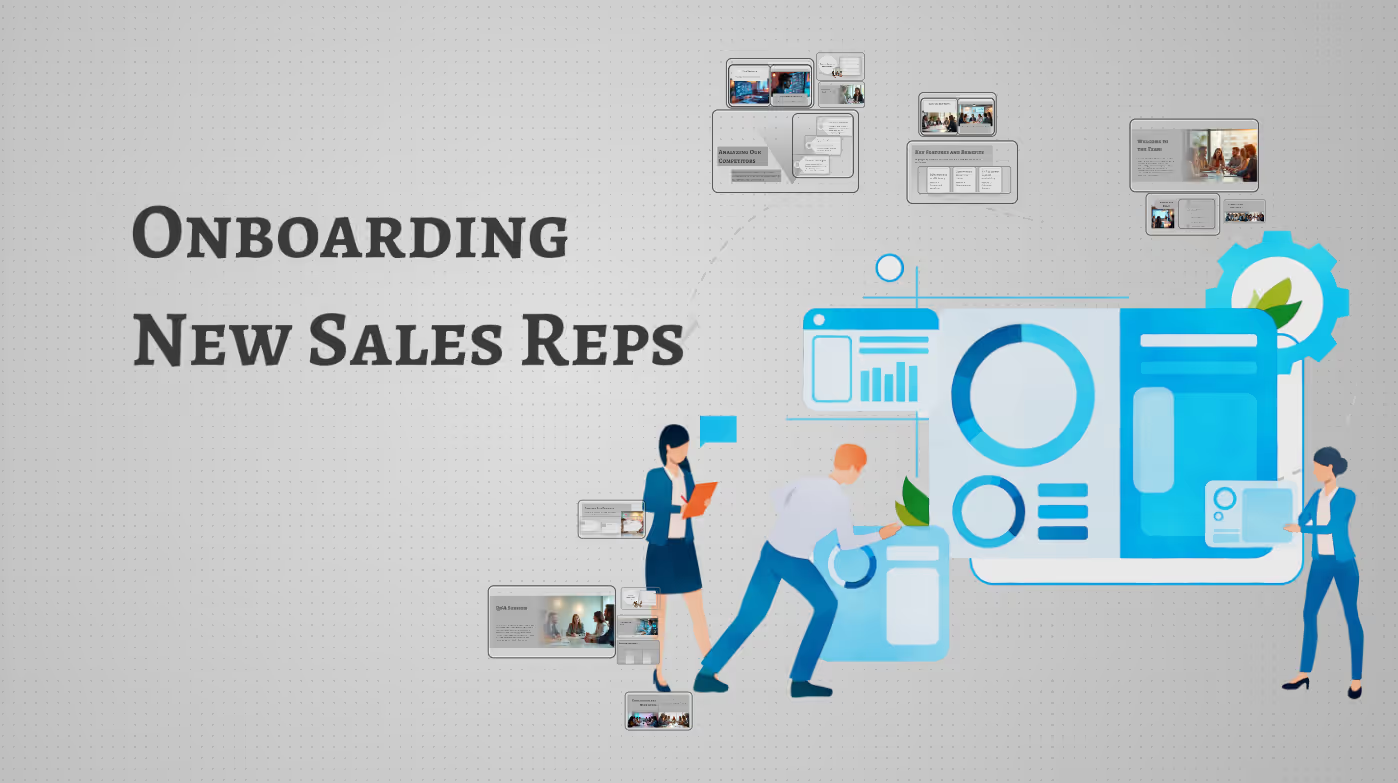
Sales enablement training
Create a presentation for onboarding new sales reps, including product overview, objection-handling scripts, competitor comparisons, and outreach best practices.
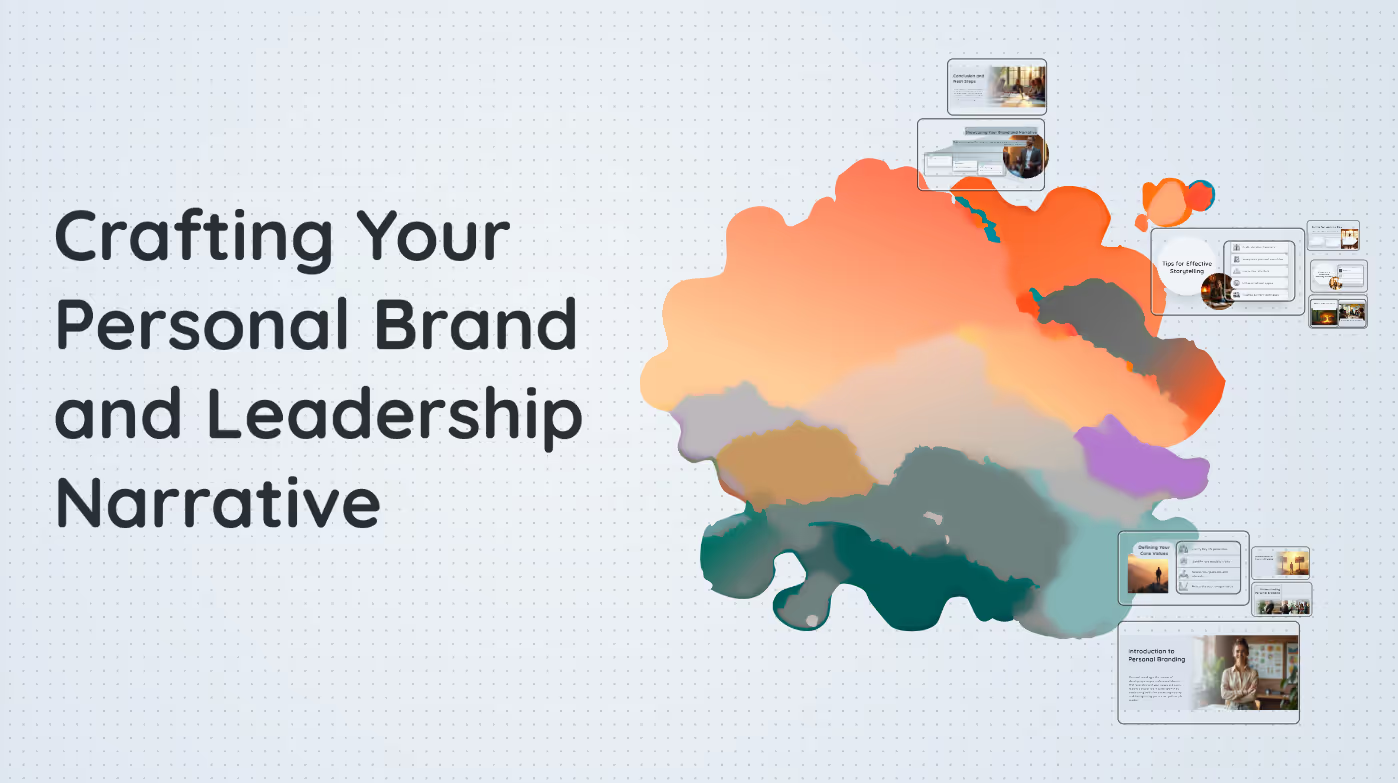
Executive coaching: Personal branding
Create a coaching session deck that helps professionals define their personal brand, clarify their values, and craft a memorable leadership narrative.

Government training
Turn federal procurement ethics rules into a training deck for contracting officers. Emphasize conflicts of interest, gifts, and documentation requirements.
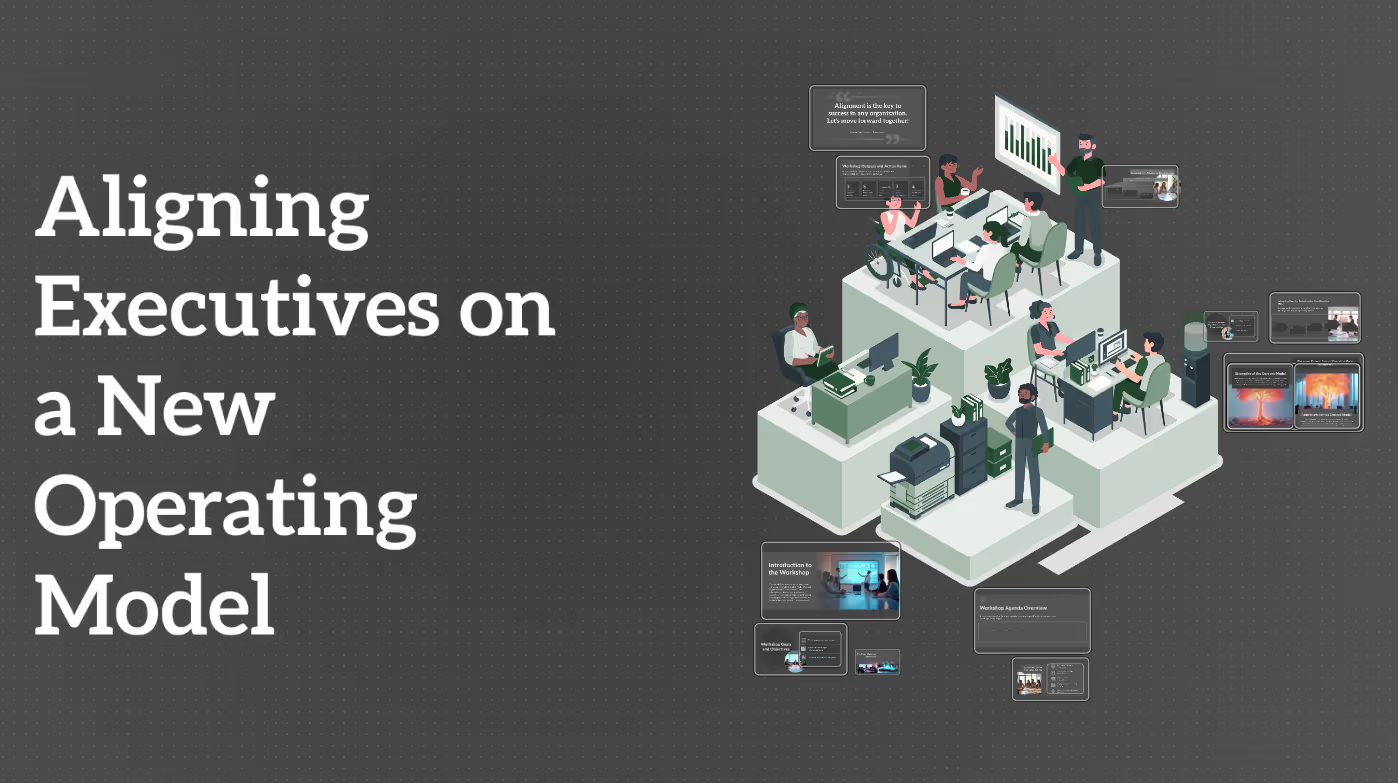
Client workshop
Design a client workshop to align executives on a new operating model. Include pre-read, goals, agenda, interactive exercises, discussion prompts, and a set of workshop outputs.
The science behind our prompts
How we found the best prompts for you.

Billions of presentations analyzed
Prezi has the largest public presentation library in the world. Our team of professional designers looked at the real prompts people use to make these presentations, see how people actually present, and provided the best here.

91% positively improved work outcomes
We asked users like you how they use Prezi. The results speak for themselves; Prezi presentations help people stand out at work and get what they want. Prezi is what great presentations are.

50% present within a day
Most people create presentations the day they need, but it can take hours by hand. Prezi AI gets you that time back thanks to the world’s most advanced presentation AI. With the right prompts, Prezi helps people create fantastic presentations in literal seconds.

160M+ users
Prezi is used around the world for people’s big presentation moments. We studied how these consultants, teachers, sales pros, marketers, and more actually present to bring you the best presentations, faster.
Transforming your prompts
Prezi AI reads your prompts and transforms them into the world’s best presentations. Here’s how:
- SKREF 1
Analyze your topic
Prezi AI reads your prompt or file and analyzes it for themes, content, and structures to create your presentation.
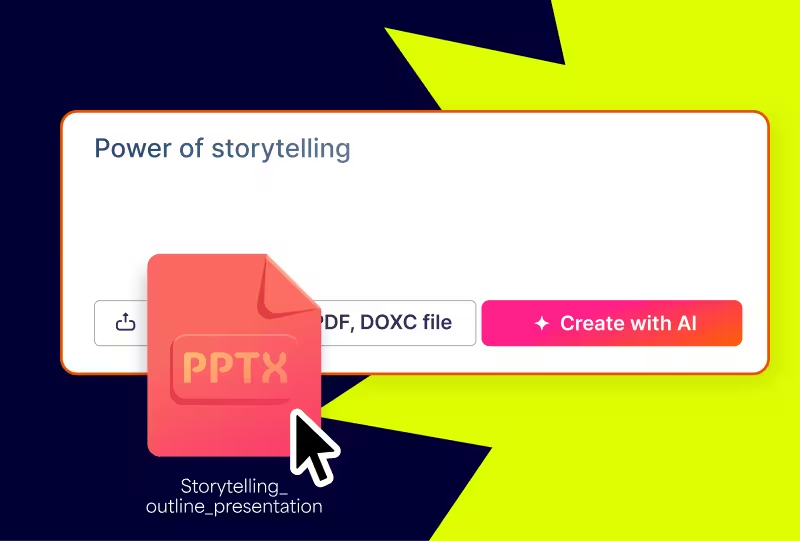
- SKREF 2
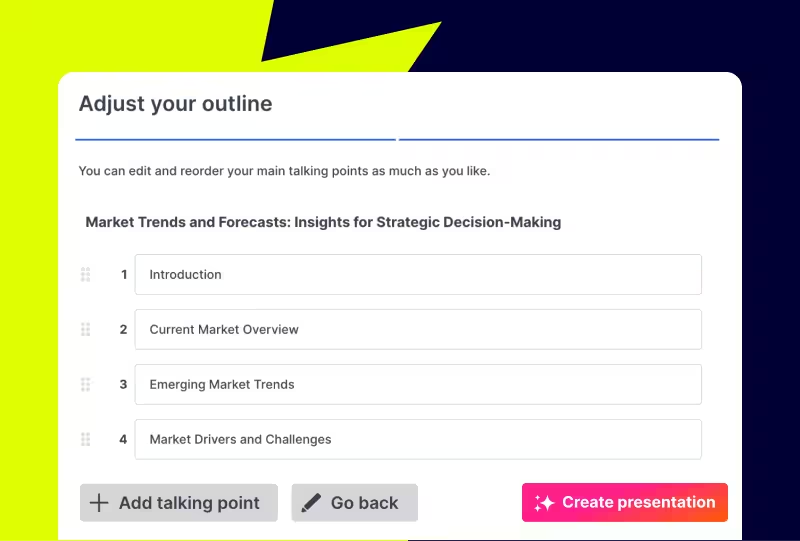
Creates an outline
From your topic, we create an outline with your topics and subtopics that covers everything you asked for and more.
- SKREF 3
Builds your canvas
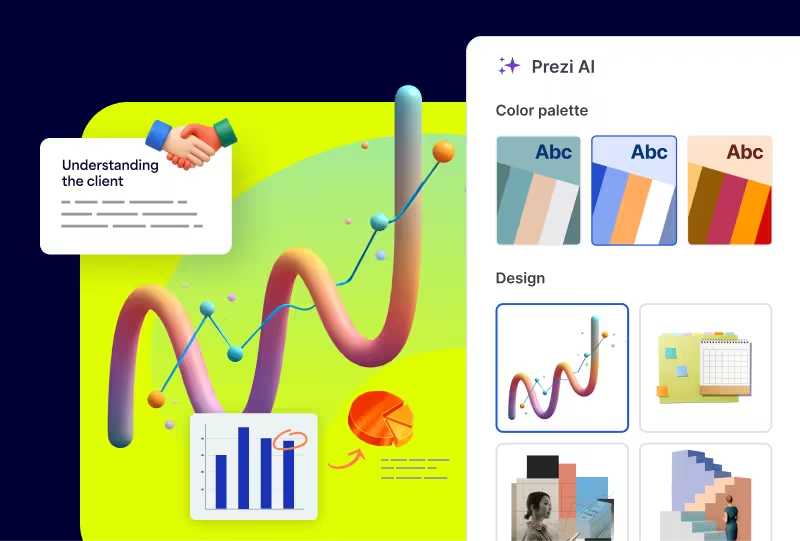
Once you’ve approved your outline, Prezi AI builds your zoomable presentation and content right in front of your eyes. Everything’s organized with easy presenting in mind, so you and your audience won’t want to look away.
Experience better presentations with Prezi
Hættu að eyða tíma í sniðmát og leiðinlegar glærur. Prezi AI býr til, hanna og hjálpar þér að kynna með óviðjafnanlegum hraða og áhrifum. Studd af vísindum og treyst af milljónum.
Frequently asked questions
Are there prompt examples I can use to share training decks faster?
Yes. This page includes prompt examples made for building training decks in Prezi faster, including government training sessions (compliance, policy, and procedures), consultant training programs (delivery, communication, and project basics), client workshops (alignment, discovery, and change management), and sales enablement trainings (product, messaging, and objection handling). Choose a prompt, tailor it to your audience and goals, and Prezi AI will generate a polished training deck with speaker notes in seconds. Want even more ideas? Visit Prezi’s prompts page for additional inspiration.
How does Prezi AI use templates to create personalized training presentations?
Prezi AI doesn't need templates. Instead, Prezi AI generates a tailored training deck structure based on your prompt and training format, whether you’re creating a cybersecurity awareness training, a new hire training, or presenting a new protocol. It can also match your brand colors based on your logo, so your training materials look polished and on-brand without extra manual formatting.
Why should teams use Prezi AI for training sessions?
Teams should use Prezi AI for training sessions because it helps trainers go from a rough idea to a ready-to-deliver deck much faster, without sacrificing structure or polish. You can generate a clear training flow tailored to your format, like government compliance training, consulting skill-building, client workshops, or sales enablement, and get a strong starting point with slide organization and speaker-note style detail. Prezi AI also helps keep training materials consistent and on-brand by aligning the look and feel to your company’s visual identity, so teams spend less time formatting and more time improving the content and delivery.