How to create AI presentations for job seekers
Watch Prezi AI transform your prompt into an attention-grabbing presentation.
Try this prompt

Additional use cases for job application presentations
Review the prompt examples to get an idea of what your presentation could look like.
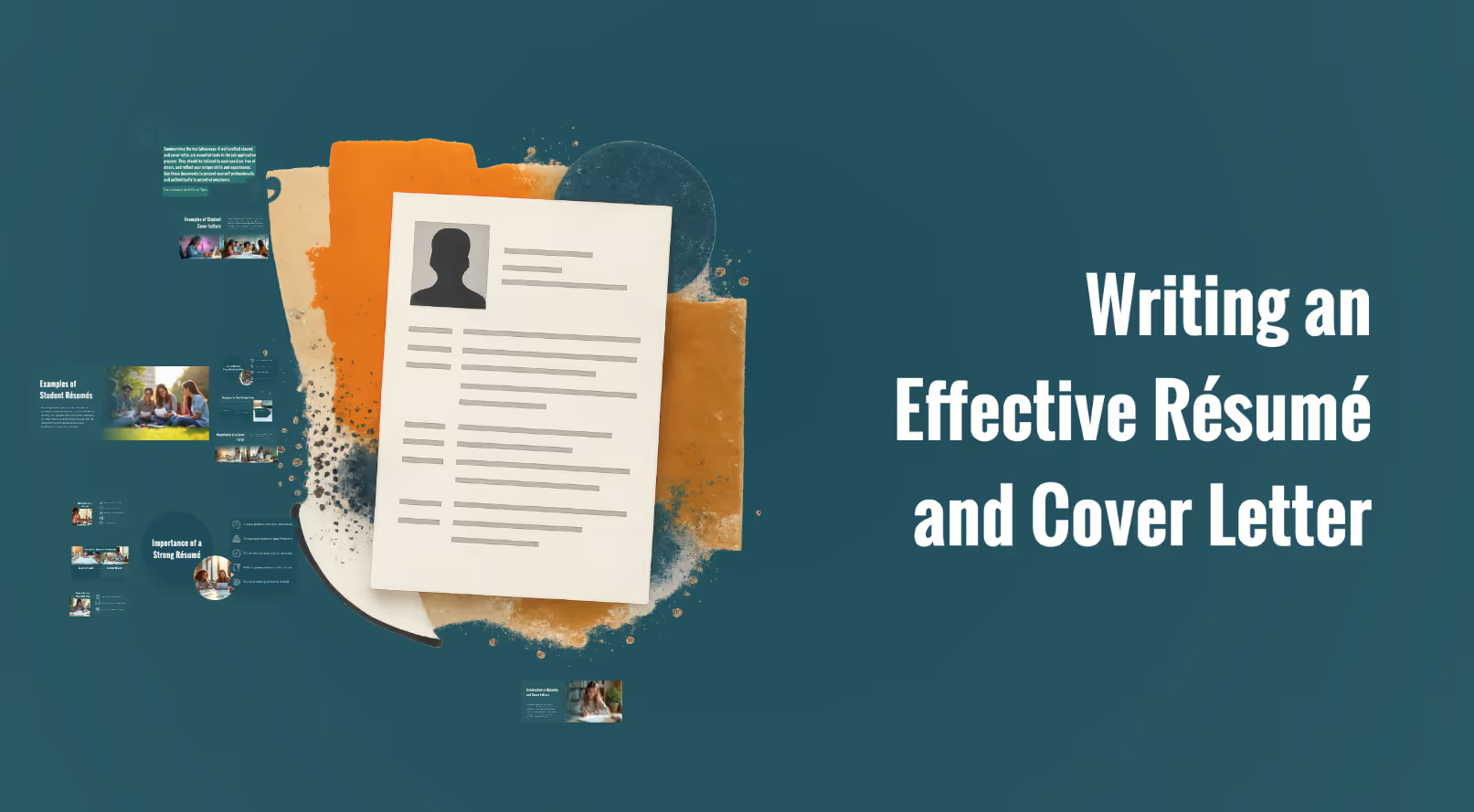
Career and professional development
Design a presentation showing how to write an effective résumé and cover letter, with student-friendly examples.
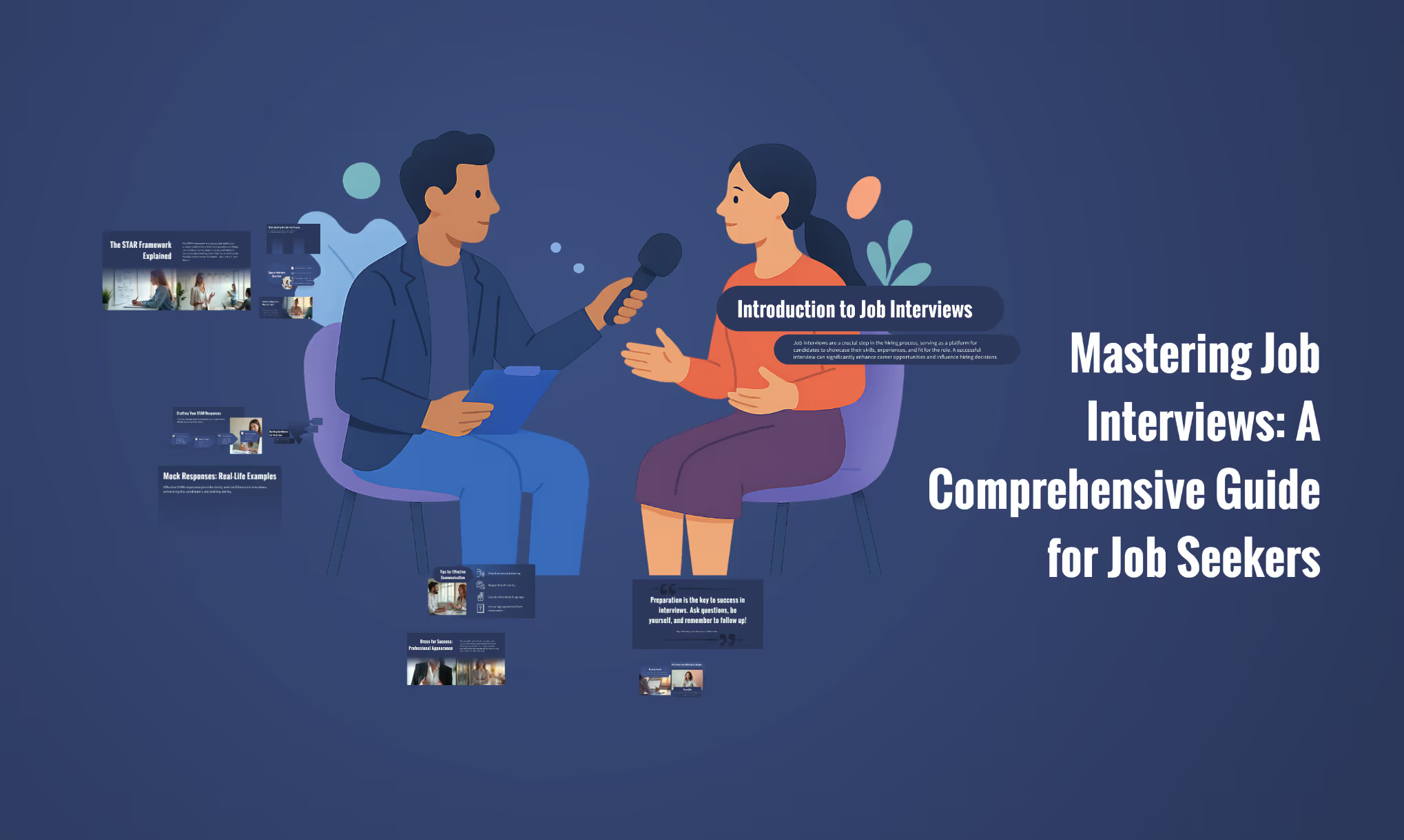
Career coaching: Interview mastery
Build a presentation helping job seekers prepare for interviews, including behavioral question frameworks like STAR, mock responses, and confidence-building tips.
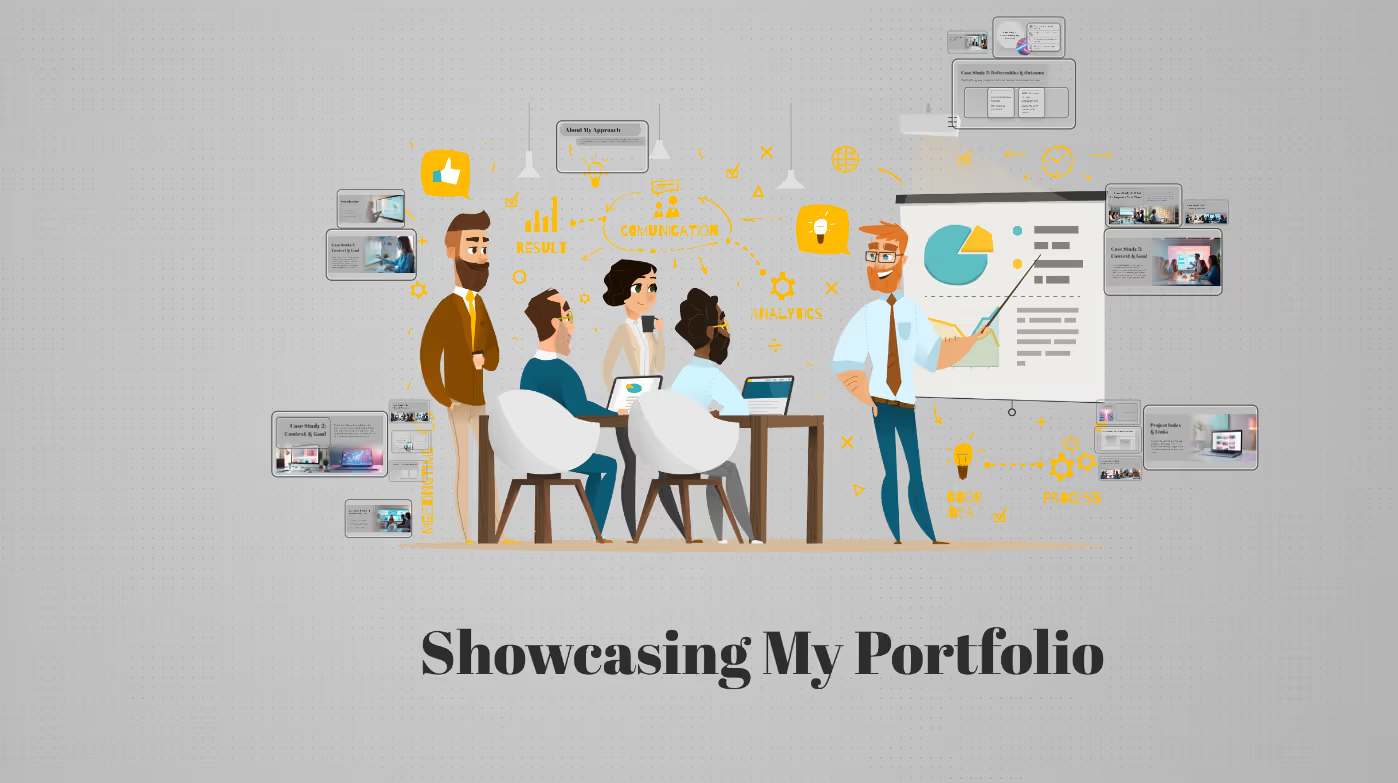
Portfolio presentation
Build a portfolio presentation with 3 case studies that show how I think and what results I deliver. For each case study, use the same framework: Context, Goal, My Role, Process, Constraints, Key Decisions, Deliverables, Outcome. Add an “About my approach” section that summarizes my working style, strengths, and collaboration habits.
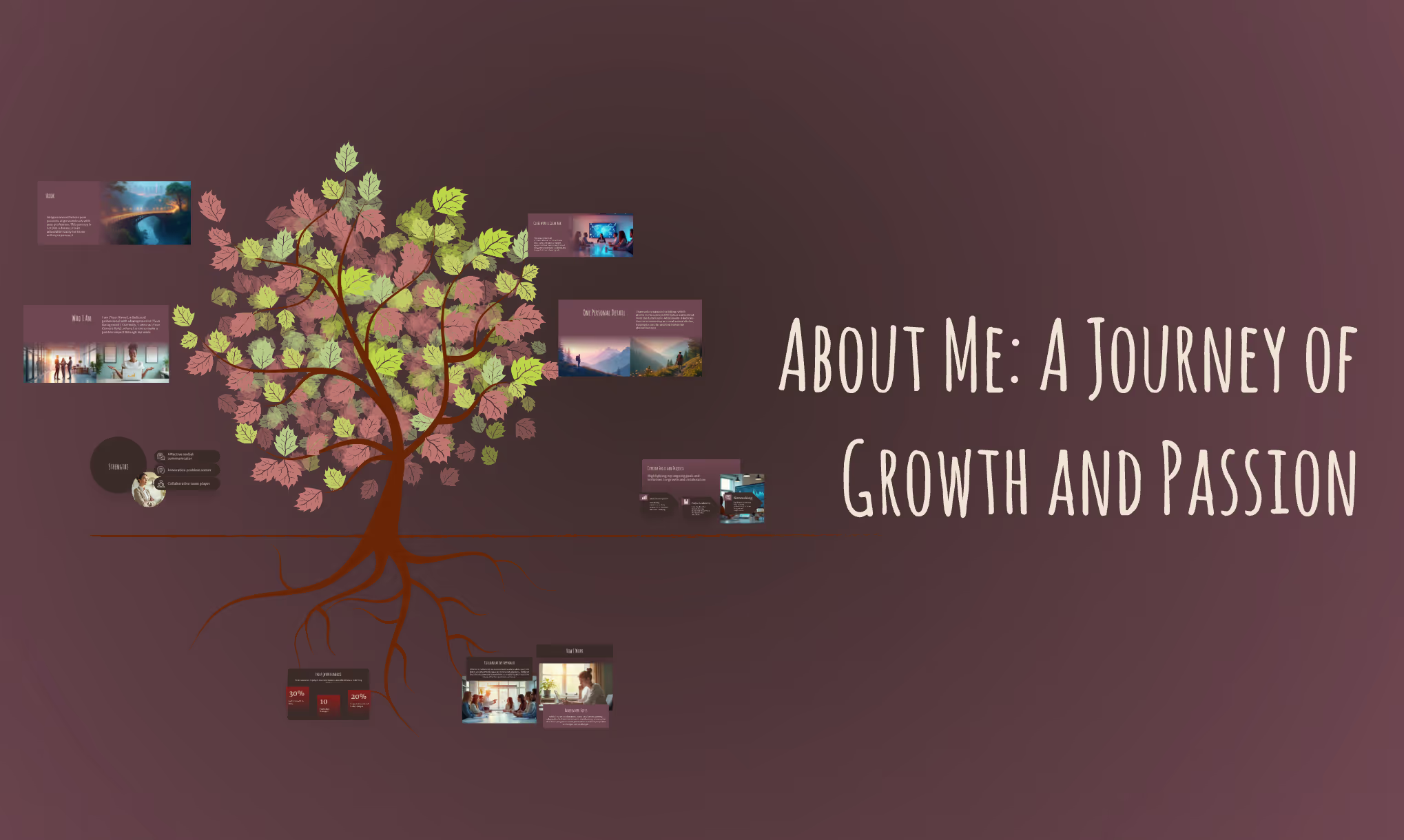
"About Me" presentations
Create one About Me presentation (max 8 slides) with slide titles, 2–4 bullets per slide, and 1–2 sentence speaker notes. Include: Hook, Who I am, Strengths, How I work, Focus now, One personal detail, and Close with a clear ask.
The science behind our prompts
How we found the best prompts for you.

Billions of presentations analyzed
Prezi has the largest public presentation library in the world. Our team of professional designers looked at the real prompts people use to make these presentations, see how people actually present, and provided the best here.

91% positively improved work outcomes
We asked users like you how they use Prezi. The results speak for themselves; Prezi presentations help people stand out at work and get what they want. Prezi is what great presentations are.

50% present within a day
Most people create presentations the day they need, but it can take hours by hand. Prezi AI gets you that time back thanks to the world’s most advanced presentation AI. With the right prompts, Prezi helps people create fantastic presentations in literal seconds.

160M+ users
Prezi is used around the world for people’s big presentation moments. We studied how these consultants, teachers, sales pros, marketers, and more actually present to bring you the best presentations, faster.
Transforming your prompts
Prezi AI reads your prompts and transforms them into the world’s best presentations. Here’s how:
- चरण 1
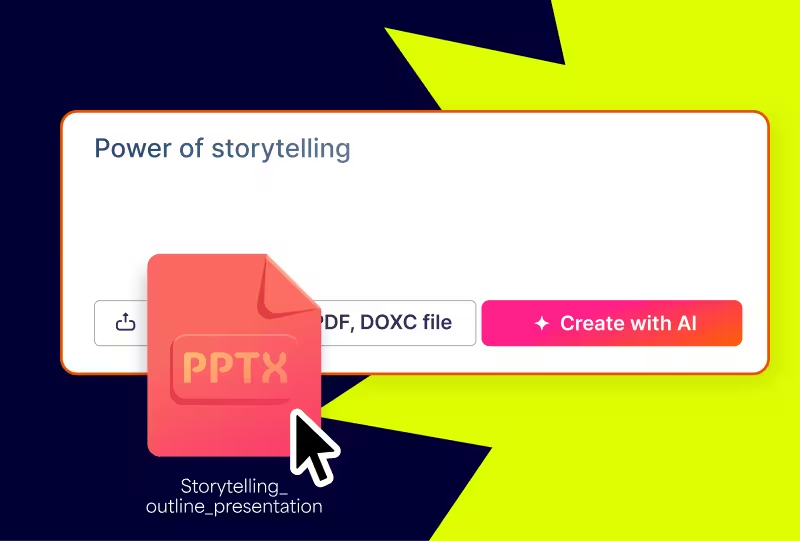
Analyze your topic
Prezi AI reads your prompt or file and analyzes it for themes, content, and structures to create your presentation.
- चरण 2
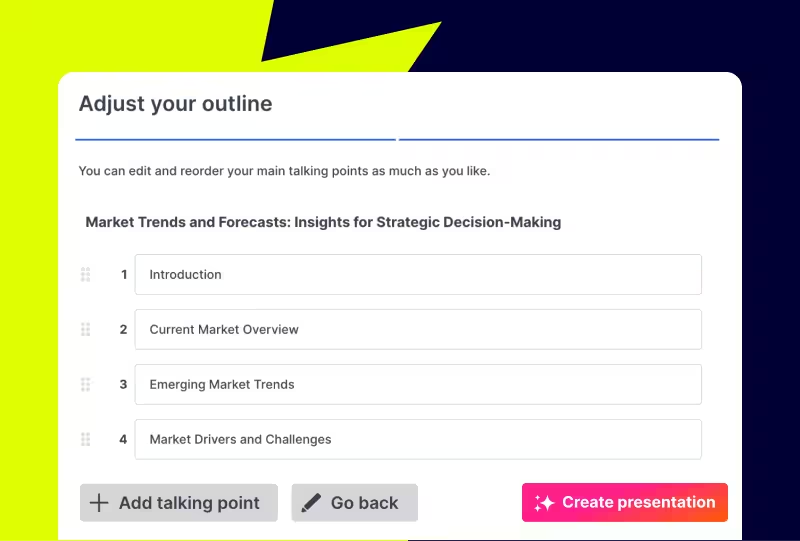
Creates an outline
From your topic, we create an outline with your topics and subtopics that covers everything you asked for and more.
- चरण 3
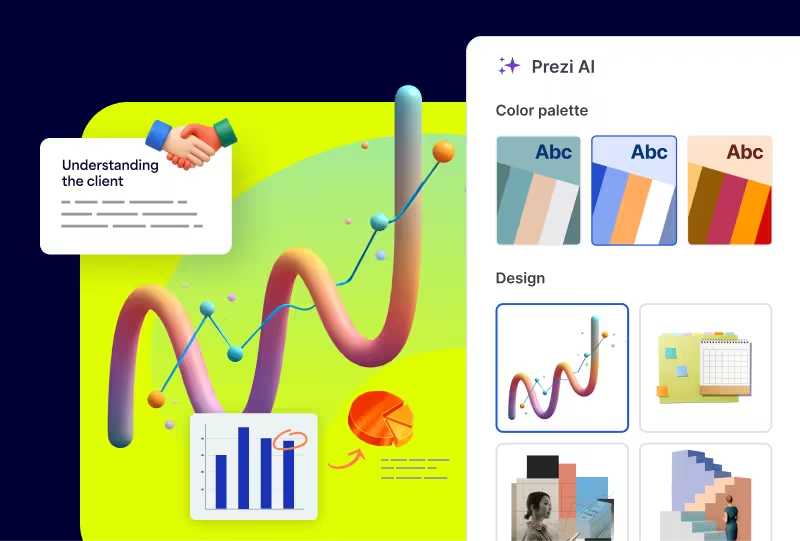
Builds your canvas
Once you’ve approved your outline, Prezi AI builds your zoomable presentation and content right in front of your eyes. Everything’s organized with easy presenting in mind, so you and your audience won’t want to look away.
Experience better presentations with Prezi
टेम्प्लेट्स और उबाऊ स्लाइड्स पर समय बर्बाद करना बंद करें। Prezi AI आपके लिए बनाता है, डिज़ाइन करता है, और आपको प्रेजेंट करने में मदद करता है, बेमिसाल गति और प्रभाव के साथ। विज्ञान द्वारा समर्थित और लाखों लोगों द्वारा भरोसेमंद।
Frequently asked questions
Are there prompt examples I can use to create job application presentations faster?
Yes. Prezi has prompt examples you can use as a starting point, and you can also write a simple prompt yourself to get a solid first draft quickly. The fastest workflow is to open Prezi, start a new presentation with Prezi AI, and type a prompt that includes the role you are applying for, the company, and the sections you want. Prezi AI will generate a structured outline and draft content that you can adjust before finalizing the full deck.To make the results feel truly “job-application ready,” include these details in the prompt: who the audience is (recruiter or hiring manager), what you want them to do (move you to the next round), the tone (confident, concise), and a few must-include achievements with numbers.
How does Prezi AI use templates to create personalized presentations for HR teams?
Prezi AI does not force your resume into a generic, fixed template. Instead, it uses your prompt or an uploaded file to generate a presentation structure and then tailors design choices to your content, including layout, colors, and suggested visuals. For job seekers, it’s recommended to upload your resume and let Prezi AI turn it into a digital portfolio-style presentation. If you do not have a final resume yet, start from a prompt and include your target role, your experience level, and the outcomes you want highlighted.
Why should I use Prezi AI for a digital resume or job application presentation?
Prezi AI helps candidates move faster while still creating something that feels personal and memorable. Prezi AI allows you to generate a structured draft from a prompt or from an existing file, and then spend your time refining the message and examples rather than formatting slides. Start by generating a draft from your resume or a prompt. Then, customize the visual style to match the tone you want, and do a final pass to tighten language and remove anything that sounds generic. If you want an extra edge, you can record yourself talking through the presentation with Prezi Video so the reviewer gets more context than they would from a static resume alone.