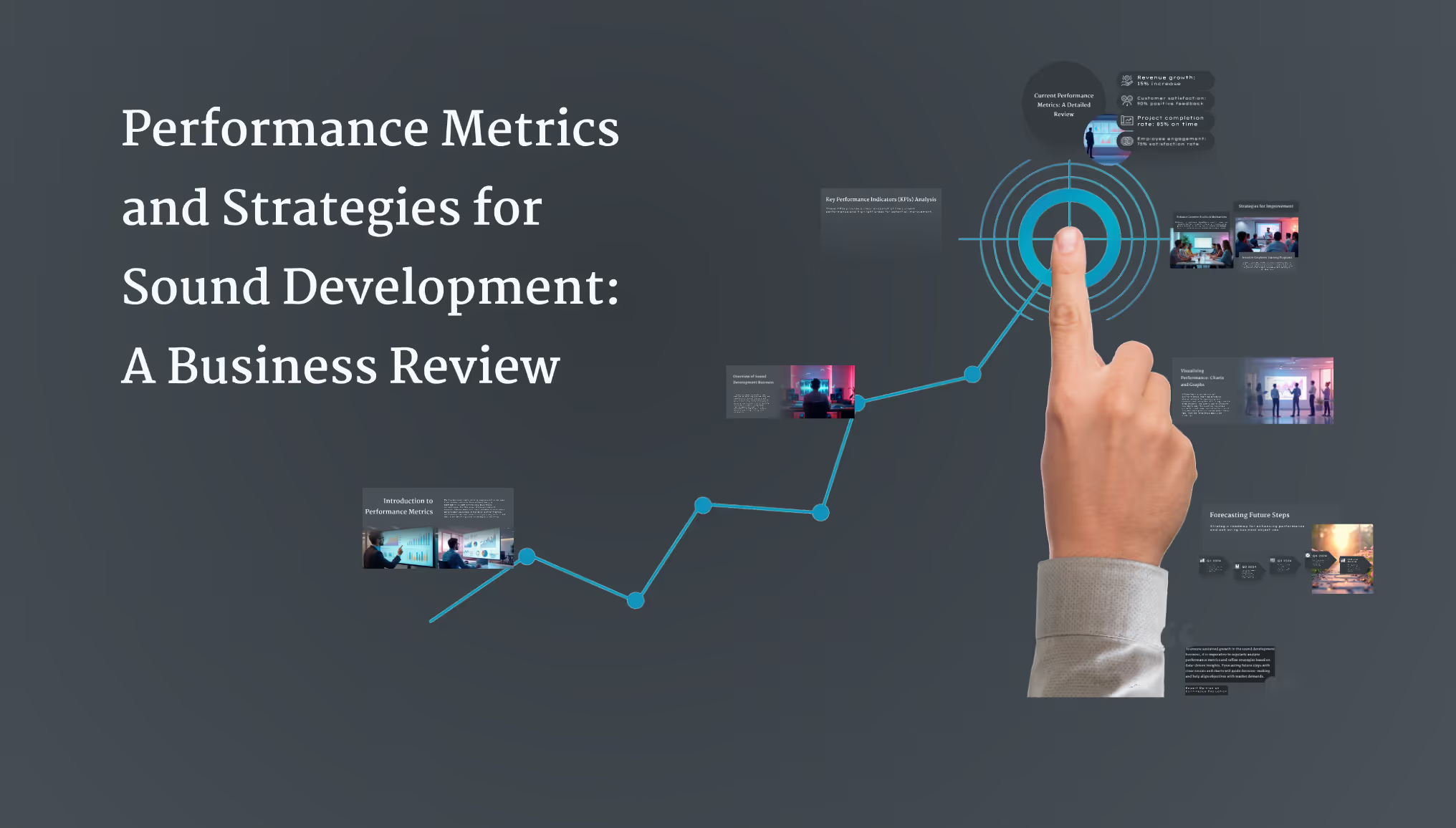
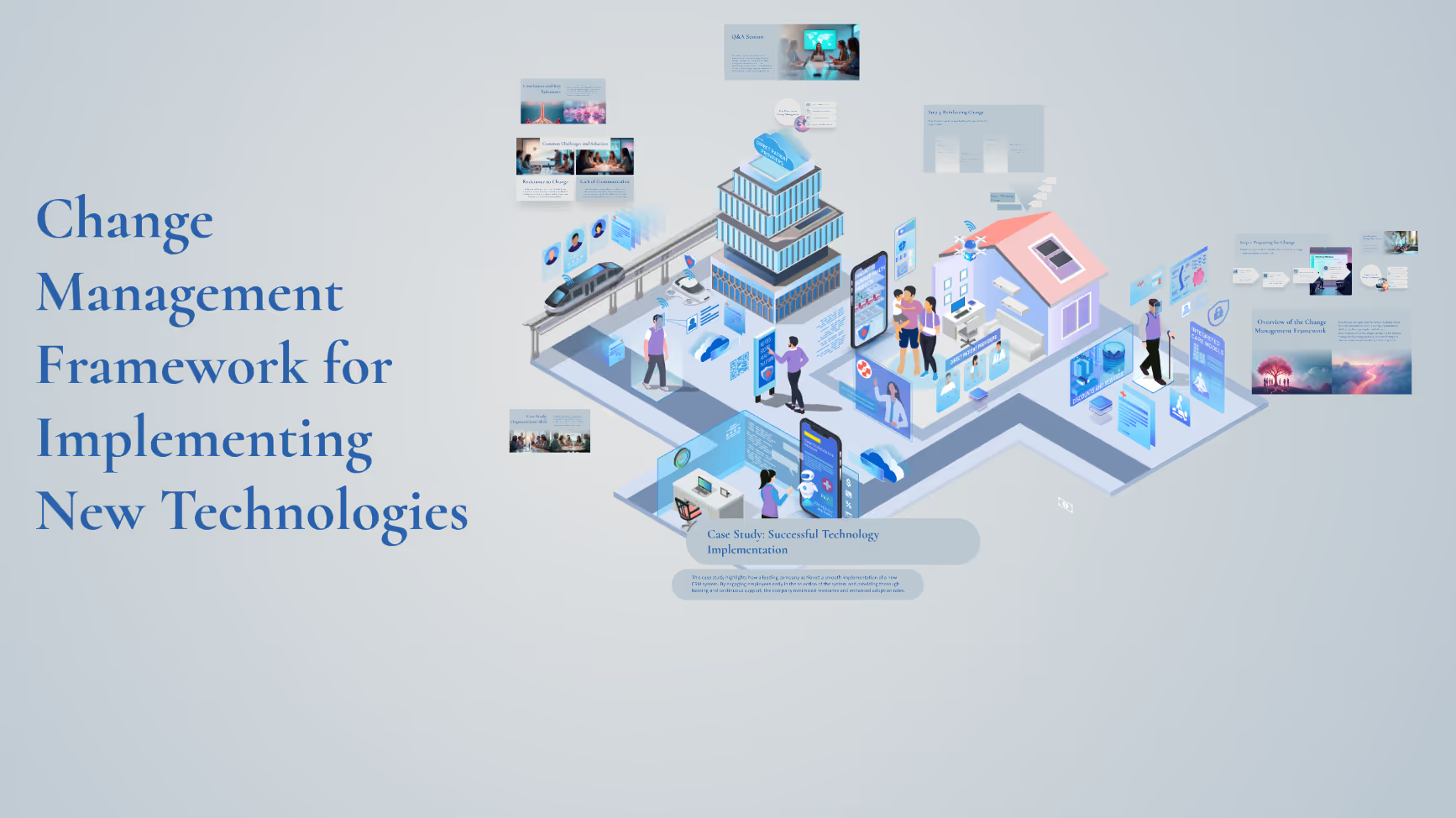
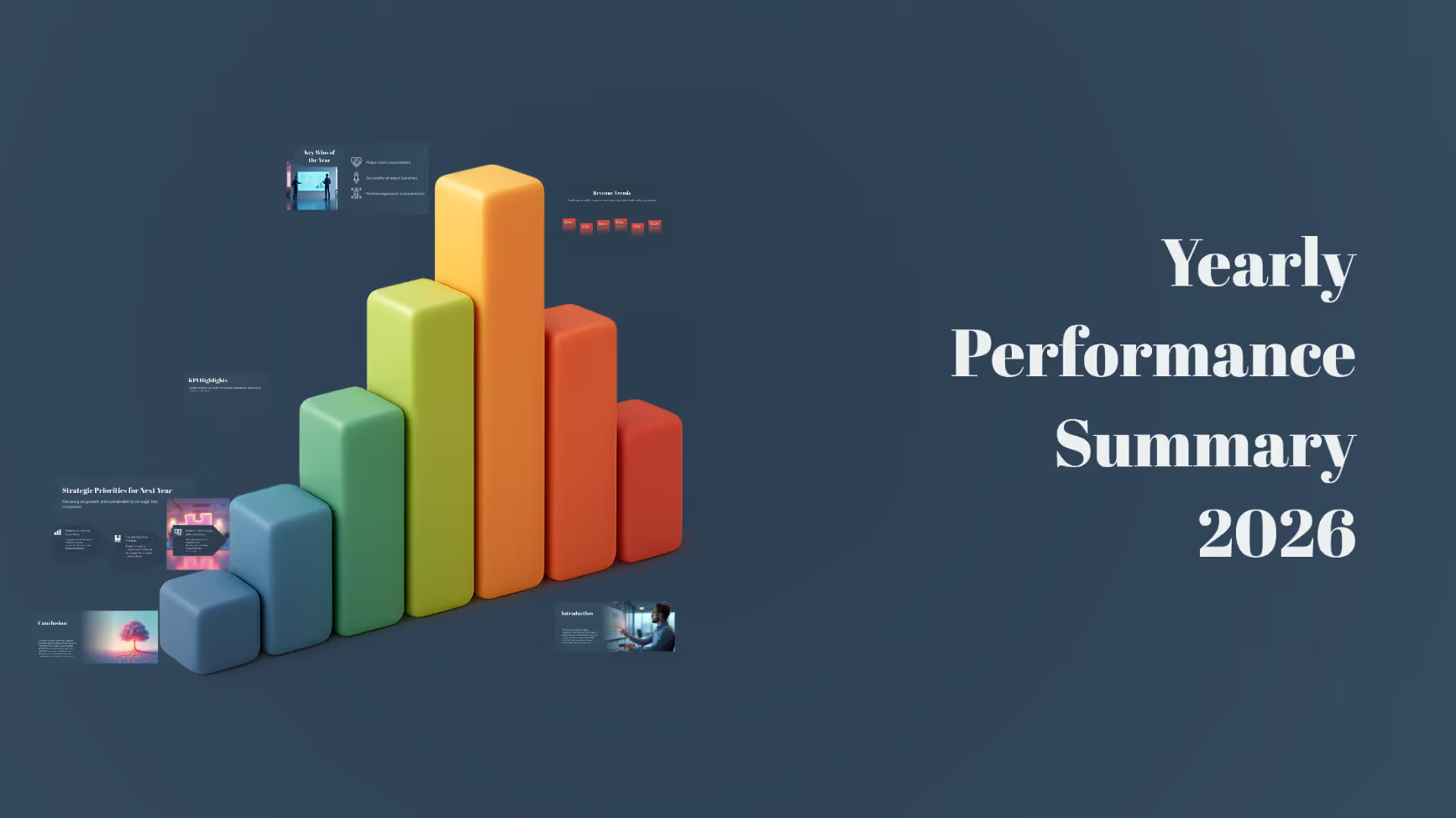
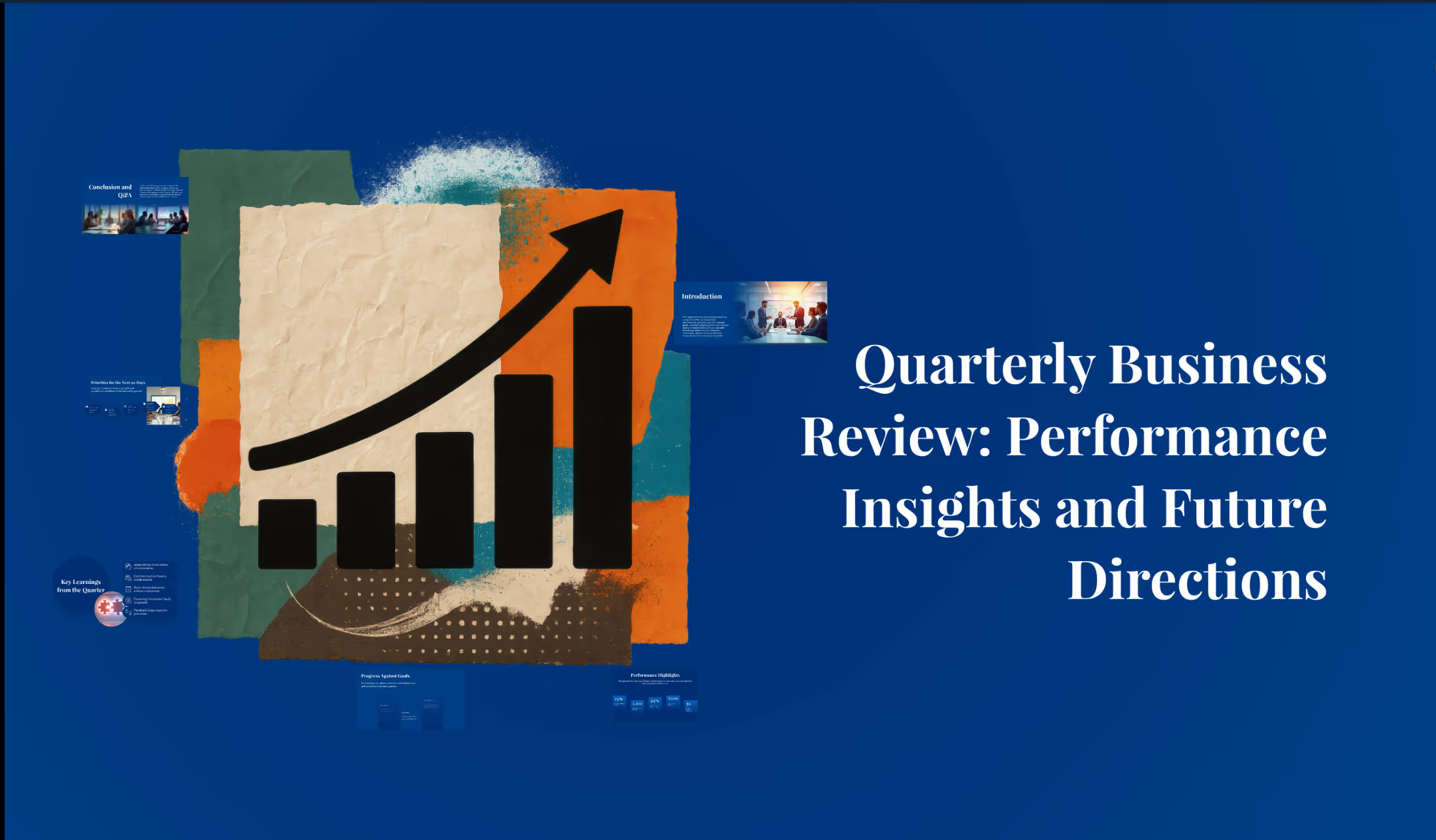
AI presentation examples

How to create AI presentations for internal meetings

Watch Prezi AI transform your prompt into an attention-grabbing presentation.

Try this prompt

यह AI को आपकी मंशा बेहतर समझने में मदद करता है।
  • बिज़नेस

    पेशेवर स्वर और स्पष्ट उद्देश्यों के लिए अनुकूलित।

  • विश्वविद्यालय

    गहन विश्लेषण के साथ शैक्षणिक दर्शकों के लिए उपयुक्त।

  • स्कूल

    छात्रों के लिए आकर्षक और आसानी से समझ आने वाला।

  • अन्य

    ऊपर दिए गए प्रॉम्प्ट में कस्टम ऑडियंस निर्दिष्ट करें।

Additional use cases for internal meeting presentations

Explore these prompt examples to see what your presentation could look like.
The science behind our prompts

How we found the best prompts for you.

Icon representing engagement, showing a smiling face surrounded by dynamic lines to convey excitement and interaction.

Billions of presentations analyzed

Prezi has the largest public presentation library in the world. Our team of professional designers looked at the real prompts people use to make these presentations, see how people actually present, and provided the best here.

Icon symbolizing persuasion, featuring a speech bubble or dialog element with emphasis lines suggesting convincing communication.

91% positively improved work outcomes

We asked users like you how they use Prezi. The results speak for themselves; Prezi presentations help people stand out at work and get what they want. Prezi is what great presentations are.

Icon symbolizing persuasion, featuring a speech bubble or dialog element with emphasis lines suggesting convincing communication.

50% present within a day

Most people create presentations the day they need, but it can take hours by hand. Prezi AI gets you that time back thanks to the world’s most advanced presentation AI. With the right prompts, Prezi helps people create fantastic presentations in literal seconds.

Icon symbolizing persuasion, featuring a speech bubble or dialog element with emphasis lines suggesting convincing communication.

160M+ users

Prezi is used around the world for people’s big presentation moments. We studied how these consultants, teachers, sales pros, marketers, and more actually present to bring you the best presentations, faster.

*जुलाई 2025 में शिक्षकों और पेशेवरों के सर्वेक्षणों के आधार पर।

Transforming your prompts

Prezi AI reads your prompts and transforms them into the world’s best presentations. Here’s how:

  • चरण 1

    Analyze your topic

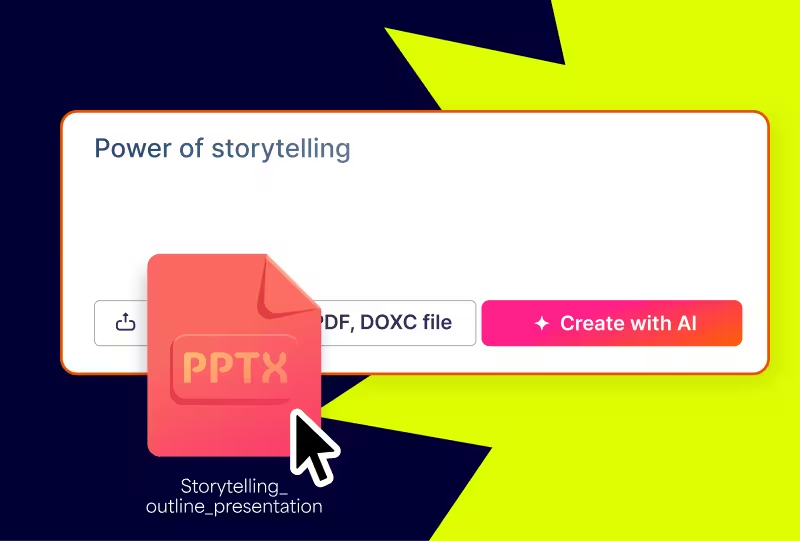
    Prezi AI reads your prompt or file and analyzes it for themes, content, and structures to create your presentation.
  • चरण 2

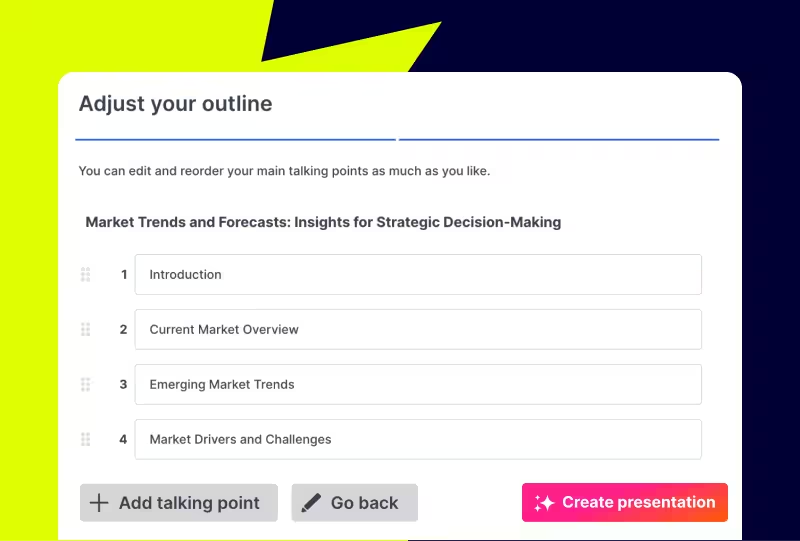
    Creates an outline

    From your topic, we create an outline with your topics and subtopics that covers everything you asked for and more.
  • चरण 3

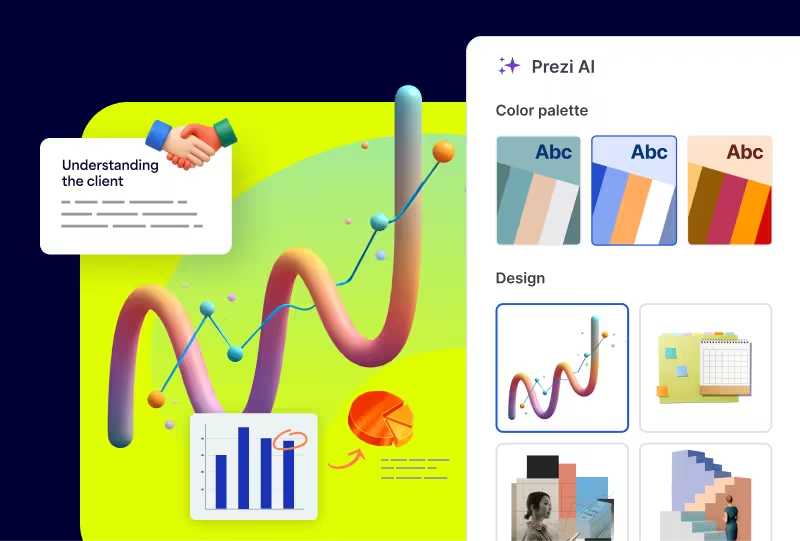
    Builds your canvas

    Once you’ve approved your outline, Prezi AI builds your zoomable presentation and content right in front of your eyes. Everything’s organized with easy presenting in mind, so you and your audience won’t want to look away.
Experience better presentations with Prezi

टेम्प्लेट्स और उबाऊ स्लाइड्स पर समय बर्बाद करना बंद करें। Prezi AI आपके लिए बनाता है, डिज़ाइन करता है, और आपको प्रेजेंट करने में मदद करता है, बेमिसाल गति और प्रभाव के साथ। विज्ञान द्वारा समर्थित और लाखों लोगों द्वारा भरोसेमंद।

Prezi AI आज़माएं

Frequently asked questions

  • Are there prompt examples I can use to share internal updates faster?

    Yes. This page features prompt examples built specifically for internal meetings and updates, from weekly roundups and QBRs to all-hands meetings and business reviews. Select a prompt, adjust it to reflect your team's goals and context, and Prezi AI will build your presentation in seconds. Want to browse even more ideas? Head over to Prezi's prompts page for additional inspiration.‍

  • How does Prezi AI use templates to create personalized presentations for internal updates?

    With Prezi AI, there's no need for presentation templates. Prezi AI generates a tailored presentation structure based on your prompt and meeting type, whether it's a weekly roundup, QBR, or all-hands. It also matches your brand colors based on your logo, so every update looks polished and on-brand without manual formatting.

  • Why should teams use AI to share internal updates?

    Building presentations for weekly roundups, QBRs, and all-hands meetings takes time teams don't always have. Prezi AI automatically structures your content, suggests visuals, and applies your brand guidelines, so you can spend less time on formatting and more time on the conversations that matter.

Prezi AI मुझे प्रज़ेंटेशन बनाने में कैसे मदद करता है?

Prezi AI प्रज़ेंटेशन निर्माण के हर चरण में मदद करता है, जिसमें शामिल हैं:

  1. आउटलाइन: अपने प्रज़ेंटेशन की आउटलाइन को संरचित करने में Prezi AI का उपयोग करें।
  2. डिज़ाइन: Prezi AI डिज़ाइन तत्वों, रंग पैलेट्स, और लेआउट का सुझाव दे सकता है।
  3. सामग्री: Prezi AI आपके आउटलाइन के आधार पर टेक्स्ट और दृश्य उत्पन्न करने में मदद कर सकता है।
  4. सुधार: AI द्वारा उत्पन्न सामग्री की समीक्षा और संपादन करें ताकि यह आपके लक्ष्यों के साथ मेल खाता हो।

प्रज़ेंटेशन के लिए AI के क्या लाभ हैं?

स्पष्ट और संक्षिप्त AI प्रॉम्प्ट लिखना आपके वर्कफ़्लो को सुव्यवस्थित करने और AI प्रज़ेंटेशन निर्माताओं का उपयोग करके उच्च-गुणवत्ता वाली प्रज़ेंटेशन उत्पन्न करने के लिए आवश्यक है। जब आप Prezi AI के साथ अपना प्रज़ेंटेशन बना रहे हों, तो विचार करने के लिए कुछ प्रमुख सुझाव यहां दिए गए हैं:

  1. अपना ध्यान केंद्रित करें: अपने प्रज़ेंटेशन के केंद्रीय विषय के बारे में विशिष्ट बनें।
  2. प्रभाव के लिए कस्टमाइज़ करें: अपने दर्शकों पर विचार करें और तदनुसार प्रॉम्प्ट को एडज़स्ट करें।
  3. शब्दों के साथ चित्र बनाएं: अपनी इच्छित दृश्य शैली और स्वर का वर्णन करें।
  4. कीवर्ड और स्वर: संबंधित कीवर्ड शामिल करें और वांछित स्वर निर्दिष्ट करें।
  5. लागत बचत: प्रज़ेंटेशन और डिलीवरी के विभिन्न पहलुओं को ऑटोमेट करके, AI प्रज़ेंटेशन निर्माता आपको डिज़ाइन और मैनुअल कॉन्टेंट एडज़स्टमेंट से संबंधित लागतों को कम करने में मदद कर सकता है।

इन सुझावों का पालन करके, आप Prezi AI को प्रभावी ढंग से अपने विज़न को बता सकते हैं और प्रभावशाली प्रज़ेंटेशन बना सकते हैं जो आपके लक्ष्यों के साथ मेल खाती हैं। याद रखें कि विशिष्ट और स्पष्ट रहें और अपनी प्रज़ेंटेशन का विवरण संक्षिप्त और समझने में आसान रखें।

जनरेटिव AI प्रज़ेंटेशन क्या है?

एक जनरेटिव एआई प्रज़ेंटेशन वह होता है, जो कृत्रिम बुद्धिमत्ता का उपयोग करके बनाया जाता है या आंशिक रूप से बनाया जाता है। इसमें आइडिया उत्पन्न करना, स्लाइड और फ़्रेम डिज़ाइन करना, या कॉन्टेंट बनाना शामिल हो सकता है।

AI प्रज़ेंटेशन देने का सबसे अच्छा तरीका क्या है?

चाहे आप व्यापार विषयों पर या शैक्षिक अवधारणाओं पर AI प्रस्तुति दे रहे हों, सुनिश्चित करें कि आप अपनी सामग्री को अपने दर्शकों के ज्ञान और रुचियों के अनुसार अनुकूलित करें। स्पष्ट भाषा का उपयोग करें, जटिल अवधारणाओं को तोड़ें, और समझ को सुधारने के लिए दृश्य सामग्री का उपयोग करें।

इसके अलावा, अपने दर्शकों को प्रश्न पूछकर, भागीदारी को प्रोत्साहित करके, और प्रस्तुति को इंटरैक्टिव बनाकर संलग्न करें। अंत में, अपनी प्रस्तुति के भाषण का अभ्यास करें और प्रतिक्रिया प्राप्त करें। इसके अलावा, प्रेरणा के लिए Prezi टेम्पलेट्स या उदाहरण जैसे संसाधनों का अन्वेषण करें।

प्रस्तुतियों को प्रभावी ढंग से देने के तरीके पर अधिक जानकारी के लिए, इस लेख को पढ़ें। 

मुझे Prezi AI का उपयोग क्यों करना चाहिए?

Prezi AI आपके समय की बचत करता है और आपको उस काम पर ध्यान केंद्रित करने देता है जो वास्तव में महत्वपूर्ण है। AI के साथ, आप दोहराए जाने वाले कार्यों को ऑटोमेट कर सकते हैं, रचनात्मकता को प्रेरित कर सकते हैं और नए विचार खोज सकते हैं, और अपने कॉन्टेंट बेहतर बना सकते हैं। Prezi AI अन्य तरीकों से भी मदद करता है, जैसे कि दर्शकों की भागीदारी। जल्दी से अपने कॉन्टेंट को अपने दर्शकों की प्राथमिकताओं के अनुसार कस्टमाइज़ करें और उन्हें आपकी पूरे प्रज़ेंटेशन के लिए रुचि बनाए रखें।

AI के साथ एनिमेशन कैसे बनाएं

Prezi AI आपकी मदद कर सकता है बुलेट पॉइंट्स से एनिमेटेड स्लाइड्स बनाने में। बस अपने बुलेट पॉइंट्स दर्ज करें, और Prezi AI स्वचालित रूप से आकर्षक और एनिमेटेड स्लाइड्स बनाने की पेशकश करेगा। आप अपनी पसंद के अनुसार स्लाइड्स और समग्र शैली को कस्टमाइज़ कर सकते हैं।

Prezi में AI विज़ुअल और एनिमेशन का उपयोग कैसे करें

Prezi के साथ, आप AI-जनित दृश्यों को शामिल करके अपने प्रज़ेंटेशन को बेहतर बना सकते हैं। बस अपने AI दृश्यों को अपलोड करें और अपने प्रज़ेंटेशन को अपने इच्छित परिणाम के अनुसार कस्टमाइज़ करें। 

इसके अलावा, आप AI की मदद से अपने बुलेट पॉइंट्स को विज़ुअल कहानियों में बदलकर उन्हें जीवंत बना सकते हैं। कुछ ही क्लिक में, आप नीरस बुलेट पॉइंट्स को गतिशील, एनिमेटेड स्लाइड्स में बदल सकते हैं। आप इन ट्रांज़िशन को अपनी शैली के अनुसार कस्टमाइज़ कर सकते हैं और अंततः एक अधिक डायनामिक और प्रभावशाली प्रज़ेंटेशन बना सकते हैं।

Try this prompt

यह AI को आपकी मंशा बेहतर समझने में मदद करता है।
  • बिज़नेस

    पेशेवर स्वर और स्पष्ट उद्देश्यों के लिए अनुकूलित।

  • विश्वविद्यालय

    गहन विश्लेषण के साथ शैक्षणिक दर्शकों के लिए उपयुक्त।

  • स्कूल

    छात्रों के लिए आकर्षक और आसानी से समझ आने वाला।

  • अन्य

    ऊपर दिए गए प्रॉम्प्ट में कस्टम ऑडियंस निर्दिष्ट करें।

‍

‍