AI द्वारा बनाए गए प्रज़ेंटेशन, आपके लिए डिज़ाइन की गई।
Prezi AI के साथ सेकंडों में एक कस्टम प्रज़ेंटेशन बनाएं। कोई डिज़ाइन कौशल की ज़रूरत नहीं।


थोड़े ही समय में एक शानदार प्रज़ेंटेशन बनाएं
यह कैसे काम करता है
1
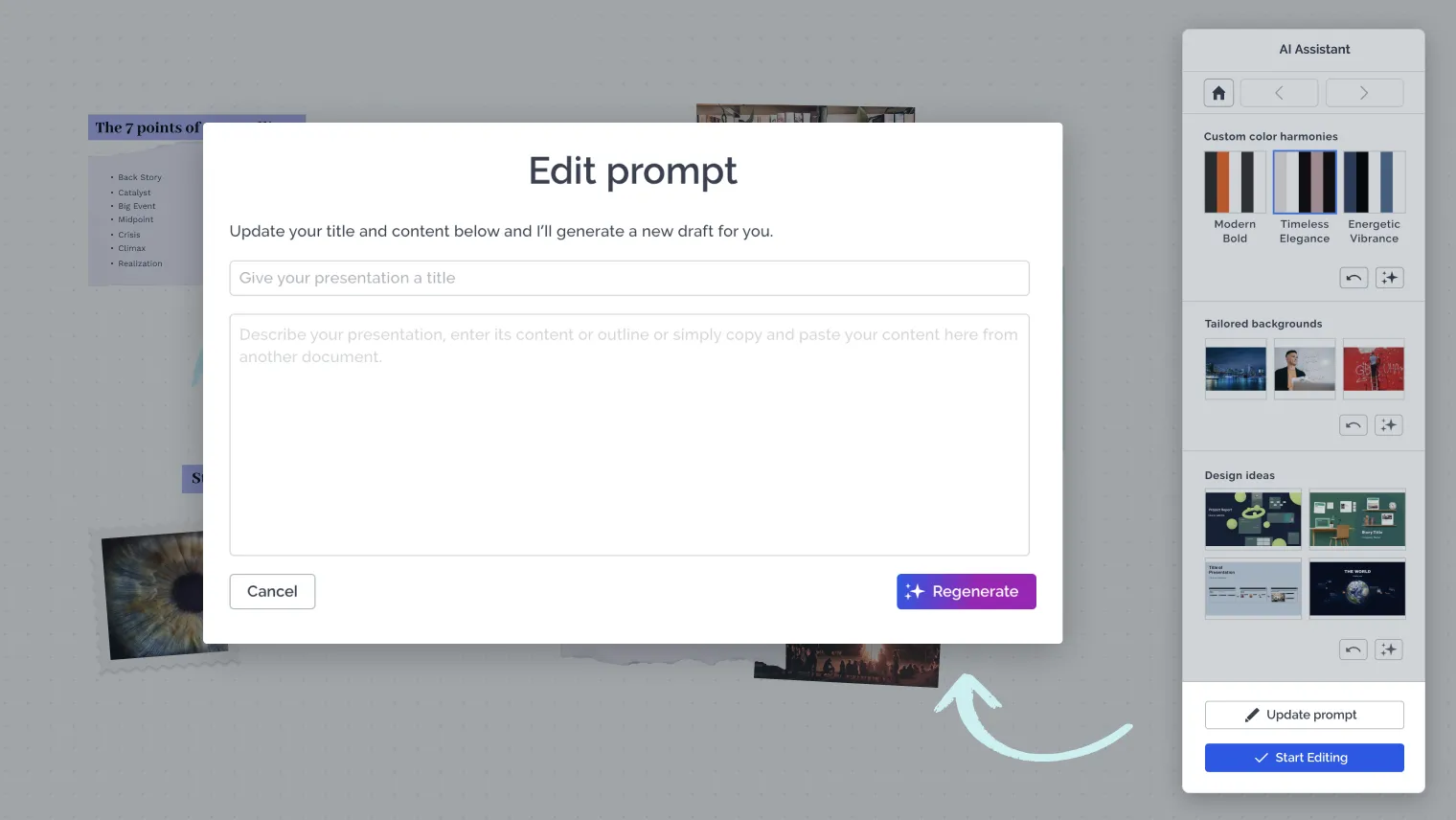
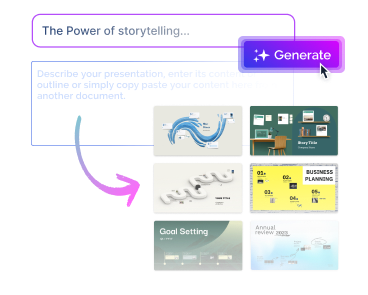
अपना विचार दर्ज करें
बस अपने टॉकिंग पॉइंट्स दर्ज करें और एक पूरी तरह से पर्सनलाइज़्ड प्रज़ेंटेशन प्राप्त करें।
2
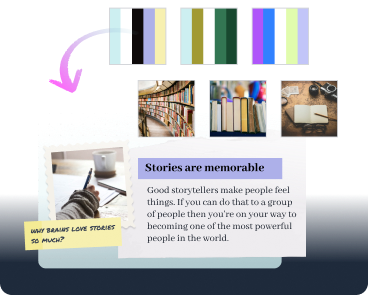
अपने लूक को कस्टमाइज़ करें
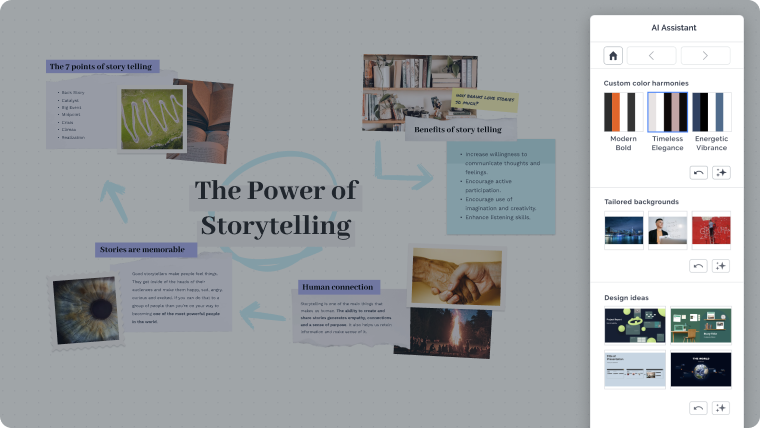
अपने ड्राफ़्ट को एक्सप्लोर करें और तय करें कि आप कौन से रंग, बैकग्राउंड और डिज़ाइन विचार का उपयोग करना चाहते हैं।
3
अपने कॉन्टेंट को एडिट करें
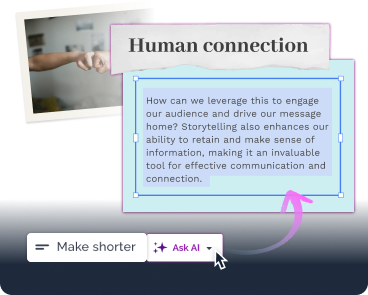
Prezi Present में प्रवेश करें और अपनी प्रज़ेंटेशन को एक फ़ुल-पावर्ड प्रज़ेंटेशन एडिटर के साथ रिवाइज़ करें। आप AI से अपने टेक्स्ट को बेहतर और परिष्कृत करने के लिए भी कह सकते हैं।
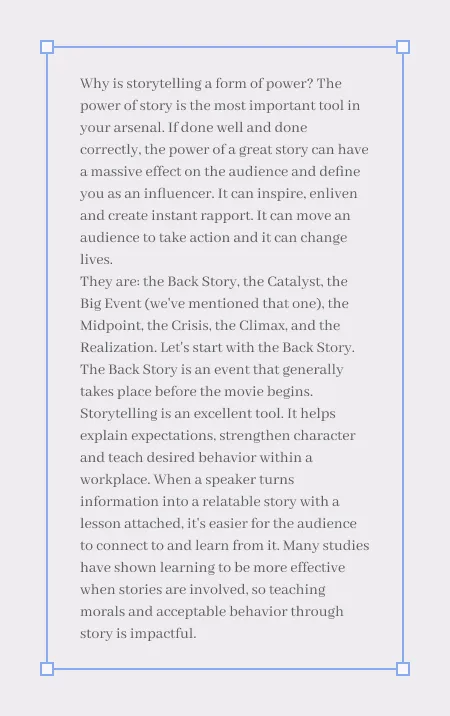
अपनी कहानियों को आकर्षक बनाएं
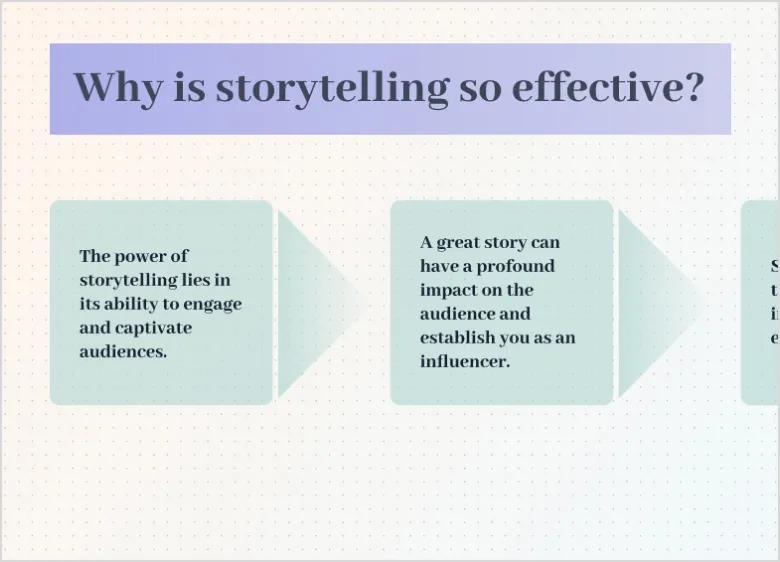
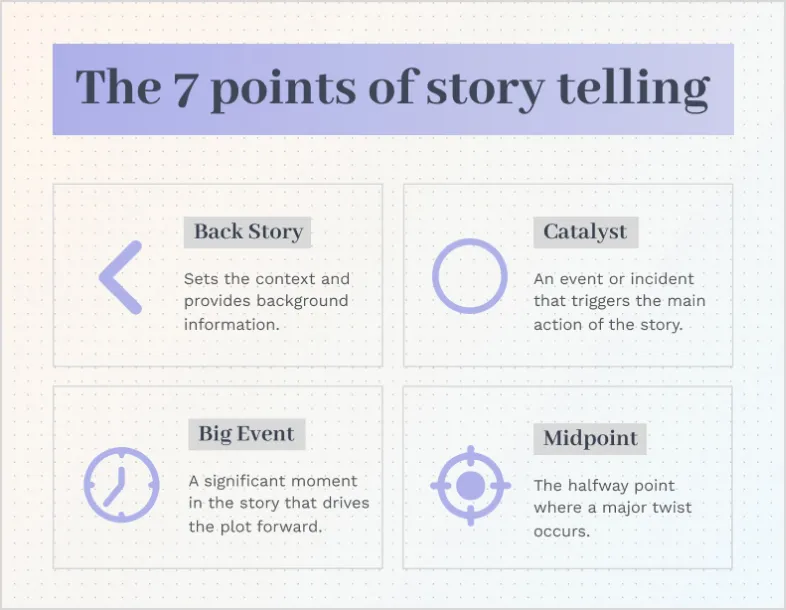
प्रवाह चार्ट
अपने दर्शकों को प्रत्येक और हर कदम दिखाएं।
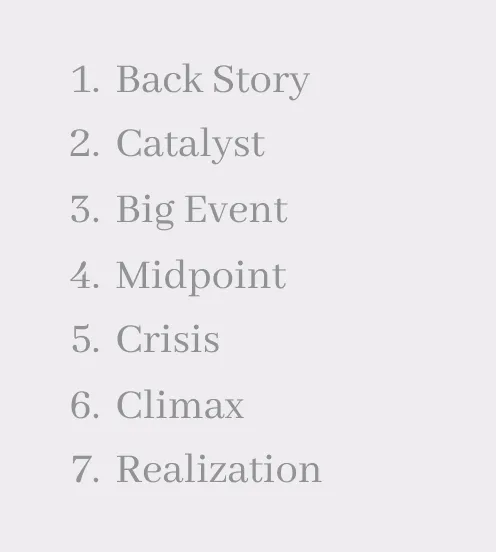
दृश्य सूची
ऐसी सूची बनाएं जिसे लोग वास्तव में देखना चाहें।
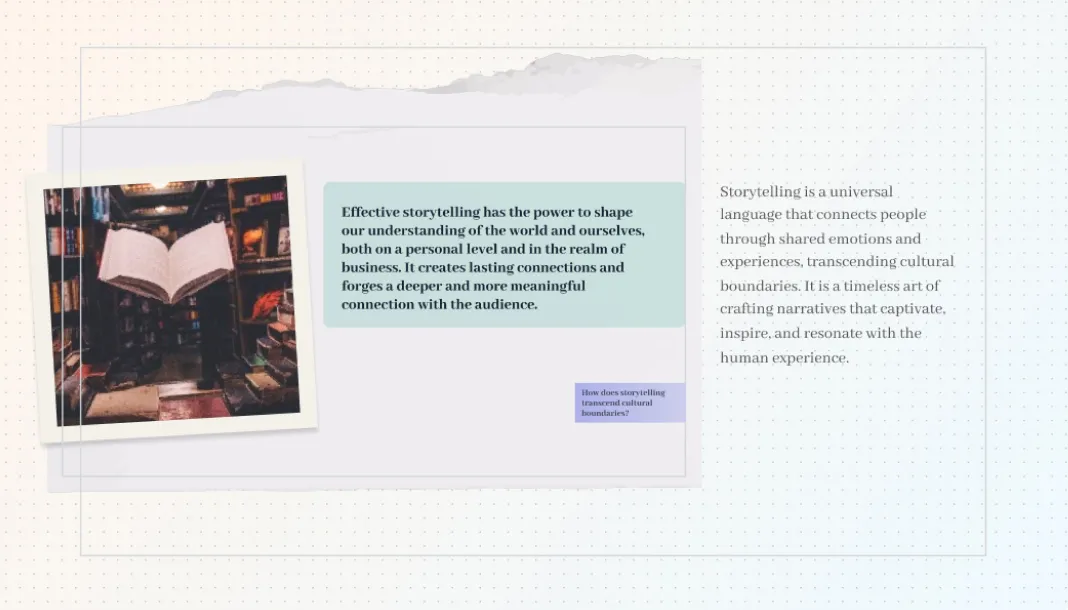
प्रकट करें
अपने दर्शकों को वह "वाह" पल दें।
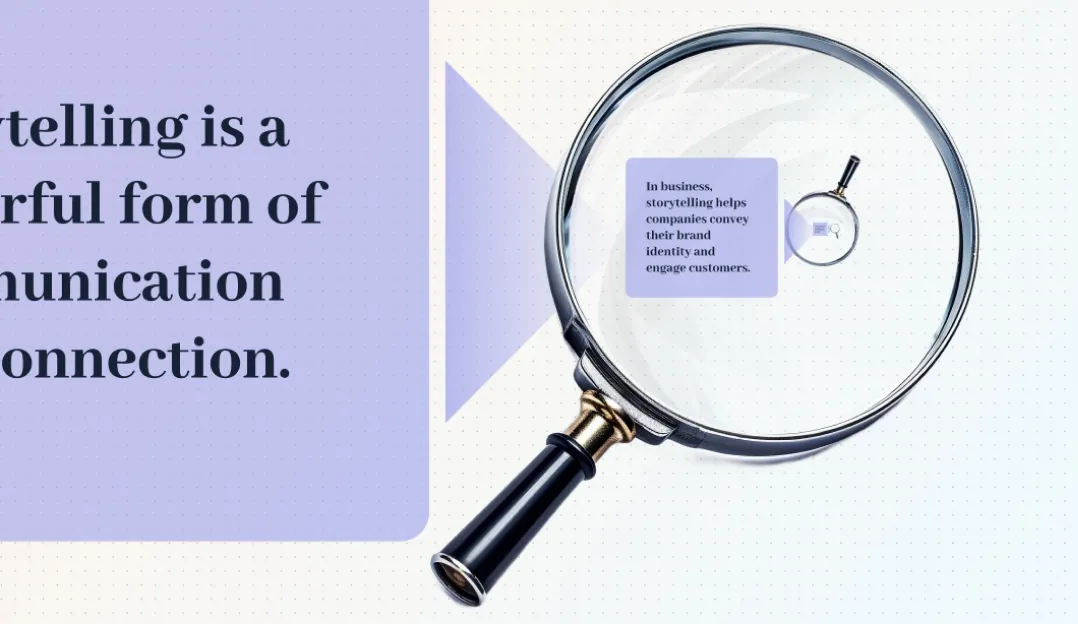
ज़ूम करें
हर गतिविधि के साथ अपने दर्शकों को आकर्षित करें।
इसे व्यक्त करने का सही तरीका खोजें
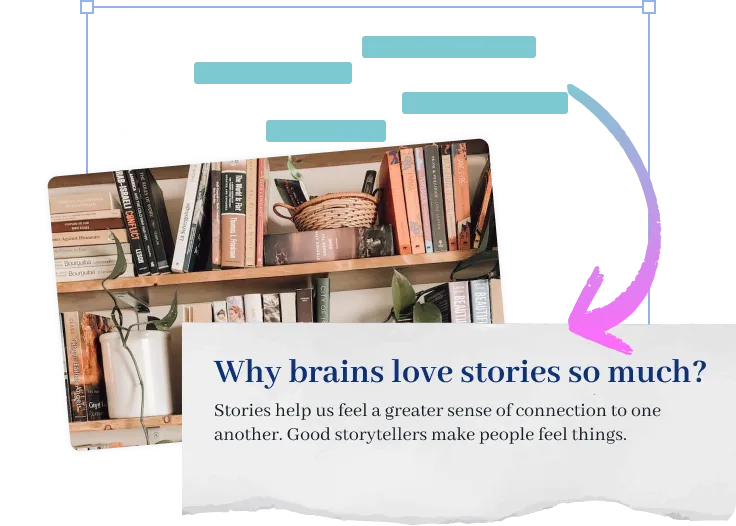
टेक्स्ट को छोटा या लंबा करें
बस सही मात्रा में कहें।
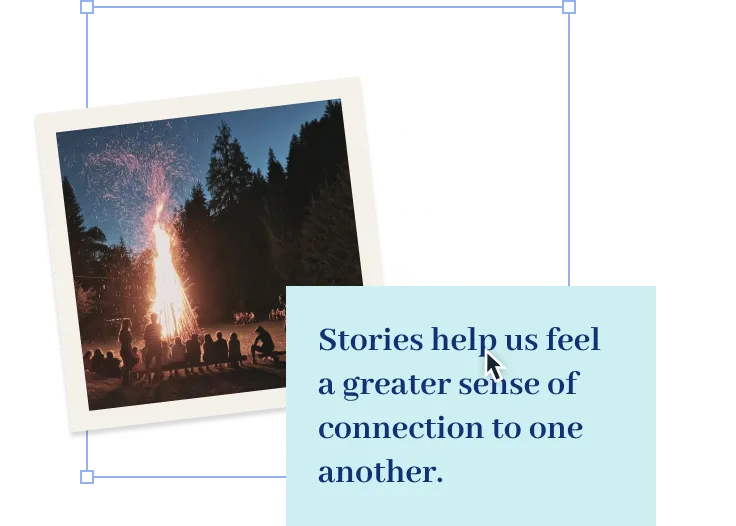
अपनी भाषा को सरल बनाएं
अपने दर्शकों को आप पर ध्यान केंद्रित करने में मदद करें, न कि उस शब्द पर जो वे नहीं जानते।
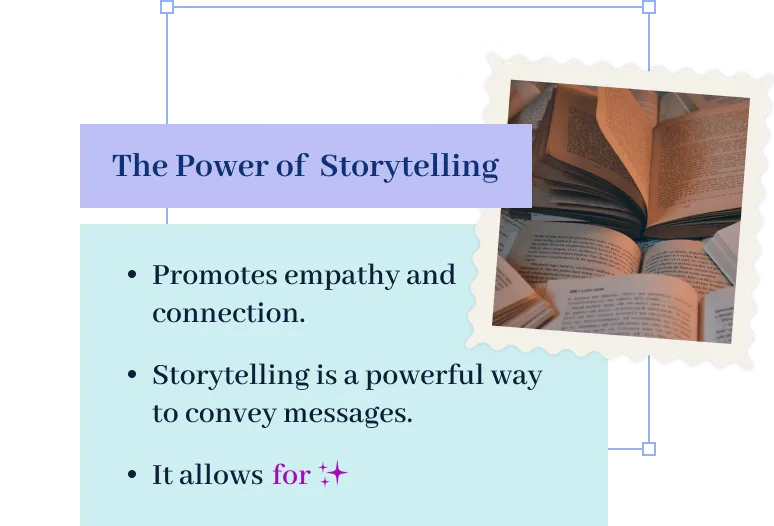
पैराग्राफ़ को बुलेट पॉइंट्स में बदलें
Prezi AI को आपके लिए मुख्य बिंदुओं को उजागर करने दें।
अक्सर पूछे जाने वाले प्रश्न
Prezi AI मुझे प्रज़ेंटेशन बनाने में कैसे मदद करता है?
Prezi AI प्रज़ेंटेशन निर्माण के हर चरण में मदद करता है, जिसमें शामिल हैं:
- आउटलाइन: अपने प्रज़ेंटेशन की आउटलाइन को संरचित करने में Prezi AI का उपयोग करें।
- डिज़ाइन: Prezi AI डिज़ाइन तत्वों, रंग पैलेट्स, और लेआउट का सुझाव दे सकता है।
- सामग्री: Prezi AI आपके आउटलाइन के आधार पर टेक्स्ट और दृश्य उत्पन्न करने में मदद कर सकता है।
- सुधार: AI द्वारा उत्पन्न सामग्री की समीक्षा और संपादन करें ताकि यह आपके लक्ष्यों के साथ मेल खाता हो।
प्रज़ेंटेशन के लिए AI के क्या लाभ हैं?
स्पष्ट और संक्षिप्त AI प्रॉम्प्ट लिखना आपके वर्कफ़्लो को सुव्यवस्थित करने और AI प्रज़ेंटेशन निर्माताओं का उपयोग करके उच्च-गुणवत्ता वाली प्रज़ेंटेशन उत्पन्न करने के लिए आवश्यक है। जब आप Prezi AI के साथ अपना प्रज़ेंटेशन बना रहे हों, तो विचार करने के लिए कुछ प्रमुख सुझाव यहां दिए गए हैं:
- अपना ध्यान केंद्रित करें: अपने प्रज़ेंटेशन के केंद्रीय विषय के बारे में विशिष्ट बनें।
- प्रभाव के लिए कस्टमाइज़ करें: अपने दर्शकों पर विचार करें और तदनुसार प्रॉम्प्ट को एडज़स्ट करें।
- शब्दों के साथ चित्र बनाएं: अपनी इच्छित दृश्य शैली और स्वर का वर्णन करें।
- कीवर्ड और स्वर: संबंधित कीवर्ड शामिल करें और वांछित स्वर निर्दिष्ट करें।
- लागत बचत: प्रज़ेंटेशन और डिलीवरी के विभिन्न पहलुओं को ऑटोमेट करके, AI प्रज़ेंटेशन निर्माता आपको डिज़ाइन और मैनुअल कॉन्टेंट एडज़स्टमेंट से संबंधित लागतों को कम करने में मदद कर सकता है।
इन सुझावों का पालन करके, आप Prezi AI को प्रभावी ढंग से अपने विज़न को बता सकते हैं और प्रभावशाली प्रज़ेंटेशन बना सकते हैं जो आपके लक्ष्यों के साथ मेल खाती हैं। याद रखें कि विशिष्ट और स्पष्ट रहें और अपनी प्रज़ेंटेशन का विवरण संक्षिप्त और समझने में आसान रखें।
जनरेटिव AI प्रज़ेंटेशन क्या है?
एक जनरेटिव एआई प्रज़ेंटेशन वह होता है, जो कृत्रिम बुद्धिमत्ता का उपयोग करके बनाया जाता है या आंशिक रूप से बनाया जाता है। इसमें आइडिया उत्पन्न करना, स्लाइड और फ़्रेम डिज़ाइन करना, या कॉन्टेंट बनाना शामिल हो सकता है।
AI प्रज़ेंटेशन देने का सबसे अच्छा तरीका क्या है?
चाहे आप व्यापार विषयों पर या शैक्षिक अवधारणाओं पर AI प्रस्तुति दे रहे हों, सुनिश्चित करें कि आप अपनी सामग्री को अपने दर्शकों के ज्ञान और रुचियों के अनुसार अनुकूलित करें। स्पष्ट भाषा का उपयोग करें, जटिल अवधारणाओं को तोड़ें, और समझ को सुधारने के लिए दृश्य सामग्री का उपयोग करें।
इसके अलावा, अपने दर्शकों को प्रश्न पूछकर, भागीदारी को प्रोत्साहित करके, और प्रस्तुति को इंटरैक्टिव बनाकर संलग्न करें। अंत में, अपनी प्रस्तुति के भाषण का अभ्यास करें और प्रतिक्रिया प्राप्त करें। इसके अलावा, प्रेरणा के लिए Prezi
टेम्पलेट्स या उदाहरण जैसे संसाधनों का अन्वेषण करें।
प्रस्तुतियों को प्रभावी ढंग से देने के तरीके पर अधिक जानकारी के लिए,
इस लेख को पढ़ें।
मुझे Prezi AI का उपयोग क्यों करना चाहिए?
Prezi AI आपके समय की बचत करता है और आपको उस काम पर ध्यान केंद्रित करने देता है जो वास्तव में महत्वपूर्ण है। AI के साथ, आप दोहराए जाने वाले कार्यों को ऑटोमेट कर सकते हैं, रचनात्मकता को प्रेरित कर सकते हैं और नए विचार खोज सकते हैं, और अपने कॉन्टेंट बेहतर बना सकते हैं। Prezi AI अन्य तरीकों से भी मदद करता है, जैसे कि दर्शकों की भागीदारी। जल्दी से अपने कॉन्टेंट को अपने दर्शकों की प्राथमिकताओं के अनुसार कस्टमाइज़ करें और उन्हें आपकी पूरे प्रज़ेंटेशन के लिए रुचि बनाए रखें।
AI के साथ एनिमेशन कैसे बनाएं
Prezi AI आपकी मदद कर सकता है बुलेट पॉइंट्स से एनिमेटेड स्लाइड्स बनाने में। बस अपने बुलेट पॉइंट्स दर्ज करें, और Prezi AI स्वचालित रूप से आकर्षक और एनिमेटेड स्लाइड्स बनाने की पेशकश करेगा। आप अपनी पसंद के अनुसार स्लाइड्स और समग्र शैली को कस्टमाइज़ कर सकते हैं।
Prezi में AI विज़ुअल और एनिमेशन का उपयोग कैसे करें
Prezi के साथ, आप AI-जनित दृश्यों को शामिल करके अपने प्रज़ेंटेशन को बेहतर बना सकते हैं। बस अपने AI दृश्यों को अपलोड करें और अपने प्रज़ेंटेशन को अपने इच्छित परिणाम के अनुसार कस्टमाइज़ करें।
इसके अलावा, आप AI की मदद से अपने बुलेट पॉइंट्स को विज़ुअल कहानियों में बदलकर उन्हें जीवंत बना सकते हैं। कुछ ही क्लिक में, आप नीरस बुलेट पॉइंट्स को गतिशील, एनिमेटेड स्लाइड्स में बदल सकते हैं। आप इन ट्रांज़िशन को अपनी शैली के अनुसार कस्टमाइज़ कर सकते हैं और अंततः एक अधिक डायनामिक और प्रभावशाली प्रज़ेंटेशन बना सकते हैं।