How to create AI presentations for project managers
Watch Prezi AI transform your prompt into an attention-grabbing presentation.
Try this prompt

Additional use cases for project presentations
Explore these prompt examples to see what your presentation could look like.
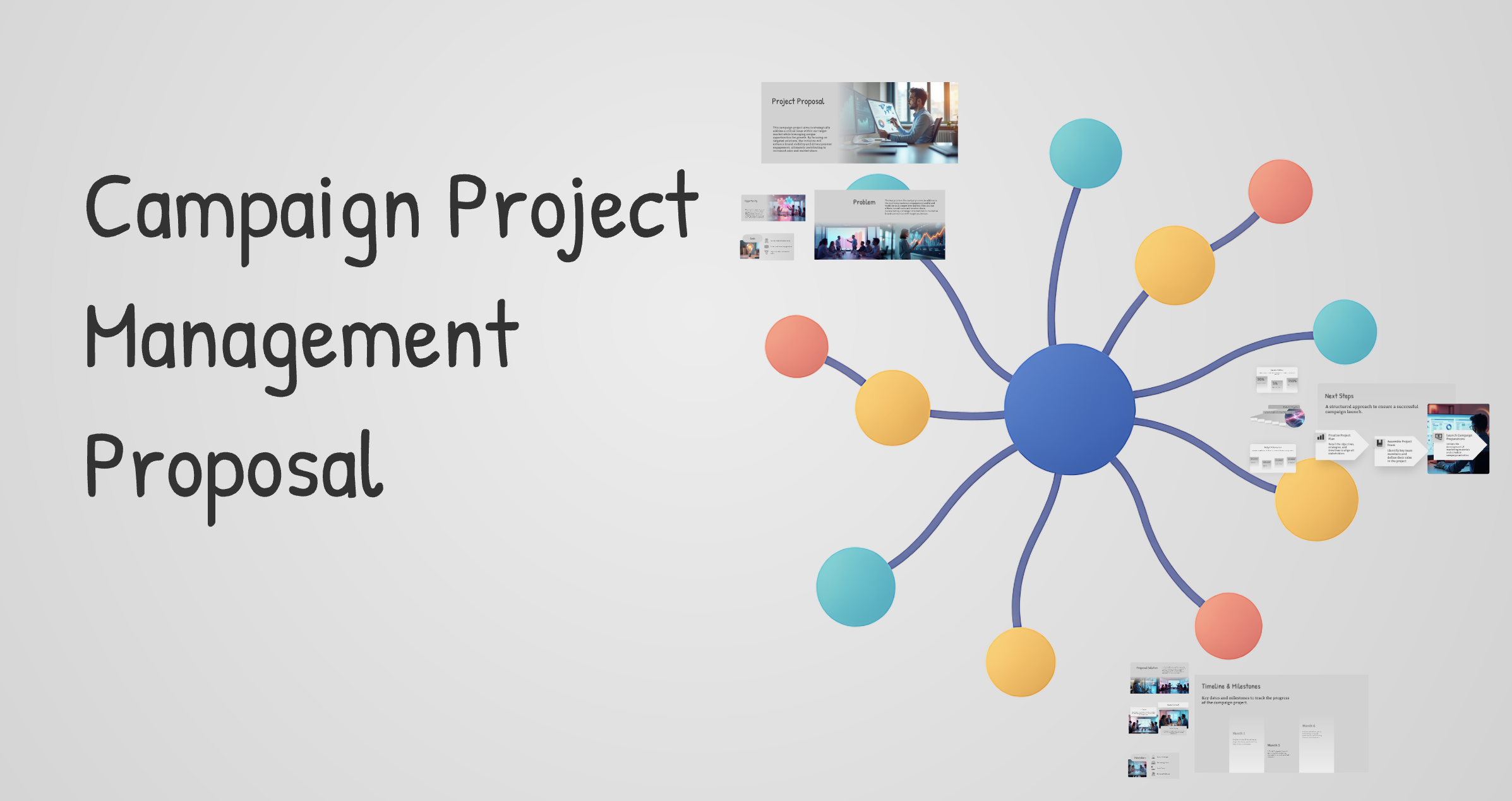
Campaign project management
Create a campaign project management presentation laid out like an idea map. Start with one central frame titled Project Proposal, then branch outward into connected sections that clearly show how everything relates back to the center: Problem, Opportunity, Goals, Proposed Solution, Scope (In/Out), Stakeholders, Timeline & Milestones, Budget & Resources, Risks & Mitigations, Success Metrics, and Next Steps.

Implementation proposal
Write an implementation project proposal for a B2C mobile app company to ship an improved onboarding experience. Include: requirements summary, high-level solution, milestone plan, QA/testing approach, launch plan, change management, post-launch ownership, and definition of done.
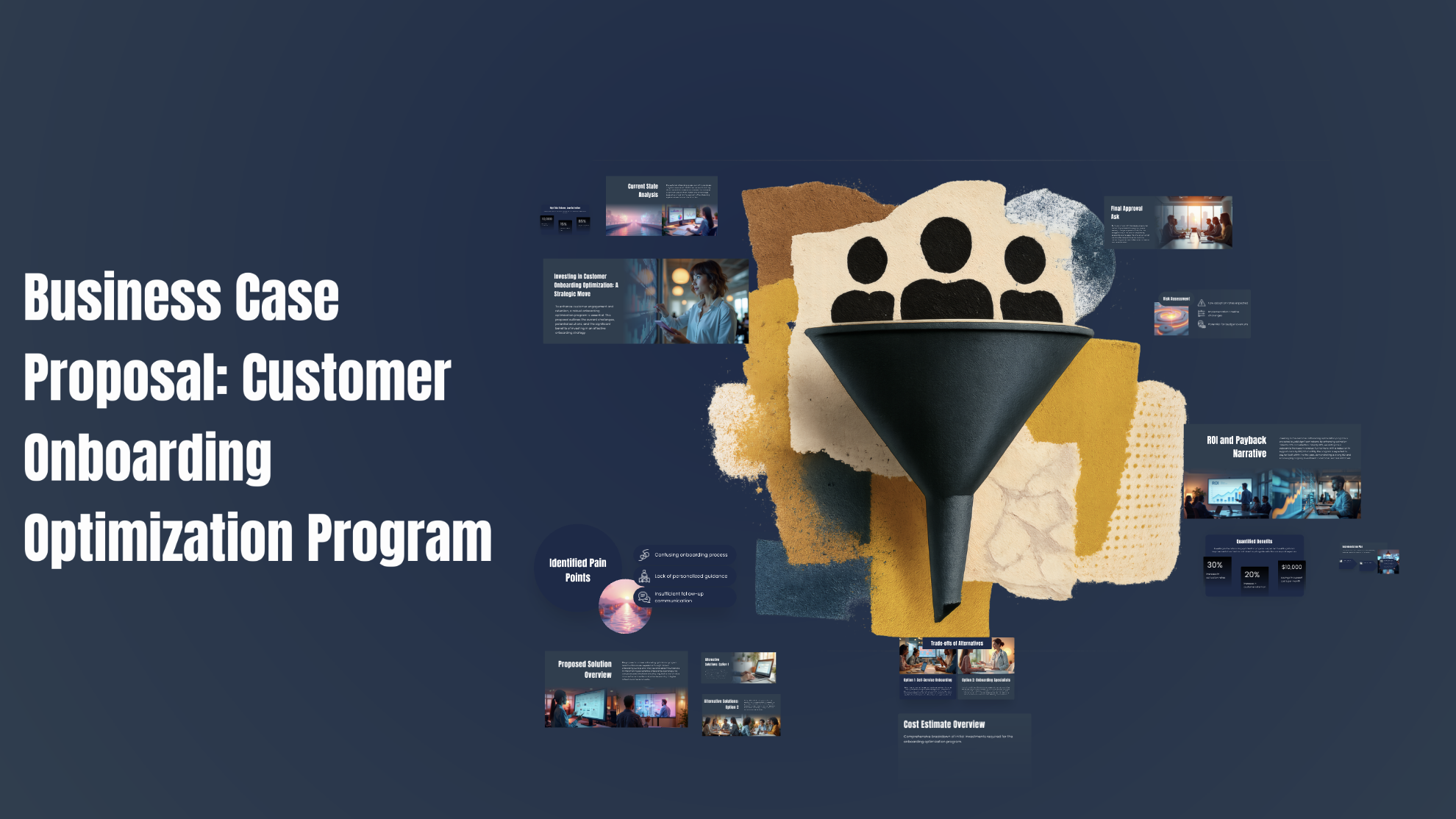
Business case proposal
Create a business case proposal for a mid-sized subscription software company to invest in a customer onboarding optimization program. Include: current state (high trial volume, low activation), pain points, proposed solution, at least 2 alternatives with tradeoffs, cost estimate (people time + tooling + optional vendor), quantified benefits (activation lift, retention lift, support cost reduction), ROI/payback narrative with assumptions, implementation plan, risks, and the final approval ask (budget and staffing). Write it for leadership.
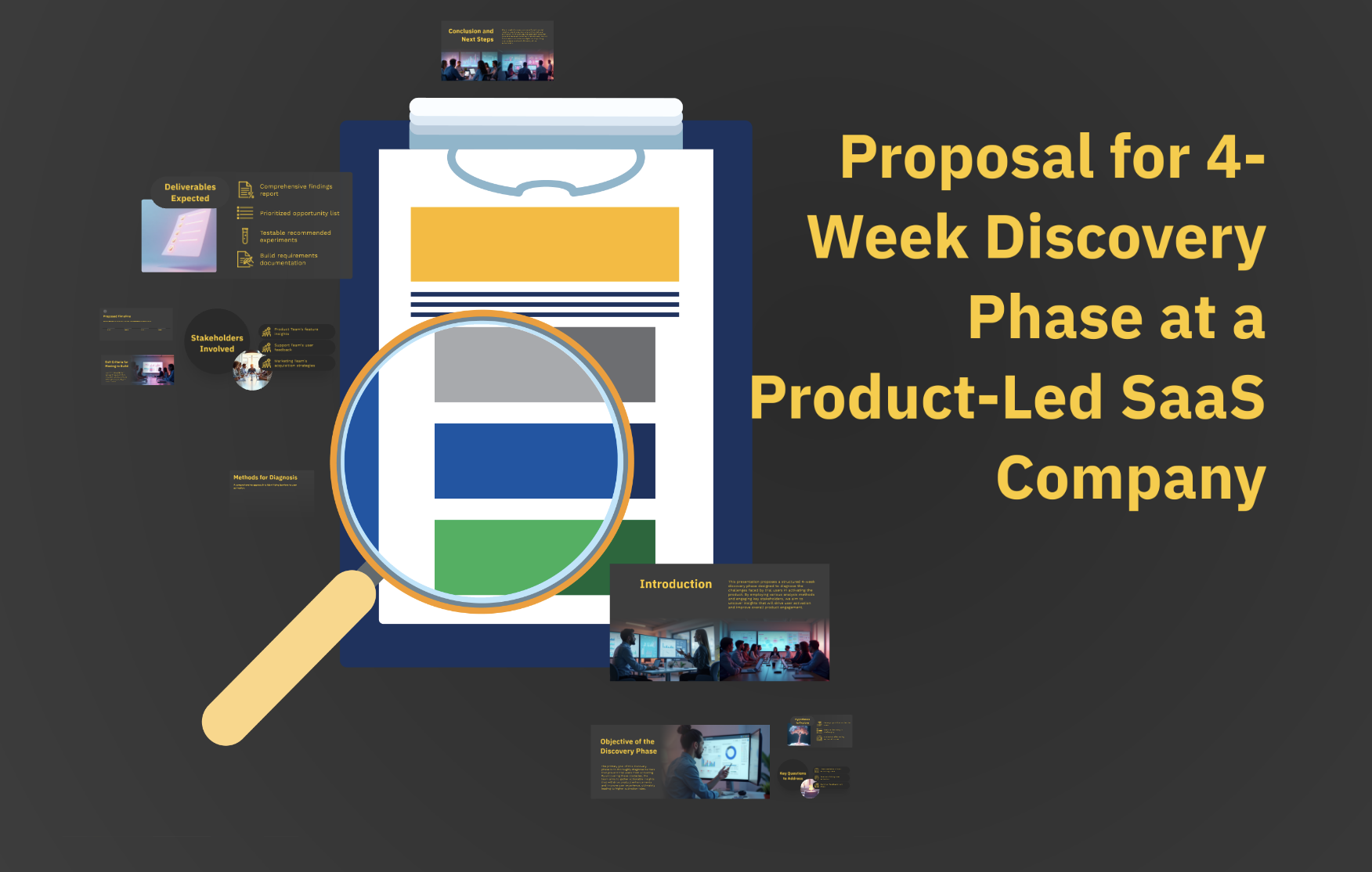
Discovery + research proposal
Draft a proposal for a 4-week discovery phase at a product-led SaaS company to diagnose why trial users fail to activate. Include: key questions, hypotheses, methods, stakeholders involved, deliverables (findings report, prioritized opportunity list, recommended experiments, requirements for build), timeline, and clear exit criteria for moving into build.
The science behind our prompts
How we found the best prompts for you.

Billions of presentations analyzed
Prezi has the largest public presentation library in the world. Our team of professional designers looked at the real prompts people use to make these presentations, see how people actually present, and provided the best here.

91% positively improved work outcomes
We asked users like you how they use Prezi. The results speak for themselves; Prezi presentations help people stand out at work and get what they want. Prezi is what great presentations are.

50% present within a day
Most people create presentations the day they need, but it can take hours by hand. Prezi AI gets you that time back thanks to the world’s most advanced presentation AI. With the right prompts, Prezi helps people create fantastic presentations in literal seconds.

160M+ users
Prezi is used around the world for people’s big presentation moments. We studied how these consultants, teachers, sales pros, marketers, and more actually present to bring you the best presentations, faster.
Transforming your prompts
Prezi AI reads your prompts and transforms them into the world’s best presentations. Here’s how:
- שלב 1
Analyze your topic
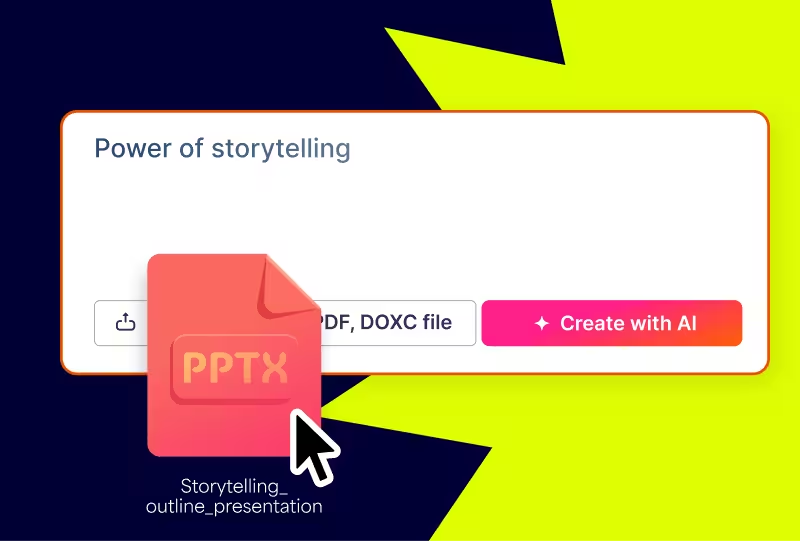
Prezi AI reads your prompt or file and analyzes it for themes, content, and structures to create your presentation.
- שלב 2
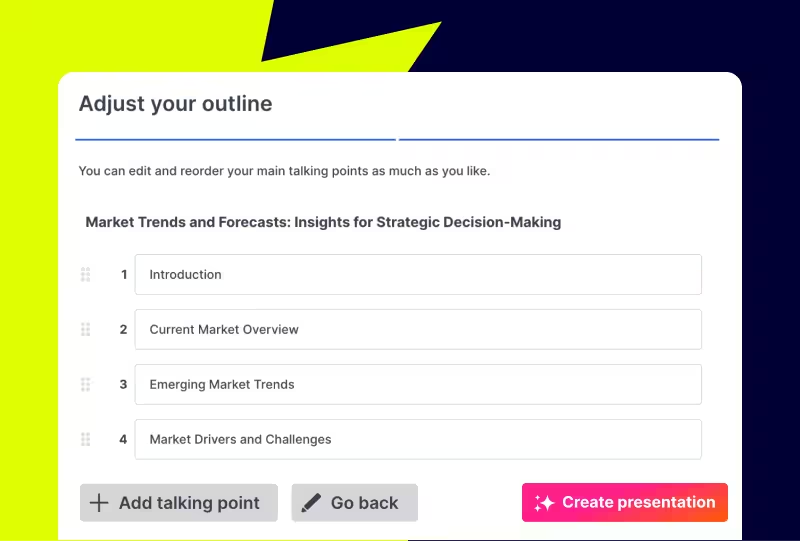
Creates an outline
From your topic, we create an outline with your topics and subtopics that covers everything you asked for and more.
- שלב 3
Builds your canvas
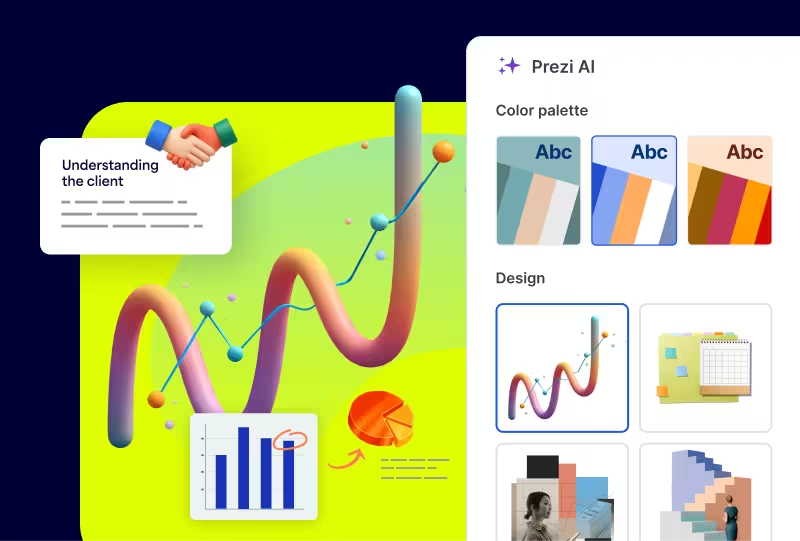
Once you’ve approved your outline, Prezi AI builds your zoomable presentation and content right in front of your eyes. Everything’s organized with easy presenting in mind, so you and your audience won’t want to look away.
Experience better presentations with Prezi
תפסיקו לבזבז זמן על תבניות ושקפים משעממים. Prezi AI יוצרת, מעצבת ומסייעת לכם להציג במהירות ובעוצמה שלא נראתה כמוה. מגובה במדע ונשענת על אמון של מיליונים.
Frequently asked questions
Are there prompt examples I can use to create project proposals faster?
Yes. You can create project proposal presentations faster by starting a new presentation with Prezi AI, pasting a prompt into the prompt box, and reviewing the generated outline first to refine the scope, timeline, and decision request. Once the structure looks right, generate the presentation and do a quick polish. Need more prompt ideas? Check out Prezi’s prompts page for ready-to-use examples you can copy and adapt.
How does Prezi AI use templates to create personalized project proposals?
You don't need templates with Prezi AI. Prezi AI uses your prompt or existing content to build a project proposal structure first, then adapts the proposal to what you share, including the sections, flow, and visual treatment. You can start from a project brief, a few rough bullets, or a draft doc, and Prezi AI will turn it into a polished first version with suggested layouts, colors, and visuals that fit the topic and audience. Before you generate the full presentation, you can review and edit the outline, reorder sections like scope, timeline, resourcing, and risks, and refine the wording, then apply brand styling so the final project proposal feels specific, professional, and on-brand.
Why should I use Prezi AI for project presentations?
Project managers should use Prezi AI for project presentations because it helps them go from a rough idea or existing notes to a clear, stakeholder-ready deck much faster. It can generate a structured storyline (goals, scope, timeline, resourcing, risks, and next steps), suggest layouts and visuals that make complex work easier to follow, and give you a polished first draft you can quickly refine by editing the outline, reordering sections, and tightening the copy. This saves time, improves clarity, and helps teams align and make decisions sooner.