How to create an AI presentation for healthcare and medicine
Watch Prezi AI transform your prompt into an attention-grabbing presentation.
Try this prompt

Additional use cases for healthcare, medical, and wellness presentations
Explore these prompt examples to see what your presentation could look like.
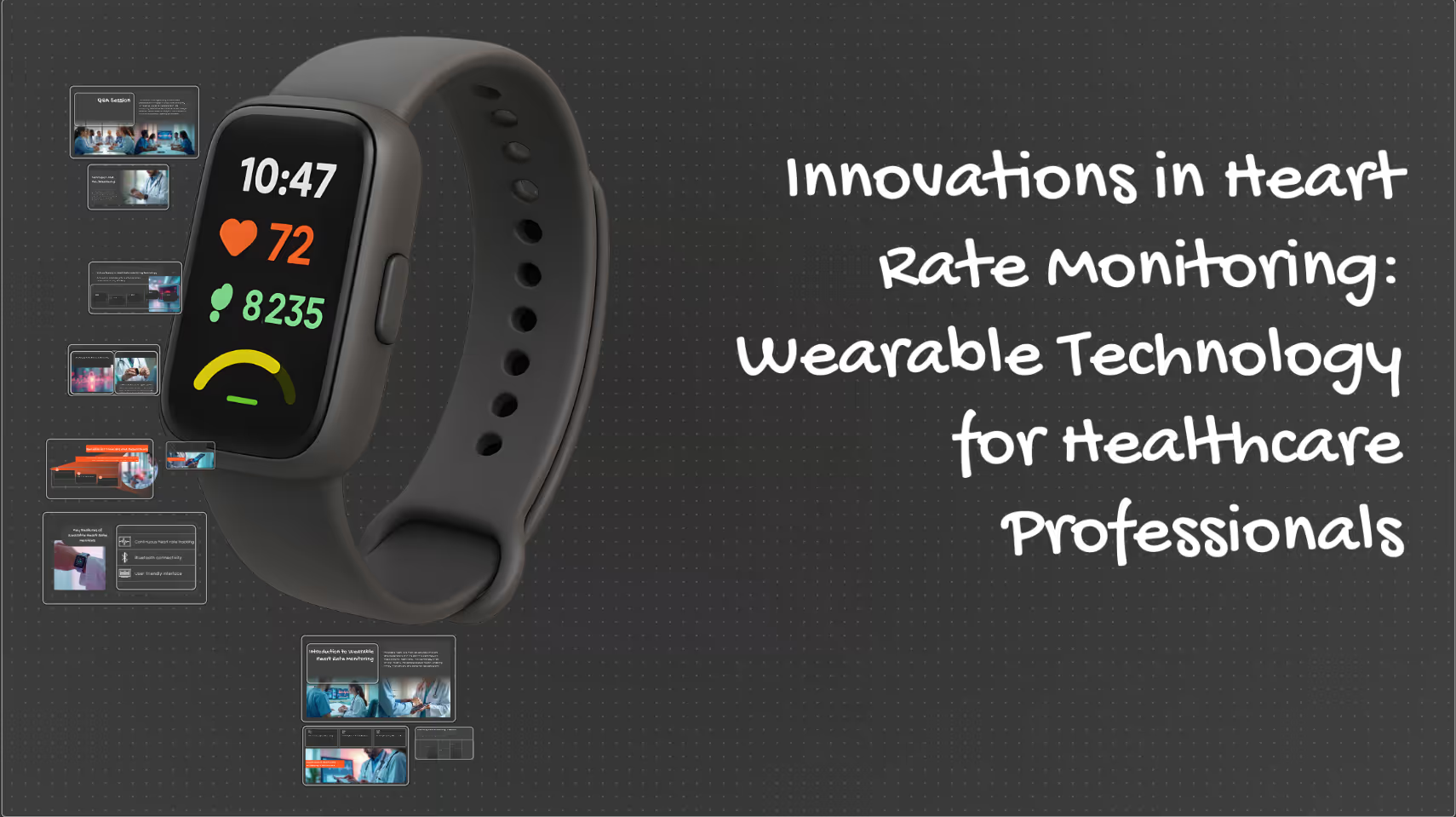
Medical tech
Create a professional medical presentation template focused on a wearable heart rate monitoring device, intended for healthcare professionals such as clinicians, researchers, or medical students.
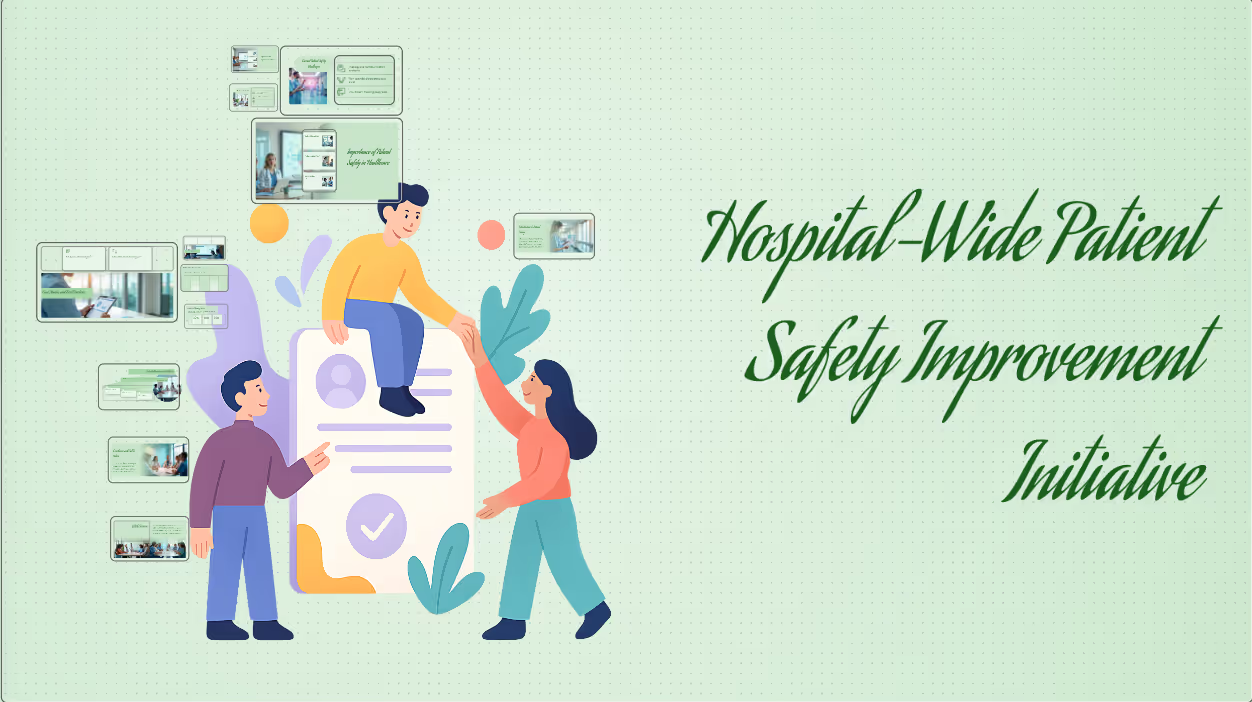
Patient safety strategy
Create a health strategy and planning presentation focused on a hospital-wide patient safety improvement initiative, intended for executive leadership and healthcare administrators.
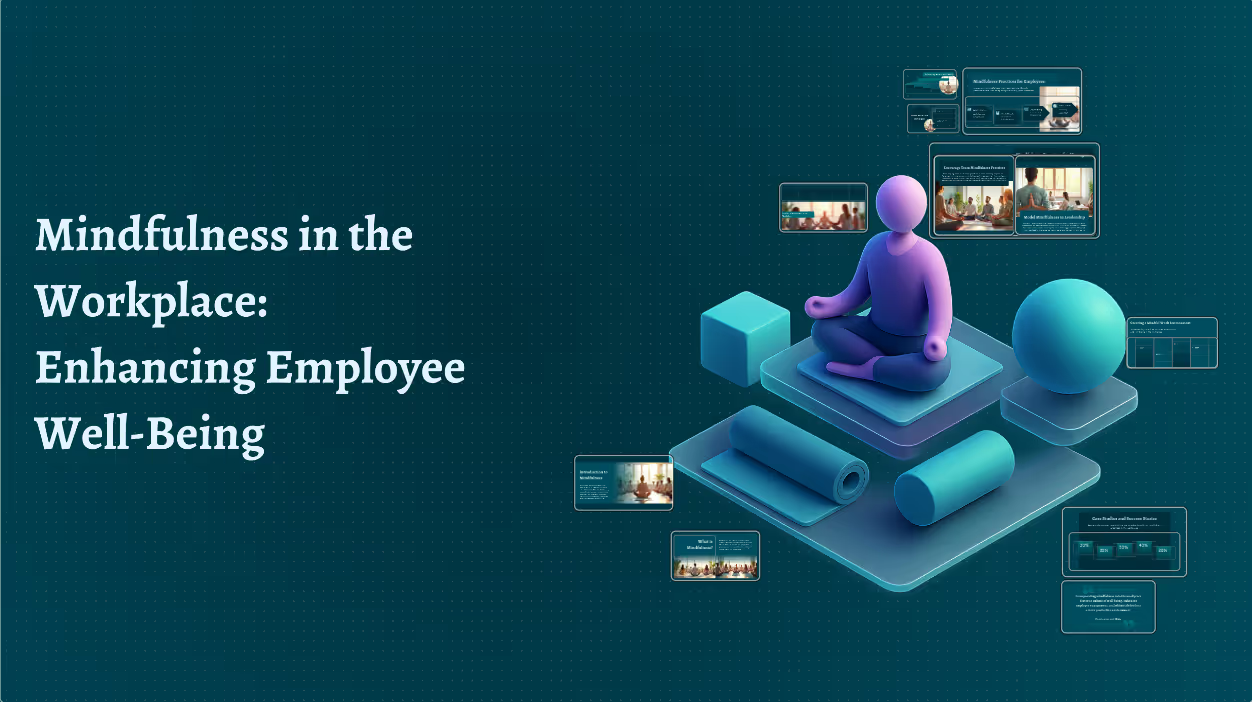
Mindfulness at work
Create a mindfulness in the workplace presentation designed for employees and managers. The presentation should explain the benefits of mindfulness, stress reduction, and mental well-being at work.
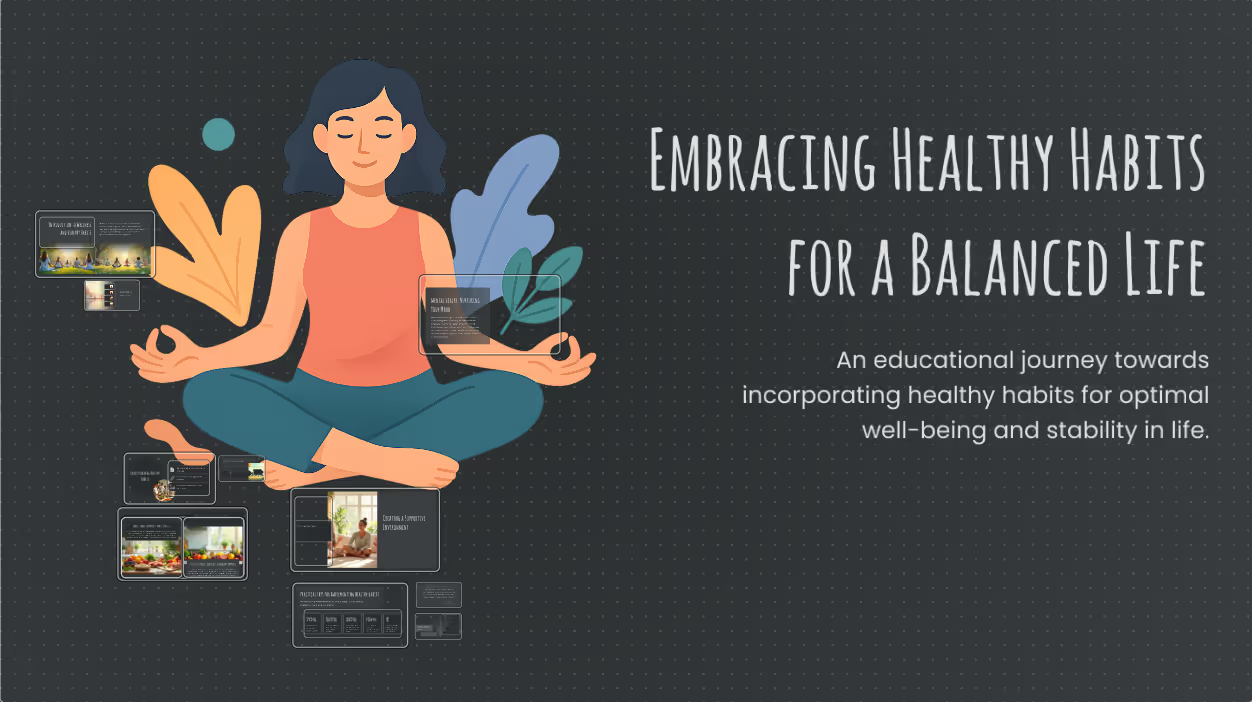
Workplace wellness
Create a lifestyle and wellness presentation focused on healthy habits, balance, and well-being. The tone should be educational but uplifting, suitable for workplace wellness programs or community health talks.
The science behind our prompts
How we found the best prompts for you.

Billions of presentations analyzed
Prezi has the largest public presentation library in the world. Our team of professional designers looked at the real prompts people use to make these presentations, see how people actually present, and provided the best here.

91% positively improved work outcomes
We asked users like you how they use Prezi. The results speak for themselves; Prezi presentations help people stand out at work and get what they want. Prezi is what great presentations are.

50% present within a day
Most people create presentations the day they need, but it can take hours by hand. Prezi AI gets you that time back thanks to the world’s most advanced presentation AI. With the right prompts, Prezi helps people create fantastic presentations in literal seconds.

160M+ users
Prezi is used around the world for people’s big presentation moments. We studied how these consultants, teachers, sales pros, marketers, and more actually present to bring you the best presentations, faster.
Transforming your prompts
Prezi AI reads your prompts and transforms them into the world’s best presentations. Here’s how:
- שלב 1
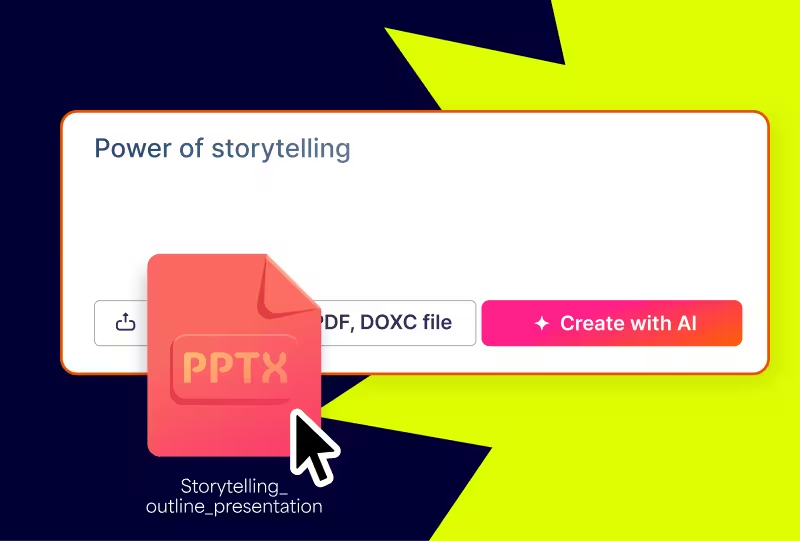
Analyze your topic
Prezi AI reads your prompt or file and analyzes it for themes, content, and structures to create your presentation.
- שלב 2
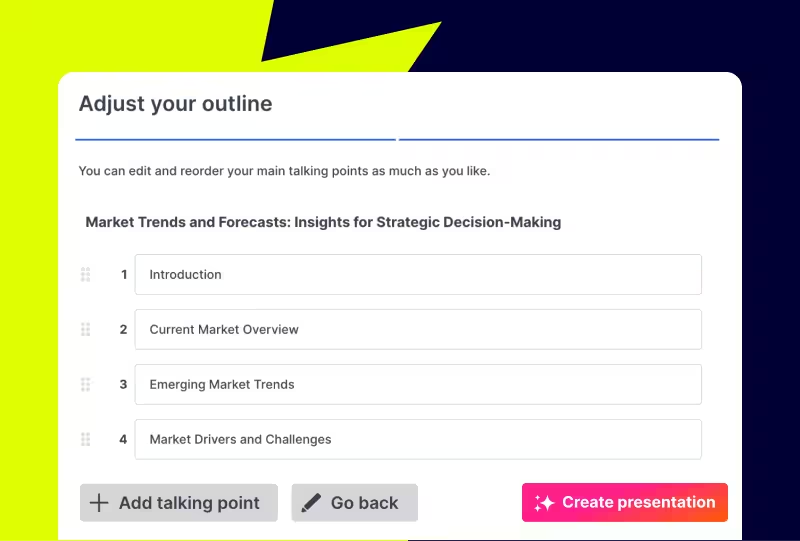
Creates an outline
From your topic, we create an outline with your topics and subtopics that covers everything you asked for and more.
- שלב 3
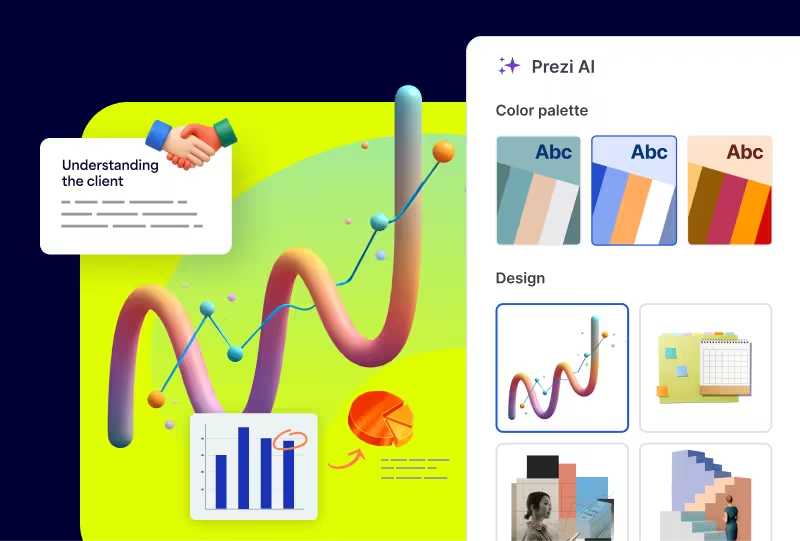
Builds your canvas
Once you’ve approved your outline, Prezi AI builds your zoomable presentation and content right in front of your eyes. Everything’s organized with easy presenting in mind, so you and your audience won’t want to look away.
Experience better presentations with Prezi
תפסיקו לבזבז זמן על תבניות ושקפים משעממים. Prezi AI יוצרת, מעצבת ומסייעת לכם להציג במהירות ובעוצמה שלא נראתה כמוה. מגובה במדע ונשענת על אמון של מיליונים.
Frequently asked questions
What are Prezi AI presentations and how do they work?
Prezi AI uses artificial intelligence to help you create presentations faster by generating structure, content, and design based on your topic or prompt. Instead of starting from a blank canvas, you can enter a presentation idea or upload a file, and Prezi AI automatically builds a customizable presentation layout with suggested content and visuals—making it easy to create polished, professional presentations in minutes.
Are there prompt examples I can use to create healthcare presentations faster?
Yes. This page includes healthcare-specific prompt examples to help you get started quickly, from clinical onboarding and patient safety strategies to workplace wellness and medical technology. Simply choose a prompt, customize it to fit your topic and audience, and let Prezi AI generate your presentation in seconds. Want to explore even more ideas beyond healthcare? Check out Prezi’s prompts page.
What types of presentation topics work best with Prezi?
Prezi works well for a wide range of presentation topics, including sales pitches, project updates, training sessions, lesson plans, and conference talks. Its dynamic canvas is especially effective for explaining complex ideas and keeping audiences engaged.
What makes the best Prezi presentations stand out?
The best Prezi presentations combine strong visual structure and thoughtful use of motion. Using the right template, following prompt examples, and choosing a focused presentation topic all help create presentations that are engaging and easy to follow.
How does Prezi AI use templates to create personalized presentations for healthcare?
With Prezi AI, there's no need for templates. Prezi AI generates a unique presentation structure based on your prompt, audience, and context, whether it's staff onboarding, a patient safety initiative, or a wellness program. No two presentations look the same, giving healthcare teams a faster, more personalized way to build presentations.
Why do healthcare teams use AI to create presentations?
Healthcare teams need to communicate complex information, from clinical workflows to onboarding materials, clearly and consistently. Prezi AI structures content, simplifies dense topics, and helps teams spend less time building presentations and more time focusing on patient care.