Presentations created by AI, designed for you
Create a custom presentation in seconds with Prezi AI. No design skills needed.
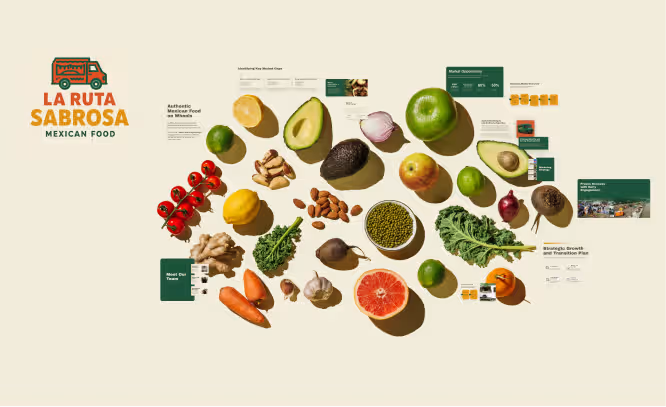
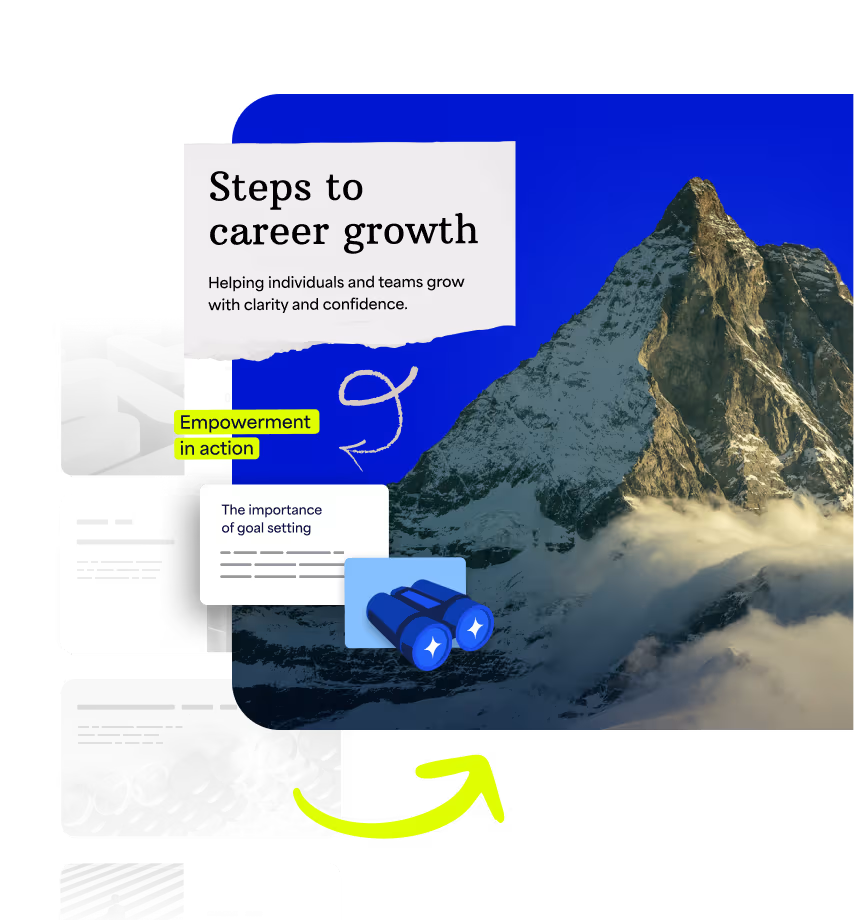
Bring your ideas to life
Upload your files or start with a topic. Prezi AI creates a custom, built-for-you presentation that's visually dynamic and proven to grab attention.
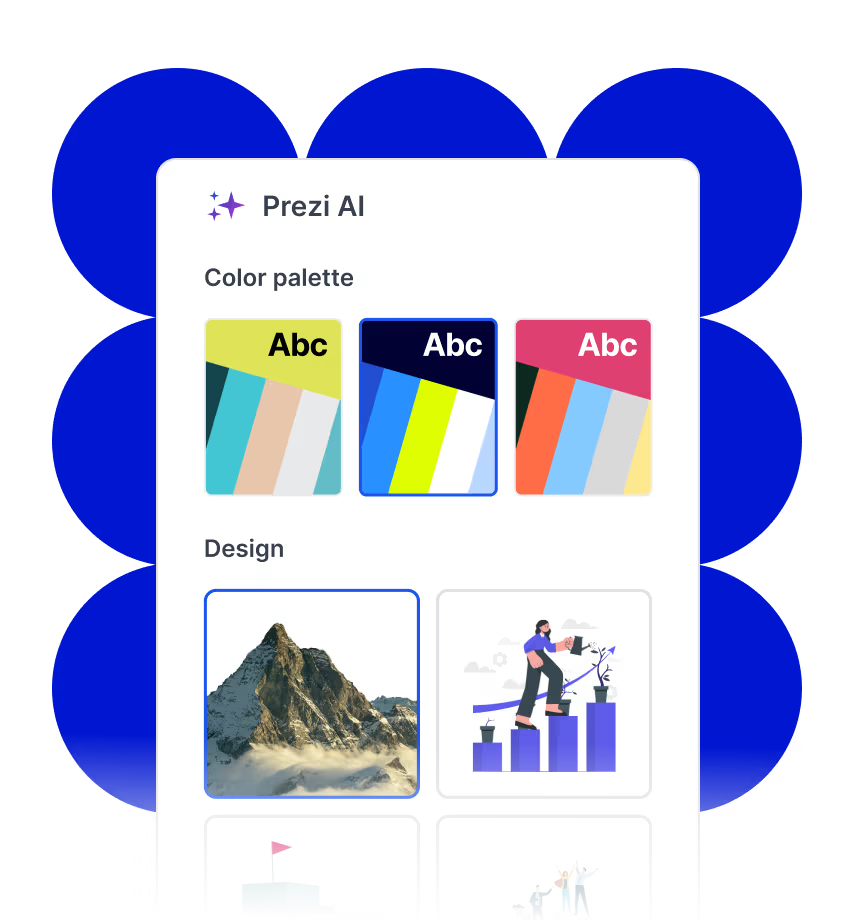
Create with confidence
Prezi AI is your AI personal designer, offering smart layout and design choices tailored to your ideas. It’s AI made just for presentations.
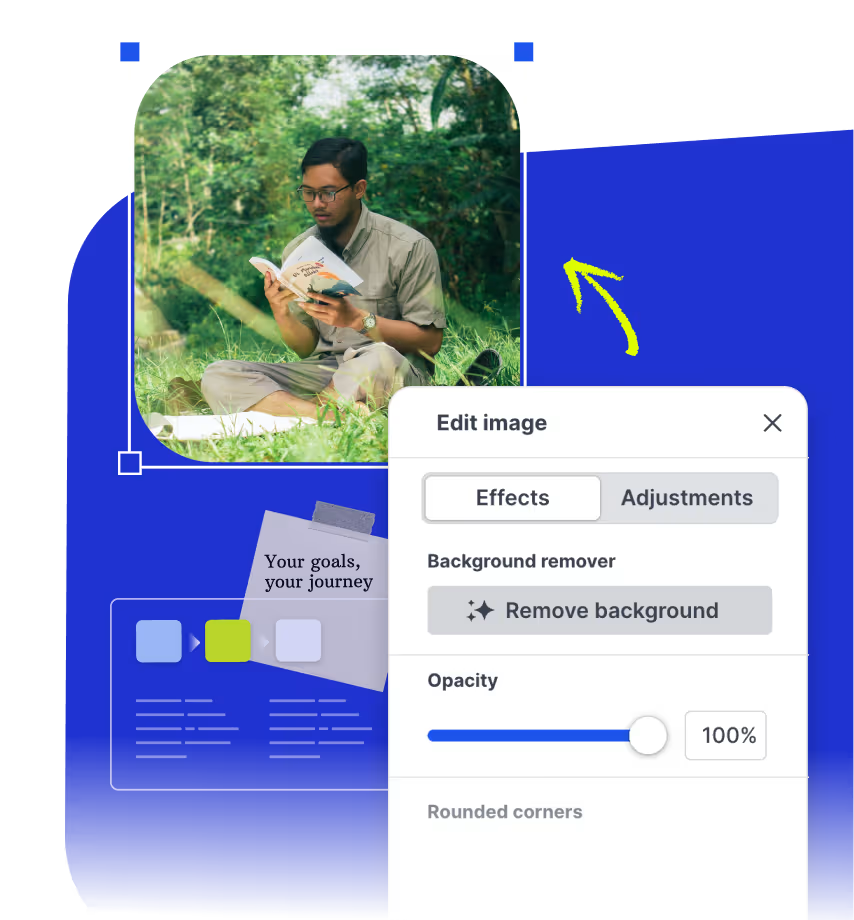
Refine and present smarter
Get real-time AI writing tips, visual suggestions, and generated images while you create your presentation. You stay in control, Prezi AI just makes it easier.
An expert AI presentation designer, built for you

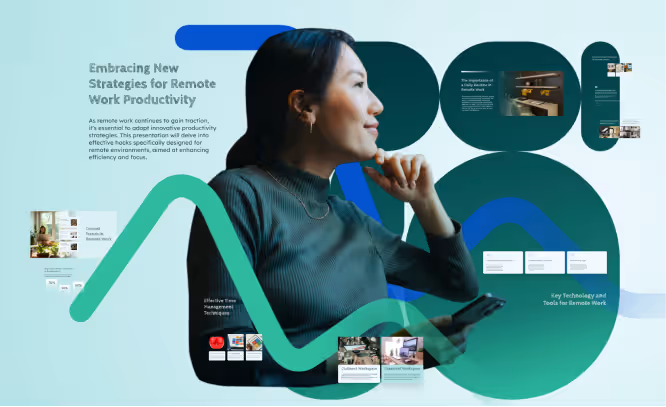
Build a smart, engaging training session for remote teams with tools, trends, and actionable tips.
Pitch my Mexican food truck concept with fresh food and fresher ideas. Include a clear growth plan and captivating visuals.
Showcase a creative marketing strategy for a tech brand that highlights recent KPIs, market trends, and what’s next.
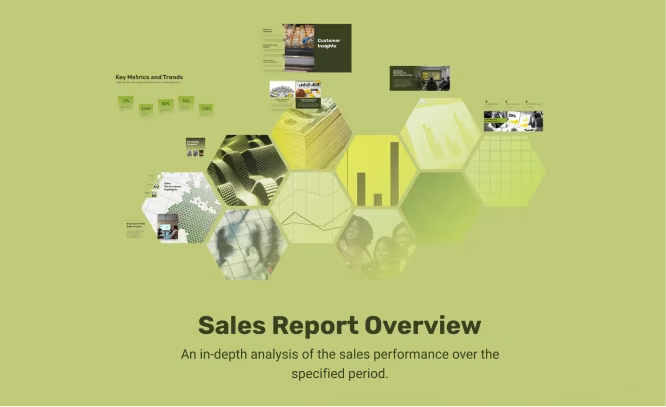
Create a data-driven sales pitch for my finance company that highlights key wins, trends, and opportunities for new customers.
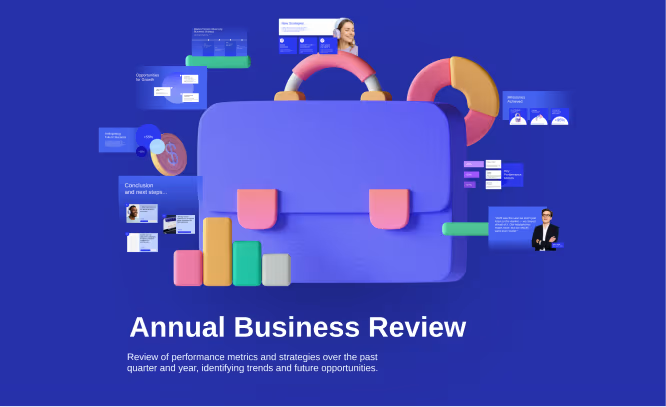
Analyze performance metrics and strategies for a sound development business review. Forecast what’s next with bold visuals, charts, and clear takeaways.
Upload your file. Get a better one back.
Upload your outline or current presentation and Prezi AI will transform it into a ready-to-present cinematic experience.
- STEP 1
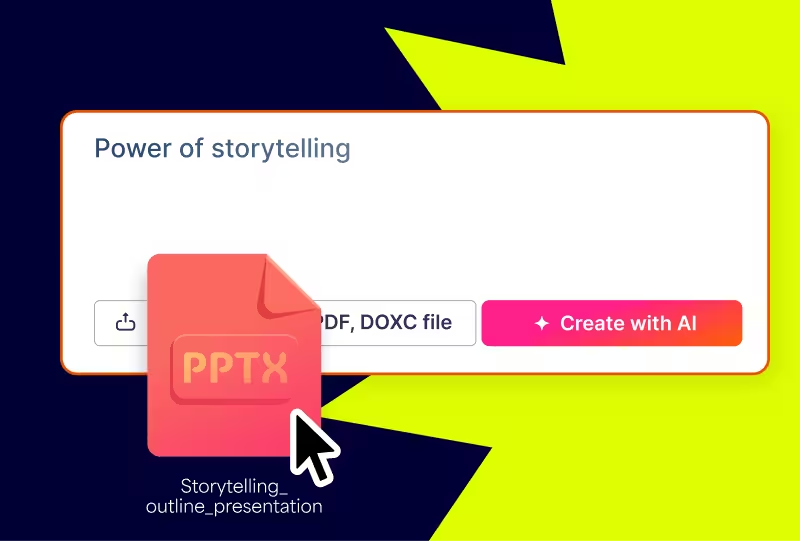
Enter your idea
Type your idea, paste your content, or upload your files. Prezi AI builds a custom outline for you instantly based on your content.
- STEP 2
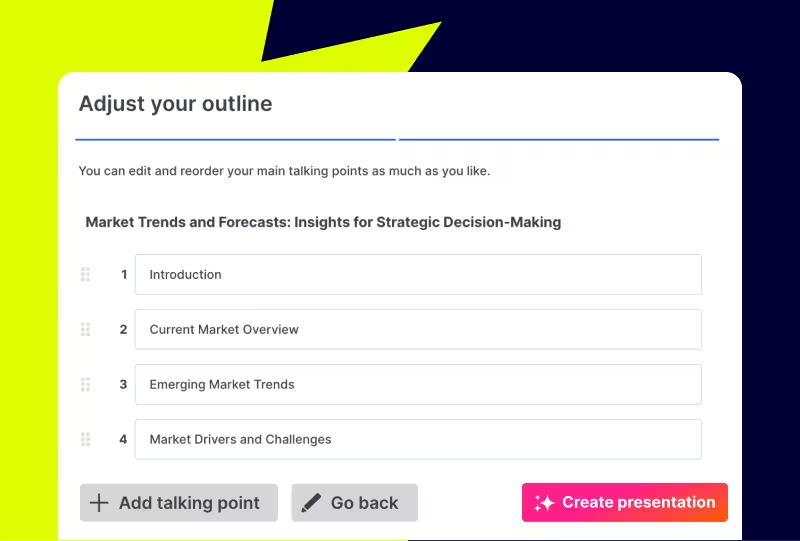
Adjust your outline
Get an organized plan for your presentation before design starts. Easily rearrange and edit your outline for the perfect start.
- STEP 3
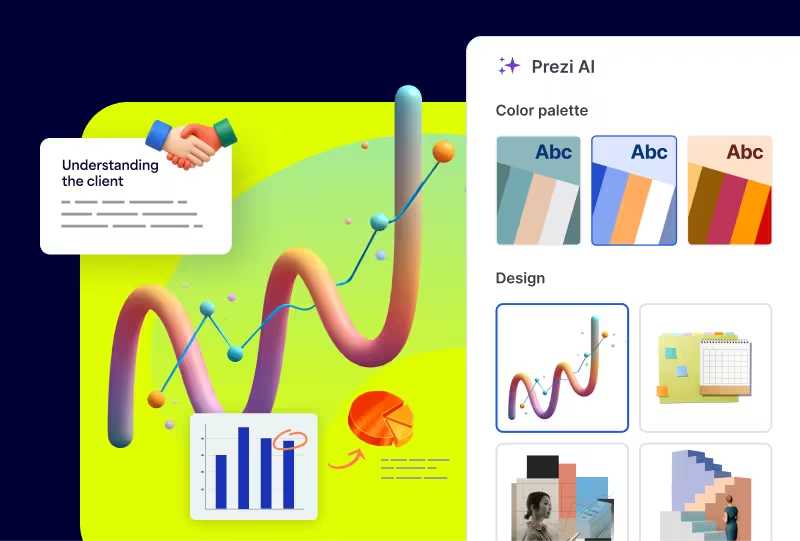
Make it yours
Adjust the look and feel of your newly-made presentation. Pick your style, choose images, and apply your branding with the click of a button.
Your ideas, powered by AI
All the AI tools you need for the presentations you want.
Transform your work instantly
Automatically transform your content into fantastic visuals like flow charts, visual lists, and zooming stories. Proven to engage your audience better.
Write smarter with AI
Refine your text in one click. Lengthen, shorten, adjust, and simplify your text to get your point across perfectly.
Create the perfect image every time
Generate the exact image that fits your message with Prezi AI, or search through our library of 150M+ visuals.
"Prezi is just a much more immersive platform and makes people pay attention compared to traditional slide decks."
John M."Prezi has made creating presentations much less stressful with its user-friendly tools. If you're pressed for time, using the AI feature to quickly generate a presentation is very useful."
Jackie D."This is a tool that is going to put you ahead of other people and make you look professional and make your ideas stand out.”
Javier

Grab attention with AI-powered presentations
Frequently asked questions
How does Prezi AI work?
Prezi AI, an AI presentation maker, combines decades of design expertise and AI technology to build custom presentations from your ideas or files. It handles layout, flow, and visuals so you can focus on your message and create fast.
Can I upload my slides or documents?
Yes. Upload PDF, DOCX, and PPTX files and Prezi AI turns them into engaging, dynamic presentations in seconds.
Do I need design skills?
No design skills required. Prezi AI’s smart design assistant takes care of design details while keeping your creative control intact. Every decision you make will be the right one.
Can I edit what Prezi AI creates?
Of course. You can change any part of your AI-generated presentation at any time, with or without Prezi AI’s help. You’ve got full control.
Is Prezi AI free to use?
Yes! You can explore every feature of Prezi AI for free with AI credits. Upgrade any time for unlimited Prezi AI use and infinite presentations.
What is an AI presentation maker?
AI presentation makers like Prezi AI are tools that transform prompts into presentations. Our AI presentation tool, Prezi AI, stands out because it’s trained on the largest public presentation repository available and refined by our team of expert designers. Prezi AI also uses a distinct, moving layout that’s proven to capture attention better.