AI presentation examples

How to create AI presentations for HR teams

Watch Prezi AI transform your prompt into an attention-grabbing presentation.

Try this prompt

Dit help KI om jou bedoeling beter te verstaan.
  • Besigheid

    Gepas vir ’n professionele toon en duidelike doelwitte.

  • Universiteit

    Is geskik vir akademiese gehore met in-diepte analise.

  • Skool

    Boeiend en maklik om te volg vir studente.

  • Ander

    Spesifiseer ’n pasgemaakte gehoor in die opdrag hierbo.

Additional use cases for human resources presentations

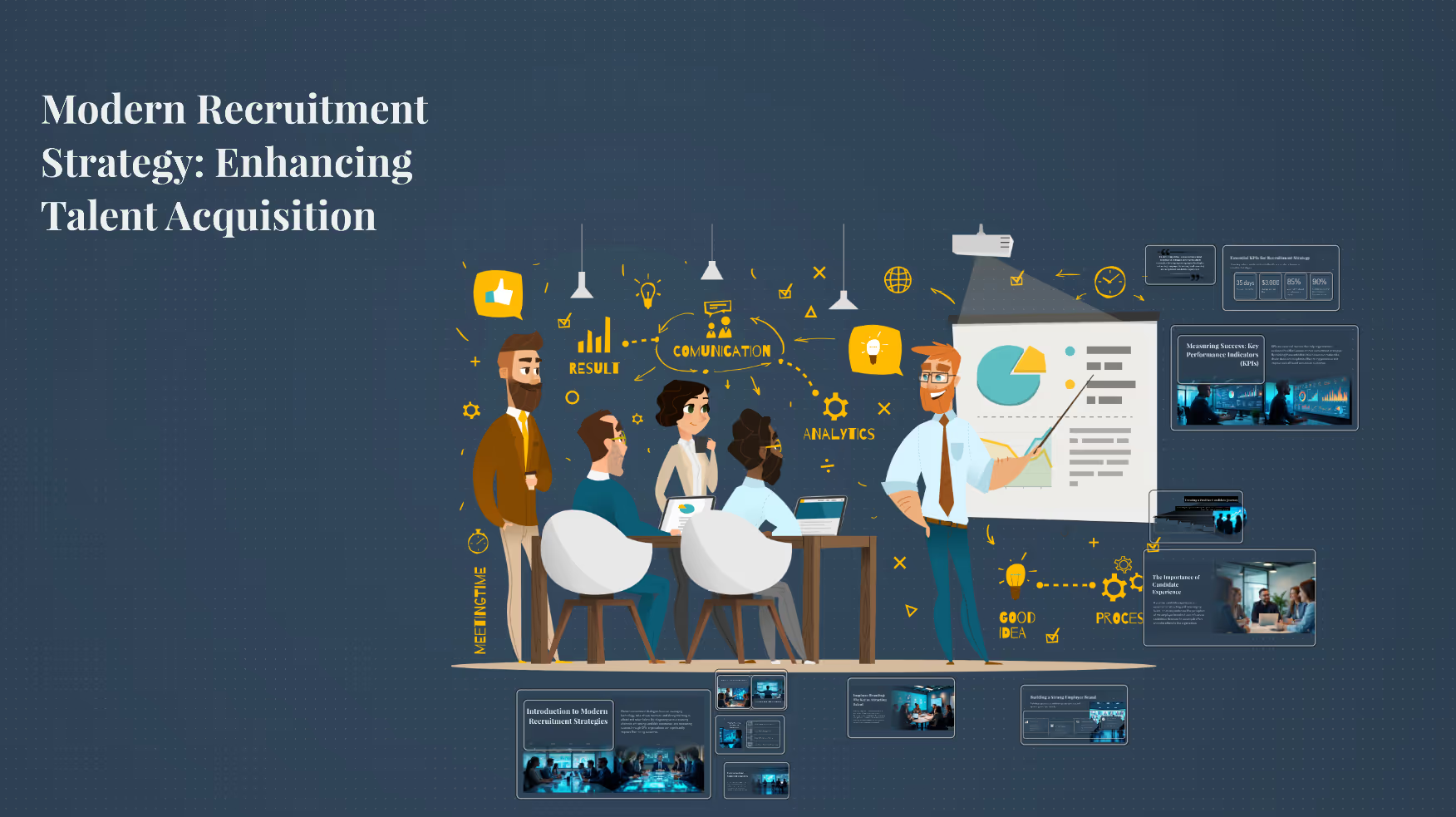
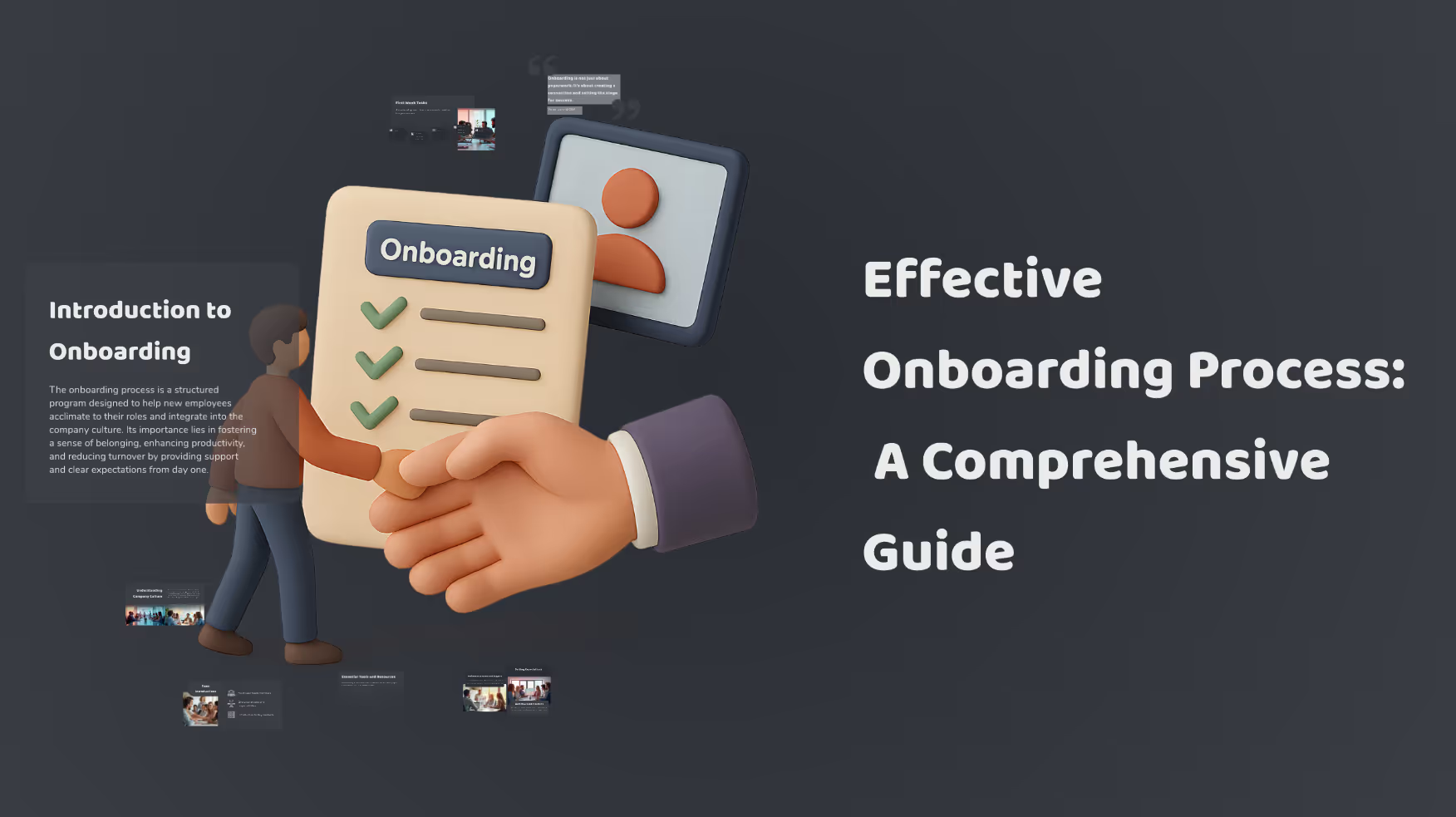
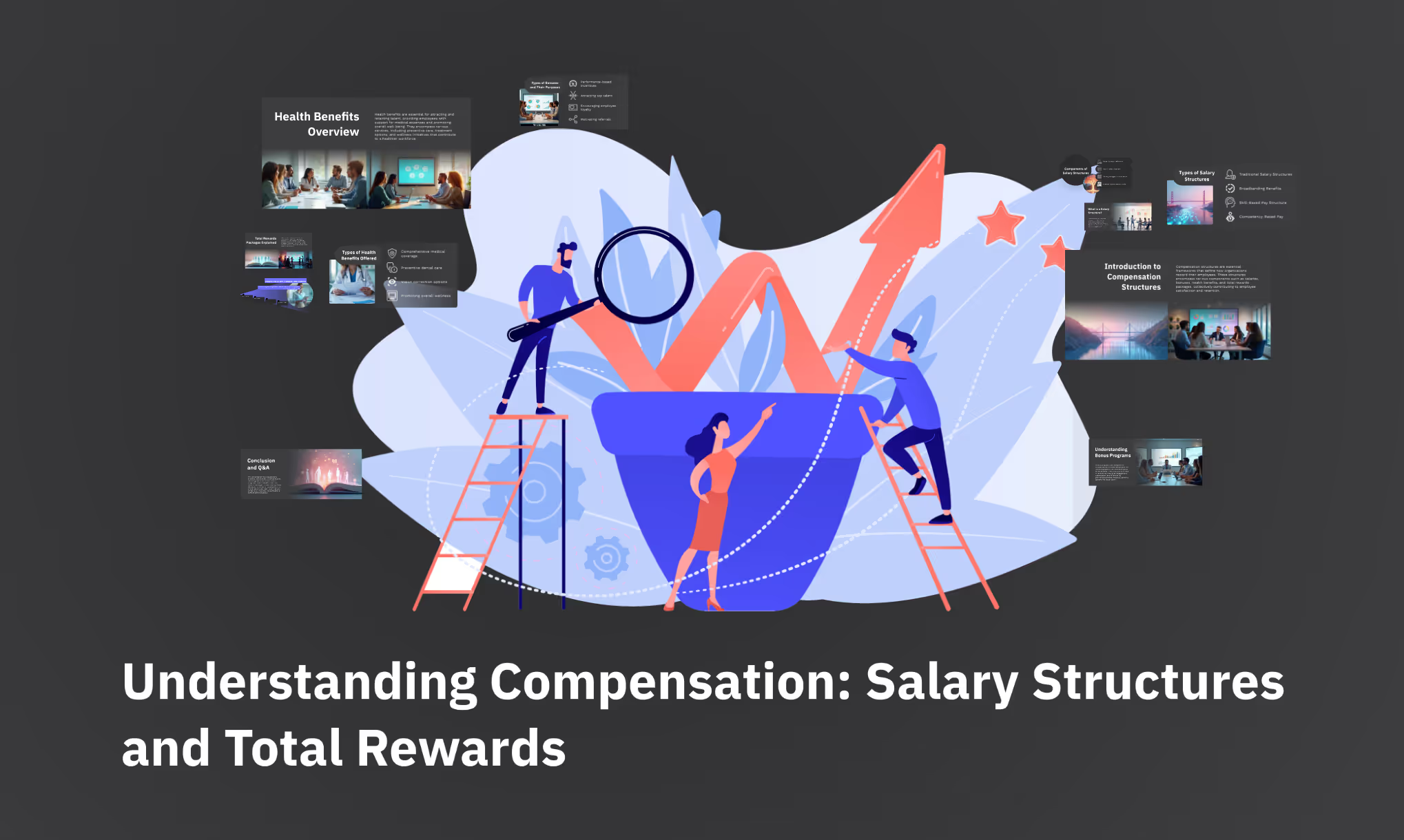
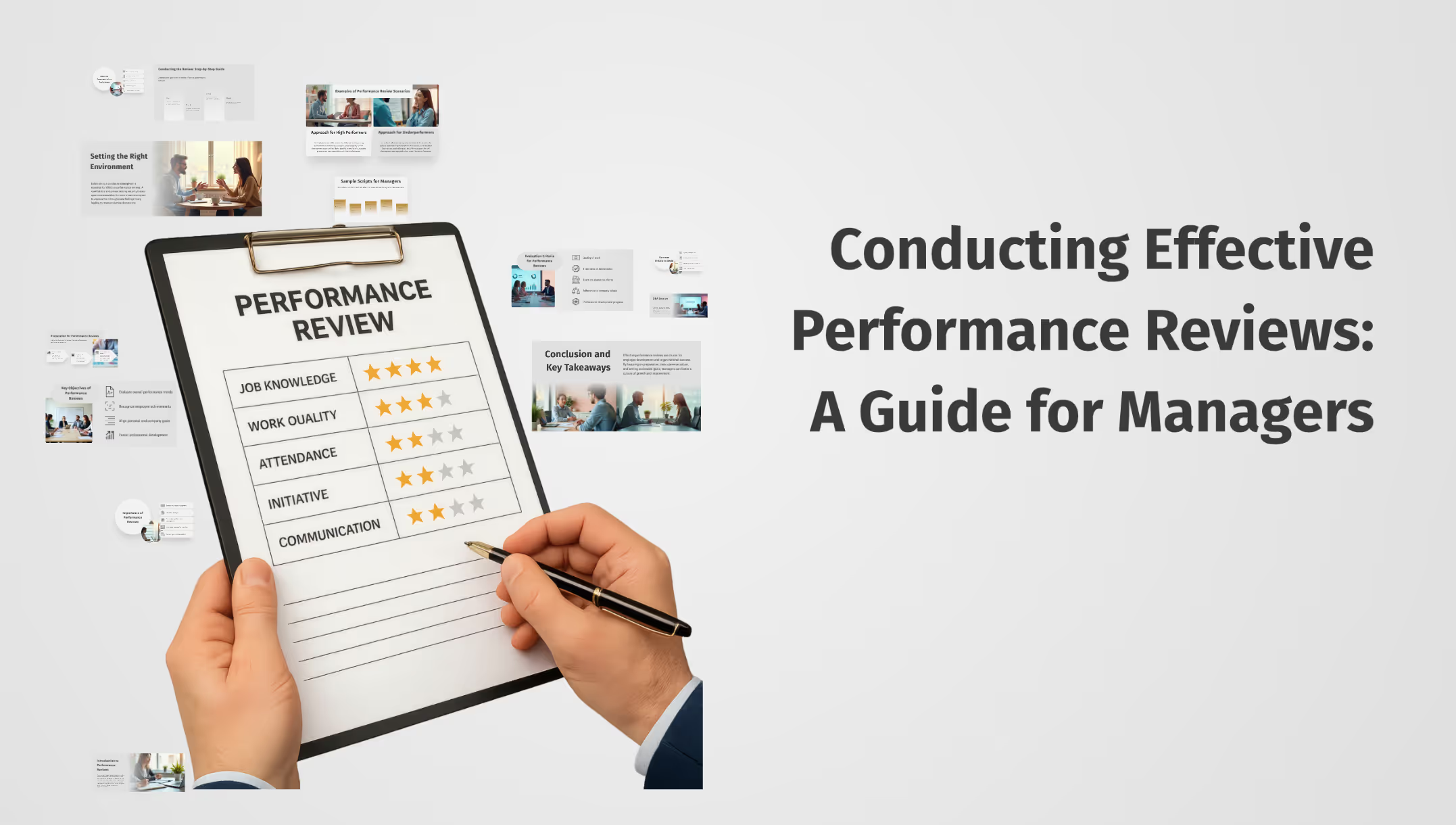
Explore these prompt examples to see what your presentation could look like.
The science behind our prompts

How we found the best prompts for you.

Icon representing engagement, showing a smiling face surrounded by dynamic lines to convey excitement and interaction.

Billions of presentations analyzed

Prezi has the largest public presentation library in the world. Our team of professional designers looked at the real prompts people use to make these presentations, see how people actually present, and provided the best here.

Icon symbolizing persuasion, featuring a speech bubble or dialog element with emphasis lines suggesting convincing communication.

91% positively improved work outcomes

We asked users like you how they use Prezi. The results speak for themselves; Prezi presentations help people stand out at work and get what they want. Prezi is what great presentations are.

Icon symbolizing persuasion, featuring a speech bubble or dialog element with emphasis lines suggesting convincing communication.

50% present within a day

Most people create presentations the day they need, but it can take hours by hand. Prezi AI gets you that time back thanks to the world’s most advanced presentation AI. With the right prompts, Prezi helps people create fantastic presentations in literal seconds.

Icon symbolizing persuasion, featuring a speech bubble or dialog element with emphasis lines suggesting convincing communication.

160M+ users

Prezi is used around the world for people’s big presentation moments. We studied how these consultants, teachers, sales pros, marketers, and more actually present to bring you the best presentations, faster.

*Gebaseer op opnames in Julie 2025 onder opvoeders en professionele persone.

Transforming your prompts

Prezi AI reads your prompts and transforms them into the world’s best presentations. Here’s how:

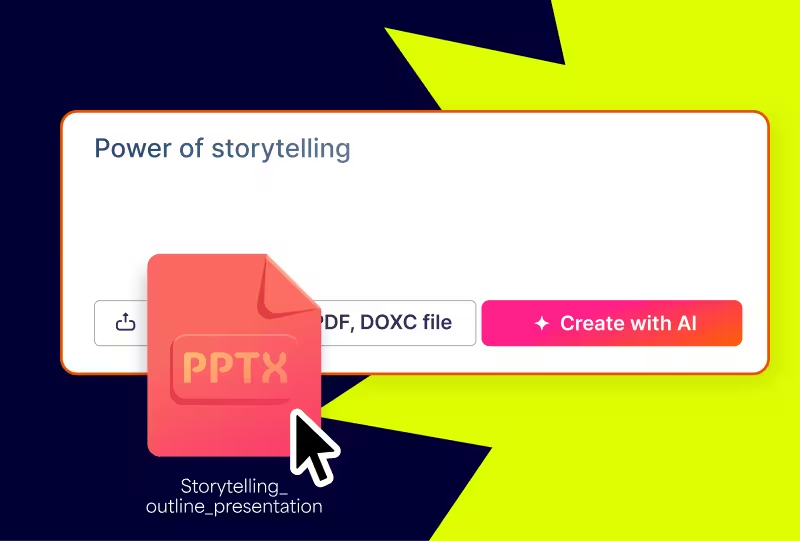
  • STAP 1

    Analyze your topic

    Prezi AI reads your prompt or file and analyzes it for themes, content, and structures to create your presentation.
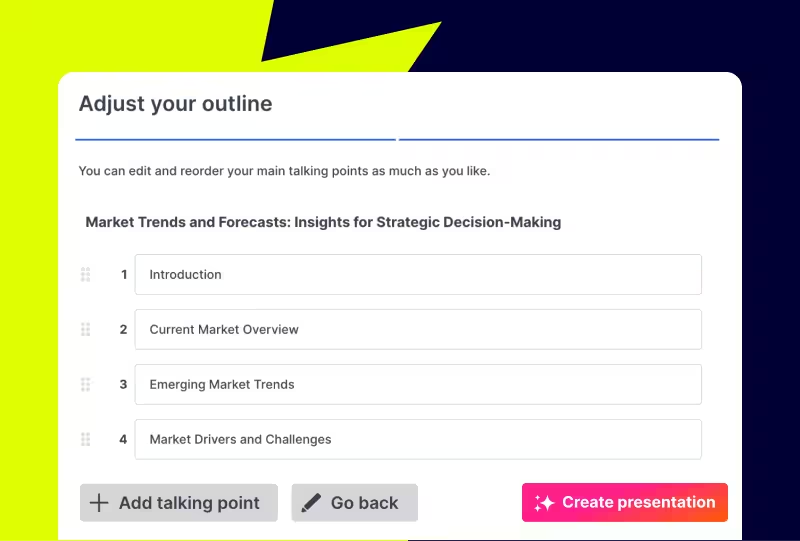
  • STAP 2

    Creates an outline

    From your topic, we create an outline with your topics and subtopics that covers everything you asked for and more.
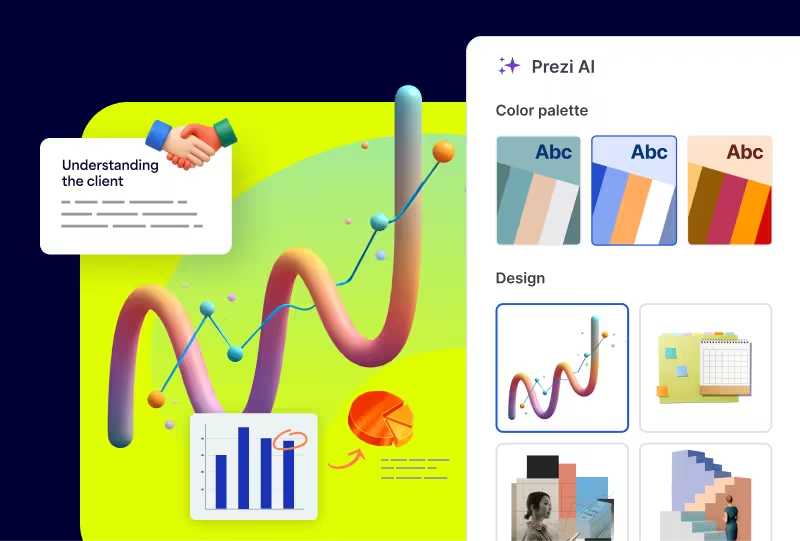
  • STAP 3

    Builds your canvas

    Once you’ve approved your outline, Prezi AI builds your zoomable presentation and content right in front of your eyes. Everything’s organized with easy presenting in mind, so you and your audience won’t want to look away.
Experience better presentations with Prezi

Hou op om tyd te mors op sjablone en vervelige skyfies. Prezi KI skep, ontwerp, en help jou om met ongeëwenaarde spoed en impak te presenteer. Gesteun deur die wetenskap en vertrou deur miljoene.

Probeer Prezi-AI

Frequently asked questions

  • Are there prompt examples I can use to create HR presentations faster?

    Yes. This page offers HR-specific prompt examples to help you hit the ground running, whether you're building an employee onboarding presentation, an analytics report, an employee recognition deck, or mapping out an employee's 30-60-90 timeline. Pick a prompt, tailor it to your goals and audience, and Prezi AI will generate your presentation in seconds. Looking for even more inspiration? Explore additional ideas on Prezi's prompts page.

  • How does Prezi AI use templates to create personalized presentations for HR teams?

    Prezi AI generates a tailored presentation structure based on your prompt and objectives — whether it's an onboarding deck, recognition presentation, or HR analytics report. No two presentations look the same, giving HR teams a faster, more personalized way to communicate.

  • Why do HR teams use AI to create presentations?

    HR teams communicate across the entire organization, from onboarding to leadership updates, and need presentations that feel relevant for very different audiences. Prezi AI structures content and generates visuals quickly, so HR professionals can spend less time building decks and more time supporting their people.

Hoe help Prezi AI my om aanbiedings te skep?

Prezi AI help met elke fase van die skepping van 'n aanbieding, insluitend:

  1. Oorsig: Gebruik Prezi AI om jou te help om die oorsig van jou aanbieding te struktureer.
  2. Ontwerp: Prezi AI kan ontwerp-elemente, kleurpalette en uitleg voorstel.
  3. Inhoud: Prezi AI kan help met die genereer van teks en visuele elemente gebaseer op jou oorsig.
  4. Verfyn: Hersien en wysig die AI-gegenereerde inhoud om te verseker dit stem ooreen met jou doelwitte.

Wat is die voordele van KI vir aanbiedings?

Om duidelike en bondige KI-opdragte te skryf is noodsaaklik om jou werkvloei te stroomlyn en hoëgehalte-aanbiedings te genereer met behulp van KI-aanbiedingsmakers. Hier is 'n paar belangrike wenke om in ag te neem wanneer jy jou aanbieding met Prezi AI skep:

  1. Bepaal jou fokus: Wees spesifiek oor die sentrale onderwerp van jou aanbieding.
  2. Pas aan vir impak: Dink aan jou gehoor en pas die opdrag daarvolgens aan.
  3. Skets met woorde: Beskryf jou gewenste visuele styl en toon.
  4. Sleutelwoorde & toon: Sluit relevante sleutelwoorde in en spesifiseer die verlangde toon.
  5. Kostebesparing: Deur verskeie aspekte van aanbieding-skepping en -lewering te outomatiseer, kan die KI-aanbiedingsmaker jou help om koste te verminder wat met ontwerp en handmatige inhoudsaanpassings gepaard gaan.

Deur hierdie wenke te volg, kan jy jou visie effektief aan Prezi AI kommunikeer en impakvolle aanbiedings skep wat met jou doelwitte belyn. Onthou om spesifiek en duidelik te wees en hou jou aanbiedingsbeskrywing bondig en maklik om te verstaan.

Wat is 'n generatiewe KI-aanbieding?

’n Generatiewe KI-aanbieding is een wat geskep of gedeeltelik geskep is deur kunsmatige intelligensie. Dit kan insluit die genereer van idees, ontwerp van skyfies en rame, of die skep van inhoud.

Wat is die beste manier om 'n KI-aanbieding te lewer?

Of jy nou 'n KI-aanbieding oor besigheidsonderwerpe of opvoedkundige konsepte gee, maak seker dat jy jou inhoud aanpas by jou gehoor se kennis en belangstellings. Gebruik duidelike taal, breek komplekse konsepte op, en gebruik visuele hulpmiddels om begrip te verbeter.

Maak ook seker om jou gehoor te betrek deur vrae te vra, deelname aan te moedig, en die aanbieding interaktief te maak. Oefen laastens jou aanbiedingspraatjie en vra vir terugvoer. Verder kan jy hulpbronne soos Prezi templates of examples verken vir inspirasie.

Vir meer inligting oor hoe om aanbiedings effektief aan te bied, lees hierdie artikel. 

Hoekom moet ek Prezi AI gebruik?

Prezi AI help jou om tyd te bespaar en laat jou fokus op die werk wat regtig saak maak. Met KI kan jy herhalende take outomatiseer, kreatiwiteit aanwakker en nuwe idees vind, en jou inhoud verbeter. Prezi AI help ook op ander maniere, soos om jou gehoor meer betrokke te maak. Pas jou inhoud vinnig aan by jou gehoor se voorkeure en hul belangstelling sal boei deur jou hele aanbieding.

Hoe om animasies met KI te maak

Prezi AI kan jou help om geanimeerde skyfies uit kolpunte te skep. Voer eenvoudig jou kolpunte in, en Prezi AI sal aanbied om outomaties visueel aantreklike en geanimeerde skyfies te genereer. Jy kan die skyfies en algehele styl verstel om by jou voorkeure te pas.

Hoe om KI-visuele en animasies in Prezi te gebruik

Met Prezi kan jy jou aanbiedings verbeter deur KI-gegenereerde visuele elemente in te sluit. Laai eenvoudig jou KI-visuele elemente op en pas jou aanbieding aan om by jou gewenste uitkoms te pas. 

Jy kan ook jou kolpunte lewendig maak deur dit met behulp van KI in visuele stories te omskep. Met net 'n paar klieke kan jy vaal kolpunte omskep in dinamiese, geanimeerde skyfies. Jy kan hierdie oorgange aanpas om by jou styl te pas en uiteindelik 'n meer dinamiese en impakvolle aanbieding skep.

Try this prompt

Dit help KI om jou bedoeling beter te verstaan.
  • Besigheid

    Gepas vir ’n professionele toon en duidelike doelwitte.

  • Universiteit

    Is geskik vir akademiese gehore met in-diepte analise.

  • Skool

    Boeiend en maklik om te volg vir studente.

  • Ander

    Spesifiseer ’n pasgemaakte gehoor in die opdrag hierbo.

‍