Crea tus mejores presentaciones en un momento con la IA
Presentaciones destacadas que cautivan a tu audiencia en cuestión de minutos.

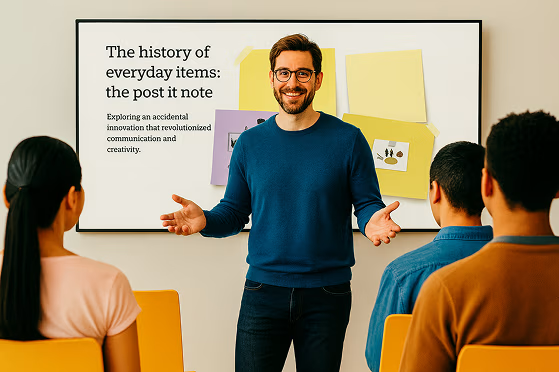




De la idea a la presentación, sin esfuerzo
Presenta ideas audaces, crea efectos visuales que captan la atención y da vida a cualquier idea con Prezi AI.
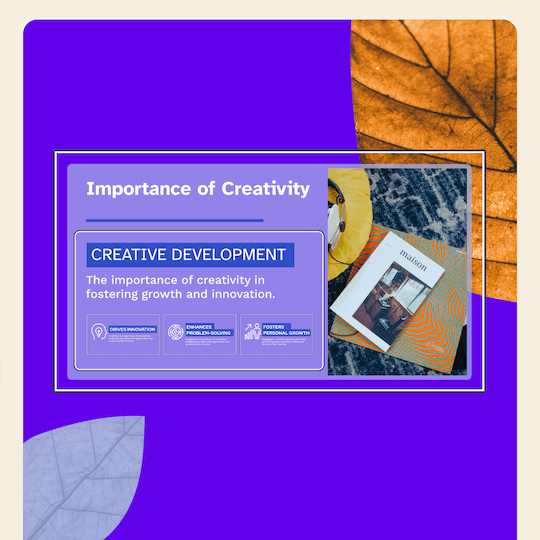

Diseños con IA
Introduce un prompt y obtén una Presentación completa.

Consejos de expertos
Recomendaciones personalizadas de la IA en cada paso del proceso.

Visualiza lo que quieras
Las plantillas personalizadas con IA son el mejor de los comienzos.

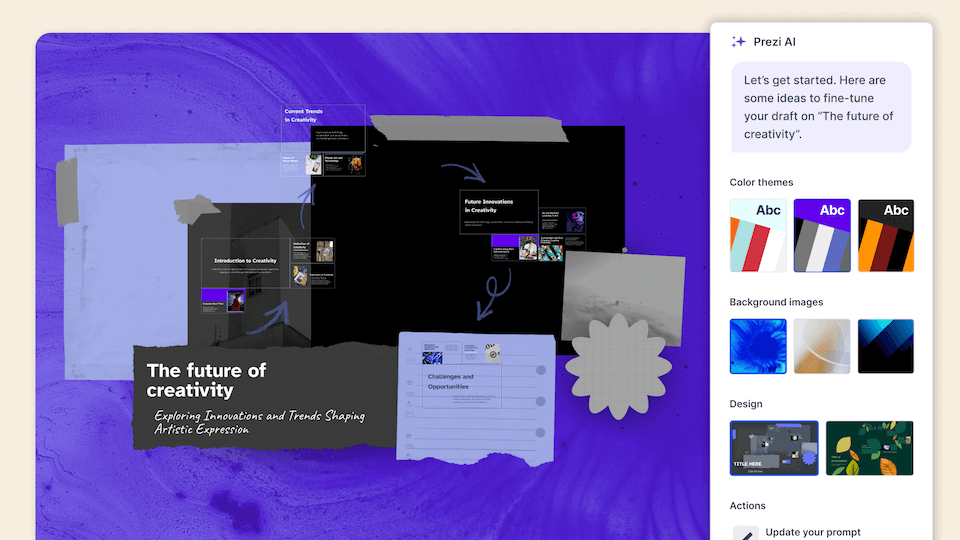
Todo lo que necesitas para crear lo que quieras
Diseña presentaciones increíbles con composiciones, recursos y asistencia de IA que te permitirán crear con más facilidad.
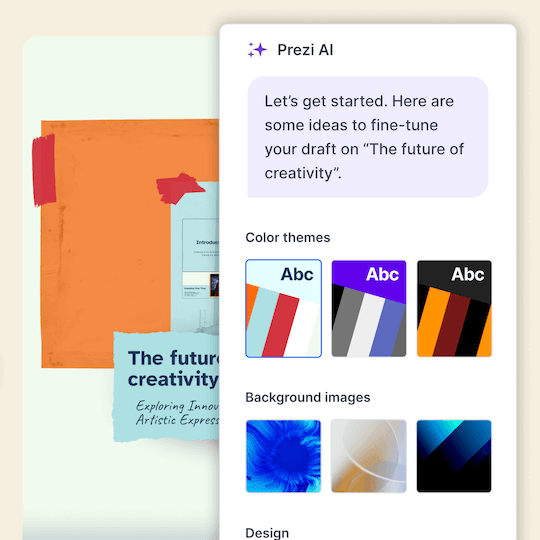

Transformar contenido
Escribe una indicación y obtén una presentación completa.

Una exposición perfecta
Más de 1 millón de imágenes, GIF y mucho más para visualizar cualquier idea.

Diseños preciosos
Diseños de marcos bonitos y fáciles de presentar.

Destaca entre la multitud
Deja atrás las presentaciones aburridas y sorprende a tu audiencia con presentaciones que se mueven.


Atrapa al público
4 de cada 5 dicen que Prezi es más eficaz para captar la atención.*

Desplázate como quieras
Ve directamente a lo que tu público quiere ver.

Presenta donde quieras
Prezi Video te muestra a ti y a tu contenido juntos en pantalla.


4 de 5
dicen que Prezi es más efectivo para captar la atención de su audiencia.

3 de 4
recomendarían Prezi a un compañero/a de trabajo.

El 91%
afirma que Prezi ha mejorado muy positivamente los resultados de su trabajo.
Con la confianza de organizaciones que conocen el poder de las grandes presentaciones





Descubre por qué nuestros clientes nos adoran
Prezi se posiciona como el líder en presentaciones que captan la atención en todos los sectores, basándose en cientos de reseñas entusiastas de clientes.
El futuro de las presentaciones con IA ya está aquí.
Preguntas más comunes
What is Prezi’s AI presentation maker?
Prezi AI is an AI presentation maker that helps you create a complete, polished presentation from a prompt or uploaded file, like a PDF, PPT, or DOC. It generates a structured draft with suggested slide titles, key points, and design theme so you can move from idea to presentation faster.
¿Cómo funciona el diseñador de presentaciones con IA de Prezi?
Prezi's AI presentation designer turns your ideas into polished presentations effortlessly. After entering a prompt or uploading an existing file like a PDF or Word document, Prezi AI generates a complete presentation with customized layouts, frame designs, and visual elements. You can then make final tweaks with our AI image generator and text editor before presenting.
¿Puede Prezi crear un PowerPoint (PPT) con IA?
Yes. If you want an AI PowerPoint presentation maker workflow, you can use Prezi AI to draft your presentation quickly and then export or share it in the format your team needs, like exporting to a PowerPoint.
¿Puedo convertir un documento ya creado en una presentación con IA?
Yes. Prezi AI can help you create a presentation with AI from existing content. Add a prompt or upload content, and Prezi AI generates an outline and slide-by-slide draft with layouts and visuals you can refine. You stay in control and can edit text, reorder slides, and adjust design before presenting.
¿Es Prezi una herramienta de IA para Presentar gratuita?
Yes, Prezi is available as a free presentation software with AI-powered features included. If you want unlimited access to Prezi AI, you can try a free trial or upgrade to a paid subscription. No matter which subscription you choose, you will be able to present with Prezi's unique format that makes content more engaging and memorable.
¿En qué se diferencia Prezi de otros generadores de presentaciones con IA?
While most AI presentation tools force your content into generic templates, Prezi AI takes a smarter approach. Based on your unique content, Prezi AI generates a presentation with custom design, colors, and images specifically tailored to your message, no templates required. Your content provides all the direction needed to create a truly personalized presentation.
¿Qué tipos de presentaciones puedo presentar con Prezi IA?
With Prezi AI, you can create presentations for work, school, and personal projects, including pitch decks, reports, lessons, and slide presentations. If you are looking to make a presentation with AI for work or school, Prezi AI can help you draft faster and present more effectively.
¿Prezi AI ayuda con la estructura de las diapositivas y los temas de debate?
Yes. Prezi AI helps with the parts that take the most time, like organizing ideas into a logical flow and creating a consistent design.
¿Puedo editar la presentación generada por IA?
Absolutely. Prezi AI creates a draft, but you can fully edit it. Update the text, rearrange slides, and tailor the visuals so the final result matches your brand, audience, and goals.
¿Prezi es una buena opción para crear presentaciones con IA para equipos?
Yes. Prezi works well for collaborative workflows where multiple people need to review, refine, and align on messaging. If you’re looking for an AI presentation software that keeps presentations consistent across your organization with shared collaboration features and team-friendly controls, Prezi for Teams is an ideal solution.
¿Qué debo incluir en una indicación para obtener los mejores resultados en una presentación con IA?
.For the best results, include your audience, goal, topic, tone, and any must-have points. Example: “Create a 10-slide deck for mid-market HR leaders about onboarding software, highlight three benefits, include a comparison slide, and a strong CTA.” For even more prompt examples, you can explore our AI prompt library to get inspired.
¿Es Prezi IA adecuado para principiantes que son nuevos en el diseño de presentaciones?
Yes. Prezi AI is built to help beginners get a high-quality first draft quickly, with suggested structure and slide content. It reduces the time spent figuring out what to say and how to organize it, so you can focus on accuracy and delivery.