Better presentations, faster with AI
Standout presentations that engage your audience in minutes.

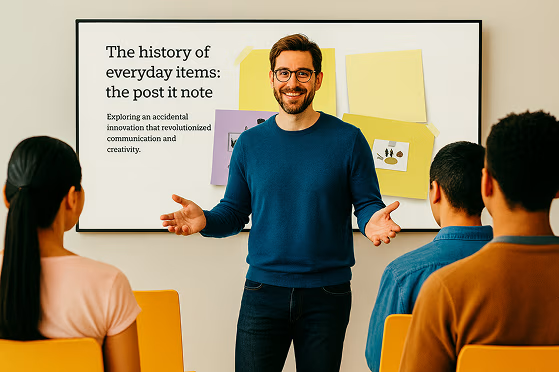




From idea to presentation, effortlessly
Present bold ideas, create attention-grabbing visuals, and bring any idea to life with Prezi AI.
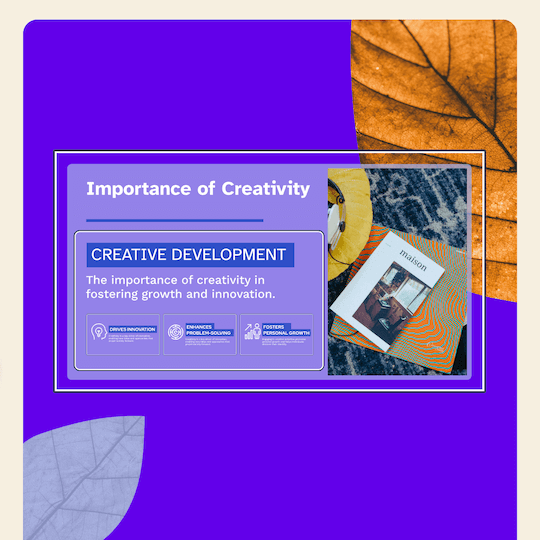

Design with AI
Enter a prompt and get a full presentation.

Expert advice
Personalized recommendations from AI each step of the way.

Visualize anything
AI customized templates give you the perfect start.

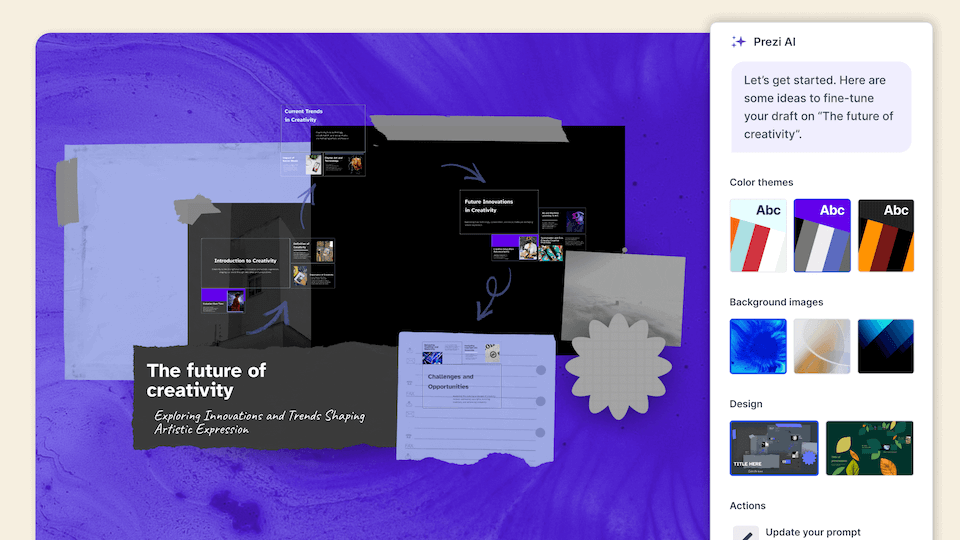
Everything you need to create what you want
Make amazing presentations with layouts, assets, and AI-assistance that make creating easier than ever.
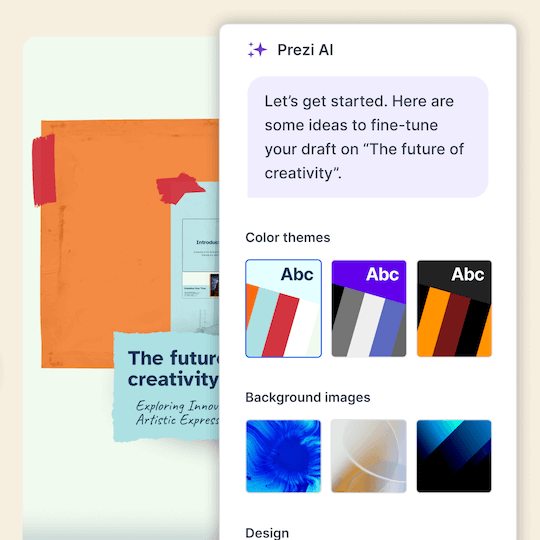

Transform content
Enter your prompt and get a full presentation.

Show it perfectly
1M+ images, GIFs, and more to visualize any idea.

Design beautifully
Slide designs that look beautiful and make presenting easy.

Stand out from the crowd
Leave boring decks behind and wow your audience with presentations that move.


Engage audiences
4 out of 5 say Prezi is more effective at capturing attention.*

Move in any order
Navigate straight to what your audience wants to see.

Present anywhere
Prezi Video puts you and your content, together on screen.


4 out of 5
say Prezi is more effective at capturing their audience’s attention.

3 out of 4
would recommend Prezi to a colleague.

91%
say Prezi has positively improved their work outcomes.
Trusted by organizations that know the power of great presentations





See why our customers love us
Prezi ranks as the attention-grabbing presentation leader across industries based on hundreds of glowing customer reviews.
The future of AI-first presentations is here.
Frequently asked questions
What is Prezi’s AI presentation maker?
Prezi AI is an AI presentation maker that helps you create a complete, polished presentation from a prompt or uploaded file, like a PDF, PPT, or DOC. It generates a structured draft with suggested slide titles, key points, and design theme so you can move from idea to presentation faster.
How does Prezi's AI presentation designer work?
Prezi's AI presentation designer turns your ideas into polished presentations effortlessly. After entering a prompt or uploading an existing file like a PDF or Word document, Prezi AI generates a complete presentation with customized layouts, frame designs, and visual elements. You can then make final tweaks with our AI image generator and text editor before presenting.
Can Prezi create a PowerPoint (PPT) with AI?
Yes. If you want an AI PowerPoint presentation maker workflow, you can use Prezi AI to draft your presentation quickly and then export or share it in the format your team needs, like exporting to a PowerPoint.
Can I turn an existing document into a presentation with AI?
Yes. Prezi AI can help you create a presentation with AI from existing content. Add a prompt or upload content, and Prezi AI generates an outline and slide-by-slide draft with layouts and visuals you can refine. You stay in control and can edit text, reorder slides, and adjust design before presenting.
Is Prezi a free AI presentation tool?
Yes, Prezi is available as a free presentation software with AI-powered features included. If you want unlimited access to Prezi AI, you can try a free trial or upgrade to a paid subscription. No matter which subscription you choose, you will be able to present with Prezi's unique format that makes content more engaging and memorable.
How is Prezi different from other AI presentation generators?
While most AI presentation tools force your content into generic templates, Prezi AI takes a smarter approach. Based on your unique content, Prezi AI generates a presentation with custom design, colors, and images specifically tailored to your message, no templates required. Your content provides all the direction needed to create a truly personalized presentation.
What types of presentations can I create with Prezi AI?
With Prezi AI, you can create presentations for work, school, and personal projects, including pitch decks, reports, lessons, and slide presentations. If you are looking to make a presentation with AI for work or school, Prezi AI can help you draft faster and present more effectively.
Does Prezi AI help with slide structure and talking points?
Yes. Prezi AI helps with the parts that take the most time, like organizing ideas into a logical flow and creating a consistent design.
Can I edit the AI-generated presentation?
Absolutely. Prezi AI creates a draft, but you can fully edit it. Update the text, rearrange slides, and tailor the visuals so the final result matches your brand, audience, and goals.
Is Prezi good for creating slide decks with AI for teams?
Yes. Prezi works well for collaborative workflows where multiple people need to review, refine, and align on messaging. If you’re looking for an AI presentation software that keeps presentations consistent across your organization with shared collaboration features and team-friendly controls, Prezi for Teams is an ideal solution.
What should I include in a prompt for the best AI presentation results?
.For the best results, include your audience, goal, topic, tone, and any must-have points. Example: “Create a 10-slide deck for mid-market HR leaders about onboarding software, highlight three benefits, include a comparison slide, and a strong CTA.” For even more prompt examples, you can explore our AI prompt library to get inspired.
Is Prezi AI suitable for beginners who are new to presentation design?
Yes. Prezi AI is built to help beginners get a high-quality first draft quickly, with suggested structure and slide content. It reduces the time spent figuring out what to say and how to organize it, so you can focus on accuracy and delivery.